Introduction: Meet the AI Action Figure Generator for Instant Toy-Quality Artwork
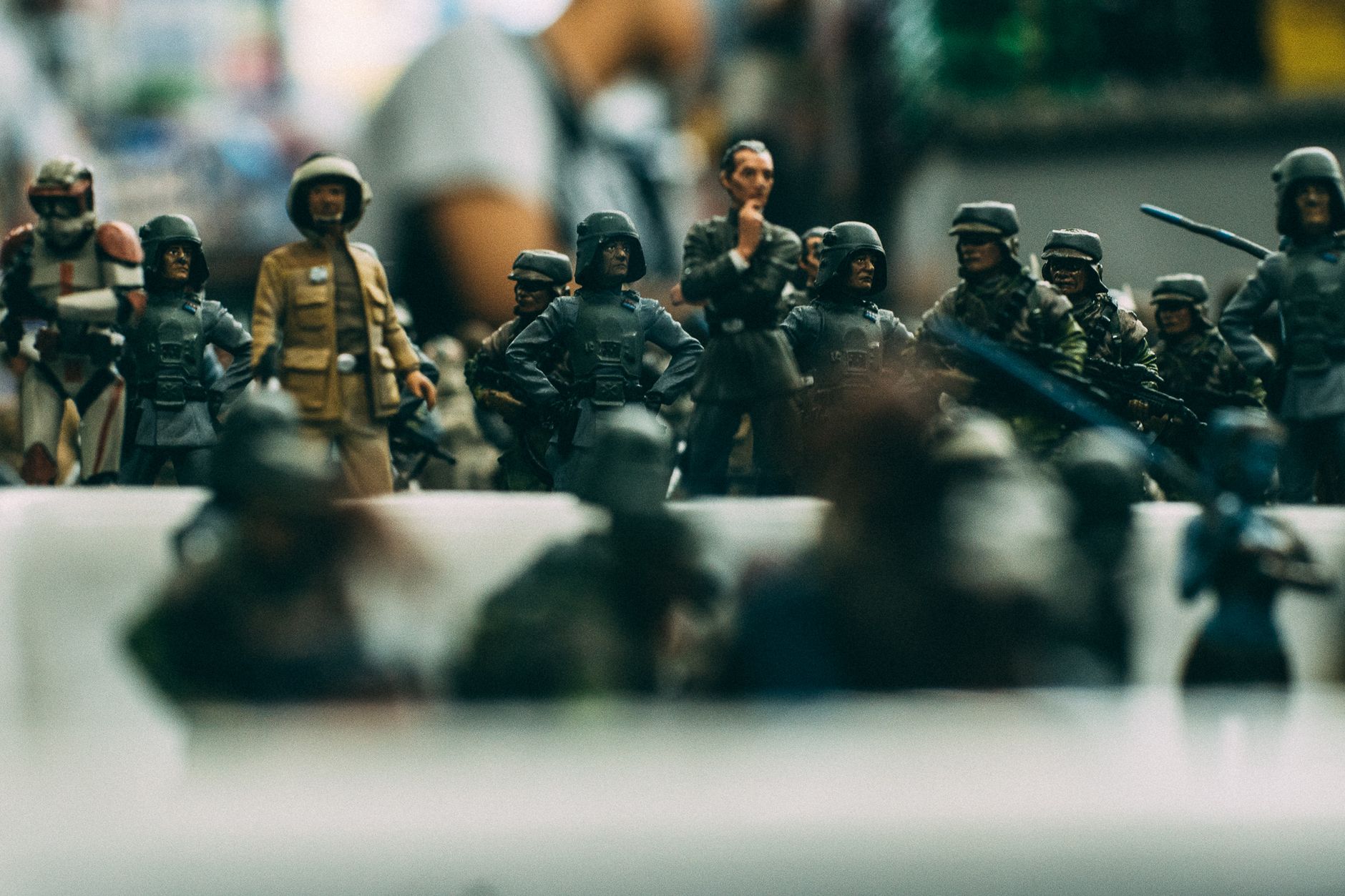
Ever sketched a character, imagined a hero’s pose, or planned a whole lineup of personalities—and wished you could see them as actual action figure collectibles? That’s exactly what an AI Action Figure Generator is built to do. With AIZora’s tool, you can transform any character idea into a polished, toy-like visual in seconds—without hiring artists or dealing with complex design software.
This guide shows you how the ai action figure generator workflow works, what to enter (prompts, details, and styles), and how to use it like a pro—whether you’re exploring a custom action figure creator, creating an ai toy figure generator for fun, or building a consistent character brand.
Best of all: AIZora offers free access, so you can start generating, iterating, and refining right away.
How the AI Action Figure Generator Works (From Idea to Action Figure AI Art)
At its core, the action figure maker ai approach is prompt-driven. You supply the character concept—name, vibe, outfit, colors, accessories, and scene details—and the system generates an ai action figure image that looks like a real product photo.
Think of it as a bridge between imagination and visuals. Instead of designing from scratch, you describe what you want. The AI figure designer process then produces a stylized, collector-ready result.
What you control (and why it matters)
- Character identity: species, gender presentation, age vibe, facial traits, and expression.
- Outfit & materials: armor type, fabric texture cues, metallic accents, padding, and wear.
- Pose & silhouette: stance (heroic, dynamic, defensive), body angle, and action moment.
- Accessories: weapons, gadgets, capes, belts, holsters, insignias, and props.
- Packaging context: box style, branding vibe, background, and “collector display” feel.
When you understand these levers, you get far better consistency—especially if you’re using the tool repeatedly to create a roster of characters.
From Text to Action Figure: Best Practices for Create Action Figure From Text
If your goal is create action figure from text, your prompt is the “design brief.” Strong prompts generally include: (1) character description, (2) styling, (3) pose, and (4) environment/packaging. Below are strategies to get the best results fast.
Prompt formula you can reuse
- Start with the character: “A cyberpunk bounty hunter action figure…”
- Specify visual style: “high-detail toy photography, realistic plastic, studio lighting”
- Add outfit & color system: “black-and-neon jacket, silver trims, red visor glow”
- Include pose/action moment: “mid-stride, aiming a blaster, determined expression”
- Optional packaging cues: “collector box, clear window, dramatic title card”
High-impact details that improve quality
- Materials: “matte polymer,” “gloss armor plating,” “fabric weave,” “rubberized gloves.”
- Micro-design: insignias, stitching patterns, engravings, hazard labels.
- Lighting cues: “softbox studio lighting,” “bright product highlights,” “clean white background.”
- Scale & realism: “miniature collectible proportions,” “toy-like sharp edges.”
Tip: If the first result isn’t quite right, don’t rewrite everything—adjust 1–2 variables (outfit color, weapon type, or packaging background) and regenerate.
That iterative loop is how you master personalized action figure ai outputs that match your vision.
Design Consistency: Build a Character Line With a Custom Toy Generator
One of the biggest challenges when creating many characters is consistency: same art style, similar proportions, consistent color palette, and recognizable branding cues. The custom toy generator approach shines here because you can reuse the same “identity core” across prompts.
Create an identity checklist
- Signature colors: 2–3 primary colors that always appear (e.g., teal + charcoal + gold).
- Signature accessory: a talisman, earpiece, blade type, or emblem that anchors identity.
- Repeatable silhouette: consistent coat length, armor layout, or helmet shape.
- Facial expression style: “calm smirk,” “intense focus,” “smiling friendly hero.”
Use variations without losing the character
To expand your roster, you’ll want controlled variation:
- Different outfits: “winter tactical,” “battle-worn,” “festival edition.”
- Different poses: same figure identity, different action moment.
- Different packaging editions: limited edition foil style, alternate background, or seasonal theme.
This strategy helps you function like an ai toy designer building a cohesive collectible universe.
AI Toy Figure Generator for Creators: Packaging, Scene, and Display
Action figures aren’t just the character—they’re the experience. The action figure packaging generator concept means you can create visuals that look like they belong on a shelf: box windows, logos, themed backgrounds, and collector-style layouts.
What to include for packaging-ready results
- Box format: “collector blister packaging,” “standing retail box,” “clear window front.”
- Typography vibe: “bold sci-fi title font,” “retro comic label,” “modern minimal product text.”
- Edition markers: “limited edition,” “exclusive chrome finish,” “series 01.”
- Background theme: industrial lab, futuristic city skyline, fantasy ruin, or clean studio backdrop.
Even if you’re primarily aiming for ai collectible figure maker style artwork, packaging cues make the final image feel intentional and “real.”
Scene ideas for extra realism
- Accessory staging: weapon displayed in-hand, side holster, gadget clips.
- Dynamic setting: character posed in front of a toy vehicle or hologram display.
- Product-photography angle: front-facing hero shot, slight 3/4 angle, crisp highlights.
Personalized Action Figure AI: Make It Yours With Unique Identity Prompts
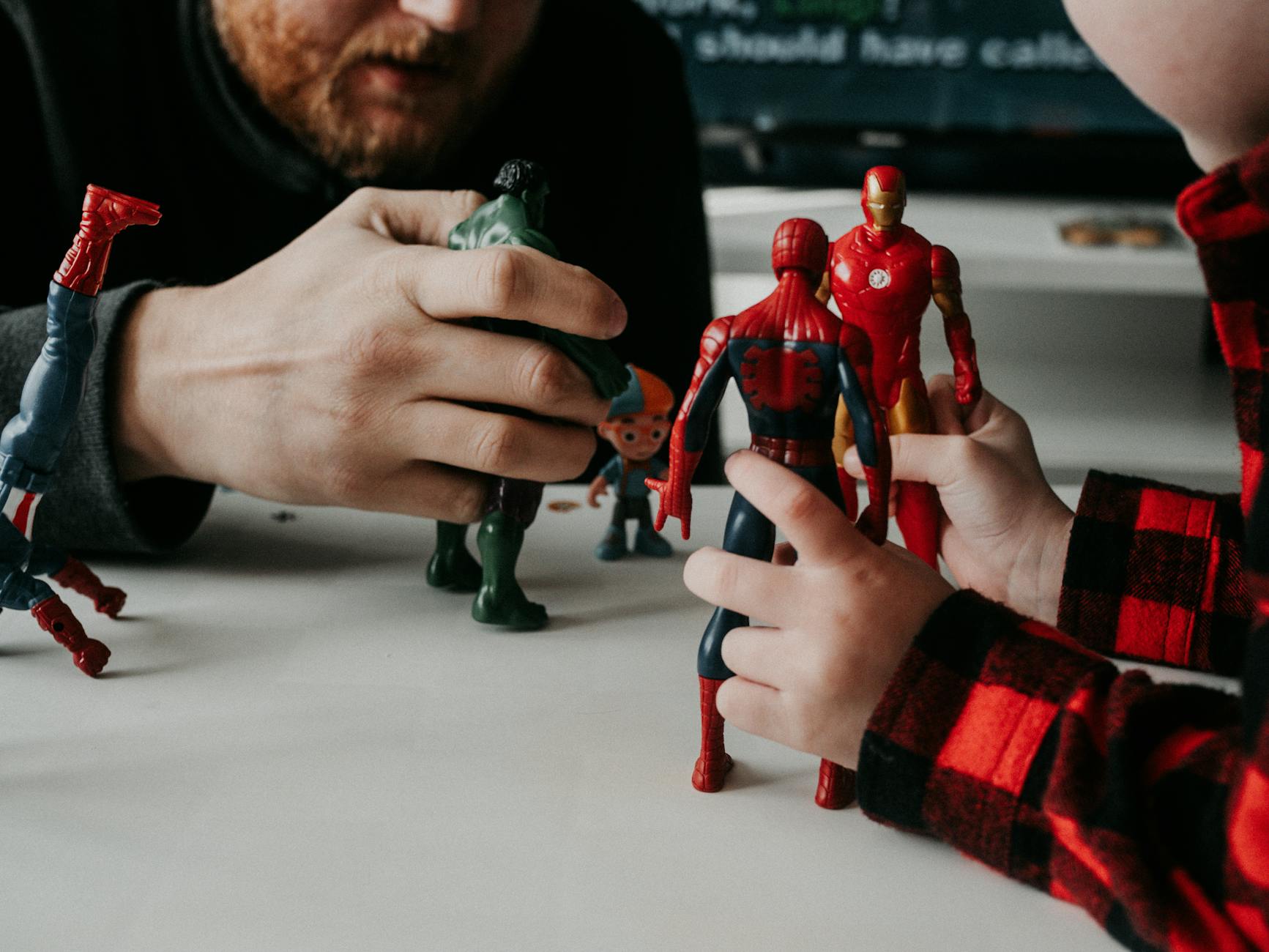
“Personalized” is where your outputs move from generic to memorable. Whether you’re making a story character, a fan concept, or an original hero, the goal is to embed uniqueness into the prompt—without overloading it.
Prompt elements for personalization
- Backstory hook: one sentence to guide tone (e.g., “rescued civilians, haunted by past failures”).
- Specific wardrobe features: “asymmetrical armor,” “hood with layered fabric,” “cape clasp emblem.”
- Distinct accessories: “grav-blade,” “data watch,” “energy scarf,” “rank insignia pin.”
- Emotion & expression: subtle changes like “confident grin” vs. “focused seriousness.”
For creators, this is how you become a digital action figure creator with a signature look. For fans, it’s how you get text to action figure results that feel like “your character,” not just “a character.”
AI Action Figure Generator vs. Traditional Design: What You Gain Immediately
Traditional 3D workflows and manual illustration can take hours or days. The ai action figure generator shortens the loop dramatically—moving from concept to visual reference instantly. That speed is ideal for iteration, concept development, and rapid collectible explorations.
| Feature | AI Action Figure Generator | Traditional Design Workflow |
|---|---|---|
| Time to first result | Minutes or faster | Hours to start, longer to refine |
| Ease of iteration | Regenerate with small prompt tweaks | Rebuild or redraw major elements |
| Character variety | Quickly create multiple variants for a lineup | More effort per variation |
| Toy/collectible look | Designed to resemble product-style renders | Needs specialized rendering/pipeline |
| Packaging-style outputs | Supports action figure packaging generator concepts | Requires additional design steps |
| Best use case | Concept art, quick collectibles, fan projects, mockups | Final production-grade assets |
Actionable Tips to Master the Tool (So Your AI Figure Designer Produces “Collector-Worthy” Images)
Prompt and workflow best practices
- Use consistent style language: include phrases like “toy photography,” “studio lighting,” and “high-detail collectible.”
- Limit to one main theme per prompt: pick sci-fi OR fantasy OR military—then add a clear secondary element.
- Specify the hero shot angle: “front-facing,” “3/4 view,” or “dynamic mid-action pose.”
- Call out 2–3 key accessories: too many items can reduce clarity.
- Iterate strategically: keep your base identity description and only adjust outfit/weapon colors.
Common mistakes to avoid
- Overwriting the concept: long prompts without priorities can dilute results.
- Missing visual anchors: if you don’t specify colors, materials, or styling, outputs may feel generic.
- Forgetting packaging cues: if you want product-like visuals, add box-window and label wording.
- Not defining the tone: heroic, comedic, grimdark, or cute—choose one so the character expression matches.
If you’re building toward an ai action figure image series, these best practices help you maintain the look you want and reduce rework.
Conclusion: Create Action Figure From Text and Start Your Collectible Universe on AIZora
The AI Action Figure Generator experience is about turning imagination into tangible-looking collectible art—instantly. With the right structure, you can produce everything from custom action figure creator concepts to refined, packaging-ready visuals. Whether you’re using it as an action figure maker ai, exploring personalized action figure ai ideas, or making shelf-worthy designs through an ai toy designer workflow, AIZora makes the process quick, fun, and surprisingly powerful.
And because AIZora provides free access, you can start generating right now—test prompts, refine your character line, and craft an entire roster of ai collectible figure maker creations. Your next action figure is only a text prompt away.