Introduction: Turn Text Into Anime Characters With the AI Anime Character Generator
If you’ve ever wanted to create anime character concepts faster than sketching, storyboarding, and iterating for hours, the AI Anime Character Generator is built for you. With AI-driven style control, you can describe what you want—hair, outfit, mood, setting, accessories—and get instant results in an anime-ready look. This is exactly what an anime character creator should do: translate your imagination into visuals without friction.
On AIZora, you can use an ai anime character generator for free access, making it an easy way to test ideas, design an OC, or generate promotional-style character art. Whether you’re aiming for an anime avatar maker ai look, a dramatic anime character design ai concept, or a playful character for social posts, text-to-anime workflows make the process surprisingly accessible.
In this guide, we’ll cover how the tool works, how to write prompts that consistently improve quality, and how to use your generated results for character creation, art references, and ongoing OC development.
How the AI Anime Character Generator Works (Text to Anime Character)
An ai anime art generator typically follows a simple workflow: you write a description (your “prompt”), and the model generates an anime-style character based on that text. The stronger your prompt quality, the more aligned the output becomes with your vision—think of it like speaking the character’s design language.
Most people start with a rough idea, then refine. For example, you might begin with: “a fantasy archer girl with green eyes and a cloak.” Then you iterate: add color palette, hair length, expression, armor details, lighting style, and background elements.
What you can describe to generate better results
- Identity: age range, gender presentation, species traits (human, elf, demon, etc.)
- Face & expression: eyes shape/color, blush, smile, seriousness, determined gaze
- Hair: color, length, style (bob, twin tails, undercut), highlights, accessories
- Outfit: jacket, kimono, school uniform, cosplay-inspired details, armor, belts, embroidery
- Accessories: earrings, necklaces, gloves, weapon, magical effects, bag, hair ornaments
- Style cues: “soft shading,” “vibrant cel shading,” “moody cinematic lighting,” “studio-anime look”
- Scene & mood: city street at sunset, futuristic lab, forest at dusk, rainy neon alley
That’s the core promise behind text to anime character generation: your words become a full anime character design—fast.
Build a Character That Feels Real: Prompt Strategies for Anime Character Design AI
The difference between “cool” and “stunning” often comes down to prompt structure. If you want an anime character maker that reliably produces consistent characters, treat your prompt like a compact character sheet.
Use a structured prompt template
- Subject: “anime character, [gender/presentation], [age range]”
- Pose & emotion: “three-quarter view, confident smile, calm posture”
- Visual identifiers: “silver hair, long bangs, amber eyes, small scar”
- Outfit & details: “black-and-red jacket with gold trim, fingerless gloves”
- Signature element: “floating blue magic ring around wrist”
- Lighting & background: “cinematic rim light, rainy neon street, shallow depth of field”
- Style direction: “high-quality anime illustration, crisp lineart, vibrant colors”
This approach helps the model “lock onto” your intended design and improves the chance that multiple generations look related—useful for custom anime character generator projects or an anime oc generator workflow.
Prompt examples you can adapt
- Starter: “Create anime character: cyberpunk heroine, teal hair, warm amber eyes, futuristic coat, neon city background, cinematic lighting.”
- OC-ready: “Anime character design AI, fantasy guardian knight, dark brown hair in a braid, blue eyes, silver pauldrons, magical crest on chest, determined expression, forest dusk.”
- Avatar: “Anime avatar maker ai, cute idol style, short pastel hair, star-shaped hairpin, soft blush, colorful stage lights, clean background.”
Best practice: include one or two “signature” details (a magical item, a unique accessory, a distinctive color combination). These act like anchors the model can reuse across iterations.
From Concept to Collection: Generate Anime Characters Consistently
Many creators don’t just want one image—they want a set: a character profile, alternate outfits, expressions, and variations for stories, thumbnails, or social content. When you’re generate anime characters for a collection, consistency becomes the priority.
How to keep your character recognizable
- Repeat core descriptors: keep the same hair color, eye color, and signature accessory in every prompt.
- Swap only one category at a time: change outfit while keeping expression and face descriptors stable.
- Use consistent camera angles: “front view,” “three-quarter view,” or “side profile” for repeatable results.
- Define style once: specify “high-quality anime illustration” and shading style to avoid drifting.
- Generate multiple takes: compare 4–8 outputs and select the closest match for refinement.
This is especially useful for anyone doing anime character creator work that leads to an OC library, fan art references, or even character sheets for writing.
Character variations that work well
- Outfit swap: casual hoodie → formal uniform → ceremonial armor
- Effect swap: calm energy ring → fiery aura → icy frost wings
- Expression swap: neutral → determined → laughing with friends
- Setting swap: day market → night rooftop → school corridor
If you’re exploring character-driven stories or future art projects, you can treat each variant as a scene-ready concept.
AI Anime Character Generator for OCs, Waifus, and Avatar-First Art
There’s a reason people search for terms like anime waifu generator, anime avatar maker ai, and ai character art generator: they want character art that’s instantly usable. An ai anime generator free option on AIZora makes it easy to experiment without committing to a paid workflow.
Still, it’s best to think beyond a single “waifu image.” The smartest approach is designing an OC system—face, hair, color palette, and outfit rules—so the art remains coherent across time.
Best use cases
- Anime OC generator: create a character “foundation” prompt, then iterate outfits and moods.
- Anime avatar maker: generate clean head-and-shoulders art for profile photos.
- Anime character design AI: build visual references for writing, roleplay, or worldbuilding.
- AI manga character creator: produce panel-style references with consistent character features.
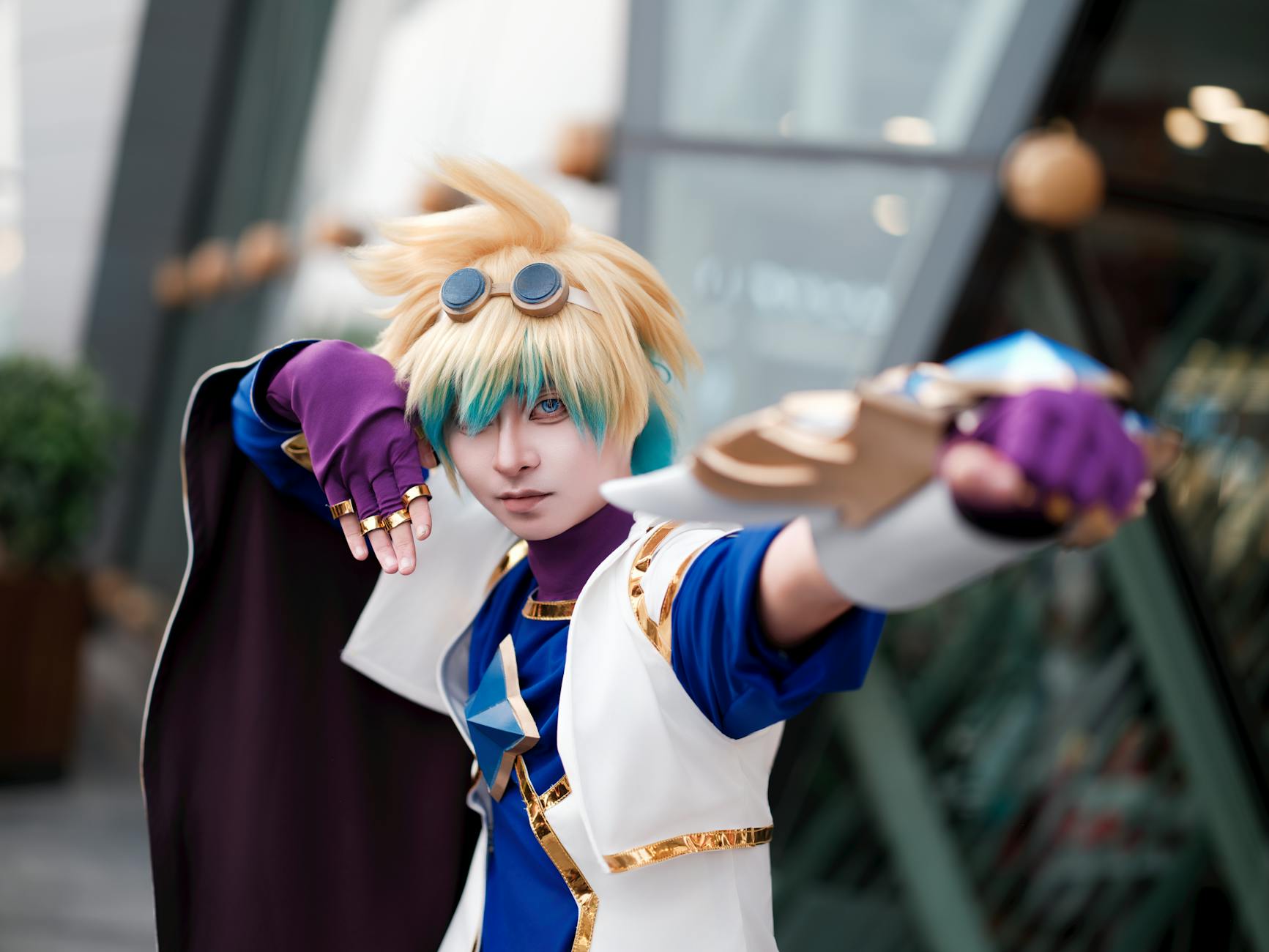
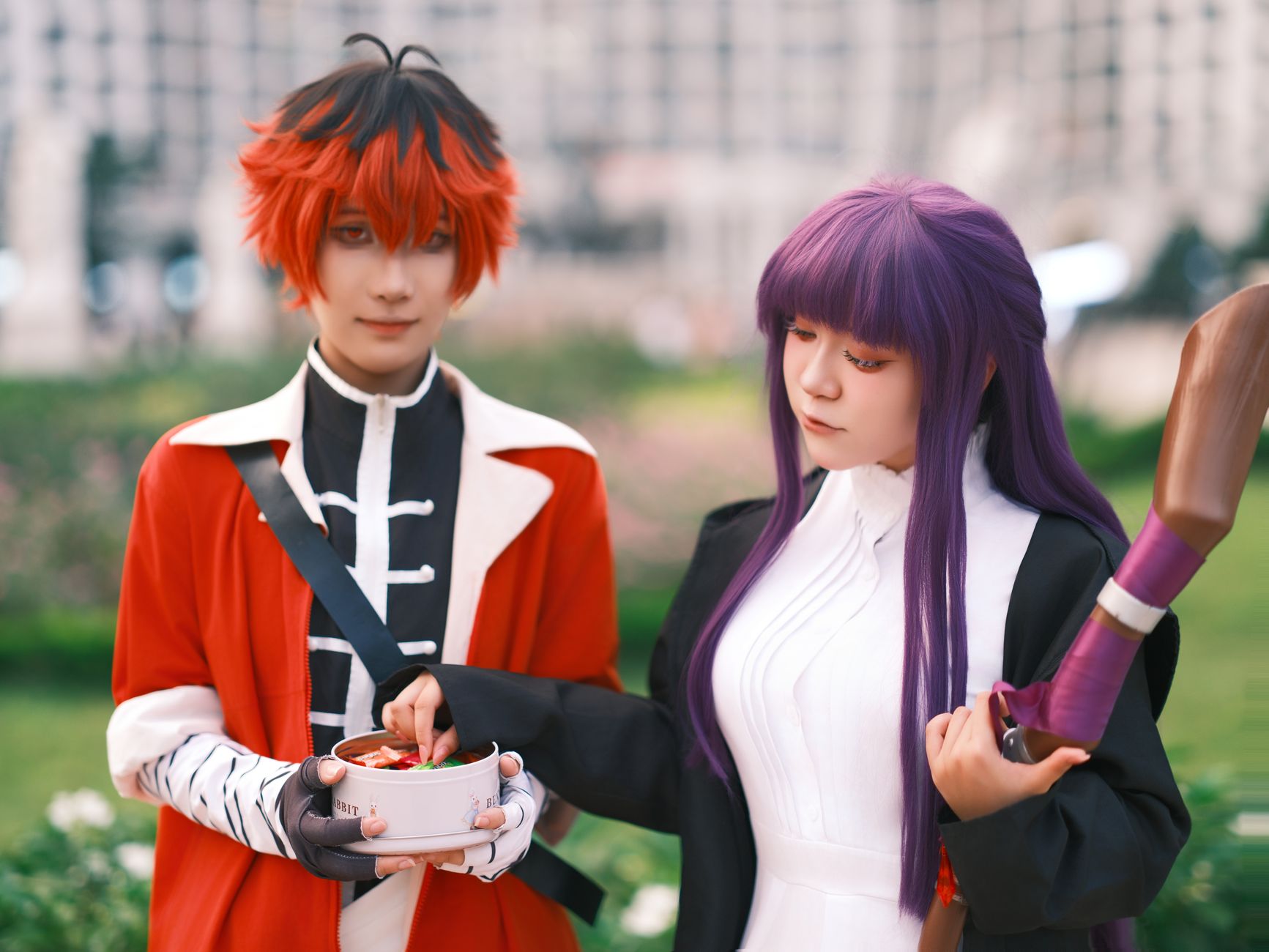
- Cosplay-inspired concepts: translate costume elements into original variations.
Comparing Popular Approaches: Text-to-Image vs. Traditional Design
When deciding how to create anime character work, it’s helpful to compare workflows. Below is a practical feature matrix to help you choose what fits your goals.
| Feature | AI Anime Character Generator (Text to Anime) | Traditional Sketch + Editing | Manual/Template-Based Tools |
|---|---|---|---|
| Speed | Instant iterations (minutes or less) | Hours to days per concept | Moderate, but limited variety |
| Ease of Use | Write prompts; adjust details | Requires drawing skill | Requires selecting from fixed parts |
| Creative Range | Broad styles, outfits, moods | High, but slower to explore | Constrained by available assets |
| Consistency Options | Good with anchor descriptors + repeat prompts | Excellent if you keep a design sheet | Variable, often inconsistent across blends |
| Best for | Generate anime characters, OC exploration, avatars | Final artwork and polished commissions | Quick prototyping and simple variants |
| Cost | Free access available on AIZora | Time-cost is the main expense | Often paid subscriptions or one-time purchases |
Best Practices for High-Quality Anime Character Design AI Results
If you want your generated character art to feel professional—clean lineart, consistent colors, flattering proportions, and strong styling—follow these best practices.
Prompt quality checklist
- Be specific: “long wavy lavender hair with side braid” beats “pretty hair.”
- Include a lighting direction: “soft rim light,” “golden hour,” “neon rim glow.”
- State the vibe: “gentle,” “intense,” “mysterious,” “playful.”
- Clarify framing: “close-up,” “half-body,” “full-body.”
- Add one constraint: “limited palette” or “pastel color scheme.”
Common mistakes to avoid
- Too many conflicting details (e.g., 5 different outfits and 3 weapon types).
- No anchor descriptors—you’ll struggle to keep the same identity across variations.
- Vague style requests: “anime style” is broad; try “clean lineart, vibrant cel shading.”
- Forgetting background cues: settings can improve mood and cohesion.
Make it a workflow (not a one-off)
- Generate 4–8 outputs from your base character prompt.
- Select the closest match and note the strongest features (hair style, eye color, outfit color).
- Create a “variation prompt” that changes one category: outfit, expression, or scene.
- Repeat until you have a consistent set for your project (profile, story beats, or art references).
This is the fastest way to go from an initial ai anime generator free experiment to a true anime character creator portfolio.
Frequently Asked Questions About AI Anime Character Generator
Is an AI anime character generator good for making OCs?
Yes. An anime oc generator approach works best when you define consistent anchors (eyes, hair, signature accessory) and only change one element at a time.
Can I use it to create anime characters for manga?
You can use an ai manga character creator workflow to generate consistent reference images for character appearances, poses, and expressions—then adapt them for panel layout in your own toolchain.
What’s the difference between an anime character maker and an ai anime art generator?
An anime character maker is often positioned around character design outputs (outfits, avatars, OC concepts), while an ai anime art generator can lean broader toward art styles and scenes. In practice, the strongest results come from precise prompts and consistent anchor details.
Do I need artistic skills?
No. You need strong descriptions. With practice, you’ll learn how to communicate design intent clearly using text to anime character prompts.
Conclusion: Start Creating Your Next Custom Anime Character Generator Today
The AI Anime Character Generator makes anime character creation feel immediate: you write, generate, refine, and repeat—until your character looks exactly like you imagined. Whether you want an anime character design ai for an OC, a polished anime avatar maker ai profile picture, or a creative boost for storytelling, this tool turns text into character art fast.
And because AIZora offers free access, it’s a great place to begin experimenting—especially if you’re searching for an ai anime art generator that won’t slow you down. Take your next idea, use the prompt template, include a signature detail, and start your journey with custom anime character generator results you can build on.
Ready to create anime character concepts instantly? Open AIZora, try a few prompt variations, and save your favorites to expand your character universe—one generation at a time.