If you’ve ever searched for free coloring pages, then realized you needed a specific theme, character, or skill level, you already know the problem: finding the “right” page takes time. And if you want custom coloring pages, traditional tools often make the process expensive or complicated.
That’s where an AI coloring page generator changes everything. With a modern coloring page maker, you can generate coloring pages in seconds—turning a simple idea into beautiful, print-ready outlines for kids and adults.
In this guide, you’ll learn how the AI Coloring Page Generator works, why it’s great for creating an AI coloring book or personalized coloring pages, and best practices to get crisp, kid-friendly results every time.
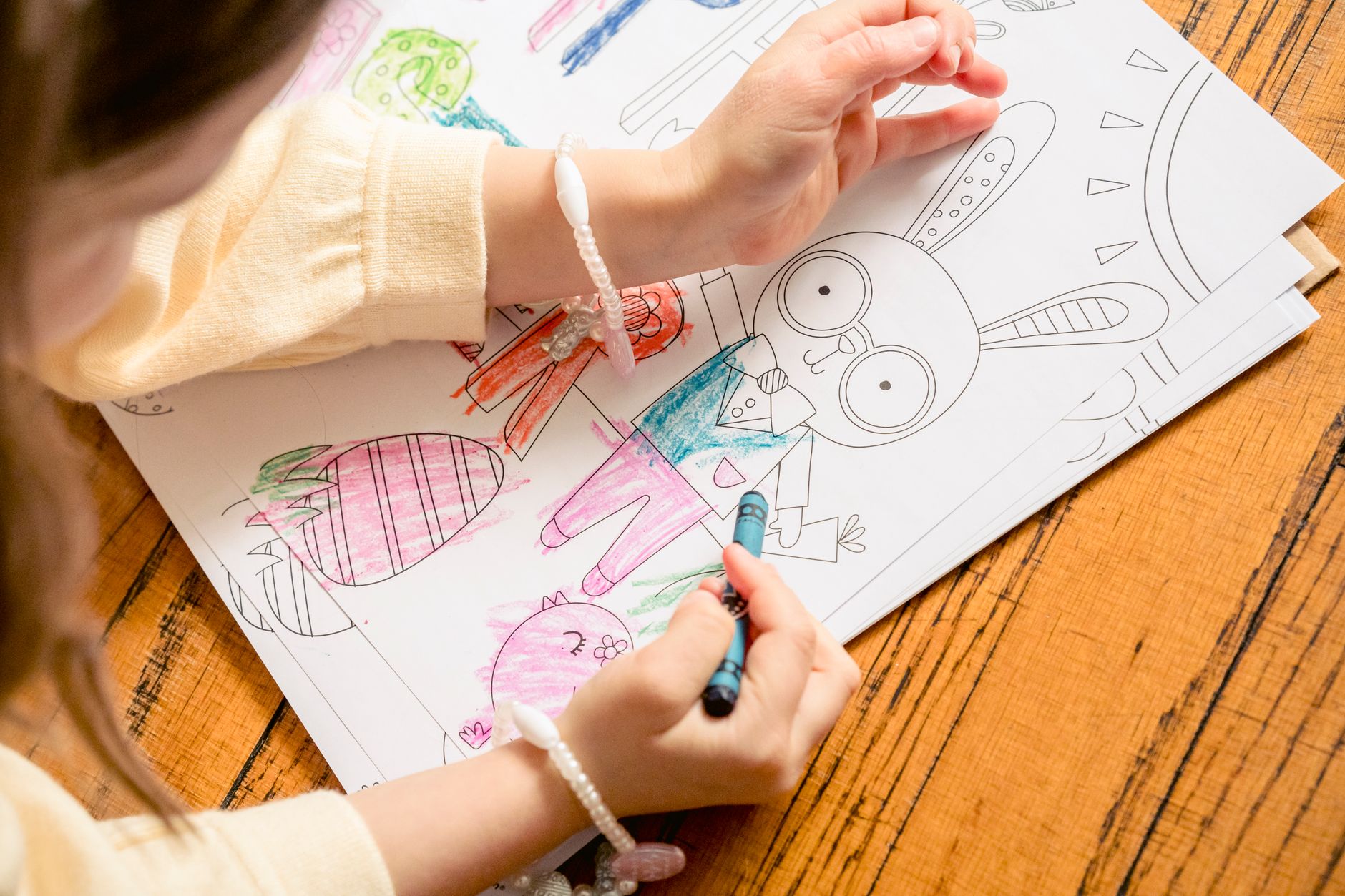
Try it on AIZora for free access, and start generating your first printable pages immediately.
What Is an AI Coloring Page Generator?
An AI coloring page generator is an online tool that uses artificial intelligence to create printable coloring sheets from your input. Instead of manually drawing outlines or searching endlessly through content libraries, you describe the page you want—then the system produces a line-art coloring design suitable for printing.
Depending on your prompt and settings, the generator can produce:
- coloring pages for kids (large shapes, friendly characters, simple details)
- adult coloring pages (intricate patterns, mandala-like complexity)
- AI art coloring style designs (artful themes with bold, colorable sections)
- personalized coloring pages with names, themes, or elements you specify
Many people also use an online coloring page creator to build a full AI coloring book by generating multiple pages per theme—like animals, holidays, or educational units.
How the AI Coloring Page Generator Turns Prompts Into Printable Sheets
The core idea is simple: you provide a description (or even a short text concept), and the AI creates a line-art layout designed for coloring. This is how you can use a coloring page maker to get results fast without being an artist.
Step-by-step workflow
- Choose a theme (e.g., “ocean animals,” “space exploration,” “farm friends,” “princess castle”).
- Add style preferences (simple outlines for kids, detailed scenes for adults, or an AI art coloring vibe).
- Specify key elements (include a name, a pet, a holiday symbol, or a number of objects).
- Generate the coloring page and review the preview.
- Download for printing as a clean, printable design.
Make it truly personalized
Want coloring page from text? The best prompts include the exact items you want, plus an output goal (kid-friendly, age range, page density, and whether you want a border or standalone illustration).
For example, instead of “cat coloring page,” you can request: “a friendly cat wearing a sailor hat, big shapes, minimal background, thick outline, easy for ages 4–6.” That’s how you move from generic results to custom coloring pages.
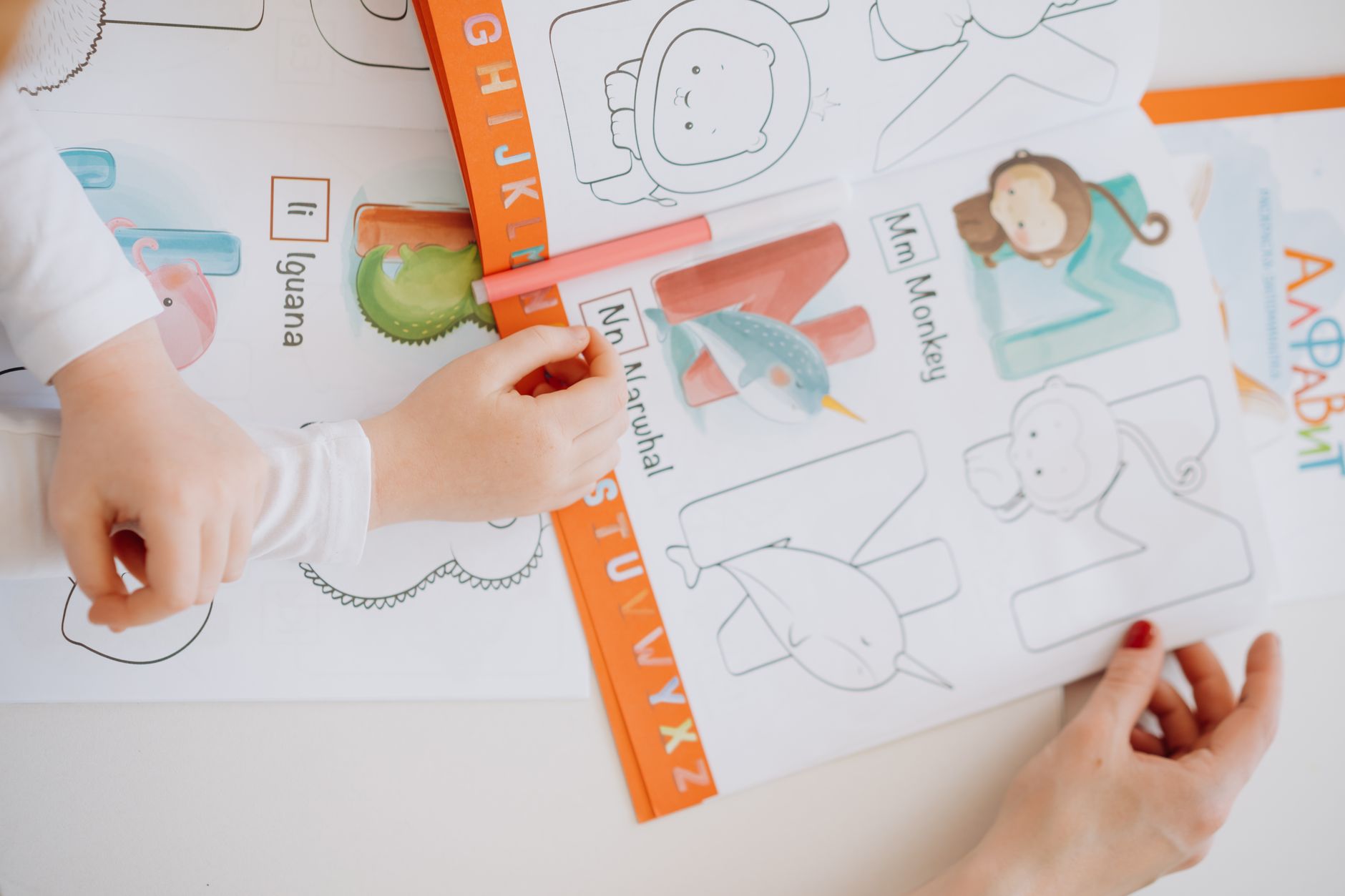
Why People Use AI to Generate Coloring Pages (And Not Just Print Free PDFs)
It’s tempting to rely only on free coloring pages from the internet, but there are real limitations. A good AI coloring page generator offers advantages that go beyond what typical PDF collections can provide.
Key benefits of generating instead of searching
- Instant results: you can generate coloring pages on demand instead of waiting for a matching template.
- Any theme, any style: from holiday motifs to niche hobbies.
- More personalization: create personalized coloring pages that match a child’s interests or an event.
- Better alignment: adjust complexity for coloring pages for kids or adult coloring pages.
- Scales into an AI coloring book: generate a consistent set rather than mixing incompatible styles.
Ideal for schools, families, and creators
If you’re a teacher preparing a weekly activity, a parent planning rainy-day fun, or a creator building a niche AI coloring book, an AI coloring page maker saves hours.
Pro tip: Use the same style keywords across multiple prompts so your pages look cohesive when compiled into a printable set.
Best Practices: Get Crisp, Colorable Results Every Time
AI is powerful, but you’ll get noticeably better outcomes with a thoughtful prompt. Think like a designer: specify clarity, spacing, and complexity.
Prompt formulas that work
- For kids: “large simple shapes, thick clean outline, minimal small details, friendly expression, easy coloring.”
- For adults: “intricate linework, detailed patterns, balanced negative space, consistent outline thickness.”
- For education: “learning alphabet theme, include letter focus, simple objects that match the letter, bold outlines.”
- For personalization: “include the name ‘Alex’ as a banner, add favorite sports ball, keep outlines thick and clear.”
Control complexity and readability
One of the most important features of a coloring generator is how it handles detail density. Too many tiny features can frustrate younger kids. Too little detail can feel boring for adults. Use these guidelines:
- Specify age range (“ages 3–5,” “8–10,” “adult”).
- Request line thickness (“thick outline,” “clean line art”).
- Limit background clutter if you want faster coloring.
- Add borders for a polished look—especially for an AI coloring book.
Quality checklist before printing
- Does the outline look continuous (no broken lines)?
- Are the main shapes big enough to color comfortably?
- Are details separated clearly so colors don’t bleed into each other?
- Is the page composition balanced on the paper?
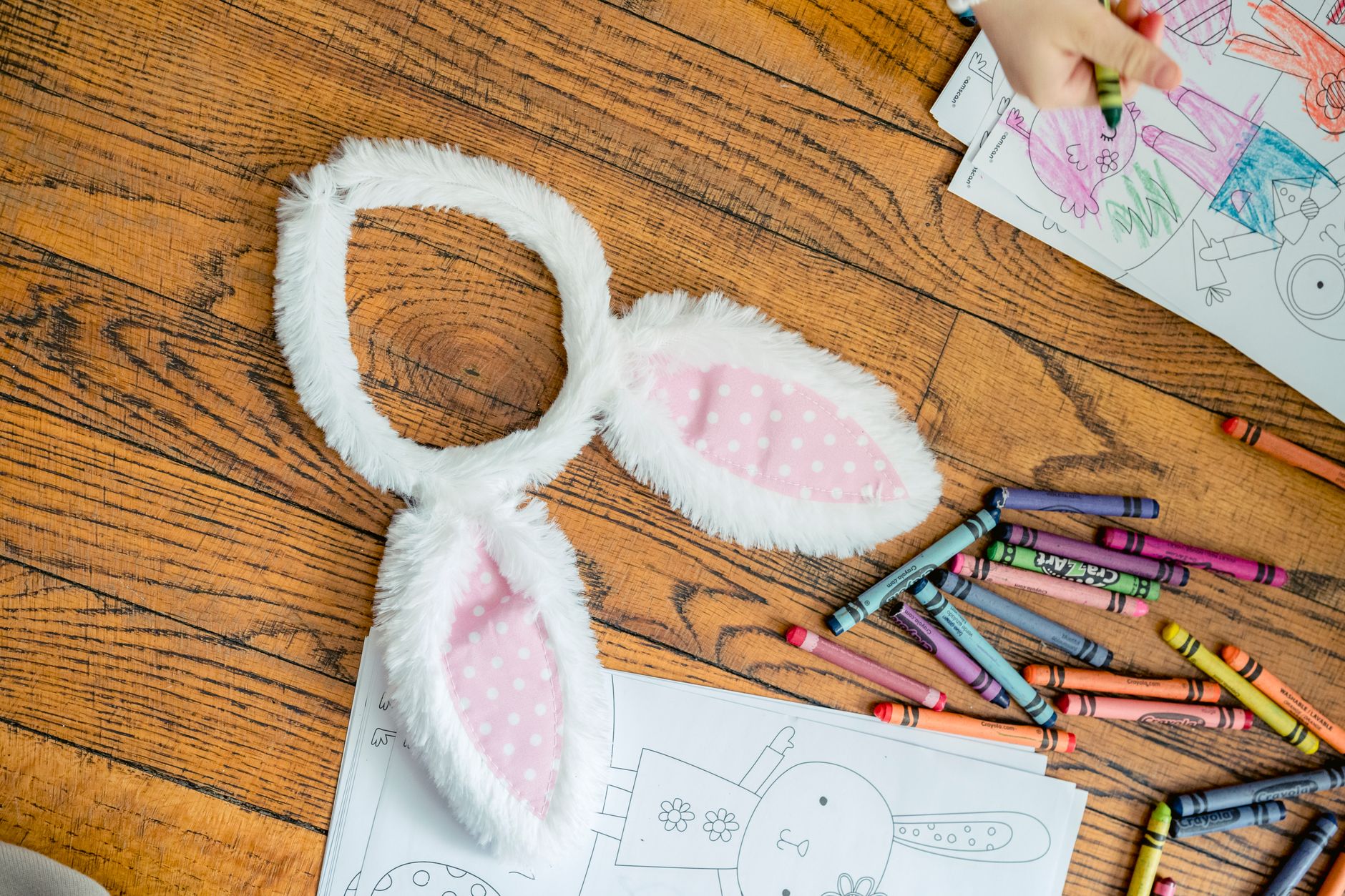
AI Coloring Page Generator Use Cases: From Kids to Adult Masterpieces
When people search for a coloring page maker, they typically want more than novelty—they want practical uses. Here are common scenarios where an AI tool shines.
1) Coloring pages for kids
Create engaging, classroom-friendly designs that help with motor skills and imagination. Examples include:
- Alphabet and number theme sheets
- Animal characters with simple shapes
- Holiday crafts like pumpkins, snowflakes, and Easter icons
- Favorite hobbies (cars, dinosaurs, unicorns)
2) Adult coloring pages
If you’re building a calm routine or a creative break, you can generate adult coloring pages with more intricate designs and patterned elements. Try prompts that request:
- Mandala-style symmetry
- Floral frameworks and ornamental borders
- Detailed scenic layouts with controlled background
3) Personalized coloring pages for events
Need something that feels special? Use an online coloring page creator to generate pages for:
- Birthdays (name, age, theme)
- Family reunions (family crest-like motifs or shared interests)
- Community events (local flags, mascots, and symbols)
4) Digital coloring pages and hybrid creativity
Even if you prefer traditional markers, the generated art can also be used as digital coloring pages or for designing activities in apps. The key is starting from a clean line-art concept you can reuse in multiple formats.
AI Coloring Page Generator vs. Traditional Approaches
Let’s compare the workflow and outcomes when you use an AI coloring page generator versus traditional options like searching free content or commissioning artwork.
| Method | Speed | Cost | Customization | Best for |
|---|---|---|---|---|
| AI Coloring Page Generator | Seconds | Free access available on AIZora | High (themes, style, personalization) | Instant printable sets & themed projects |
| Free coloring pages libraries | Variable (search time) | Typically free | Low (fixed designs) | Quick one-off activities |
| Custom commission from an artist | Days to weeks | Often higher | Very high | Premium, unique branded work |
| Manual drawing/editing | Time-intensive | Cost depends on skill/tools | Medium to high | When you need full artistic control |
This is why the tool is often described as a coloring page maker that’s built for modern creativity: you get the speed of automation with the direction of your own prompt.
Download, Print, and Share: A Practical Workflow
Once you’ve generated your page, the next step is turning it into a smooth, repeatable routine for families or classrooms.
Printing tips
- Use high-contrast settings so outlines print clearly.
- Print at 100% scale unless the preview suggests resizing.
- Test one page first to confirm margins align with your printer.
Creating a themed AI coloring book
Want a mini collection? Generate a consistent set by:
- Choosing a single style reference (e.g., “friendly outlines,” “storybook line art,” or “intricate adult patterns”).
- Producing 10–30 pages in a matched theme (animals, seasons, space).
- Keeping the complexity level consistent across all prompts.
- Compiling the pages into a simple printable bundle.
Make it engaging for kids (and adults)
- Pair pages with prompts: “What color will you use for the eyes?”
- Use themed sessions: “Ocean Day” with ocean printable coloring sheets.
- For adults, add a relaxing ritual—like coloring during a weekly break.
Frequently Asked Questions About an AI Coloring Page Generator
Can I generate coloring pages from text?
Yes. If you’re looking for a coloring page from text workflow, describe the subject, style, and complexity. The AI coloring page generator will convert your wording into printable outlines.
Is there a free option?
Yes—AIZora offers free access so you can start creating free coloring pages instantly and test different themes.
What kinds of themes can I request?
Anything you can imagine: pets, school subjects, holidays, fantasy characters, patterns, sports, and more. Many users generate custom coloring pages for their exact needs.
Are the results suitable for kids and adults?
Absolutely. Use prompts that target coloring pages for kids for simpler linework, and ask for more intricate details for adult coloring pages.
Is it only for printing?
No. You can also use outputs as digital coloring pages depending on your creative workflow.
Conclusion: Create Your Next Coloring Page in Minutes
An AI Coloring Page Generator makes it easy to generate stunning printable coloring pages instantly—with any theme and any style. Whether you’re making printable coloring sheets for kids, building adult coloring pages for relaxation, or assembling an AI coloring book with a consistent look, a great coloring page maker workflow turns ideas into ready-to-color art fast.
And with free access on AIZora, you can begin creating online coloring page creator-style results right away—whether you want personalized coloring pages, coloring page from text, or AI-driven AI art coloring designs.
Pick a theme, write a clear prompt, generate, print, and enjoy the creative momentum.