Introduction: Why ai for construction is becoming the jobsite standard
Construction is one of the most data-heavy industries on the planet—yet many projects still rely on manual estimating, static safety documentation, and fragmented scheduling. That’s where ai for construction changes the game. By connecting drawings, specifications, field conditions, schedules, and historical performance, modern platforms act as an ai construction assistant that helps teams make faster, more consistent decisions.
This blog explores practical use cases across project estimates, safety plans, and construction management, with a focus on how ai for building and ai for contractors can reduce risk and improve outcomes. You can also access these capabilities for free on AIZora—a great way to explore how an AI workflow can support real construction work.
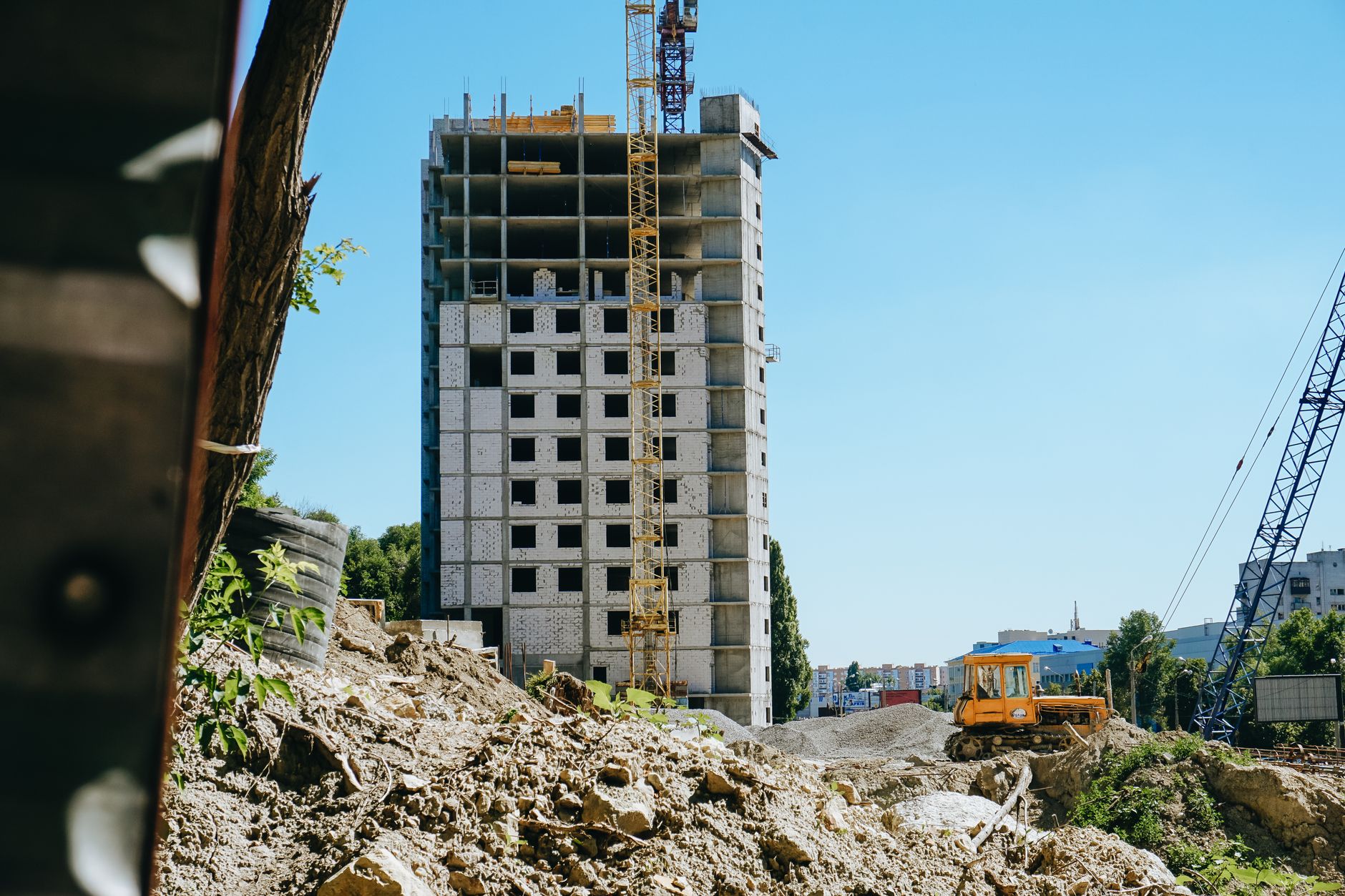
1) ai for construction in project estimates: from faster takeoffs to tighter bids
Accurate estimating is the foundation for profitability—and it’s also where many teams spend the most time. Traditional methods can be slow, prone to omissions, and difficult to update when scope changes.
How an ai construction assistant supports estimating
When you use ai for building workflows, estimating can evolve from “one-time spreadsheets” into a continuously improving process. The best systems can learn patterns from prior jobs and help you standardize estimating logic.
- Automated quantity takeoff support: AI-assisted extraction from drawings and schedules to identify likely quantities (with human review).
- Cost range suggestions: Estimates informed by historical project data, material price trends, and scope complexity.
- Scope change impact analysis: When a design change hits, AI can estimate how labor, materials, and timeline likely shift.
- Bid consistency checks: Reducing variation between estimators by using standardized rules and templates.
Best practices for estimating with AI
- Feed the model credible inputs: Use accurate spec sections, bid calendars, and prior project cost codes.
- Validate outputs with structured review: Treat AI suggestions as drafts; require estimator sign-off.
- Keep cost codes consistent across projects: The more consistent your taxonomy, the better the learning and recommendations.
- Track assumptions explicitly: AI should help you list assumptions; you remain responsible for them.
2) Safety plans with AI for contractors: proactive risk management, not paperwork
Safety documentation is essential, but it’s often treated as a static compliance deliverable. AI for construction helps make safety planning dynamic—so it responds to what’s happening on site.
What AI can do for safety planning
An ai construction assistant can translate project context into safer, more tailored plans by linking scope details with known hazards and mitigation strategies.
- Site hazard identification support: AI can review scope, work phases, and site constraints to highlight likely risk areas.
- Task-based mitigation suggestions: For example, work at heights, excavation, temporary electrical, or confined spaces—each can trigger tailored controls.
- Safety plan drafting and updates: Generate first drafts faster, then refine them based on safety officers’ requirements and local rules.
- Change-driven safety revisions: When the schedule or sequencing changes, AI can suggest which sections of the safety plan may need updates.
Key idea: Safety isn’t just “documents.” With ai for building, safety becomes a living system that updates as the project evolves.
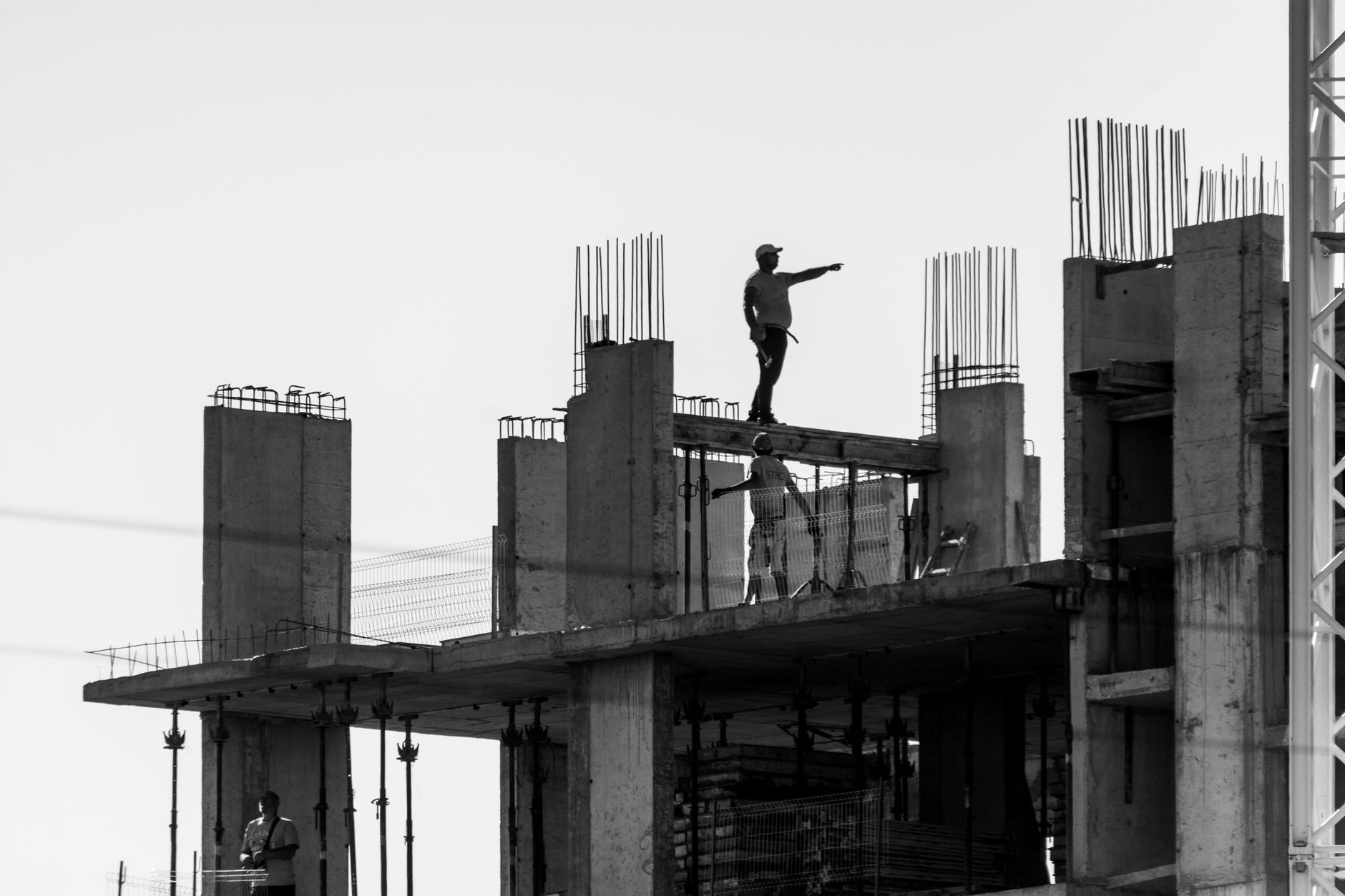
Safety best practices when using AI
- Use AI to accelerate drafts, not replace oversight: Safety officers should review and approve final plans.
- Align with jurisdiction and standards: Ensure outputs reflect your local requirements and corporate policies.
- Make hazard controls measurable: AI should help list training, equipment, and inspection triggers—so controls are enforceable.
- Connect safety plans to scheduling: If sequencing shifts, the plan should shift too.
3) Construction management with ai for construction: schedules, coordination, and visibility
Construction management is often complicated by late information, siloed tools, and real-world variability. AI can help unify the project picture—so decision-makers spend less time chasing data and more time directing work.
Where ai construction assistant workflows fit
Think of the ai for construction stack as a “decision layer” above your existing systems: scheduling tools, document repositories, BIM models, and field reports.
- Progress-to-plan analysis: Identify patterns when work lags—then suggest what to investigate (materials, access, crew availability).
- Automated coordination summaries: Convert meeting notes, RFIs, and submittal logs into structured action items.
- Document intelligence: Search and summarize relevant sections of specs, drawing notes, and project requirements.
- Risk and delay early warning: AI can flag combinations of indicators—like scope complexity plus constrained access—that frequently correlate with delays.
Operational tips for teams
- Start with one workflow: Choose a high-friction task (e.g., RFI summarization) before expanding to scheduling or cost.
- Standardize data formats: Naming conventions for drawings, work packages, and cost codes increase AI accuracy.
- Train teams on “ask patterns”: Encourage superintendents and PMs to use consistent questions that produce reliable outputs.
- Measure outcomes: Track reduced rework, faster clarifications, fewer estimation errors, or improved schedule adherence.

4) ai for building and documentation: turning drawings and specs into action
Construction projects thrive on documentation—drawings, specifications, submittals, RFIs, change orders, and handover packages. But retrieving “the right clause at the right time” can slow execution.
How AI improves document workflows
- Faster requirement discovery: An ai construction assistant can locate relevant spec language or drawing callouts based on a question.
- Drafting with context: Generate draft responses for RFIs or submittals by referencing the applicable sections.
- Consistency checks: Help identify mismatches between drawings and specifications or between current scope and earlier assumptions.
- Handover package organization: Summarize what’s needed for closeout and confirm completeness against checklists.
Best practices for document intelligence
- Keep documents versioned: AI outputs are only as accurate as the inputs.
- Use clear prompts: Ask for “sections that apply to…” or “requirements for…” to reduce ambiguity.
- Store outputs with traceability: When AI drafts a response, ensure it references the underlying source documents.
- Review for compliance: Especially for QA/QC, safety, and regulatory documentation.
5) Feature comparison: AI for construction estimating vs safety vs management
Not every AI workflow is identical. Here’s a practical matrix to help you decide which use case to prioritize first.
| Use case | Primary inputs | Typical AI output | Main value to teams |
|---|---|---|---|
| Project estimates | Drawings, specs, scope narratives, historical job data, cost codes | Quantity suggestions, cost ranges, assumption lists, change impact drafts | Faster bids, fewer omissions, better bid consistency |
| Safety plans | Site constraints, work phases, standards, project sequence, hazard history | Tailored hazard controls, task-based mitigations, draft safety plan sections | Proactive risk management and easier plan updates |
| Construction management | Schedules, field reports, meeting notes, RFI/submittal logs, progress data | Coordination summaries, progress-to-plan insights, delay early warnings | Better visibility, fewer bottlenecks, improved schedule performance |
6) Implementation roadmap for ai for construction (from pilot to rollout)
Adopting ai for construction works best when you treat it like a structured deployment—not a one-time software install. Whether you’re a GC, subcontractor, or engineering team, start small, prove value, and then scale.
Step-by-step approach
- Select one measurable workflow: Examples: RFI drafting, safety plan drafting, or estimation support for a recurring project type.
- Define success metrics: Time saved, reduced errors, fewer change-order surprises, fewer schedule slips, or faster approval cycles.
- Prepare a clean “knowledge baseline”: Standard templates, consistent cost codes, and approved safety/control language.
- Run a time-boxed pilot: Typically 2–6 weeks so teams can learn quickly and provide feedback.
- Establish review gates: Require professional review for safety and compliance outputs and human sign-off for cost/estimate logic.
- Scale to adjacent tasks: Once reliable, expand to coordination summaries, document intelligence, and change impact planning.
Common pitfalls (and how to avoid them)
- Pitfall: unclear inputs → Fix: Use consistent project templates and versioned documents.
- Pitfall: over-reliance on AI → Fix: Keep safety, estimates, and approvals under qualified human review.
- Pitfall: no feedback loop → Fix: Track where AI was helpful and where it missed; refine prompts and sources.
- Pitfall: trying to automate everything at once → Fix: Start with one workflow that’s painful and frequent.
7) Getting started today: use an ai construction assistant with free access on AIZora
If you’re exploring ai for contractors and want to see value quickly, consider starting with a platform that offers free access so your team can test real workflows. AIZora can help you explore how an ai construction assistant supports estimating, safety plan drafting, and construction management tasks—without forcing a heavy learning curve upfront.
Practical starting prompts (customize for your projects):
- “Using this scope and prior project cost codes, draft an estimate assumptions list and likely cost drivers.”
- “Based on these work phases and site constraints, create a first-draft safety plan section with hazard controls.”
- “Summarize meeting notes into action items and identify which items may affect schedule risk.”
Conclusion: Use ai for construction to reduce uncertainty and improve execution
Construction will always involve uncertainty—weather, access constraints, material lead times, design changes, and field conditions. But ai for construction helps teams manage that uncertainty with better information, faster drafting, and clearer decisions.
Whether you’re applying ai for building to support project estimates, using an ai construction assistant to strengthen safety plans, or leveraging AI-enabled construction management for coordination and visibility, the goal is the same: less rework, fewer surprises, and more consistent delivery.
If you want to try these workflows with free access on AIZora, start with one use case—estimate support, safety documentation, or schedule visibility—and build from there as your team gains confidence.