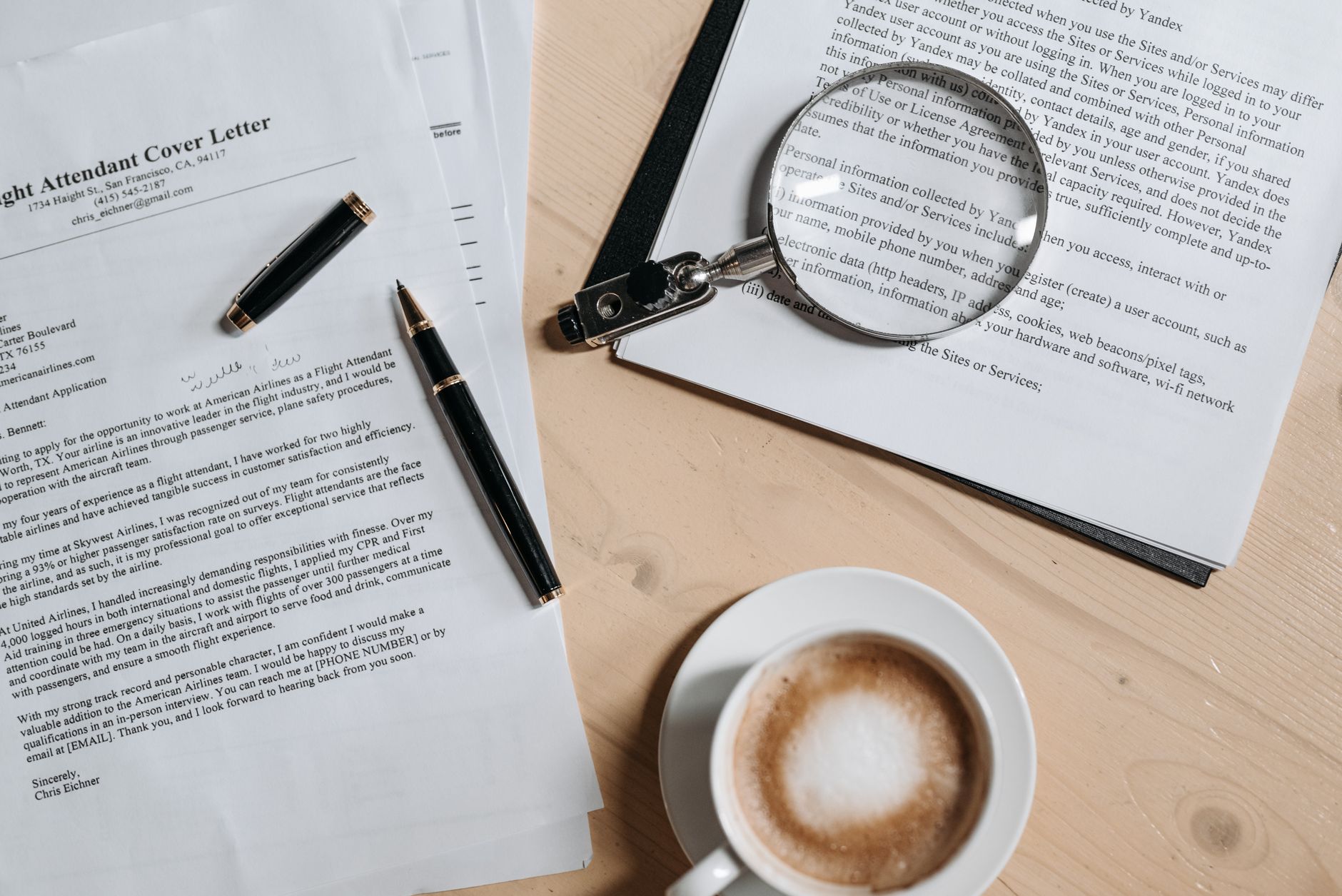
Introduction: Why an AI Cover Letter Generator Changes Your Job Search
Applying for jobs can feel like a numbers game—until you realize what’s actually missing: a cover letter that reads like you, matches the role, and convinces the hiring manager that you’re worth an interview. This is where an AI cover letter generator becomes a serious advantage. Tools like AIZora (with free access) help you generate polished, role-specific cover letters quickly, so you stop starting from scratch and start submitting stronger applications.
In this guide, you’ll learn how to use an AI cover letter workflow effectively—what inputs to provide, how to avoid generic wording, and how to align your story with the job description. If you’re searching for a cover letter writer ai or a job application letter generator, you’ll find practical best practices and examples you can apply immediately.
What Is an AI Cover Letter Generator (and What It Isn’t)?
An ai cover letter generator is a writing assistant that drafts a cover letter based on your experience, the job posting, and the tone you want. Instead of hours of reformatting and rewriting, you get a structured first draft that you can refine.
However, the tool is not a magic button. The quality of your final cover letter still depends on the inputs you provide and your willingness to customize. Think of it as a smart drafting partner, not a replacement for your judgment.
How it helps you (the real benefits)
- Speed: Generate a first draft in minutes, even after work hours.
- Relevance: Incorporate key job requirements into your messaging.
- Structure: Use proven cover-letter formats (hook, value, proof, close).
- Tone control: Professional, confident, concise, or warm—without sounding robotic.
- Consistency: Maintain a cohesive narrative across applications.
What it can’t do alone
- Own your story: Your achievements must be accurate and specific.
- Understand context: You know your career pivots better than any model.
- Respect the company: You decide what details matter most to them.
How to Generate a Tailored Cover Letter in 10–20 Minutes
If you want interviews, your cover letter can’t be a “template with blanks.” Use this workflow to create a tailored job application letter generator output you’d actually send.
Step 1: Collect your inputs (the secret to personalization)
Before you run the AI, gather these items:
- Job description (copy/paste the full posting)
- Top 3 requirements you want to emphasize
- 2–4 achievements with measurable outcomes (numbers, scope, impact)
- Your target role title and department
- Voice preferences: confident, concise, friendly-professional, etc.
Step 2: Provide “proof,” not just responsibilities
AI writing works best when it has strong source material. Instead of “Responsible for reporting,” include something like:
- “Automated weekly dashboards, cutting reporting time by 35%.”
- “Led a cross-functional project that improved conversion by 12%.”
- “Reduced cycle time from 10 days to 6 by redesigning the workflow.”
Step 3: Specify the outcome you want
Tell the tool what you want the hiring manager to think after reading:
- “They should see I can do the job immediately.”
- “They should believe I’ll contribute within the first 90 days.”
- “They should want to discuss my relevant projects.”
Step 4: Generate, then edit with a “human checklist”
After the first draft, revise using this checklist:
- Replace generic lines like “hard-working” with specific evidence.
- Mirror the job language without copy/pasting sentences.
- Ensure you answered the “why you / why this role” question.
- Add one sentence of personal motivation (brief, authentic).
- Check length: ideal cover letters are typically 250–400 words.
Best Practices for an Interview-Ready AI Cover Letter
Using a cover letter writer ai can help you avoid blank-page burnout, but the difference between “sent” and “interview” is your execution. Here are the best practices that consistently improve responses.
1) Use a strong opening that doesn’t sound automated
Start with a hook that connects you to the role. Good openings reference the company’s mission, a relevant initiative, or the role’s core challenge.
Example angles (choose one):
- “I’m excited by your team’s focus on X, and I’ve delivered Y results in similar environments.”
- “When I saw the need for Z, I recognized a pattern from my experience delivering A.”
- “Your posting stood out because of the emphasis on B—and that’s exactly where I’ve built my track record.”
2) Make the “value” section proof-heavy
Hiring managers look for evidence that you can perform. Turn your experience into outcomes:
- What was the problem?
- What did you do (your specific actions)?
- What changed (the metrics or impact)?
This is where an ai cover letter generator shines: it can help structure your narrative, but you insert your proof.
3) Match the role requirements with one-to-one clarity
Don’t just list qualifications—connect each requirement to a capability and an example.
Quick mapping formula: Requirement → capability → example → result.
4) Keep formatting clean and scannable
- Use short paragraphs (2–4 lines).
- Keep sentences crisp and active.
- Avoid dense blocks of text.
- Use a professional closing and a clear call to action.
5) Don’t over-claim. Be confident, not vague.
Even with a job application letter generator, it’s important to sound accurate. If you’re missing a requirement, pivot into adjacent strengths—explain how you learned quickly or delivered results in parallel situations.
AI Cover Letter Generator vs. Templates vs. Hiring Managers’ Expectations
Templates can be a starting point, but they often produce the exact problem you want to avoid: generic language. Meanwhile, hiring managers expect you to demonstrate role-specific fit within a few minutes of reading.
The best path is to use AI for drafting and templates for structure—but never for “content.” Your cover letter must read like a person wrote it, because it is a person applying for the job.
| Approach | Speed | Personalization | Risk of Generic Tone | Best For |
|---|---|---|---|---|
| AI cover letter generator | High | High (with strong inputs) | Medium (if you skip editing) | Tailored drafts at scale |
| Cover letter templates | Medium | Low to medium | High | Basic formatting and structure |
| Writing from scratch | Low | High | Low | When you have time to polish deeply |
| AI + human editing (recommended) | High | High | Low | Interview-focused submissions |
What to Include (and What to Cut) in Your AI Cover Letter
A well-structured ai cover letter focuses on outcomes and alignment. Here’s what to include and what to cut before you hit send.
Include these core sections
- Header + role reference: Keep it simple and correct.
- Opening hook: Why you and why this role.
- Value statement: Your relevant strengths in one short paragraph.
- Proof: 2–3 achievements linked to job needs.
- Fit + motivation: Why the company/team matters to you.
- Close: A concise call to action and appreciation.
Cut or avoid these common mistakes
- Overused buzzwords (“results-driven,” “team player,” “go-getter”).
- Repetition of your resume without adding context or impact.
- Long lists of tools or duties—pick what matters most.
- Unverified claims or exaggerated performance.
- Generic closings that don’t encourage a next step.
How AIZora’s Free Access Helps You Generate Better Applications
If you’re experimenting with AI writing, the best way to learn is to actually use the tool on real job postings. AIZora offers free access, making it easier to test different tones, iterate your drafts, and improve without waiting for a paid trial.
Here’s a practical way to use AIZora as a job application letter generator:
- Paste the job description and your experience highlights.
- Generate a draft tailored to the top requirements.
- Rewrite 2–3 sentences using your own wording (especially achievements and motivations).
- Run one more iteration if the tone feels off or the proof needs more specificity.
This hybrid approach—AI drafting + human refinement—is where the best interview results come from.
Frequently Asked Questions About an AI Cover Letter Generator
Will an AI cover letter writer ai make my letter sound robotic?
It can—if you send the first draft untouched. To avoid a robotic tone, edit your achievements and motivation lines, and ensure the language matches the company and role.
Do hiring managers notice AI-generated content?
They may notice generic phrasing, not the fact that AI was used. Your goal is clarity, specificity, and a human voice. Customize examples and keep the writing focused.
How long should an ai cover letter be?
Most effective cover letters are around 250–400 words. Prioritize readability over volume—show fit quickly.
Can I use a job application letter generator for every application?
Yes, but don’t send it blindly. Use AI for drafting and tailor each submission based on the job requirements and your most relevant proof.
What if I’m changing careers?
Use the AI to structure a narrative: explain the transition, highlight transferable skills, and provide 1–2 examples from related projects (portfolio, volunteering, coursework, or contract work).
Conclusion: Generate an AI Cover Letter That Sounds Like You—and Gets Interviews
When used correctly, an AI cover letter generator helps you move faster without sacrificing quality. By combining role-specific inputs, proof-driven achievements, and a careful human editing pass, you can create an ai cover letter that hiring managers trust.
If you want to test the workflow now, start with AIZora’s free access. Generate a tailored draft for one job posting today, refine it using the checklist above, and apply with confidence. Your next interview might be the result of the next great cover letter.
Ready to try? Use AIZora to generate a tailored cover letter draft, then customize the opening hook, add your strongest quantified achievements, and close with a clear call to action.