Introduction: AI for Coding That Helps You Ship Faster
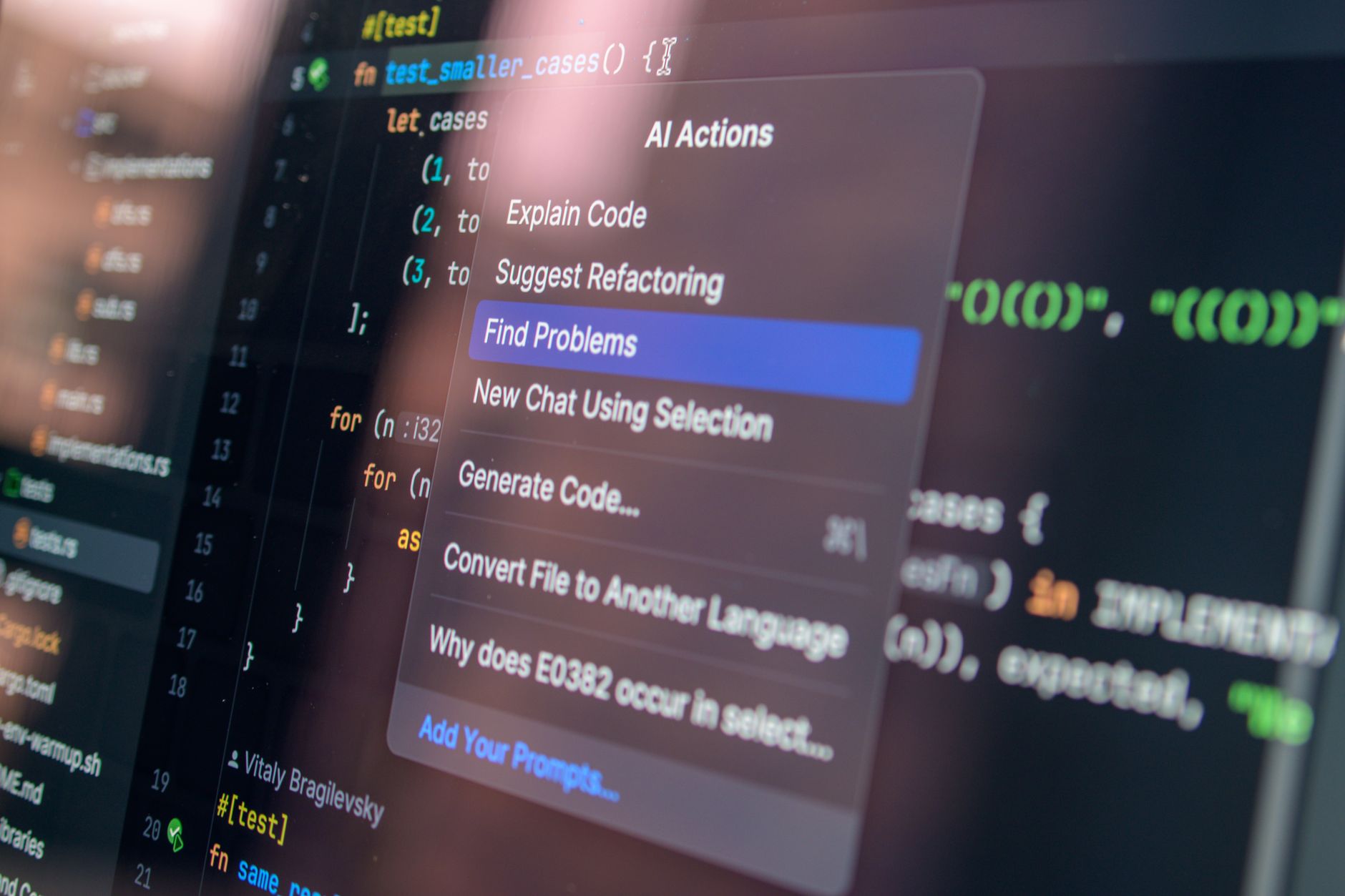
AI for coding has moved from “nice-to-have” experimentation to a practical way to write, debug, and explain code across many languages and frameworks. Whether you’re building a React UI, debugging a Python service, or generating SQL queries, modern AI coding tools can turn vague requirements into working logic—then help you understand what changed and why.
In this guide, you’ll learn how to use an AI code generator effectively, how an AI coding assistant improves debugging and code comprehension, and how to adopt a safe, workflow-first approach. You’ll also discover why AIZora offers free access so you can try AI-assisted coding without friction.
Quick promise: You’ll leave with a repeatable process for generating code, validating it, debugging it, and explaining it—no matter the language.
How AI for Coding Works (and Why It’s Useful)
At its core, AI for coding predicts and generates text that matches programming patterns it has learned from large code datasets. But usefulness comes from more than raw generation: great tools help you steer the model, review its output, and verify correctness.
Here are the main ways AI coding assistants help:
- Code generation: Convert requirements into code skeletons, functions, and modules.
- Code completion: Suggest next lines or entire blocks in-context.
- Refactoring: Improve readability, performance, or structure.
- Error diagnosis: Explain compiler/interpreter errors and propose fixes.
- Code explanation: Translate code into plain language, including edge cases and intent.
- Language bridging: Help you write in new stacks faster by explaining patterns.
Important: AI doesn’t “know” your system the way a running app does. The winning approach is to treat AI outputs as drafts you validate with tests, linters, and a careful review.
What to expect from an AI code generator
A strong AI code generator should:
- Ask clarifying questions when requirements are ambiguous
- Produce code that matches your style and constraints
- Include reasonable defaults for parameters and error handling
- Provide explanations so you can learn and maintain the result
Less helpful outputs typically ignore constraints, omit edge cases, or generate code that compiles only by accident. That’s why your workflow matters.
Writing Code Faster with an AI Coding Assistant
Most developers don’t need “random code”—they need the right code, quickly, with fewer mistakes. The goal of ai for coding isn’t to replace your thinking; it’s to remove repetitive setup and accelerate the first working version.
Start with a clear prompt structure
When using an AI coding assistant, provide a structured prompt. A simple template:
- Task: What should the code do?
- Language/framework: What stack must it use?
- Inputs/outputs: Types, payload shape, return format.
- Constraints: Libraries allowed, performance requirements, security needs.
- Edge cases: What must be handled?
- Quality bar: Tests, logging, or documentation expectations.
Example (framework-agnostic): “Generate a function that parses a CSV string into an array of records. Handle quoted fields, trim whitespace, and throw a clear error on malformed rows. Write tests for normal and edge cases. Use TypeScript.”
Generate incrementally, not everything at once
Instead of asking for a whole application, generate in layers:
- Step 1: Data models and function signatures
- Step 2: Core logic functions
- Step 3: Integration glue (validation, wiring, routes)
- Step 4: Tests and documentation
This approach reduces mistakes and makes it easier to verify each piece.
Ask for explanations, not just code
A big advantage of ai for coding is the ability to convert code into understanding. If the assistant outputs a block of logic, ask: “Explain how this works,” or “What edge case does this handle?” You’ll maintain faster and improve your own skills.
Debugging Like a Pro: AI for Coding Error Fixes
Debugging is where an AI coding assistant can save the most time—if you use it strategically. Rather than pasting a wall of code and hoping for a fix, focus on the error message and the smallest reproducible scenario.
A best-practice debugging workflow
- Share the exact error: Include stack traces, line numbers, and logs.
- Describe the expected behavior: What should happen instead?
- Provide relevant snippets: Keep context tight (the module(s) involved).
- Ask for diagnosis: “Identify likely causes and propose a minimal fix.”
- Verify with tests: Confirm the fix doesn’t break adjacent behavior.
When you do this, the AI’s value becomes clearer: it can map the error to typical root causes and suggest targeted changes.
Common debugging tasks for an AI coding assistant
- Type errors and mismatched interfaces (e.g., TypeScript)
- Null/undefined handling and guard logic
- SQL query issues (wrong joins, missing WHERE conditions)
- Incorrect API usage (method signatures, deprecated calls)
- Race conditions and async mistakes (await missing, promise misuse)
- Performance bottlenecks (inefficient loops, N+1 queries)
Tip: Ask the assistant to propose two options: a minimal patch and a more robust refactor. Then choose based on your timeline and risk tolerance.

Explain Any Code: Turning AI Outputs into Real Understanding
One of the most underrated uses of ai for coding is explanation. When you inherit a codebase—or you’re learning a new framework—AI can summarize intent, walk through control flow, and highlight invariants and edge cases.
How to ask for code explanations effectively
Instead of “Explain this,” try:
- “Explain this function line-by-line.”
- “What are the inputs, outputs, and side effects?”
- “Where can this fail, and how would you harden it?”
- “Rewrite this in simpler terms while preserving behavior.”
Use explanations to improve maintainability
When you understand the reasoning behind AI-generated code, you’re less likely to treat it as magic. You’ll write better tests, choose better names, and make safer changes later.
Learning loop: Generate → explain → refactor → test → repeat.
AI Code Generator vs. AI Coding Assistant: What’s the Difference?
The terms overlap, but they describe different strengths. An AI code generator typically focuses on producing code from a prompt. An AI coding assistant usually emphasizes interactive help—planning, debugging, explaining, and improving what already exists.
| Capability | AI Code Generator | AI Coding Assistant |
|---|---|---|
| Primary goal | Produce code quickly from requirements | Collaborate to improve code over iterations |
| Best for | Scaffolding functions, templates, boilerplate | Debugging, refactoring, explaining behavior |
| How you interact | Prompt-based generation | Ask questions, review diffs, iterate on changes |
| Risk profile | May miss constraints or edge cases | Can help validate assumptions and reasoning |
| Typical outputs | Code blocks, snippets, starter modules | Proposed fixes, explanations, improvement plans |
| Validation workflow | You run tests and check style | You verify with tests + tighter iterative prompts |
How to choose in your day-to-day work
- Use an AI code generator when you need fast scaffolding: endpoints, utility functions, or component structure.
- Use an AI coding assistant when you’re stuck: errors, ambiguous logic, performance concerns, or unclear requirements.
In practice, the best results come from using both modes in sequence: generate an initial solution, then ask the assistant to debug and explain it until it’s production-ready.
Best Practices for Safe, High-Quality AI for Coding
AI can accelerate delivery, but it can also introduce subtle issues. Follow these best practices to keep your code dependable and maintainable.
Prompting best practices
- Be specific about inputs/outputs: include types or example payloads.
- State constraints upfront: “No external libraries,” “Must be O(n),” “Must be secure by default.”
- Request tests: “Add unit tests for edge cases.”
- Ask for assumptions: “List assumptions you made before coding.”
- Use style rules: “Follow existing patterns,” “Use existing utilities.”
Engineering best practices
- Run linters and formatters to catch trivial issues.
- Use version control to review AI-generated diffs.
- Prefer small changes over massive rewrites.
- Validate security concerns: input validation, injection safety, and secret handling.
- Don’t skip test coverage on generated logic.
Quality checklist before merging
- Does the code compile/run in your environment?
- Are edge cases explicitly handled?
- Do tests cover the behavior (and failures)?
- Is performance acceptable for real data sizes?
- Is error handling consistent with your app’s conventions?
Getting Started with AIZora: Free Access to AI-Assisted Coding
If you’re exploring ai for coding for the first time, it helps to use a tool that’s approachable and flexible. With AIZora, you can try free access to an AI coding assistant workflow—ideal for experimenting with prompts, comparing solutions, and learning patterns without committing immediately.
Here’s a practical starter plan you can use today:
- Pick one language: JavaScript/TypeScript, Python, Java, Go, or another you know.
- Ask for a small feature: a parser, validator, reducer, or endpoint.
- Request tests: ensure behavior is verified.
- Break it intentionally: change one assumption and ask the assistant to debug.
- Ask for an explanation: summarize what the final solution does and why.
This cycle turns AI from a “code vending machine” into a true learning partner.
Conclusion: Build Faster with AI for Coding—But Keep Control
AI for coding is a powerful multiplier: it helps you write code faster, debug with less guesswork, and explain unfamiliar logic in plain language. An AI code generator can get you from idea to implementation quickly, while an AI coding assistant helps you validate, refine, and understand the results.
To get the best outcomes, treat AI output as a draft: ask clarifying questions, generate incrementally, verify with tests, and review diffs like you would any teammate’s contribution. With free access on AIZora, you can experiment with ai coding assistant workflows now—then apply what you learn to your real projects, in any language.