Introduction: Why “AI for Coding” Changes How Developers Build
AI for coding has moved from a novelty to a practical workflow advantage. Whether you’re writing your first script or maintaining a complex production system, modern AI coding assistant tools can help you generate code, debug errors, and explain what your program is doing—often in seconds. The result: fewer context switches, faster iteration, and smoother learning for any skill level.

If you’re looking for an AI code generator that’s accessible and supportive, AIZora offers free access—so you can test real prompts, iterate quickly, and integrate AI for coding into your routine without heavy setup.
In this guide, you’ll learn what AI coding assistants do best, how to prompt them effectively, and how to use their outputs safely across languages and frameworks.
How AI for Coding Works (and What It Actually Helps With)
At its core, an AI coding assistant predicts and produces code based on your instructions and the context you provide. It can also reason about errors by analyzing snippets and logs. But it’s important to understand what “help” means in practice: AI doesn’t replace engineering judgment—it amplifies it.
Common tasks AI for coding excels at
- Code generation: Turning a natural-language requirement into a starting implementation.
- Debugging: Suggesting fixes based on stack traces, failing tests, or described behavior.
- Code explanation: Translating unfamiliar code into plain language and highlighting intent.
- Refactoring assistance: Improving readability, structure, and maintainability.
- Documentation support: Drafting docstrings, README sections, and inline comments.
- Algorithm scaffolding: Providing data-structure choices and step-by-step approaches.
What AI doesn’t do (yet)
AI-generated code can be incomplete, insecure, or logically incorrect for your exact environment. Treat outputs as a strong draft and validate them with tests, linters, and code review. The best workflow is “AI for coding + human verification.”
Use AI outputs to save time on the first draft, then rely on your tooling and reasoning to ensure correctness and safety.
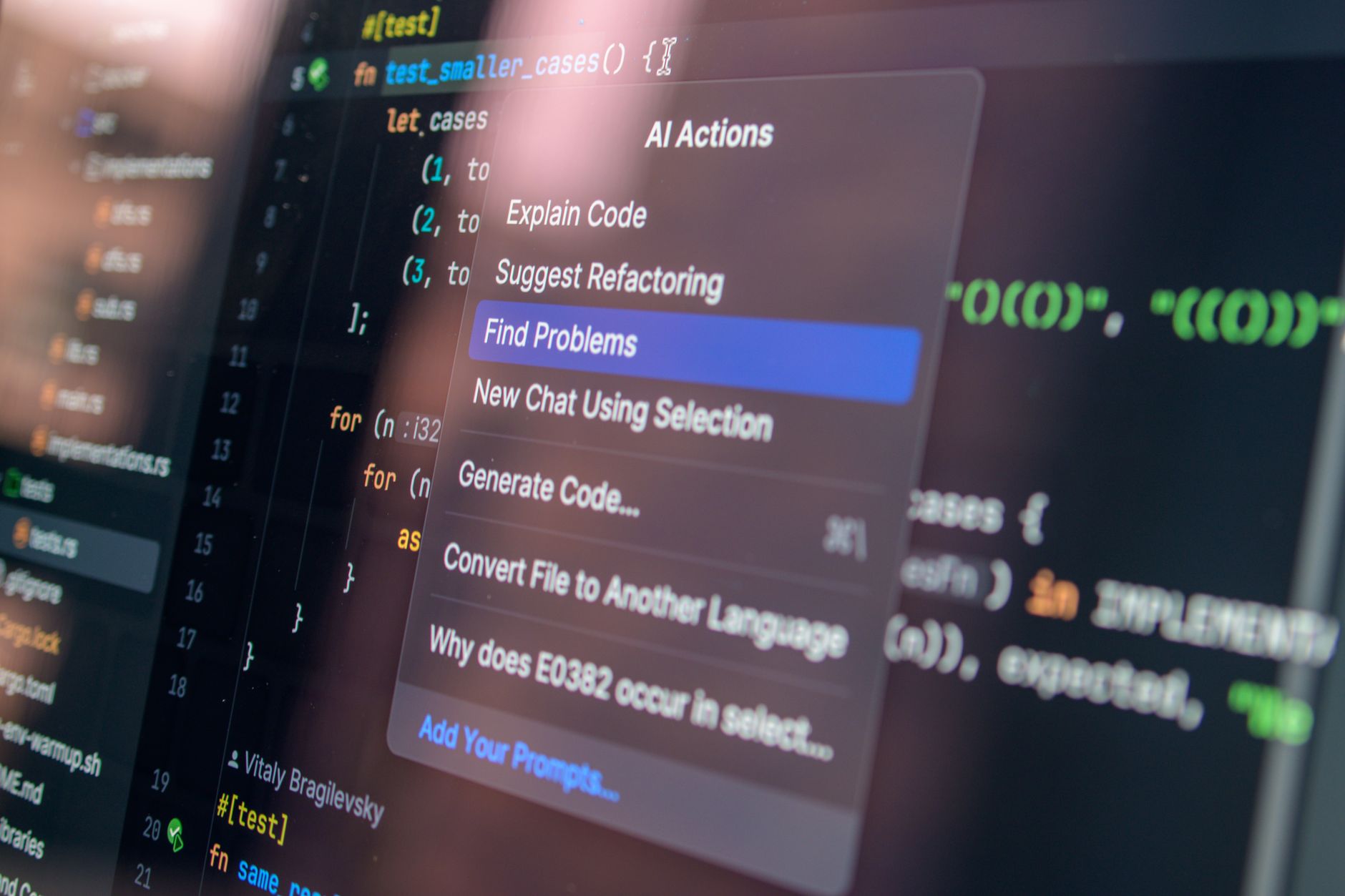
Writing Code Faster with an AI Code Generator
An AI code generator is most valuable when you want to translate intent into code quickly. But the quality depends heavily on prompt design and the structure of your request.
Prompt patterns that consistently work
- State the goal and constraints: “Write a Python function that validates ISO 8601 timestamps; reject invalid timezone formats.”
- Provide examples: “Input: '2026-01-02T03:04:05Z' → Output: valid; Input: '.' → Output: invalid.”
- Specify style and target environment: “Use TypeScript, Node 20, and prefer async/await.”
- Ask for structure: “Provide unit tests and explain the approach briefly.”
- Request incremental output: “Draft the function signature first, then implement step-by-step.”
Start small, then scale
Instead of requesting a whole application at once, begin with smaller components: parsing logic, validators, API clients, or utility functions. Once those pieces work, you can ask AI to connect them into a larger flow.
Best practices for trustworthy code generation
- Ask for tests: “Add tests for edge cases.”
- Request complexity notes: “Explain time/space complexity briefly.”
- Use “assumptions” explicitly: “List assumptions before implementing.”
- Enable linting: “Conform to ESLint rules” (or your equivalent).
- Prefer readable code: Ask for clear variable names and comments where helpful.
Debugging Like a Pro with an AI Coding Assistant
Debugging is where AI for coding can shine—especially when you provide the right signals. The more context you supply (stack trace, failing inputs, logs, and expected behavior), the more accurate the suggestions become.
How to get better debugging results
- Paste the exact error: Include full stack traces and the line that fails.
- Describe expected vs actual behavior: “It returns null, but it should return an object.”
- Share minimal reproducible code: Reduce to the smallest snippet that still fails.
- Include runtime details: Language version, OS, framework version, and environment variables (redact secrets).
- Ask for a debugging plan: “List likely causes and what to check next.”
A practical debugging workflow
- Let AI triage: Ask for “top 3 likely causes.”
- Validate with tools: Add logging, run tests, check types/linters.
- Apply one fix at a time: Isolate changes so you know what resolved the issue.
- Request a root-cause explanation: Confirm you understand the fix.
Common debugging scenarios AI coding assistant can handle
- Syntax and typing errors: Missing imports, wrong types, incorrect function signatures.
- Logic bugs: Off-by-one errors, incorrect conditionals, broken data flow.
- API integration issues: Misused endpoints, wrong request payload shapes.
- Performance hints: Potential hotspots and inefficient loops.
If the AI suggests a fix, ask it to explain why that change addresses the root cause—not just what to change.
Explaining Code So You Can Learn Faster (Not Just Copy-Paste)
One of the most underrated benefits of ai for coding is comprehension. AI coding assistant tools can explain code in a way that accelerates learning and reduces “cargo-culting.”
How to request useful explanations
- Ask for intent: “What problem does this function solve?”
- Ask for walkthrough: “Explain it line by line with an example input.”
- Ask for data flow: “Where does data enter, transform, and exit?”
- Ask for tradeoffs: “Why did they choose this algorithm?”
- Ask for simplification: “Rewrite this in simpler terms (same behavior).”
Turn explanations into skill building
When AI explains code, use that output to create your own mental model. Then challenge it: ask for alternative approaches, suggest improvements, or request an explanation for edge cases. This transforms AI into a coach rather than a copy machine.
AI for Coding Across Any Language: Prompts That Translate
Whether you’re working in JavaScript, Python, Java, Go, C#, or SQL, ai for coding can support your workflow. The key is to keep prompts language-aware: request idiomatic constructs, best practices, and tooling conventions.
Language-specific prompting tips
- For Python: Ask about typing hints, exceptions, and preferred style (e.g., PEP 8).
- For JavaScript/TypeScript: Request type-safe signatures, async behavior, and proper error handling.
- For Java/C#: Specify generics/collections, null-handling strategy, and exception design.
- For Go: Mention concurrency patterns (channels/goroutines) if relevant.
- For SQL: Provide schema context and example queries, then request query plans or indexing suggestions.
Example “universal” prompt template
Use this structure regardless of language:
Task: (what you want)
Inputs/Outputs: (types and example values)
Constraints: (performance, style, environment)
Deliverables: (code + tests + explanation)
Context: (any relevant snippet or logs)
Feature Matrix: Choosing the Right AI Coding Assistant Workflow
| Use case | What to ask for | Best AI output format | Verification steps |
|---|---|---|---|
| Write new code | “Generate a function with edge cases and tests.” | Complete snippet + unit tests | Run tests, lint, review assumptions |
| Debug an error | “Triage likely causes and propose a step-by-step fix.” | Debug plan + targeted patch | Reproduce, rerun failing tests, add logs |
| Explain existing code | “Explain intent and flow with an example input.” | Line-by-line walkthrough | Compare explanation to observed behavior |
| Refactor safely | “Refactor for readability without changing behavior.” | Refactored code + before/after notes | Regression tests, diff review |
| Document APIs | “Create docstrings and usage examples.” | Comments + sample calls | Validate examples compile/run |
Best Practices: How to Get Real Value (and Avoid Common Pitfalls)
AI for coding can dramatically boost productivity, but the difference between “cool demo” and “reliable developer tool” is process. Here are best practices that experienced teams use with ai coding assistant workflows.
1) Keep humans in control of requirements
Before generating code, ensure your requirements are clear: what the program should do, how it should behave under edge cases, and what “success” looks like.
2) Treat outputs as drafts, not final answers
- Run unit tests and integration tests.
- Use linters/type checkers.
- Perform code review like you would for any PR.
3) Protect sensitive data
Redact API keys, passwords, private keys, and customer data before pasting code or logs into an AI coding assistant.
4) Ask for the “why,” not just the “what”
When debugging or refactoring, request reasoning and tradeoffs. That’s how you prevent repeated mistakes.
5) Use iterative prompting
- Generate a baseline solution.
- Ask for improvements (performance, readability, coverage).
- Ask for alternative approaches and choose the best one.
6) Build a reusable prompt style
Create prompt templates for your most common tasks (CRUD endpoints, data validation, regex checks, logging utilities). Over time, your ai code generator workflow becomes faster and more consistent.
Conclusion: Start Using AI for Coding Today (Free on AIZora)
AI for coding is quickly becoming a core developer capability. With an AI coding assistant, you can generate code in any language, debug more efficiently, and understand unfamiliar code faster—especially when you provide context, ask for tests, and validate outputs.
If you want to try it with real prompts and see results quickly, AIZora provides free access, making it easier to experiment and find a workflow that fits your projects.
Next step: Pick one small task you do weekly (a validator, an API wrapper, or a refactor), then use an AI code generator to draft it—ask for edge cases and tests—and iterate until it passes. That’s the fastest path from “AI demo” to everyday engineering advantage.