Introduction: Why AI for Coding Is Changing How Developers Build
AI for coding is no longer a novelty—it’s a practical workflow upgrade. Whether you’re a beginner learning to program or a senior engineer shipping production systems, an ai coding assistant can help you move faster, reduce repetitive work, and turn confusing errors into clear, actionable steps.
With the right approach, you can use AI to write code from plain language, debug by interpreting stack traces and logs, and explain unfamiliar code in any language (JavaScript, Python, Java, C#, Go, Ruby, SQL, and more). On AIZora, you can access these capabilities for free, making AI-assisted development more accessible than ever.

In this guide, we’ll explore how to use AI effectively as an AI code generator and an AI coding assistant, plus best practices to keep your code correct, secure, and maintainable.
What “AI for Coding” Actually Does (Beyond Autocomplete)
Most people start with autocomplete, but modern ai for coding tools go further: they understand context, follow instructions, and can reason about code behavior. Here’s what you can typically achieve.
- Generate code from a description of what you want (features, endpoints, scripts, algorithms).
- Complete and refactor existing code—improving structure, naming, and readability.
- Debug with explanations by analyzing errors, identifying likely causes, and suggesting fixes.
- Explain code line-by-line or at the architectural level so you can learn faster.
- Translate code patterns across languages (e.g., JavaScript to Python logic).
- Suggest tests and edge cases to improve reliability.
In other words, an ai coding assistant acts like a teammate who can quickly draft solutions and help you reason through problems—while you stay responsible for correctness and safety.
Writing Code Faster with an AI Code Generator
An AI code generator shines when you can articulate requirements clearly. Instead of starting from a blank file, you provide the goal, constraints, and examples, and the model produces a working starting point you can iterate on.
High-impact use cases
- Boilerplate generation: scaffolding routes, controllers, database models, and React components.
- Feature implementation: form validation, pagination, authentication flows, caching, and background jobs.
- Script writing: data cleanup, file processing, automation tasks, and ETL glue code.
- Algorithm prototyping: parsing, transformations, and search/sort routines.
Prompt patterns that work
Use structured prompts to improve results:
- Specify inputs/outputs (what data goes in, what should come out).
- State constraints (performance limits, libraries allowed, style guidelines).
- Add examples (sample input and expected output).
- Request a plan first (“Outline steps before generating code”).
- Ask for tests (“Provide unit tests and edge cases”).
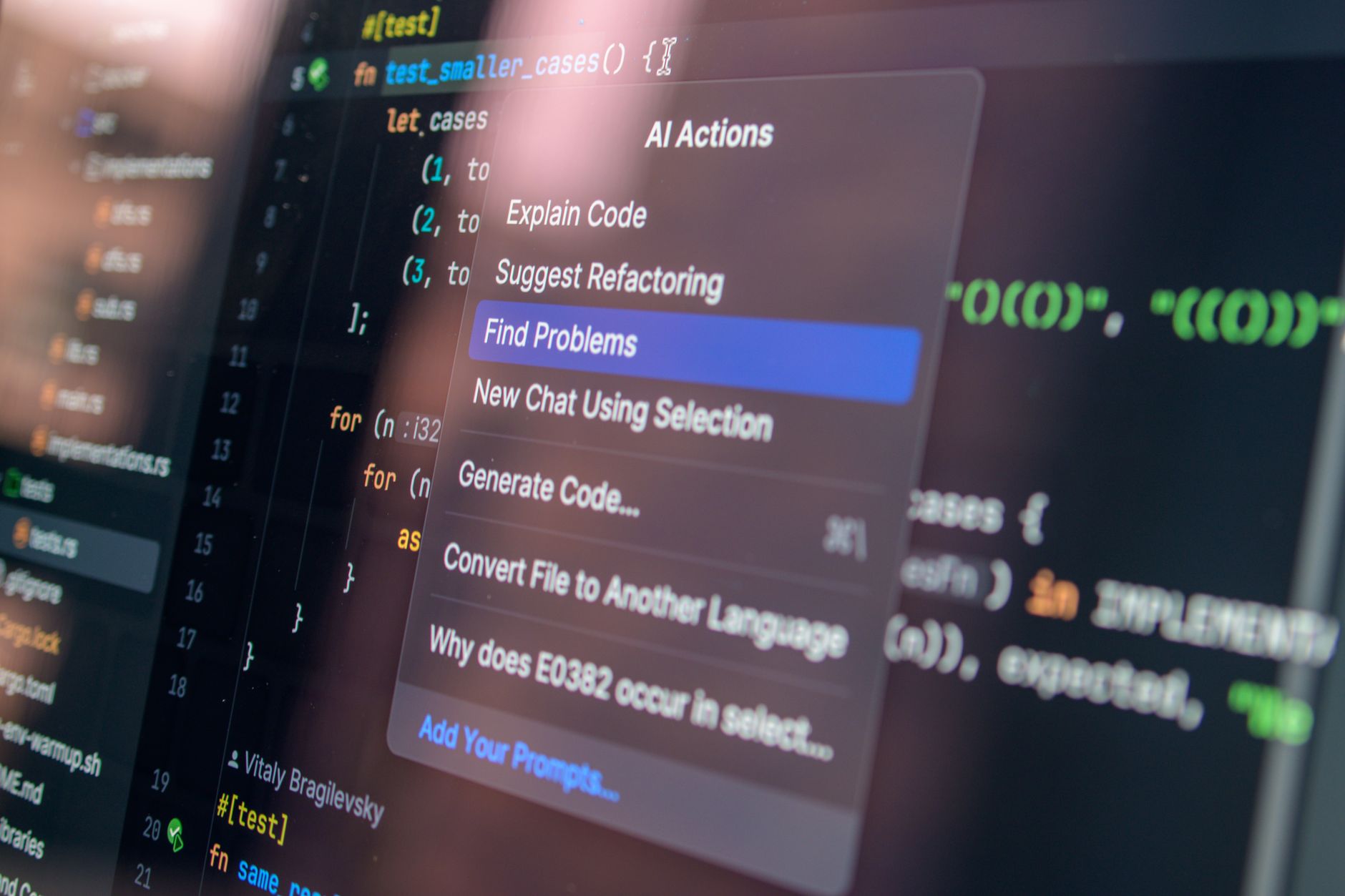
Example prompt you can reuse
“Write a Python function that validates an email address. Use a regex, but also explain which edge cases the regex might miss. Include 10 test cases and brief reasoning for each.”
This style produces more than a snippet: you get rationale, behavior clarity, and a safety net with tests.
Debugging with an AI Coding Assistant: From Stack Trace to Fix
Debugging is where many developers feel the biggest productivity jump. Instead of guessing, you can ask an ai coding assistant to interpret error messages, identify the most likely failure points, and propose targeted changes.
How AI helps during debugging
- Reads stack traces and maps them to likely lines/functions.
- Explains common causes (null references, off-by-one errors, encoding issues, race conditions).
- Suggests minimal patches to confirm the root cause quickly.
- Checks assumptions about types, inputs, and runtime behavior.
- Proposes instrumentation (logging, assertions, test harnesses).
A practical debugging workflow
- Paste the error (stack trace), the relevant code, and the expected behavior.
- Describe what you tried and the outcome.
- Ask for root-cause hypotheses (“Give 3 likely causes ranked by probability”).
- Request a fix plan and a patch suggestion.
- Validate with tests or by rerunning the failing scenario.
Tip: When you ask for debugging help, include the environment details (language version, framework, and how you ran the code). This increases accuracy dramatically.
Explaining Code You Don’t Understand (Fast Learning for Any Language)
One of the most valuable benefits of ai for coding is explanation. You can paste unfamiliar code—your own old work, a library function, a teammate’s snippet, or a tutorial—and request a clear explanation.
What to ask for
- Line-by-line walkthrough: “Explain each section and why it exists.”
- Behavior summary: “What does this function do in plain English?”
- Data flow: “Track inputs through the pipeline step-by-step.”
- Complexity analysis: “What’s the time and space complexity, and why?”
- Refactor suggestions: “How could this be simplified or made more maintainable?”
Why explanations matter
When you understand code, you can safely modify it. Instead of making changes blindly, you learn the intent behind it—turning AI output into genuine engineering knowledge.
On AIZora, you can use these explanations without paying—so learning doesn’t have to wait for a paid subscription.
AI for Coding Across Languages and Frameworks
Modern ai coding assistant tools are useful across ecosystems. But the best results come when you provide language-specific context.
Language-specific prompts that boost accuracy
- JavaScript/TypeScript: ask about async behavior, event loops, and type safety.
- Python: request improvements for readability, typing (optional), and edge cases.
- Java/C#: mention generics, nullability concerns, and error-handling expectations.
- Go: ask about goroutines, channels, and concurrency safety.
- SQL: provide schema details and expected result shape.
Common pitfalls to avoid
- Assuming code is production-ready: always review for security and correctness.
- Not aligning with your project conventions (lint rules, formatting, naming patterns).
- Skipping tests, especially for changes generated from natural language.
- Forgetting dependency constraints (allowed libraries, versions, licensing).
Best Practices for Using an AI Code Generator Responsibly
AI can accelerate development, but responsible use keeps your system safe and stable. Use these best practices as your default checklist.
Prompting best practices
- Provide context: relevant files, interfaces, data shape, and expected outputs.
- Ask for assumptions: “List assumptions you’re making before writing code.”
- Request diffs or patches: “Show only the changes to apply.”
- Require tests: “Add unit tests and edge cases.”
- Prefer incremental changes: generate a small function first, then expand.
Engineering best practices
- Review generated code like it’s written by a junior teammate: verify logic, types, and error handling.
- Use static analysis (linting, type checking, security scanning).
- Run formatting and tests in CI to catch integration issues.
- Watch for unsafe patterns: injection risks, insecure randomness, broken auth, and secrets exposure.
Security and privacy reminder
Do not paste sensitive credentials, private keys, or confidential customer data. If needed, mask values and replace them with placeholders before asking for help.
| Task with AI for Coding | What to Provide | What to Request | Why It Works |
|---|---|---|---|
| Write new code | Goal, inputs/outputs, constraints, sample data | “Generate code + brief explanation + tests” | Clear requirements reduce hallucinations and mismatched behavior |
| Debug an error | Stack trace, failing scenario, relevant snippet | “Rank likely causes + minimal patch + validation steps” | Context lets AI connect the symptom to the failing line/function |
| Explain code | Code snippet/module and where it’s used | “Line-by-line walkthrough + data flow summary” | Structured explanation builds understanding you can safely modify |
| Refactor for maintainability | Existing code + style preferences (if any) | “Propose refactor steps + updated code + risks” | AI can suggest cleaner structure while you validate correctness |
Getting Started on AIZora (Free Access) and Making AI Part of Your Workflow
If you want ai for coding that’s practical, start using it as a feedback loop rather than a magic button. Here’s a simple way to build a repeatable workflow—especially since AIZora offers free access.
A starter workflow you can use today
- Describe the task in plain language (what you want to happen).
- Provide context (code snippet, file structure, constraints).
- Generate a first pass with an explanation.
- Run tests and lint to identify gaps.
- Iterate with targeted prompts (“Fix failing test X”, “Explain this edge case”).
- Document decisions—store what you learned so the next iteration is faster.
What to do when results aren’t perfect
- Ask for alternatives: “Give two approaches and compare trade-offs.”
- Constrain the solution: “Use only built-in libraries” or “Do not introduce new dependencies.”
- Request a smaller output: “Generate only the function signature and core logic.”
- Validate with examples: “Test with these inputs and show expected outputs.”
That approach turns AI into a consistent productivity boost—one that supports your engineering instincts rather than replacing them.
Watch how an AI coding assistant can guide write-debug-explain loops
Conclusion: The Real Value of AI for Coding Is Faster Understanding
AI for coding helps you move from idea to implementation with less friction—and it speeds up the parts that usually slow developers down: writing boilerplate, interpreting errors, and explaining unfamiliar logic. With an ai code generator, you can draft solutions quickly; with an ai coding assistant, you can debug and learn what your code is doing.
Most importantly, treat AI as an acceleration tool. Review outputs, run tests, and refine iteratively. When you combine good prompting with strong engineering discipline, AI becomes a powerful partner for development in any language.
And if you want to try it now, explore free access on AIZora to start using AI for coding without added cost.