AI for Construction: Turn Planning Into Predictable Delivery
AI for construction is moving from “nice to have” to a core advantage for contractors, project managers, and engineering teams. When schedules slip, budgets swell, or safety risks escalate, the root cause is often the same: decisions are made with incomplete or late information. An ai construction assistant can help your team anticipate issues earlier by analyzing drawings, specifications, site conditions, historical cost data, and real-time documentation—then translating that data into actionable plans.
In this guide, you’ll learn how AI for building improves project estimates, strengthens safety plans, and streamlines construction management. You’ll also find practical best practices you can implement quickly, plus a note on free access on AIZora.
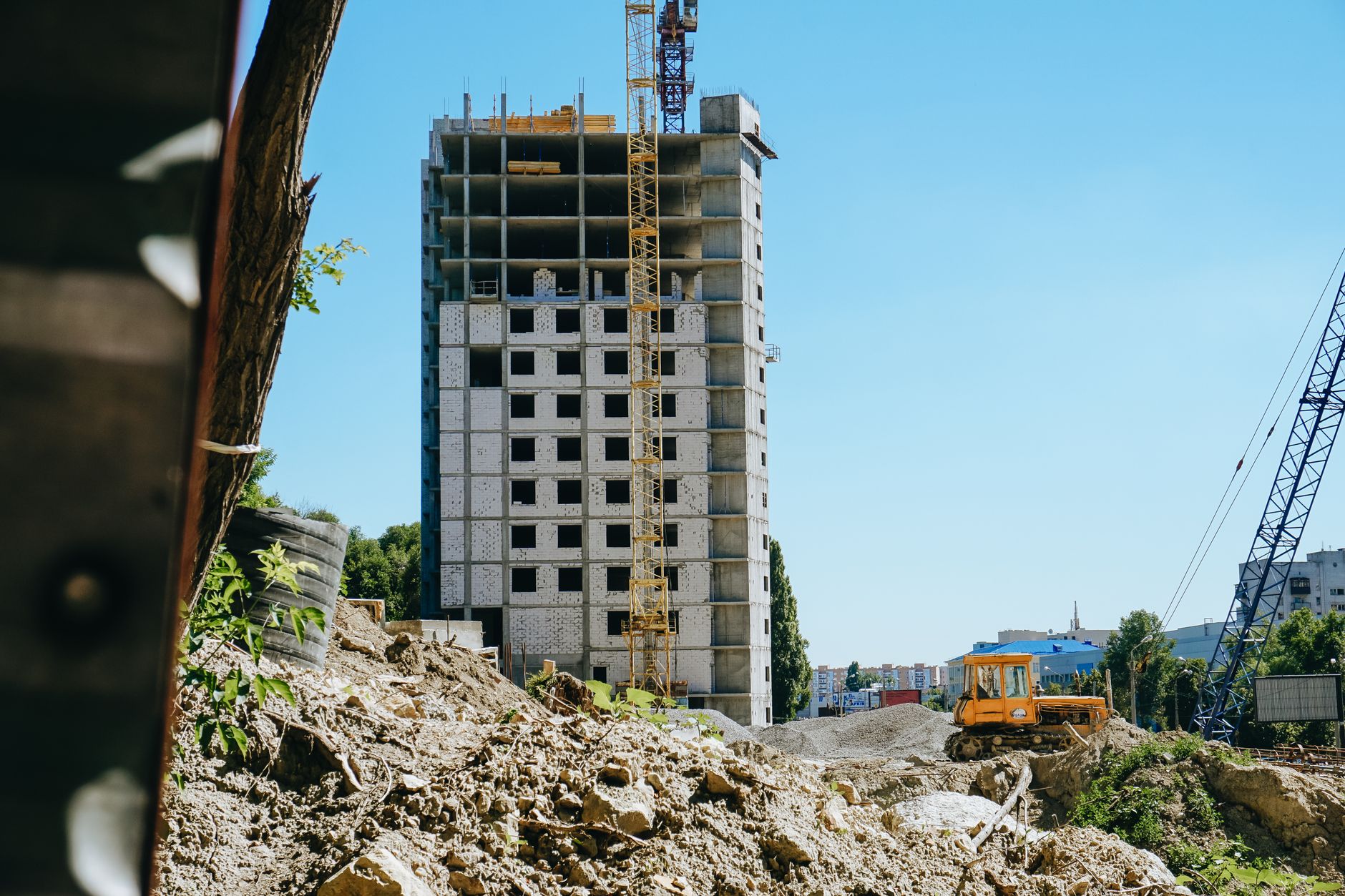
Quick takeaway: When you connect your project information to an ai for building workflow, you reduce rework, improve cost control, and elevate safety readiness—without slowing the team down.
Why AI for Construction Is Winning in 2026
Construction is complex by nature: multiple trades, variable site conditions, long lead times, evolving scope, and strict safety and compliance requirements. Traditional planning tools often rely on static inputs—meaning they’re only as good as what you knew at the time.
An ai for contractors approach changes the equation by enabling continuous improvement. Instead of treating estimates, safety plans, and schedules as documents that live once and then expire, AI turns them into living systems that get updated as new information arrives.
- Faster decisions: AI can summarize specs, identify scope conflicts, and draft initial plans quickly.
- Better accuracy: Model-based quantity takeoffs and cost estimation patterns reduce manual error.
- More consistent safety: AI-assisted hazard identification and procedure drafting help standardize compliance.
- Improved coordination: Construction management dashboards can surface schedule and procurement bottlenecks earlier.
AI for construction doesn’t replace experienced estimators or safety leads—it gives them earlier signals, clearer options, and fewer surprises.
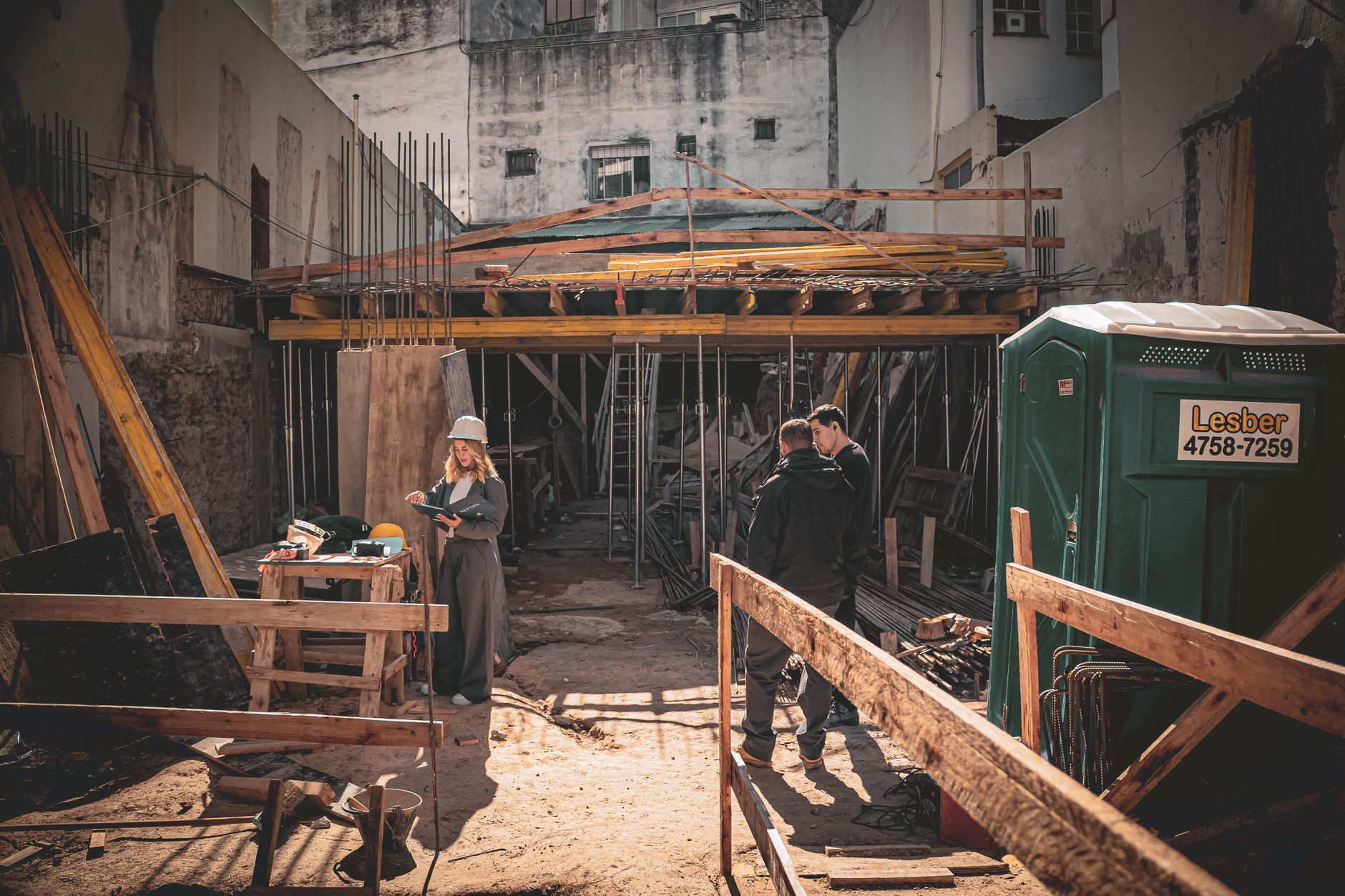
AI-Powered Project Estimates: From Takeoff to Budget Confidence
Project estimates are where many projects begin to drift off track. Even small inaccuracies—wrong quantities, overlooked details, misread specifications—can cascade into change orders and schedule delays. An ai construction assistant can help you build estimates that are more complete, more traceable, and easier to defend.
How AI for building improves estimates
- Plan understanding: AI can parse drawings, schedules, and notes to identify components, materials, and assumptions.
- Quantity takeoff assistance: While human review is still essential, AI can speed up takeoff drafts and highlight potential omissions.
- Cost modeling: AI can combine historical costs, current pricing signals, and risk factors to generate more realistic budget ranges.
- Scope verification: AI can compare bids to specifications to catch “missing line items” before submission.
Estimate outputs you can expect
Used correctly, AI for construction can produce structured estimates that are ready for estimating review workflows:
- Line-item breakdowns with quantities, unit rates, and confidence notes
- Assumptions lists that make internal review faster
- Risk flags (e.g., unknown site constraints, ambiguous details, permitting uncertainties)
- Change-order readiness: estimate baselines that you can update as scope evolves
Best practices for using AI in estimation
- Use consistent inputs: Feed standardized specs and drawing sets to reduce variability.
- Define estimation rules: Create a “human-in-the-loop” checklist for what AI may draft vs. what must be verified.
- Track assumptions: Require every estimate draft to include assumptions and exclusions.
- Validate against past projects: Compare AI outputs to historical bids and adjust prompts/rules accordingly.
- Keep audit trails: Store what AI used (documents, cost sources, parameters) so you can defend your numbers.
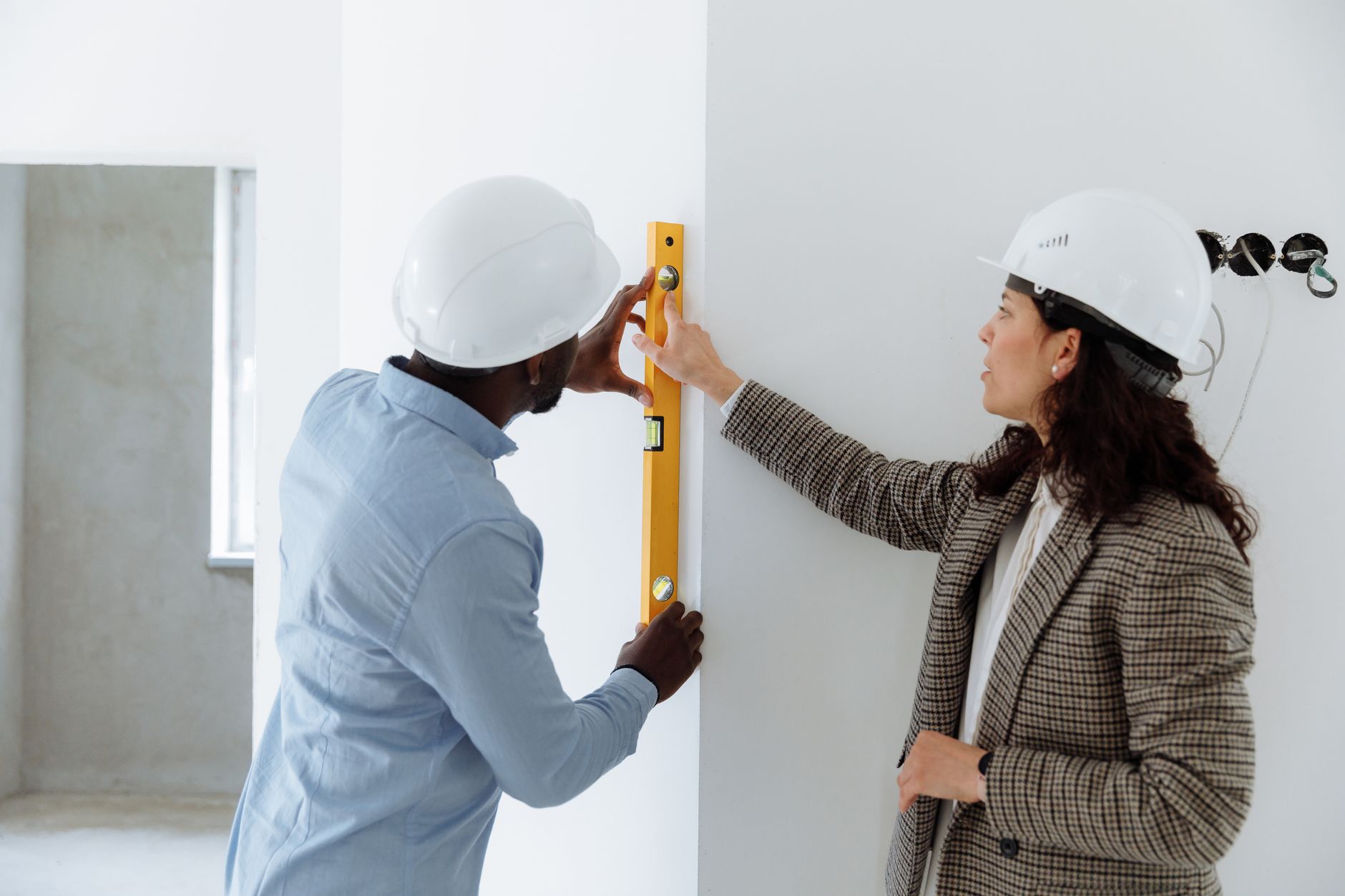
Safety Plans With an AI Construction Assistant: Risk Identification That Scales
Safety is non-negotiable. But safety planning can become overwhelming as project scale increases—multiple crews, changing conditions, and evolving work sequences. An ai for contractors workflow can help safety teams standardize hazard identification, speed up documentation, and maintain compliance readiness.
Where AI helps most in safety planning
- Hazard spotting from project data: AI can review plans and construction sequences to infer likely risks (e.g., excavation constraints, work-at-height tasks, hot work locations).
- Procedure drafting: AI can generate first drafts of safety procedures based on typical standards and project-specific notes.
- Permit and compliance reminders: AI can highlight required permits, inspection checkpoints, and documentation needs.
- Training content support: AI can assist in creating toolbox talk outlines aligned to the day’s activities.
Turning AI suggestions into actionable safety plans
AI outputs should become the starting point, not the final authority. To make AI for construction safety plans practical:
- Involve the safety lead early: Have them review and approve AI-generated hazards and controls.
- Map hazards to work packages: Link risks to specific tasks (e.g., rebar installation, foundation work, interior finishing).
- Specify controls clearly: Require AI drafts to include engineering controls, PPE, administrative steps, and emergency response notes.
- Update as conditions change: When site conditions evolve, re-run AI planning using the latest information.
Best practices for safer jobsite execution
- Use a consistent hazard taxonomy: Standard categories make reports easier to audit.
- Require human verification: Safety professionals validate AI recommendations.
- Document decisions: Keep a record of what AI suggested and what the safety lead approved/changed.
- Integrate daily updates: Pair safety AI with daily logs and evolving work scopes.
- Measure outcomes: Track incident/near-miss trends and use them to improve future safety drafts.
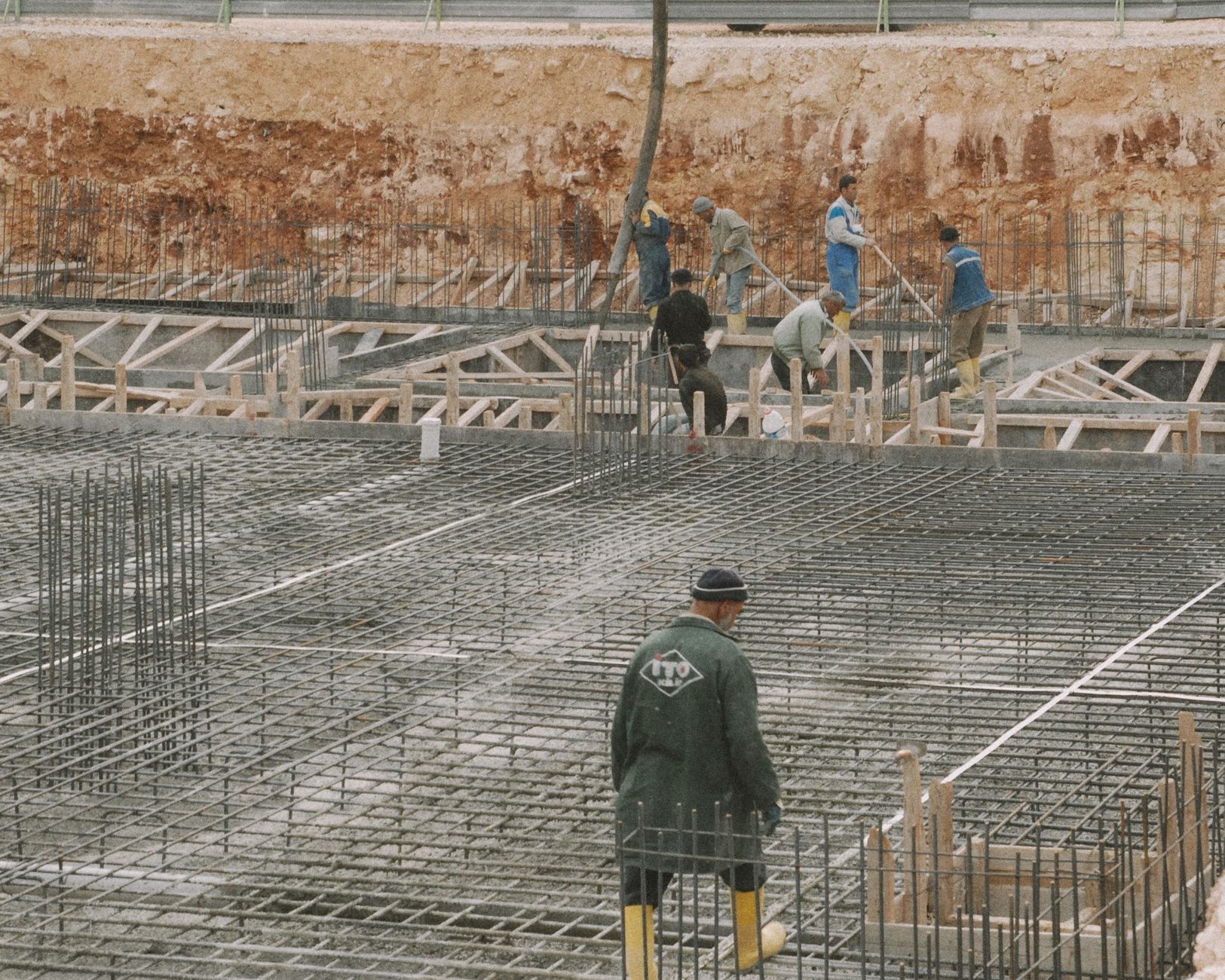
Construction Management: Scheduling, Procurement, and Field Insights
Beyond estimates and safety documents, AI for construction can improve the “middle layer” where projects succeed or fail: construction management. This includes schedule alignment, procurement coordination, document control, and decision-making that depends on accurate, up-to-date project information.
How AI for construction management works
- Schedule intelligence: AI can analyze activity dependencies and highlight potential critical path risks when resources or materials shift.
- Procurement support: By interpreting lead time constraints and spec requirements, AI can recommend procurement priorities.
- Change detection: AI can flag when drawings, RFIs, or addenda potentially impact cost, scope, or sequence.
- Progress insight: AI can help summarize daily reports, site photos, and field notes into structured updates for stakeholders.
AI-enabled workflows for teams
To get value quickly, implement AI construction assistant workflows in phases:
- Start with document intelligence: Use AI to summarize specs, identify missing information, and organize project data.
- Add estimate-to-plan linking: Connect cost items to work packages and schedule activities.
- Introduce safety and compliance checkpoints: Ensure each work package includes safety controls and required documentation.
- Scale to daily management: Use AI outputs to support daily standups, look-ahead planning, and coordination between trades.
Best practices for managing AI outputs
- Define ownership: Assign who reviews AI insights for schedule, procurement, and safety.
- Use standardized terminology: Consistency improves the quality of AI interpretation.
- Keep a single source of truth: Ensure AI updates align with your project management system.
- Confirm field conditions: AI can infer; it can’t replace site verification.
| Construction Need | AI for Construction Capability | What You Get | Best Use Case |
|---|---|---|---|
| Project estimates | Drafts takeoffs, extracts scope, flags missing line items | Structured cost breakdown with assumptions and risk notes | Bid preparation and early budget validation |
| Safety plans | Hazard identification and procedure drafting from plans and sequences | Review-ready safety documentation and training outlines | Preconstruction planning and weekly task updates |
| Construction management | Schedule/procurement insight from project data and document changes | Early warnings for critical path and procurement bottlenecks | Look-ahead planning and change management |
| AI construction assistant support | Summarizes RFI/spec details and keeps teams aligned | Faster decision cycles and better stakeholder communication | Cross-trade coordination and document control |
Using AI for Contractors: Implementation Steps That Avoid Common Pitfalls
Introducing an ai for contractors system can create immediate value, but only if you implement it with the right guardrails. Many teams fail by treating AI like a plug-and-play replacement for expertise. The winning approach is to build an AI workflow that accelerates work while preserving quality control.
Step-by-step rollout plan
- Pick one high-impact workflow: Estimation, safety planning, or daily management—choose the one with the most pain.
- Define the “review contract”: Specify what humans must verify (assumptions, quantities, compliance controls).
- Prepare your inputs: Standardize drawing/spec naming, templates, and data formats.
- Start small and measure: Track speed, accuracy, and rework reduction over a few projects.
- Scale based on results: Expand to additional scopes once your process is stable.
Common pitfalls to avoid
- Over-trusting outputs: Treat AI results as drafts that need expert validation.
- Inconsistent data: Poor document organization leads to weaker AI interpretation.
- No feedback loop: If your team doesn’t correct AI and update rules, performance won’t improve.
- Unclear accountability: Without owners, AI suggestions may stall in review queues.
Best practices for quality and compliance
- Use checklists: Create repeatable review steps for each document type (estimate, safety plan, RFI response).
- Keep documentation versioned: Track changes AI helps produce so decisions remain traceable.
- Align to local requirements: Safety and compliance differ by region; tailor your workflow accordingly.
- Train your team: Ensure estimators, supers, and safety leaders understand how to prompt, review, and approve outputs.
AIZora and Free Access: Get Started With an AI for Construction Assistant
If you’re evaluating ai for construction tools, the fastest path is to try them on your real workflows. With free access on AIZora, you can experiment with how an ai construction assistant supports your estimating, safety planning, and construction management needs—before committing to a full rollout.
To maximize your free trial experience, start with one concrete objective:
- Draft an estimate scope checklist from a past project set of drawings/specs
- Generate a hazard register and review-ready safety procedure outlines for a specific work package
- Summarize jobsite updates into a consistent daily report format
Then use the results to refine your process—prompting, templates, and review checklists—so the system becomes a dependable partner for your team.
Conclusion: AI for Construction Builds Fewer Surprises
AI for construction is most valuable when it reduces uncertainty: clearer estimates, stronger safety readiness, and construction management that responds to changes earlier. With the right human oversight, an ai for contractors approach helps you move from reactive problem-solving to proactive planning.
Start where your team feels friction most—project estimates, safety plans, or day-to-day management—then scale once you’ve proven accuracy and workflow fit. And if you want to try it without barriers, remember that AIZora offers free access so you can evaluate the ai for building capabilities on your own project data.
Your next step: Choose one work package, run an AI-assisted draft, and measure how it improves speed, completeness, and decision clarity. That’s how ai construction assistant adoption becomes a measurable advantage.