AI for developers is no longer a futuristic idea—it’s a practical way to build software faster, with fewer mistakes and more consistency. Whether you’re writing backend APIs, frontend components, infrastructure code, or automation scripts, an AI coding assistant can help you turn intent into working code in minutes, not hours.
In this guide, you’ll learn how AI pair programming and an automated coding assistant change day-to-day development—covering everything from ideation and code generation to debugging, documentation, and review workflows. And yes: you can get free access on AIZora while you test how an AI programming tool fits your stack.

What “AI for Developers” Really Means (Beyond Hype)
At its core, AI software development means using models trained on code and language patterns to assist the developer across the software lifecycle. The best AI for developers tools don’t replace engineering judgment—they amplify it.
Think of an AI pair programmer as a teammate that can:
- Propose code while you type (suggestions, completions, scaffolding)
- Generate tests and documentation from your intentions
- Explain errors, suggest fixes, and help you debug faster
- Refactor with consistent style and patterns
- Help you write clearer design notes and commit messages
That’s why many teams use an AI coding assistant to ship code faster with AI without sacrificing quality—especially when paired with solid reviews and automated checks.
AI Pair Programming: The Fast Path from Idea to Working Code
AI pair programming is more than autocomplete. It’s a workflow where the AI understands context (files, function signatures, comments, error output) and helps you produce correct, usable code faster.
Common scenarios where an AI coding assistant shines:
- Scaffolding: generating initial project structure, boilerplate routes, or service layers
- API implementation: producing request/response models, handlers, and validation logic
- UI components: creating state management, event handling, and reusable components
- Glue code: connecting modules, mapping DTOs, wiring dependencies
When you want to ship code faster with AI, the key is to keep the AI focused. Provide constraints such as expected input/output, edge cases, and style guidelines. The more precise your prompts, the more reliable your results.
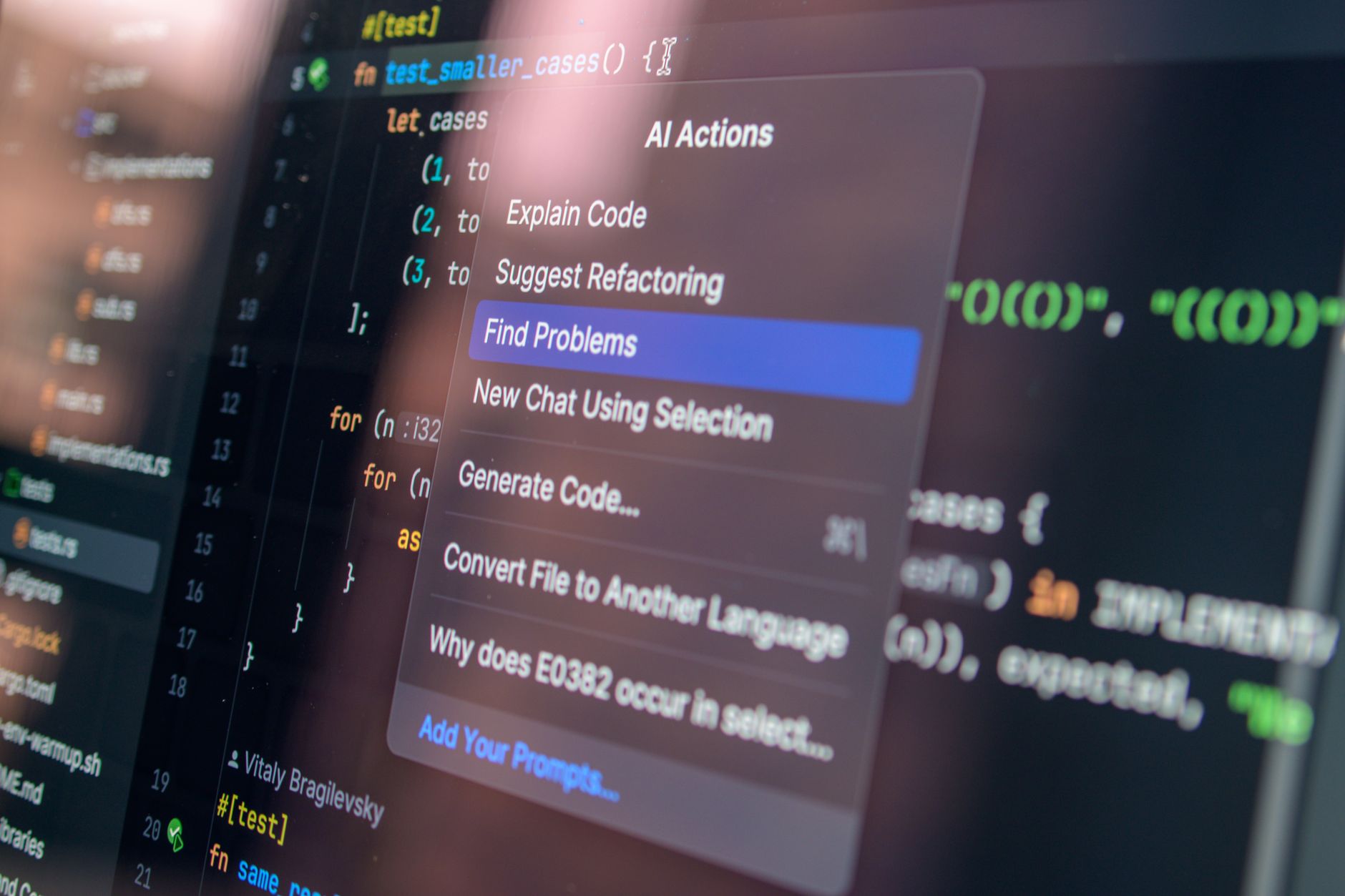
AI Code Generation for Real-World Engineering (Not Just Toy Examples)
AI code generation can be powerful, but it’s most valuable when applied to realistic engineering problems: refactors, migrations, integration glue, and test coverage.
To get results you can trust, structure your work in stages:
- Describe intent: what the function/component must do and what success looks like.
- Provide context: relevant files, interfaces, types, and constraints.
- Request an implementation: ask for code plus brief reasoning.
- Demand tests: generate unit tests and edge cases alongside the code.
- Iterate with feedback: run your linters, formatters, and test suite; fix issues with the AI.
This is how developer productivity AI becomes tangible. You reduce time spent on repetitive tasks while keeping your quality bar intact.
Best practice: ask the AI to generate incremental changes rather than rewriting everything at once. Small diffs are easier to review, test, and merge.
Debugging with an Automated Coding Assistant
Debugging is where many teams feel the biggest productivity gains. An automated coding assistant can help you:
- Interpret stack traces and error messages
- Identify likely root causes based on code context
- Suggest targeted fixes (and explain why)
- Generate minimal repro tests to validate the fix
- Refactor unstable code paths to reduce future failures
To make debugging with AI for developers more effective, feed the tool the artifacts that matter:
- The error message and stack trace
- The relevant function/class
- Expected behavior vs actual behavior
- Inputs that trigger the bug
Then ask for a plan, not just a patch. A good prompt might be: “Analyze the likely causes, propose the smallest safe change, and add a test that would fail before the fix.” This turns the AI into a practical debugging partner.
Improving Developer Productivity AI: Tests, Docs, and Code Reviews
Speed is great, but sustainable engineering requires quality. The best AI software development workflows pair AI coding assistance with team standards: testing, documentation, and review processes.
Here’s how to turn an AI coding assistant into a quality multiplier:
- Automate tests: generate unit/integration tests for new logic, especially around edge cases
- Document behavior: produce docstrings, README sections, and usage examples
- Review support: ask for a checklist of potential issues (null handling, concurrency, security)
- Refactor safely: request incremental refactors with preserved external behavior
If you want to ship code faster with AI, invest time early in defining consistent prompts and review rules. Over time, your team builds a repeatable process that reduces rework.
Feature Matrix: Choosing the Right AI Programming Tool for Your Workflow
Not all AI for developers tools support the same workflow. Use this matrix to align features with your day-to-day tasks—especially if you’re looking for an AI pair programmer experience or an AI coding assistant that helps across writing, testing, and review.
| Capability | What It Helps With | Why It Matters | Best For |
|---|---|---|---|
| AI pair programming | Context-aware suggestions, code edits, and iterative implementations | Reduces time from intent to working solution | Day-to-day feature development |
| AI code generation | Scaffolds functions/classes/components, produces boilerplate and integrations | Accelerates repetitive work while maintaining structure | New modules, migrations, rewrites |
| Automated coding assistant | Fixes, refactors, and explanation of errors | Improves debug cycles and reduces guesswork | Bug fixing and stabilization |
| Test generation support | Unit/integration test drafts and edge case coverage | Prevents regressions and builds confidence | CI-ready development |
| Developer productivity AI | Summaries, doc generation, and improved readability | Improves onboarding and long-term maintainability | Documentation-heavy teams |
| Workflow integration | Assists within IDE/editor contexts and repository patterns | Less context switching = more throughput | Teams standardizing dev practices |
Best Practices: Prompts, Guardrails, and Reliable Output
If you want to ship code faster with AI consistently, treat the AI like a skilled junior developer: helpful, fast, but still requires verification. These practices make your AI for developers workflow reliable.
1) Use “spec-first” prompts
Instead of “write a function,” ask for a contract:
- Inputs (types, constraints)
- Outputs (format and semantics)
- Edge cases (empty, invalid, boundary conditions)
- Performance expectations (if relevant)
2) Request diffs and incremental changes
When using AI programming tool assistance, ask for small patches. You’ll get easier reviews and fewer integration surprises.
3) Pair code generation with tests
Ask for a test plan or automated tests alongside AI code generation. This is one of the strongest strategies for maintaining quality while increasing speed.
4) Validate with static checks
Always run your normal toolchain: linters, formatters, type checks, and CI. Then use the AI to interpret the results. This creates a loop that improves correctness over time.
5) Add “style and constraints” to prompts
If your organization uses specific patterns (naming conventions, architectural boundaries, or security rules), include them. It keeps your AI pair programming output aligned with the codebase.
How AIZora Helps Developers Ship Faster (Free Access Included)
As you explore AI for developers, you’ll likely notice a theme: the best outcomes come when the tool supports your full workflow—coding, refining, testing, and writing. With AIZora, you can access an AI coding assistant designed to support AI pair programming and AI software development workflows, so you can ship code faster with AI without losing control of quality.
And importantly, AIZora offers free access, which makes it easy to test an AI programming tool on your real projects instead of demos.
Conclusion: Make AI Your Coding Accelerator, Not Your Risk
The biggest unlock of AI for developers is not magic—it’s acceleration. With an AI pair programmer and an AI coding assistant supporting tasks like AI code generation, debugging, and documentation, you can dramatically improve throughput and reduce repetitive work.
To get the best results, use spec-first prompts, request tests, validate with your toolchain, and prefer incremental diffs. Do that, and your team can confidently ship code faster with AI while maintaining the standards that matter.
Ready to try? Take advantage of free access on AIZora and start using an AI pair programming workflow to boost developer productivity AI today.