
If you’ve ever avoided updating your profile photo because of time, cost, or the hassle of a photoshoot, you’re exactly who the AI Headshot Generator was built for. Today, a professional headshot generator can help you create ai headshots that look clean, credible, and ready for real professional contexts—LinkedIn, company bios, resumes, websites, and more—often without booking a studio.
In this guide, we’ll walk through what an ai headshot generator does, why it’s so effective, how to get consistently great results, and how to use one confidently—especially with free access available on AIZora.
What Is an AI Headshot Generator?
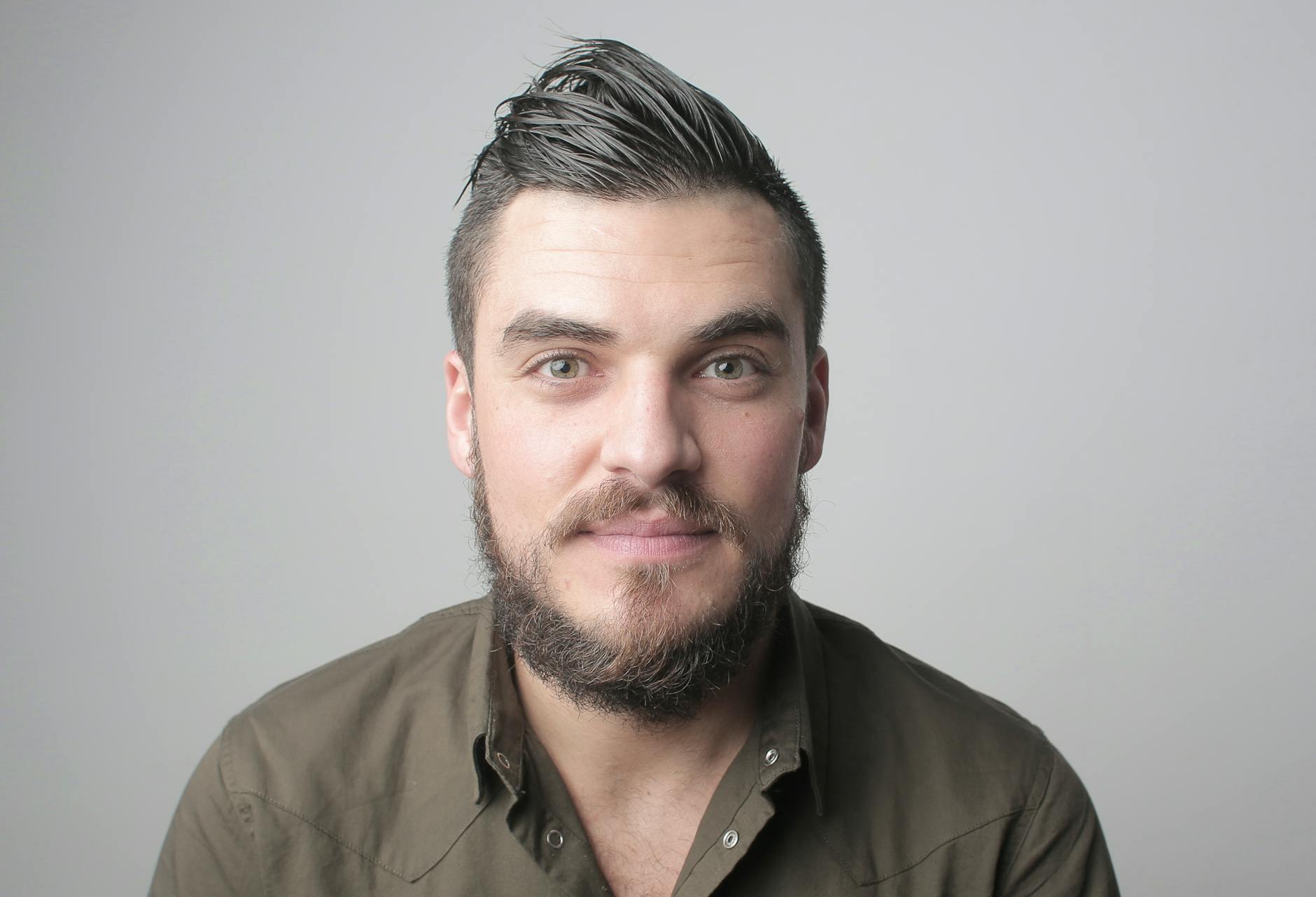
An AI Headshot Generator is a tool that uses AI to transform a provided image (or sometimes even a minimal input) into a studio-style portrait. The goal is simple: generate a professional ai headshots look—better lighting, improved framing, natural facial detail, and a background that fits a corporate or personal brand.
Unlike traditional editing, a modern ai portrait generator typically focuses on end-to-end portrait aesthetics: face refinement, subject separation from the background, and styling aligned with professional norms.
- Faster than a photoshoot: Create a polished result in minutes.
- More consistent: Keep the same “brand vibe” across platforms.
- Versatile use cases: LinkedIn headshot, company team pages, and speaker bios.
- Easy iteration: Generate multiple looks without retaking photos.
Why Use a Professional Headshot Generator?
Hiring a photographer or scheduling a studio session can be expensive and time-consuming. But your online presence needs a current headshot—especially if you’re job searching, freelancing, building a startup, or expanding your network.
A professional headshot generator solves the most common headshot problems:
- Lighting issues: Too dark, too harsh, or uneven illumination is corrected for a more flattering look.
- Background distractions: A cleaner, more professional setting replaces busy environments.
- Framing and composition: The final crop is designed for a portrait-first layout (like LinkedIn).
- Consistency across platforms: Keep your image style uniform across your website, socials, and documents.
When you search for options such as business headshot ai, corporate headshot generator, or virtual headshot generator, you’re typically looking for results that feel trustworthy and corporate—rather than overly stylized.
How an AI Photo Headshot Tool Works (In Plain English)
While the exact mechanics vary by platform, a high-quality ai headshot maker generally follows a pipeline like this:
- Image intake: You upload a photo you already have.
- Subject detection: The system identifies your face and key portrait features.
- Portrait enhancement: The tool refines skin tone, sharpness, and overall image clarity.
- Background and lighting styling: It adjusts or replaces the background to look professional and consistent.
- Export for use: You download a headshot sized for practical needs (for example, a linkedin headshot generator workflow).
Pro tip: The best results usually come from a clear, front-facing photo with good lighting—even if it’s not “studio perfect.” The AI fills in the polish.
Best Practices to Get Stunning Professional AI Headshots
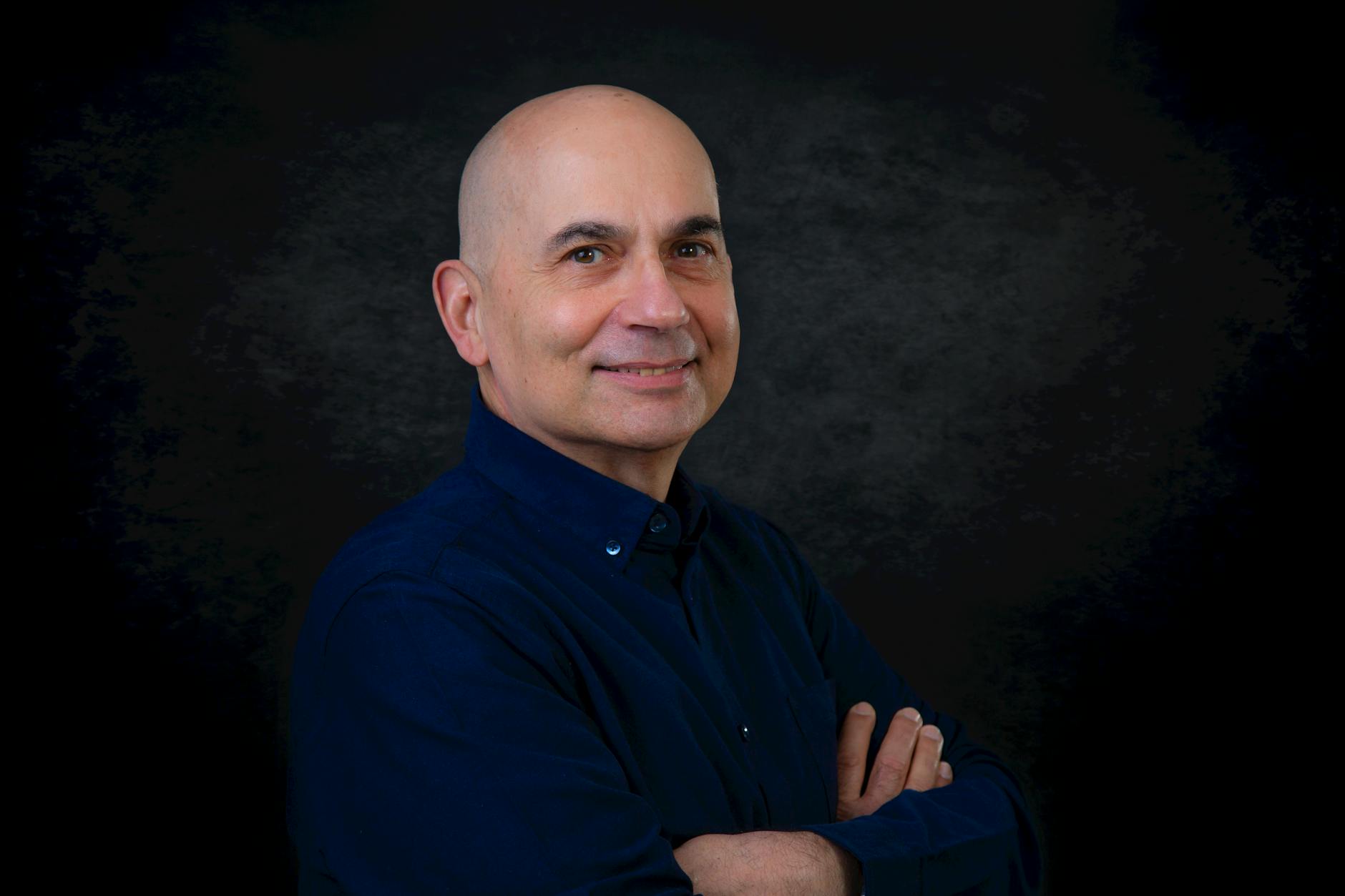
Even the best ai professional photo generator can only enhance what’s there. Use these best practices to maximize quality, realism, and brand alignment.
Start With a Strong Base Photo
- Face-forward: Aim for a direct angle or slight turn (avoid extreme side profiles).
- Good resolution: Low-res images can reduce the quality of facial refinement.
- Natural expression: A relaxed smile or neutral confidence works best for business.
- Minimal distractions: Avoid cluttered backgrounds if possible.
Choose a Style That Matches Your Goal
Different platforms and roles call for different vibes. When using an ai profile picture generator, decide what you want first:
- LinkedIn: Clean background, professional contrast, natural skin tone.
- Corporate teams: Consistent lighting and formal or business attire cues.
- Speaking & media bios: Slightly more character in expression while staying polished.
- Hiring portfolios: Aim for “credible and current” rather than “overly stylized.”
Generate Multiple Variations
One of the biggest advantages of an ai headshot generator is speed—don’t settle on the first output. Create several versions with different background/lighting looks, then compare.
When evaluating results, look for:
- Sharpness on eyes (the most noticeable feature)
- Natural facial texture (no “plastic” effect)
- Consistent color temperature across the portrait
- Background cleanliness and professional separation
Avoid Common Output Pitfalls
- Over-editing your input: Start with a photo that isn’t already heavily filtered.
- Bad crops: Ensure your face isn’t cut off or too small.
- Inconsistent attire: If your outfit is informal, AI can improve style but cannot fully change “context” credibility the way a true studio setting would.
AI Headshot Generator Use Cases (Where It Makes the Biggest Difference)
Once you have a reliable professional headshot generator, you can apply it across many business scenarios.
- Job seekers: Refresh your LinkedIn and resume profile with a current, professional photo.
- Entrepreneurs: Create a consistent brand image for your website, pitch deck, and social profiles.
- Remote teams: Standardize team pages and internal directories without scheduling sessions.
- Creators and consultants: Build trust quickly with a polished portrait that looks credible.
- Recruiters and HR: Use a consistent style for candidate profiles or internal staff pages.
- Speakers and authors: Produce multiple headshot variants for press kits.
Because it’s essentially a virtual headshot generator, you can update your image quickly when your role changes—or when you want to match a new brand direction.
| Need | Best Tool Type | What to Look For | Result Quality |
|---|---|---|---|
| LinkedIn updates | linkedin headshot generator | Natural skin tone, clean background, portrait crop | High for professional presence |
| Corporate profiles | corporate headshot generator | Consistent lighting, formal or business-ready styling | Uniform and team-friendly |
| Personal branding | ai headshot generator / ai portrait generator | Brand-consistent look across platforms | Great for cohesive identity |
| Fast experimentation | ai headshot maker | Multiple variations, easy iteration | Efficient and time-saving |
| Budget-friendly options | headshot ai free (where available) | Realistic outputs without costly studio time | Strong value with proper inputs |
Using AIZora’s AI Headshot Generator (Free Access Included)
If you’re exploring the idea of a headshot ai free workflow, you’ll be glad to know that AIZora offers free access options for creating professional results. That means you can test the process, compare variations, and find a look that fits your goals—without committing to a full paid session.
To start, you’ll typically:
- Upload a suitable photo to your ai photo headshot workflow.
- Select a professional style aligned with your target use (LinkedIn, corporate, personal branding).
- Generate and review a few outputs.
- Download the best version and use it on your profiles.
Key takeaway: With free access on AIZora, you can treat your headshot like a product iteration—try options quickly until you get the most credible, polished result.
Video Walkthrough: See the Transformation Flow
Conclusion: Upgrade Your Presence With an AI Headshot Generator
The best headshots don’t have to come from an expensive, time-consuming photoshoot. With an AI Headshot Generator, you can create professional headshot generator-level results quickly—turning everyday photos into studio-style ai headshots that are ideal for business, networking, and branding.
Whether you’re looking for a business headshot ai solution, a corporate headshot generator for teams, or a linkedin headshot generator workflow for career growth, the same principles apply: start with a strong photo, generate variations, and choose a professional look that supports your goals.
Ready to refresh your image? Try the AI Headshot Generator with free access on AIZora and create your next professional portrait in minutes—no studio required.