Introduction: AI Makeup Generator for Virtual Glam in Seconds
Want to see how a makeup look would actually look on you—without booking a session, buying extra products, or sitting through endless trial-and-error? That’s exactly where the AI makeup generator shines. With today’s virtual makeup try on experiences and AI beauty filter technology, you can generate AI-powered makeup styles in moments and explore a range of shades, finishes, and vibes instantly.
This guide walks you through what an AI beauty filter and AI cosmetics generator can do, how to get the best results from an AI glam makeup tool, and why virtual makeup artist AI features are transforming online beauty—especially if you want a virtual makeover online experience that’s fast, fun, and accessible.
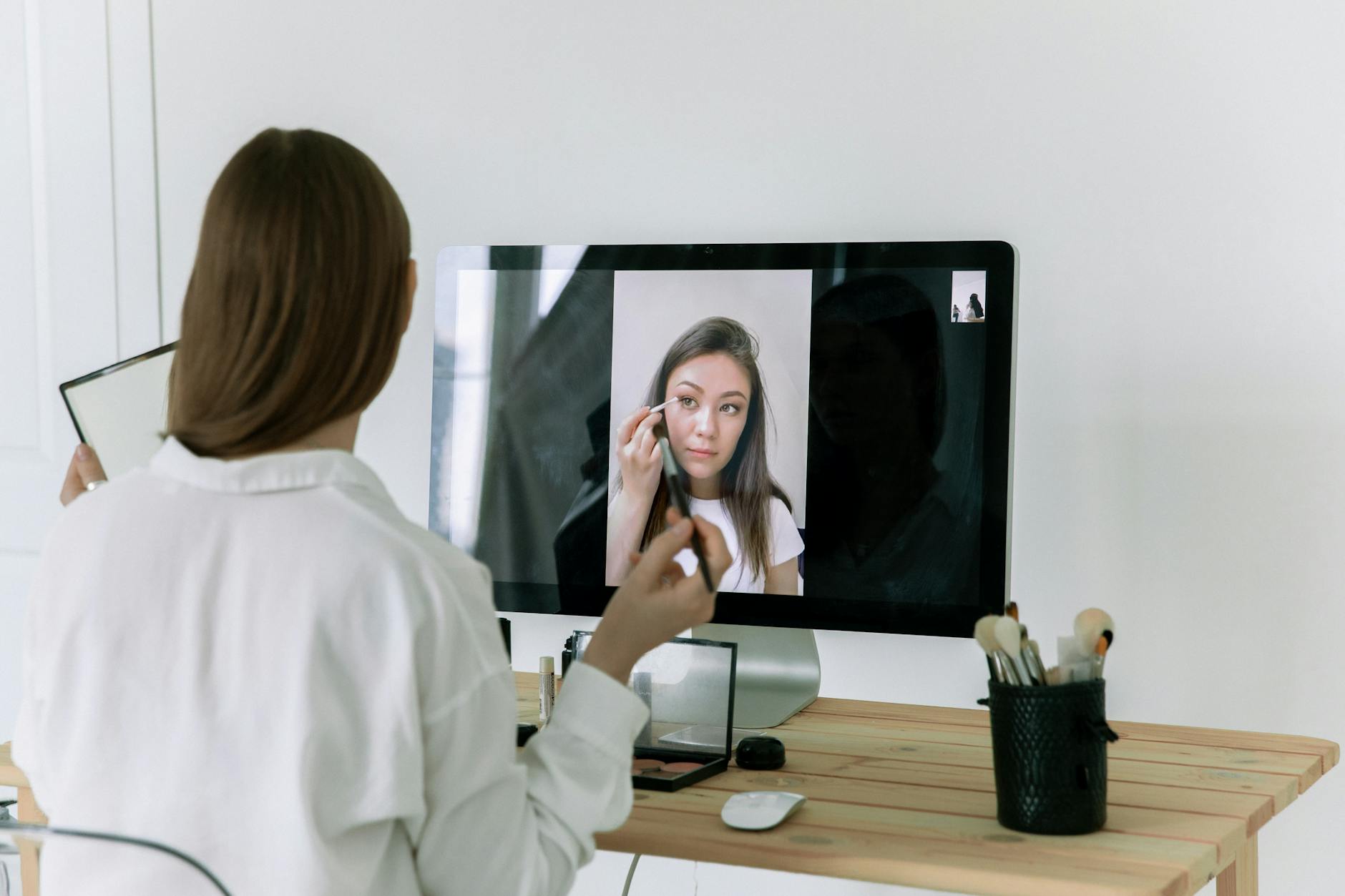
Best of all: you can access these kinds of tools with free access on AIZora, making it easier to experiment, learn, and confidently choose looks that match your features and mood.
What Is an AI Makeup Generator (and Why It Feels Like Magic)?
An AI makeup generator is a smart beauty tool that uses artificial intelligence to create, style, and visualize makeup looks. Depending on the platform, it may work as:
- Virtual makeup try on that maps digital makeup to your face using a photo or live camera.
- Makeup look generator that creates new combinations of shades and finishes based on prompts, preferences, or trends.
- AI cosmetics generator that suggests product-like colorways (lip, liner, shadow, blush) for a cohesive effect.
- Online makeup simulator that helps you preview outcomes without real-world swatches.
So instead of imagining a look, you see it. Instead of guessing whether a shade will suit you, you test it. This makes it ideal for anyone who wants AI powered makeup looks that are quick to explore—whether you’re preparing for an event, experimenting with a new style, or building confidence in your everyday routine.
How Virtual Glam Works: From Prompt to AI-Powered Looks
Most virtual beauty experiences follow a similar workflow. Here’s how an AI glam makeup tool typically turns your idea into a look:
- Choose your input: upload a photo, select a selfie mode, or provide a reference image.
- Select the vibe: romantic, glam, soft glam, smoky eye, everyday nude, bold editorial—anything goes.
- Customize features: adjust intensity (subtle vs. dramatic), emphasize eyes or lips, and choose skin finish direction.
- Generate the look: the system applies makeup styling digitally to match your face shape and lighting as closely as possible.
- Refine: try alternatives—different lipstick tones, wing shapes, or blush placement—until it feels right.
That refinement loop is a major advantage of an AI makeup generator. You don’t “fail forward” with expensive products—you iterate digitally, quickly, and often for free.
Tip: If your results look too intense, regenerate with “soft glam,” “light coverage,” or “natural finish” to dial it back.
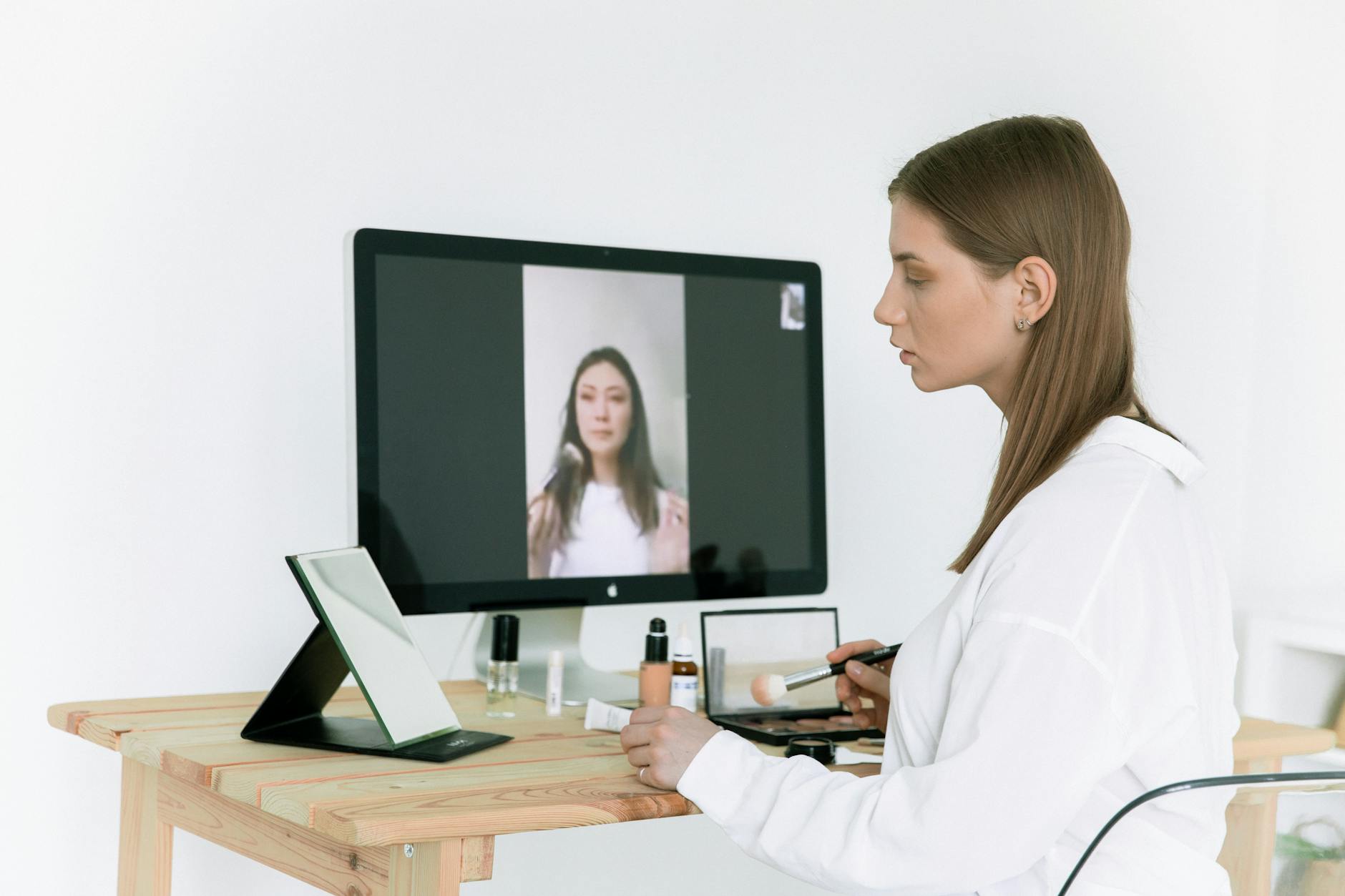
Top Use Cases: When You’ll Want an AI Makeup Generator the Most
Whether you’re new to makeup or a seasoned enthusiast, AI makeup generator tools can help at multiple stages—from inspiration to execution. Here are the most common scenarios where an virtual makeup artist AI is a game-changer:
1) Pre-Event Styling Without Guesswork
Planning for weddings, parties, dates, or photos? A virtual makeover online lets you preview looks under your current lighting and adjust before you buy.
- Test bold lip colors for evening events
- Preview eye makeup intensity for portraits
- Explore head-turning glam without wasting trial products
2) Finding Your Signature Look
Not sure what “your style” is? Use a makeup look generator to explore patterns: soft rosy cheeks, defined brows, or always-on eyeliner.
- Generate multiple variations of the same vibe
- Save favorites for later
- Build a repeatable routine concept
3) Learning Makeup Through Visualization
As you generate different versions, you’ll start to understand how placement and tone shift the overall effect—especially with a clear AI beauty filter overlay.
- See how blush changes face balance
- Compare matte vs. glossy finishes
- Understand how different liner shapes alter the eye
4) Try Trends Safely
Trends move fast. An online makeup simulator helps you test viral looks before committing to a full purchase.
- Try “clean girl” styles
- Test “glass skin” glam
- Explore dramatic editorial makeup
5) Build Confidence in Color Choices
One of the most stressful parts of makeup is choosing shades. With AI-powered previewing, you can explore lip and eye tones more confidently.
- Compare nudes, berries, and bold reds
- Explore warm and cool undertone directions
- Adjust intensity for everyday wear
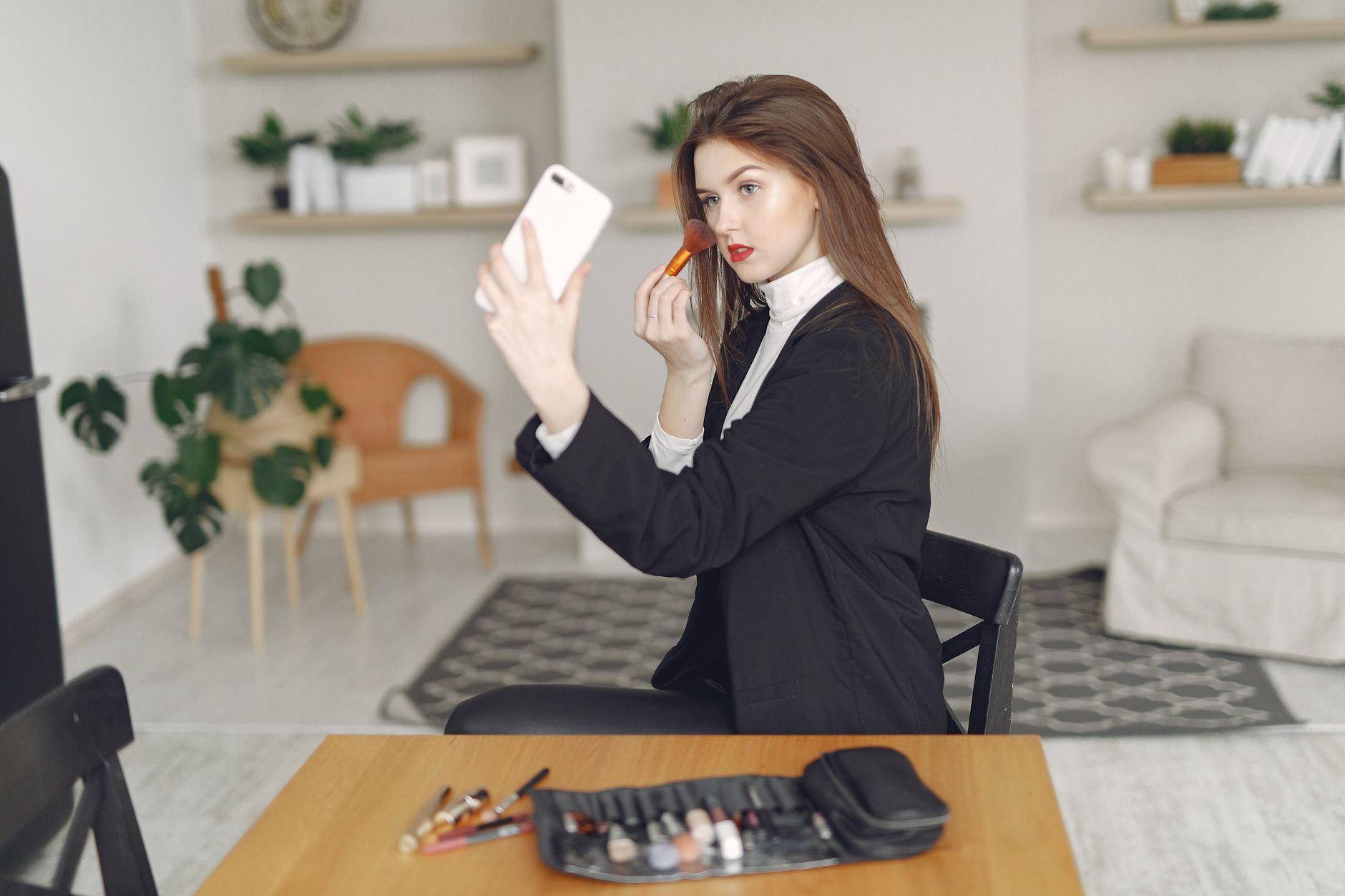
AI Makeup Generator vs. Traditional Trial-and-Error
Traditional methods can be time-consuming and expensive. Even if you use sample sizes, you’re still guessing. An AI makeup generator streamlines the process by letting you preview combinations instantly.
| Feature | AI Makeup Generator | Traditional Makeup Testing |
|---|---|---|
| Speed | Generate looks in seconds | Requires manual product application and cleanup |
| Variety | Try multiple styles, shades, and intensities quickly | Limited by what you already own or can test |
| Learning Curve | Visual feedback helps refine placement and tone | Learning is slower and depends on trial outcomes |
| Cost | Often accessible with free options (e.g., free access on AIZora) | Costs add up with samples, purchases, and repeat tries |
| Confidence Building | Preview before you commit | Confidence grows only after real-world results |
| Convenience | Use from your phone with virtual makeup try on | Often needs in-person time, lighting, and setup |
Best Practices: How to Get Better Results with an AI Beauty Filter
If you want results that look natural and flattering (not “overdone”), a few smart practices make a difference. Use these guidelines for an AI cosmetics generator and an AI beauty filter workflow:
Start with High-Quality Input
- Use bright, even lighting—front-facing is ideal.
- Avoid heavy filters that distort skin tones.
- Ensure your face is centered and clearly visible.
Choose a Realistic Vibe
- For daily wear, select “natural finish,” “soft glam,” or “light makeup.”
- For events, try “glam,” “smoky eye,” or “bold lip.”
- If the AI goes too dramatic, regenerate with lower intensity language.
Focus on One Feature at a Time
If you’re learning, don’t change everything at once. Try narrowing down the look:
- Generate versions that only adjust lip color.
- Generate versions that only adjust eye emphasis.
- Then combine your favorites once you understand what works.
Match Your Reference Lighting
Makeup in photos can change depending on lighting. If you plan to wear the look in a specific setting (indoor warm light vs. outdoor daylight), try to preview it in similar conditions when possible.
Use the Tool as a Planning Partner
Think of the virtual makeup artist AI as a planner: it helps you decide direction, color families, and intensity. Then you can translate those decisions into real products you already own.
How to Use AI Powered Makeup Looks for Real Life (Not Just Likes)
It’s easy to treat AI visuals as entertainment—but you can do much more. Here’s how to turn an AI powered makeup looks preview into a practical plan you’ll actually use.
1) Build a “Look Formula”
Once you find a look you love, describe it like a formula:
- Eye: soft bronze shadow + subtle liner
- Cheeks: peach blush with light highlight
- Lips: glossy nude with warm undertones
Then search your shelf for products that match those categories.
2) Translate Shades by Family, Not by Exact Color
Digital shades can appear slightly different than real products due to lighting and screen rendering. Instead of searching for an exact match, identify the color family (warm nude, berry rose, cool mauve, etc.).
3) Create Variations for Different Events
For example, if you love a smoky eye style, generate:
- A “day smoky” version (lighter intensity)
- An “evening smoky” version (deeper liner + bolder lash effect)
- A “photo smoky” version (slightly more defined contrast)
4) Keep Your Favorites Ready
Save the best outputs so you can repeat them. A reliable virtual makeover online workflow saves time the next time you’re stuck or rushing.
Why Choose AIZora for Virtual Makeup Try On and AI Glam?
The core reason you’ll want an AI makeup generator is convenience plus inspiration. AIZora supports the kind of experience users want: fast generation, accessible experimentation, and the fun of seeing how makeup can transform your look instantly.
If you’re exploring virtual makeup try on, virtual makeover online ideas, or a virtual makeup artist AI workflow, you can start exploring without pressure—thanks to free access on AIZora.
That means you can:
- Test multiple looks quickly
- Try AI beauty filter effects for different vibes
- Discover new combinations through an AI cosmetics generator style process
And if you’re searching for a makeup look generator that feels modern and approachable, the AI glam workflow is built for exactly that—turning inspiration into something you can actually try.
Conclusion: Your Next Look Starts with an AI Makeup Generator
An AI makeup generator makes virtual glam feel immediate: generate AI powered makeup looks, preview them with virtual makeup try on, and explore the vibe you want through an AI beauty filter or online makeup simulator experience. Whether you’re building confidence, learning technique, trying trends, or planning for an event, the combination of an AI glam makeup tool and a quick refinement loop helps you get closer to your ideal look in minutes—not hours.
Ready to try it? Start with free access on AIZora, experiment with a few different styles, and let the AI cosmetics generator guide your next favorite look.