
Introduction: Why an AI Product Photo Generator Changes Everything
Great product photos are no longer limited to studios, expensive lighting setups, or endless retouching hours. With the AI Product Photo Generator, you can generate stunning product photos from simple uploads—and do it fast. Whether you’re building an online store, preparing listings for major marketplaces, or refreshing your brand visuals, this product photography ai workflow helps you move from “good enough” to “conversion-ready” without the traditional bottlenecks.
At AIZora, you can access the tool for free and start creating images right away. The result: cleaner backgrounds, more consistent lighting, and a modern look designed for ecommerce performance—exactly what you need when you’re producing amazon product photos or updating category pages.
What to expect: upload an image, refine the output, and generate ecommerce-style photos that look cohesive across your catalog.
How the AI Product Photo Generator Works (In Plain English)
The best ecommerce photo generator tools don’t just “filter” your image—they use AI to understand product details and rebuild the scene to match marketplace standards. Here’s the typical flow you can expect with the AI Product Photo Generator:
- Upload a product image (a single shot or multiple angles).
- AI analysis identifies the product edges, surface texture, and key visual features.
- Background and presentation are enhanced for a cleaner, more professional look.
- Style consistency helps your catalog look uniform—ideal for storefronts and bulk listing workflows.
- Export results sized for your use case (web, social, marketplace listings).
Even if your source photos are imperfect—slight shadows, inconsistent angles, or non-uniform backgrounds—the product photography ai approach is designed to salvage the shot and make it usable for real customer browsing.

Key Benefits: Faster Production, Higher Consistency, Better Conversions
Why are more brands adopting an ai product photo generator? Because the economics of photo production are shifting. You don’t need to reshoot everything to improve quality—you need repeatable output that matches your catalog style. Here are the benefits that matter most for ecommerce teams:
- Speed to publish: generate new images quickly so you can launch collections and promotions without delays.
- Catalog consistency: reduce visual variance across products and variants—important for brand trust and scanning behavior.
- Improved clarity: enhance key product details so shoppers can evaluate what they’re buying.
- Marketplace readiness: create images aligned with typical expectations for amazon product photos (clean presentation, clear focus, and professional styling).
- Lower production overhead: reduce the need for constant studio reshoots or manual editing.
In practice, this means fewer “almost right” images that get rejected, and more assets you can confidently use across product pages, ads, and category grids.
Best Practices for Getting Stunning Results
AI can do a lot, but you’ll get better outcomes if you provide the right inputs and follow a few practical steps. Consider these tips and best practices when using this product photography ai workflow.
1) Start with clean, well-lit uploads
You don’t need studio lighting, but clear visibility helps AI understand the product shape and texture. Choose photos where the item is the dominant subject and isn’t overwhelmed by clutter.
- Use daylight or bright indoor lighting if possible.
- Avoid heavy motion blur.
- Keep the product in focus.
2) Provide a consistent angle when generating a series
For collections, color variants, and bundles, consistency is a major factor in how professional your store feels. Capture each variant from a similar perspective so the AI can preserve continuity across outputs.
3) Watch for edge overlap and occlusion
If the product is partially covered (hands, packaging text, or overlapping items), the AI may have to guess. If you can, upload images where the product is unobstructed.
4) Keep backgrounds simple—even if they’re not perfect
One of the strengths of an ecommerce photo generator is improving backgrounds. Still, a simpler background gives better segmentation and cleaner final results.
5) Use output versions strategically
Generate images for multiple purposes: product pages (clean hero image), listings (clear and uncluttered), and ads (consistent styling). A single upload can produce several variations depending on your workflow.
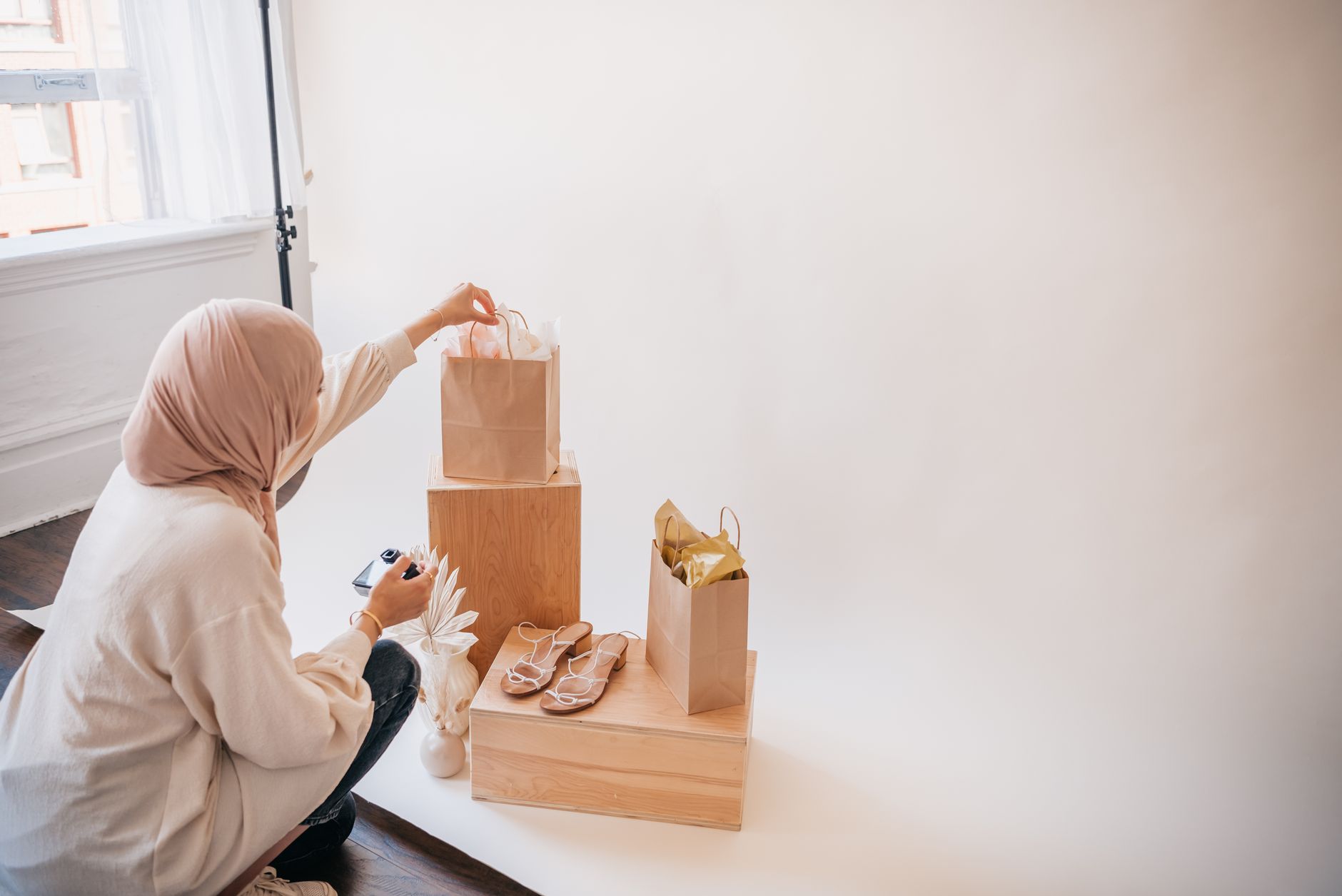
AI Product Photo Generator vs. Traditional Editing (What’s the Real Difference?)
Traditional workflows involve manual cropping, background removal, color correction, and consistent lighting matching. That’s time-consuming, especially when you’re scaling. The AI Product Photo Generator focuses on automating the most repetitive steps and producing images that visually “belong together” across your catalog.
| Workflow | Time to First Good Image | Catalog Consistency | Best For |
|---|---|---|---|
| Manual editing (Photoshop-style) | Hours per batch | Depends on your process and skill | Small catalogs, highly customized campaigns |
| Template-based backgrounds | Fast, but rigid | High consistency, lower realism | Very uniform products |
| AI product photography ai (AI Product Photo Generator) | Minutes for usable results | Designed to look cohesive across products | Growing catalogs, frequent listings, ecommerce teams |
When you factor in repeatability, scalability, and speed-to-publish, AI often wins—not by replacing taste, but by reducing the tedious work so you can focus on what matters: accurate product representation and brand direction.
Amazon and Ecommerce Photo Requirements: How to Stay Within Marketplace Expectations
Marketplace shoppers evaluate products quickly. That means your images must be clear, consistent, and easy to scan. While specific policies vary, the following practices help your generated images perform better and align with common standards for amazon product photos.
What typically works well for ecommerce and Amazon-style listings
- Clear product visibility: the product should be easy to identify instantly.
- Clean presentation: minimal distractions and readable product form.
- Consistent style: the same look across variants builds trust.
- Accurate colors: avoid extreme stylization that misrepresents the item.
How the AI Product Photo Generator supports these needs
By leveraging product photography ai techniques, the tool can help refine your uploads into a more consistent visual language—ideal for storefront grids, Amazon listing sets, and campaign landing pages.
Pro tip: create a small “style library” (e.g., 3–5 consistent looks) and generate images in that style for each new product batch. You’ll reduce decision fatigue and speed up approvals.
Workflow Ideas: Create Hero Images, Variant Sets, and Ad Creative Faster
An ai product photo generator is most valuable when it fits into your production pipeline. Here are practical workflow ideas for ecommerce teams and solo sellers.
Hero image set for new arrivals
When launching a new collection, generate a hero-style image for each product. Keep angles consistent and prioritize clean presentation so your category pages look uniform.
Variant generation for size and color
If you have multiple colors or sizes, generate outputs using the same template look. The goal is not only better images, but a consistent shopping experience.
Ad-ready crops and background refinements
Use the outputs for social and paid campaigns. With consistent styling, you can create cohesive ad sets without having to re-edit from scratch.
Batch production for seasonal updates
Seasonal campaigns require volume. Use AI to speed up creation of updated imagery for landing pages, banners, and product grids.
Frequently Asked Questions
Is this really an ecommerce photo generator, or just a filter?
It’s designed to produce marketplace-ready visuals using product photography ai methods that improve presentation and consistency, not only apply surface-level filters.
Do I need professional photos to get good results?
No. Start with clear uploads. The closer the product is to being the main subject, the better the AI can refine edges, lighting, and overall presentation.
Can it help with amazon product photos?
Yes. The workflow is built for ecommerce use cases where clean, consistent, and readable presentation matters for listing performance.
Is there free access?
Yes—AIZora offers free access, so you can try the AI Product Photo Generator and generate your first images before scaling production.
Conclusion: Start Generating Better Product Photos with AIZora—Free
The advantage of an AI Product Photo Generator is simple: it helps you produce stunning, ecommerce-ready visuals from quick uploads. With product photography ai capabilities and an approach tailored for storefront consistency, you can create more publishable assets faster—whether you’re preparing amazon product photos, refreshing a catalog, or building ad-ready imagery.
If you’re ready to upgrade your photo workflow, try it on AIZora with free access. Upload a product, generate your first set, and see how quickly you can move from “rough shots” to conversion-focused product imagery.