Introduction: Why an AI Song Lyrics Generator Matters for Modern Songwriting
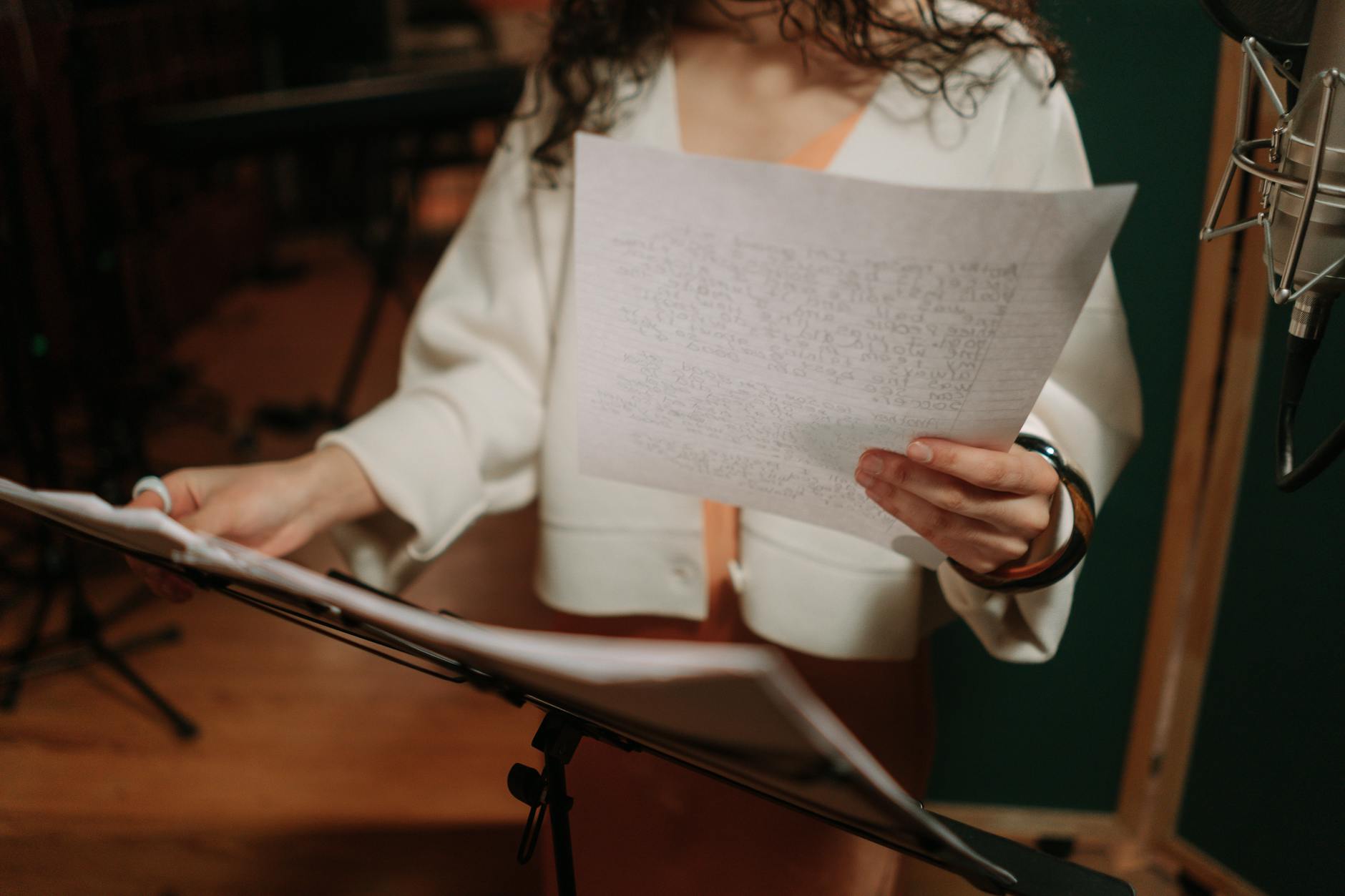
Writing song lyrics used to be a slow, sometimes intimidating process: staring at a blank page, chasing a rhyme that never lands, and wondering why your chorus won’t “click.” Today, creators have a new co-writer on demand. The AI Song Lyrics Generator—often also called an AI lyric writer—helps you generate original lines, entire verses, and even concept-driven songwriting drafts in minutes.
Tools like AIZora make this experience practical and accessible. With free access on AIZora, you can experiment with prompts, genres, and styles without turning it into a high-cost workflow. Whether you’re a songwriter, a content creator, a bedroom producer, or a rapper building momentum, a song generator ai can become your fastest path from “idea” to “draft.”
In this guide, you’ll learn how to use an AI song lyrics generator effectively, how to avoid generic results, and how to turn AI output into lyrics that sound like you. We’ll also cover specialized workflows for rap with a rap lyrics generator, plus a structured best-practices checklist you can follow every time.
What Is an AI Song Lyrics Generator (and What It Isn’t)?
An ai song lyrics generator is a writing assistant powered by machine learning that can produce lyric text based on prompts such as theme, mood, genre, and structure. Unlike a template that forces you into prewritten lines, modern models are typically able to create variations—so you can iterate instead of starting over.
At the same time, it’s important to understand what it isn’t:
- It’s not a replacement for your taste. The best lyrics still need your emotional intent, vocabulary, and rhythm choices.
- It’s not automatically “ready to perform.” You’ll often refine phrasing, meter, and rhyme density.
- It’s not a guaranteed unique masterpiece on the first try. Iteration is part of the process.
Think of it as an idea accelerator. You supply direction; the AI supplies momentum. Then you polish until it feels personal.
How to Use an AI Lyric Writer to Generate Better Drafts
When you use an AI lyric writer, the quality of the output usually depends on the quality of your prompt. The goal isn’t to ask for “a song.” The goal is to specify constraints that help the model write within your lane.
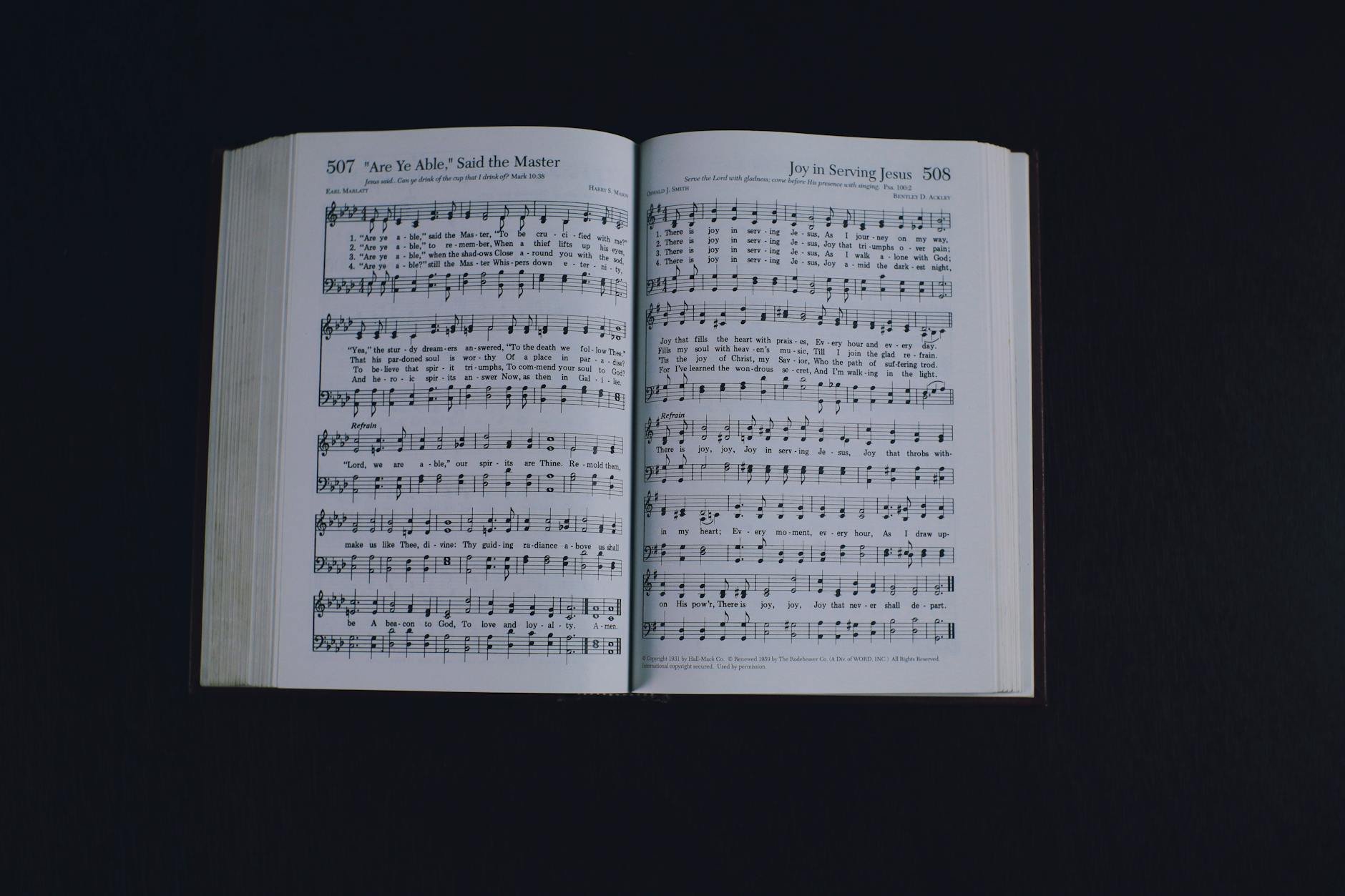
Start with a prompt formula that actually works
Use this structure as your baseline:
- Genre & subgenre: (e.g., alt-pop, drill rap, acoustic folk, R&B)
- Theme: (e.g., letting go, ambition, late-night regret)
- Mood: (e.g., hopeful, angry, nostalgic, dreamy)
- Point of view: (I/me, you, third-person)
- Song sections: (verse/chorus/bridge or just “hook + verse”)
- Rhyme & rhythm guidance: (tight end rhymes, internal rhymes, free verse, syllable focus)
- Unique detail: (a place, an object, a specific memory)
Examples you can adapt
Here are prompt patterns that map cleanly to real songwriting needs:
- For pop/alt songwriting: “Write a hopeful alt-pop chorus with a punchy hook about rebuilding after a breakup. Keep it vivid and modern. 2 lines with strong end rhyme, then 4 lines for verse with internal cadence.”
- For acoustic introspection: “Create an acoustic folk verse in first-person. Mood: warm and reflective. Use simple imagery and singable lines. Avoid complex vocabulary.”
- For a content creator hook: “Generate a short hook for a trending reel: confident, witty, and energetic. 6 lines total, each line under 10 words.”
As you generate options, treat them like sketches. Pick the best fragments, then ask for alternatives around the lines you like.
Turn AI Output into Lyrics You’ll Actually Perform
Many creators stop at “that sounds good.” But if you want lyrics that hit live or on the beat, you’ll want to refine.
Refinement checklist (fast and practical)
- Match your melody or beat: Read lines aloud. If the cadence doesn’t fit, rewrite with fewer/more syllables.
- Strengthen the hook: Make the chorus more memorable by repeating a key phrase or tightening the imagery.
- Improve rhyme quality: Swap weak end rhymes for closer matches, or add internal rhymes to increase momentum.
- Remove filler: If a line feels generic, replace it with a specific detail you genuinely associate with the theme.
- Consistency of perspective: Don’t shift “I” to “you” randomly unless it’s intentional.
Use iteration strategically
Instead of generating a whole song in one shot, try a “section-first” workflow:
- Step 1: Generate 5–10 chorus hooks.
- Step 2: Select 1 hook and request 2 alternate verse builds that lead into it.
- Step 3: Add a bridge that changes the emotional temperature.
This approach often produces more coherent songs because you’re building around the line that matters most.
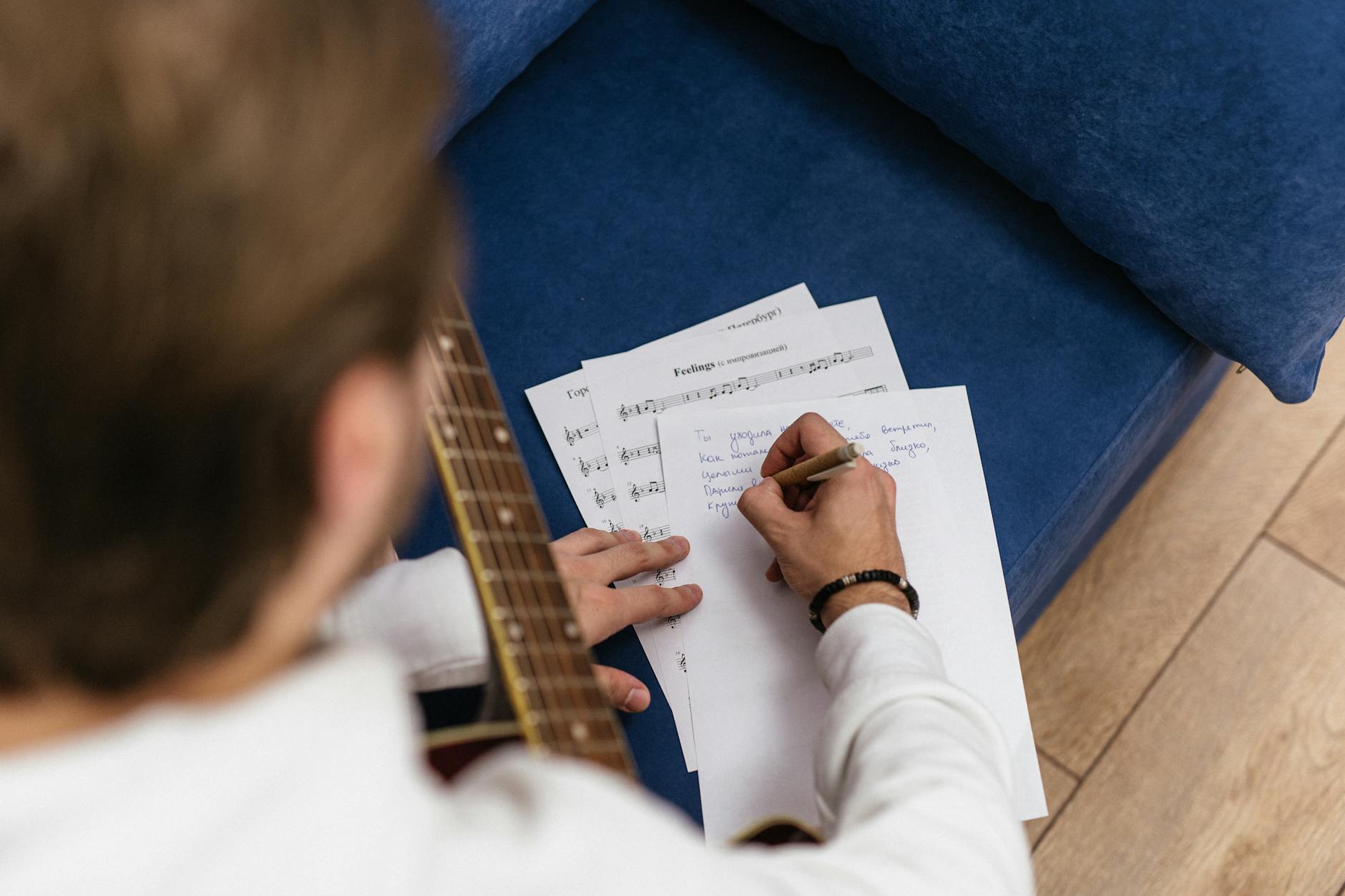
Best Practices for Using a Song Generator AI Without Losing Your Voice
One common concern is that AI lyrics will sound generic. That risk goes down dramatically when you treat the AI as a collaborator rather than a source of “final truth.” Here are proven strategies.
1) Add specificity to prevent generic lines
Generic lyrics often happen when the prompt doesn’t include real constraints. Add details like:
- A setting (“under streetlights,” “in a rented room,” “on the train at 2 a.m.”)
- A sensory anchor (“coffee breath,” “salt air,” “faint bass through drywall”)
- A personal micro-story (“I missed the call,” “I deleted the message,” “I kept the receipt”)
2) Provide style constraints, not vague requests
Try specifying things like:
- “Tight internal rhymes every other line”
- “Verse is 8 lines, chorus is 4 lines”
- “Use 1–2 repeated phrases in the hook”
- “Keep the language simple and concrete”
3) Keep a “human revision pass”
After generating, do one clean pass where you:
- Replace any lines that feel like they could belong to anyone
- Reorder phrases for flow
- Adjust imagery to your real experiences
This is where your voice becomes the final product.
4) Save versions like you save takes
Songwriting is iterative. Keep multiple drafts, even if only one line is worth it. Over time, patterns emerge—your AI-assisted workflow can teach you which themes and word choices naturally resonate.
AI for Rap: Getting Better Bars with a Rap Lyrics Generator
If your goal is rap, the workflow changes slightly because you’re balancing rhyme density, rhythm, and punch. A rap lyrics generator can help you explore bar structures, rhyme schemes, and cadence options—then you refine to fit your delivery.
Rap prompt tips that improve accuracy
- Specify rhyme scheme: “AABB,” “ABAB,” or “multi-syllabic rhymes.”
- Specify bar count: “16 bars for the verse,” “8 bars for the hook.”
- Specify cadence vibe: “Fast and aggressive,” “slow and reflective,” “triplet-friendly.”
- Ask for punchlines: “Include 2–3 quotable punchlines per verse.”
Example rap prompt
“Use a rap lyrics generator to write a 16-bar verse in first-person. Mood: hungry and focused. Rhyme scheme: internal rhymes every 2 lines. Theme: overcoming setbacks and keeping receipts. Include a strong 4-line hook section at the end.”
Then refine by reading each bar on-beat. If a bar feels too crowded or too short, regenerate that section with a syllable target.
Feature Comparison: AI Song Lyrics Generator Approaches
| Approach | Best For | What to Expect | How to Get Better Results |
|---|---|---|---|
| AI Song Lyrics Generator (prompt-first) | Fast drafts and experimentation | Creates verses/choruses from your inputs | Add genre + mood + POV + section structure |
| AI Lyric Writer (edit-focused) | Rewriting and polishing existing ideas | Adjusts tone, wording, and flow | Paste your lines and request tighter cadence |
| Song Generator AI (structure-first) | Building full song outlines | Generates multi-section coherence | Choose the best hook first, then build verses |
| Rap Lyrics Generator (bar/rhyme-first) | Rhyme density and punchlines | Creates bars with rhyme patterns | Specify rhyme scheme, bar count, and cadence |
Practical Tips & Best Practices (Use This Every Time)
Whether you’re writing indie pop, R&B, metal, or a verse for your next freestyle, these steps help you get results that feel intentional.
Prompting best practices
- Give the AI boundaries: genre, length, structure, and tone.
- Ask for variations: “Give me 5 chorus options, then 3 alternate bridges.”
- Use “human constraints”: “Keep it singable,” “avoid clichés,” “no corporate metaphors.”
- Include one personal detail: your job, city, relationship dynamic, or a specific memory.
Editing best practices
- Read aloud: If it doesn’t sound good spoken, it won’t sound great sung or rapped.
- Check rhythm: Adjust syllable counts and stress points.
- Strengthen imagery: Replace vague words with concrete images.
- Keep a “hook anchor”: ensure the chorus repeats a key phrase or thematic line.
Workflow ideas for creators
- Hook-first challenge: Write 10 hooks in 20 minutes, choose the best one, then build a full song.
- Section swapping: Generate multiple verses, then mix-and-match the best lines into your favorite chorus.
- Beat-aligned revision: When you have an instrumental, regenerate with cadence notes that match your BPM vibe.
Conclusion: Make the AI Song Lyrics Generator Your Creative Co-Writer
The AI Song Lyrics Generator and its cousins—an AI lyric writer, song generator ai, and rap lyrics generator—are powerful tools for turning creative energy into real drafts. But the magic happens when you combine speed with taste: use AI to explore quickly, then refine to make the lyrics truly yours.
If you want to get started right away, try AIZora with free access. Generate a chorus, compare options, and build from the lines that feel closest to your voice. With a simple prompt formula, consistent editing, and a bar-by-bar approach for rap, you’ll be writing more frequently—and finishing more songs—than you ever thought possible.