Introduction: Turn Any Recording into Readable Subtitles with an AI Subtitle Generator
Whether you’re publishing YouTube tutorials, cutting training videos, localizing a podcast, or making content accessible for viewers who watch on mute, subtitles matter. The fastest way to add them is with an AI subtitle generator that can transcribe speech and format it into captions you can actually use.
In this guide, you’ll learn how an ai subtitle generator works, how to generate auto captions from video or audio, and how to export clean files like video to srt. We’ll also share best practices to improve accuracy and a practical workflow you can follow today—plus the option of free access on AIZora to try it with your own files.
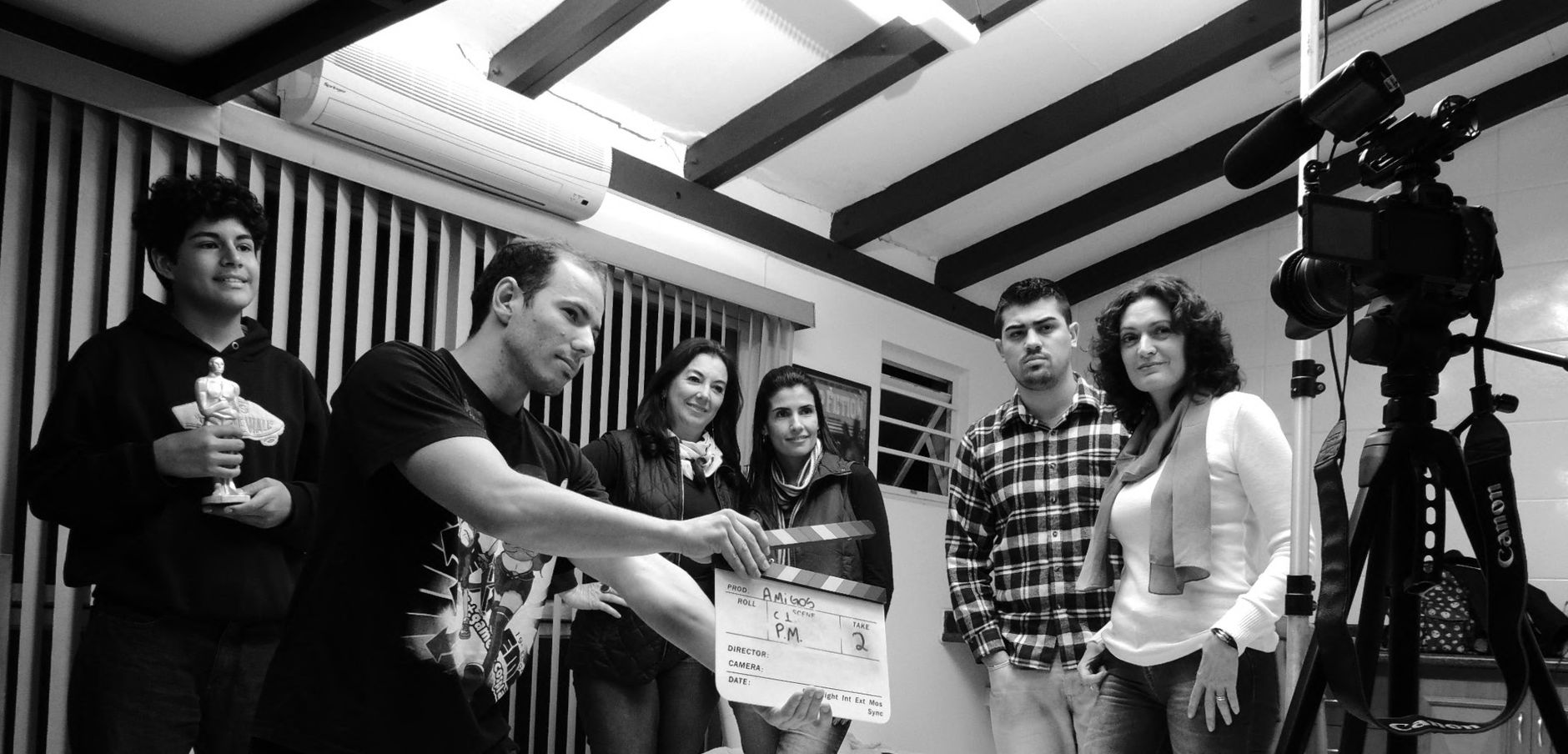
Let’s get into what makes a subtitle maker AI truly effective—and how to use it for real-world projects.
How an AI Subtitle Generator Works (and Why It’s Better Than Manual Captions)
An ai subtitle generator typically combines speech-to-text transcription with timing and formatting. Instead of typing words by hand (or editing hundreds of lines manually), the tool:
- Listens to the audio track from your video (or reads your audio file).
- Recognizes speech and converts it into text.
- Segments the transcript into lines/phrases suitable for captions.
- Assigns timestamps so captions appear at the right moments.
- Exports results in common subtitle formats (such as SRT) for easy integration.
This process is the backbone of auto captions and is the reason tools marketed as a subtitle maker ai can turn a raw recording into something publish-ready within minutes.
Key benefits you can feel immediately
- Speed: what takes hours becomes a quick first draft.
- Consistency: captions use standardized formatting across episodes or videos.
- Accessibility: viewers can follow along even when audio is unclear.
- Workflow compatibility: export formats like SRT integrate with editing tools and captioning pipelines.
Pro tip: Think of an AI subtitle generator as your “captioning draft engine.” After export, you’ll do light review instead of full re-typing.
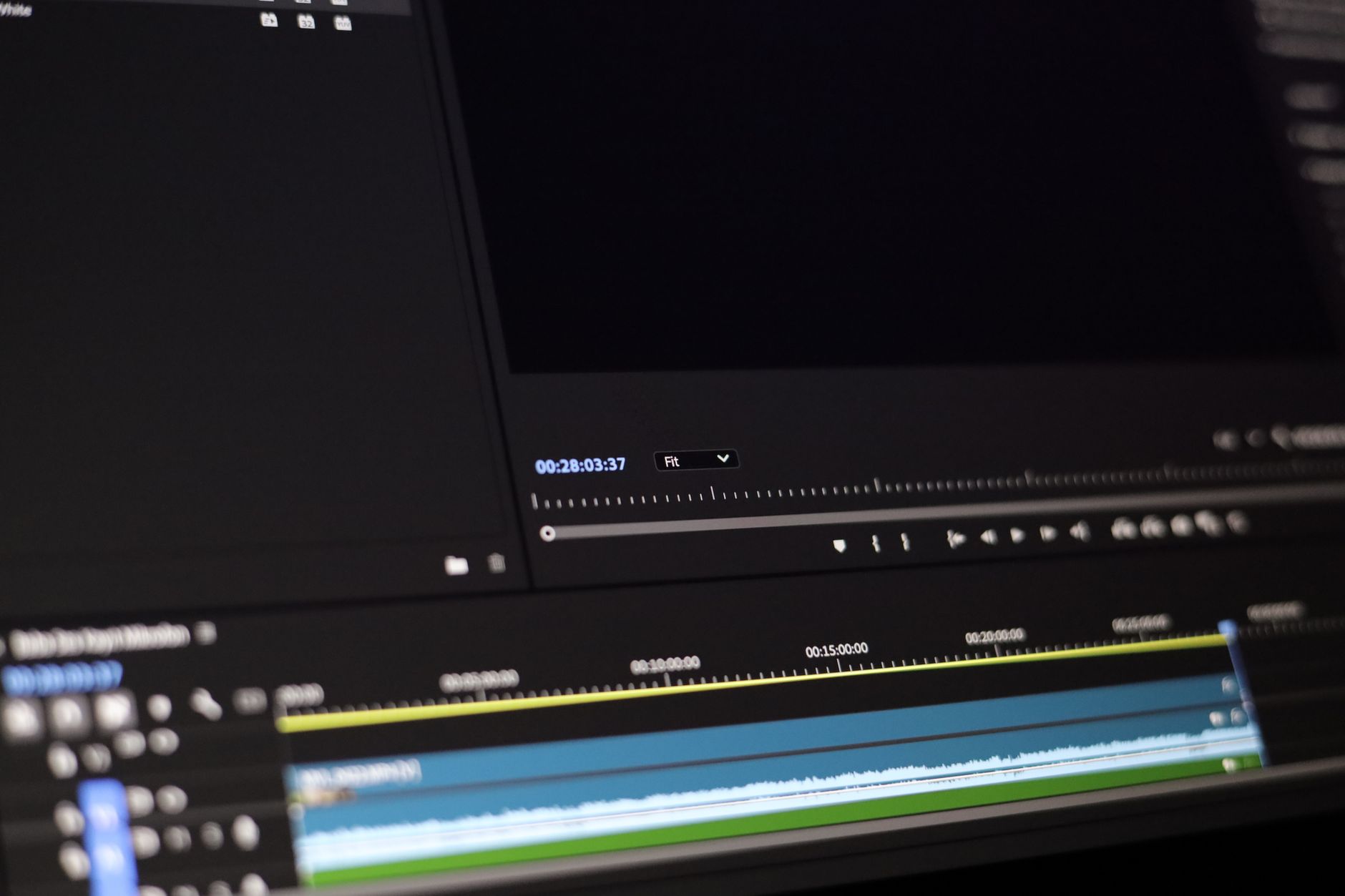
From Video to SRT: The Practical Workflow for Clean Captions
If your goal is video to srt, the workflow should be simple: upload, generate, review, export. Here’s a practical approach you can use every time.
- Upload your media
Start with the video (MP4/MOV) or audio file you want to caption. - Run the AI caption generation
Use the tool’s transcription/caption mode to create text with timestamps. - Choose the subtitle output format
For many creators and editors, exporting to .srt is the most useful starting point. - Review and refine
Check punctuation, speaker names, and any misheard words—especially for names, acronyms, and domain terms. - Export and import
Bring the SRT back into your platform or editing environment.
What “good” auto captions look like
Auto captions aren’t just correct—they’re usable. Aim for:
- Readable line length (not too many words per caption block).
- Natural breaks that match speech cadence.
- Accurate timestamps so captions appear before viewers need them.
- Consistent capitalization and punctuation.
When you use an ai captions generator this way, your captions become a foundation, not a final product you’re forced to accept.
AI Captions Generator Use Cases (Creators, Teams, and Educators)
The same technology behind an AI subtitle generator supports many content types. Here are high-impact use cases where auto captions deliver immediate value.
1) YouTube, TikTok, and short-form creators
- Maintain viewer retention by keeping text on screen as people scroll.
- Produce captions for multiple episodes quickly.
- Turn one recording into versions optimized for different audiences.
2) Training, webinars, and internal communications
- Make documentation accessible for distributed teams.
- Speed up the process of publishing training modules.
- Generate captions that help trainees skim and review key moments.
3) Podcasts and audio-first publishing
- Convert long interviews into searchable text.
- Generate subtitles for video-converted podcast uploads.
- Create consistent captions even when speakers overlap.
4) News, interviews, and storytelling
- Add captions for clarity when audio quality varies.
- Reduce post-production time for broadcasters and editors.
- Support accessibility requirements with less effort.
Best Practices to Improve Accuracy (Even When the Audio Isn’t Perfect)
No AI system is magic, but you can dramatically improve results with a few practical steps. These tips help any subtitle maker AI produce cleaner captions and reduce cleanup time.
Start with audio that supports speech recognition
- Reduce background noise where possible (fans, traffic, crowd hum).
- Keep voices clear and avoid too much reverb in the recording space.
- Maintain consistent volume so speech stays easy to detect.
Make terminology and names more caption-friendly
- Use correct pronunciations for names and technical terms.
- Pause briefly before complex words if you can.
- Review key segments first (intros, conclusions, and key announcements).
Don’t skip the caption formatting review
- Check line breaks so each caption block is readable on mobile.
- Verify timestamps around fast dialogue or sound effects.
- Ensure punctuation matches meaning (especially for quotes and instructions).
Best practice: Export an SRT, skim it once like a viewer, then fix the top 10% of errors—you’ll usually get 90% better results fast.
Workflow optimization for teams
If you’re producing multiple videos per week, create a repeatable process:
- Generate captions immediately after editing locks in.
- Do a quick QA pass for spelling and timing.
- Reuse a style guide (punctuation rules, capitalization choices, label format).
- Archive source files and final SRT outputs for consistency.
Free Access on AIZora: How to Get Started Today
Working faster doesn’t have to cost more. With free access on AIZora, you can try an AI subtitle generator style workflow without committing to a long setup. The key idea is to test your real files—your accent, your microphone, your audio environment—so you can judge caption quality realistically.
Here’s how to start effectively:
- Upload one representative video (not your easiest one—your “real” one).
- Generate captions and export a video to srt file.
- Review the timeline moments where speech changes speed or multiple people speak.
- Iterate—re-run with different settings if the tool supports them, or adjust your recording process for future takes.
Once you see the time saved, the value compounds quickly—especially for series content, course libraries, and multilingual plans.
| Feature | What You Get | Why It Matters |
|---|---|---|
| AI speech transcription | Converts spoken audio into text with high-speed processing | Forms the base for accurate auto captions and editable drafts |
| Caption timing | Segments transcript into timestamped subtitle lines | Makes video to srt workflows smooth for editors |
| SRT export | Downloads captions in a widely supported subtitle format | Works with video players, publishing platforms, and editing timelines |
| Caption refinement | Lets you review and correct errors after generation | Turns a subtitle maker AI into a practical production pipeline |
| Free access option | Try the workflow at no cost on AIZora | Helps you evaluate quality before committing |
Common Questions About AI Subtitle Generator Tools
Will the captions be accurate for any video or audio?
Most content works well, but accuracy depends on audio clarity, speaker speed, and background noise. Start by testing a sample file and review any segments with names, acronyms, or overlapping speech.
What’s the difference between subtitles and captions?
Subtitles typically translate or clarify dialogue for viewers who don’t understand the language. Captions often include additional context (like sound cues) depending on style requirements. Many ai captions generator tools focus on producing readable, timed text for both use cases.
Can I use the output for professional publishing?
Yes—after review. An AI subtitle generator usually delivers a strong first pass. Professional workflows expect a quick QA pass for final polish.
Is this really faster than doing captions manually?
In nearly every scenario, yes. Even when manual adjustments are needed, you’re editing an existing timed transcript instead of building subtitles from scratch.
Conclusion: Make Captions a Superpower with AI Subtitle Generator
An AI subtitle generator is one of the most practical upgrades you can make for content production. It helps you generate auto captions quickly, convert video to srt without tedious manual work, and streamline your publishing process across platforms. Whether you’re creating tutorials, training teams, or releasing podcasts, an ai captions generator can turn speech into accessible text in minutes.
If you want to test the workflow on your own content, you can get free access on AIZora and see how well the tool handles your audio and formatting needs. Start with one video, review the results, and then scale your captioning process with confidence.
Ready to speed up captions? Use a subtitle maker AI approach: generate first, refine second, and publish faster than ever.