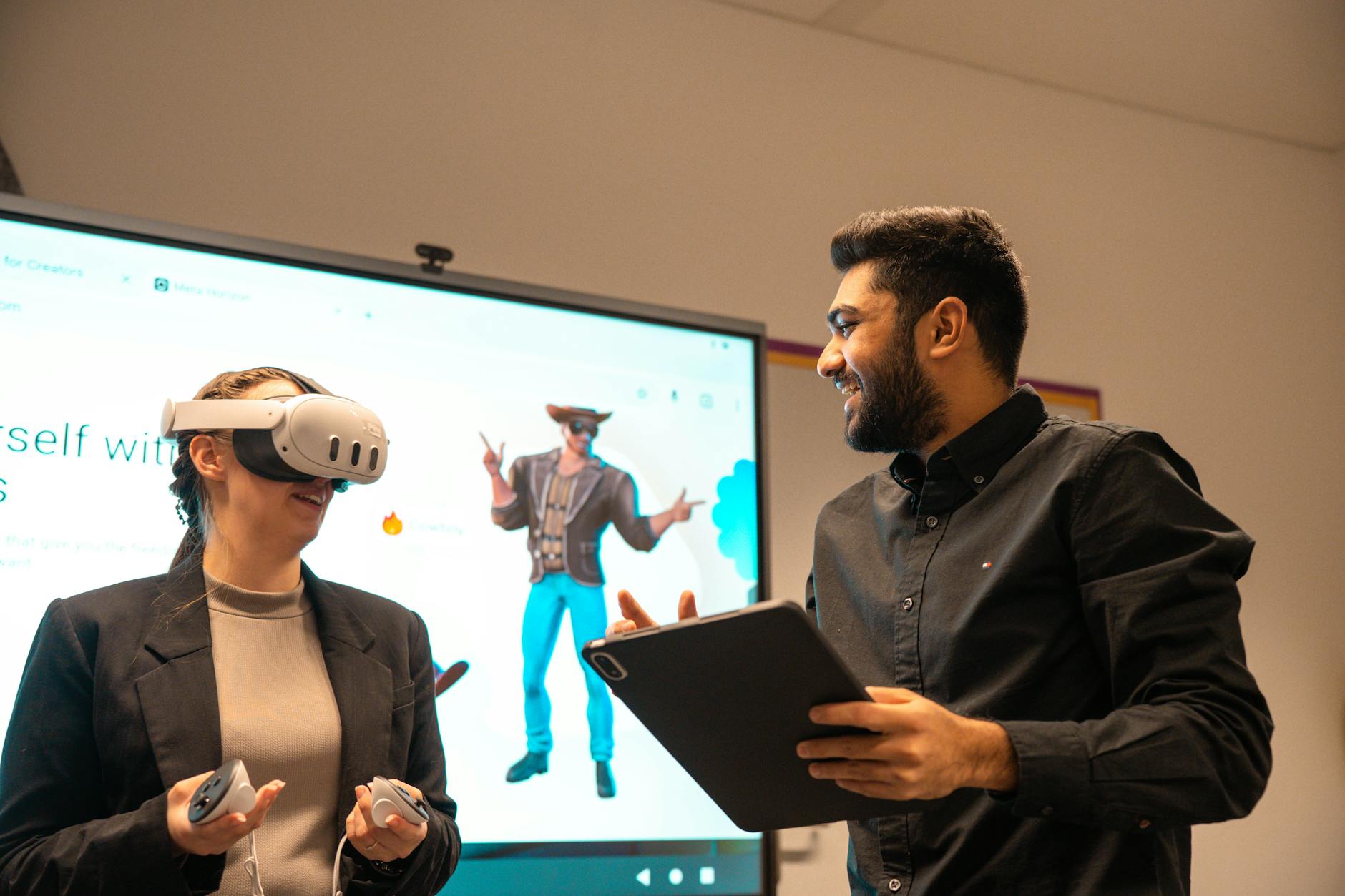
Introduction: Why an AI Talking Avatar Changes How You Produce Video
If you’ve ever spent hours recording, editing, and re-recording a spokesperson on camera, you already know the pain: time, cost, and consistency. That’s exactly where an ai talking avatar becomes a practical production advantage. With today’s ai video avatar workflows, you can turn a script into a believable talking-head (or full avatar) video—fast.
Whether you’re building marketing assets, training videos, onboarding content, or announcement updates, an ai presenter lets you scale output without scaling studio work. Instead of scheduling talent, you write the message once and generate the talking performance. And if you’re looking to try it without risk, you can access these capabilities for free on AIZora.
In this guide, we’ll walk through how to create videos with an AI talking avatar—from preparation and voice/script tips to production best practices and common pitfalls. By the end, you’ll know how to build polished ai spokesperson video results that look intentional, not robotic.
What Is an AI Talking Avatar?
An AI talking avatar is an AI-generated digital character that can deliver spoken content. Typically, you provide text (and often a voice and style preference), and the platform generates a video where the avatar appears to speak naturally. This is frequently called an ai video avatar, text to video with avatar, or an ai spokesperson video when used for presentation and brand messaging.
Most workflows follow the same high-level pattern:
- Input: Paste or type a script.
- Speech generation: Choose or generate a voice that matches your style (formal, friendly, energetic).
- Avatar animation: The system syncs mouth movement and facial cues to the audio.
- Output: A shareable video file you can publish or embed.
When used strategically, this approach becomes a repeatable content engine for teams—especially for companies that need frequent updates, localized messaging, or consistent brand narration.

How to Create an AI Video Avatar From Text
Creating an ai video avatar is easier than traditional video production, but results improve dramatically when you structure your content correctly. Think of your script as both meaning and performance instructions.
Step 1: Write a “talking avatar” script
Most scripts written for reading on a blog don’t translate perfectly to speech. For a talking avatar, you want shorter sentences, clear transitions, and deliberate emphasis. Aim for:
- Simple syntax (subject-verb-object helps speech pacing)
- One idea per sentence
- Readable numbers (“twenty-five” instead of “25” if needed)
- Controlled length (avoid walls of text)
Step 2: Match voice tone to your goal
If your output is meant to feel like a trusted ai presenter, set a consistent tone: calm for education, confident for sales, enthusiastic for product launches. A great starting point is to write the script like you’re speaking to a single person—not broadcasting to a crowd.
Step 3: Choose avatar style and presentation framing
Some creators select avatars based on brand identity: professional attire for corporate updates, friendly look-and-feel for community learning. Even without changing the script, avatar choice influences how viewers interpret credibility and authority.
Step 4: Generate and review
After generation, watch for:
- Pronunciation clarity (names, acronyms, and technical terms)
- Timing (sentences that feel too long or rushed)
- Emphasis (key points that need stronger delivery)
Then iterate—small edits can significantly improve the final text to video with avatar result.
Use Cases: Where an AI Spokesperson Video Delivers the Most Value
The strongest ROI for an ai talking avatar usually comes when you need repeatable, on-brand narration. Here are high-impact scenarios:
- Marketing & product demos: Launch videos, feature explainers, and campaign refreshes.
- Training & onboarding: Consistent lessons across regions and departments.
- Customer support: Guided troubleshooting scripts and “how-to” updates.
- Internal communication: CEO updates, policy changes, and weekly performance summaries.
- Education & courses: Lecture-style content without recording every session.
- Localization: Translate scripts and regenerate persona-consistent narration.
If you’re building a content pipeline, treat avatar videos like “rendered communication.” Write once, distribute everywhere, and update when your message changes—without starting from scratch.
Best Practices for Natural AI Presenter Results
To make your ai spokesperson video feel authentic, you need to think beyond “generate and publish.” The best outputs come from intentional script and production decisions.
1) Keep sentences short and punchy
Long sentences often lead to awkward pacing or unclear emphasis. Aim for a rhythm that sounds natural when read aloud.
2) Use “performance punctuation”
Even if punctuation doesn’t change AI speech directly, it helps you guide delivery. Consider:
- Commas to slow slightly for comprehension
- Periods to create clear breaks
- Lists for scannable points
3) Spell out tricky terms
For acronyms, product names, and technical terms, clarify how they should sound. If the platform supports it, use phonetic-friendly formatting. If not, adjust the script to reduce ambiguity.
4) Plan a clear video structure
Audiences want immediate context. A practical structure:
- Hook: One sentence that explains what’s coming.
- Value: Why it matters to the viewer.
- Proof: Features, steps, or quick evidence.
- Next step: What the viewer should do after watching.
5) Keep consistency across series
If you plan multiple episodes (e.g., onboarding module 1, module 2, etc.), keep tone and formatting consistent. Viewers trust patterns—especially in training and internal comms.
6) Avoid “over-scripted” phrasing
It’s tempting to write like a press release. Instead, write like a helpful person explaining something. When the language feels conversational, the avatar feels more human.
Pro tip: Generate a short test clip first (10–20 seconds). If the pacing and pronunciation are right, scale up to longer videos with the same style.
Feature/Workflow Comparison: AI Talking Avatar vs Traditional Recording
| Aspect | AI Talking Avatar (ai talking avatar) | Traditional recording |
|---|---|---|
| Time to publish | Often minutes to hours after scripting | Usually days (scheduling + recording + edits) |
| Consistency | Same delivery style across episodes with repeatable prompts | Varies by actor fatigue and performance |
| Scalability | Easy to generate multiple versions (scripts, languages, styles) | Scaling requires more talent and more shoots |
| Cost structure | Lower production overhead per asset | Higher per-asset cost (studio, equipment, staffing) |
| Brand control | Avatar styling and presentation remain consistent | Brand depends on whoever records the message |
| Iteration speed | Edit text → regenerate quickly | Reshoot often required for meaningful changes |
Production Checklist: Tips for Faster, Better AI Video Avatar Videos
Use this checklist before you generate your ai video avatar content. It’s designed to reduce rework and improve viewer trust.
Pre-production
- Define your goal: explain, persuade, train, or announce.
- Write for speech: short sentences, clear transitions.
- Confirm key terms: names, numbers, acronyms, product features.
- Choose the right tone: friendly, corporate, energetic.
Generation & review
- Watch for mouth/audio sync (especially on longer phrases).
- Check pacing—if it feels rushed, shorten sentences.
- Spot unclear words and revise the script for readability.
- Ensure visual coherence: consistent framing and style.
Publishing
- Add captions for accessibility and retention.
- Match thumbnail to message so viewers know what to expect.
- Keep videos focused—one topic per upload.
- Test performance: compare engagement across versions.
And if you’re experimenting with your first text to video with avatar project, start small. Generate a short intro, evaluate clarity, then expand into longer modules.
FAQs About AI Talking Avatars (AI Presenter, AI Spokesperson Video, More)
Is an AI talking avatar realistic enough for business use?
Yes—when you focus on clear scripting, consistent tone, and proper review. Business-grade results typically come from iteration rather than a single “first try.”
What’s the best way to turn a script into a text to video with avatar video?
Write the script for speech (short sentences), select an appropriate voice tone, generate, then adjust anything that sounds unclear or too fast.
Can I create ai spokesperson video content regularly?
Absolutely. The major advantage of ai video avatar workflows is repeatability: you can maintain brand consistency across many episodes without re-recording talent.
How do I get started on AIZora?
You can try AI avatar creation with free access on AIZora, making it easier to test different scripts and styles before committing to a larger production schedule.
Conclusion: Start Creating Your Next AI Video Avatar Today
An ai talking avatar is more than a novelty—it’s a production workflow that helps you publish faster, stay consistent, and scale communication without the usual studio friction. With the right script structure, tone selection, and review process, your ai presenter videos can look polished enough for marketing, training, and internal updates.
If you’re ready to explore text to video with avatar creation, consider using AIZora with free access to test your first ai spokesperson video concept. Start with a short message, refine pacing and clarity, then scale into a reliable pipeline of avatar-driven content.