Introduction: Make Your Message Speak with an AI Talking Avatar
Want to turn scripts into ai presenter style videos without hiring actors, booking studios, or scheduling reshoots? An AI talking avatar can generate a realistic speaking character that matches your words—so your next announcement, explainer, or marketing pitch looks polished and feels personal.
With tools like AIZora (including free access), you can create ai video avatar content from text using a fast workflow: write or paste a script, choose a style or voice, generate the speaking avatar, then export your video for social, ads, or training.
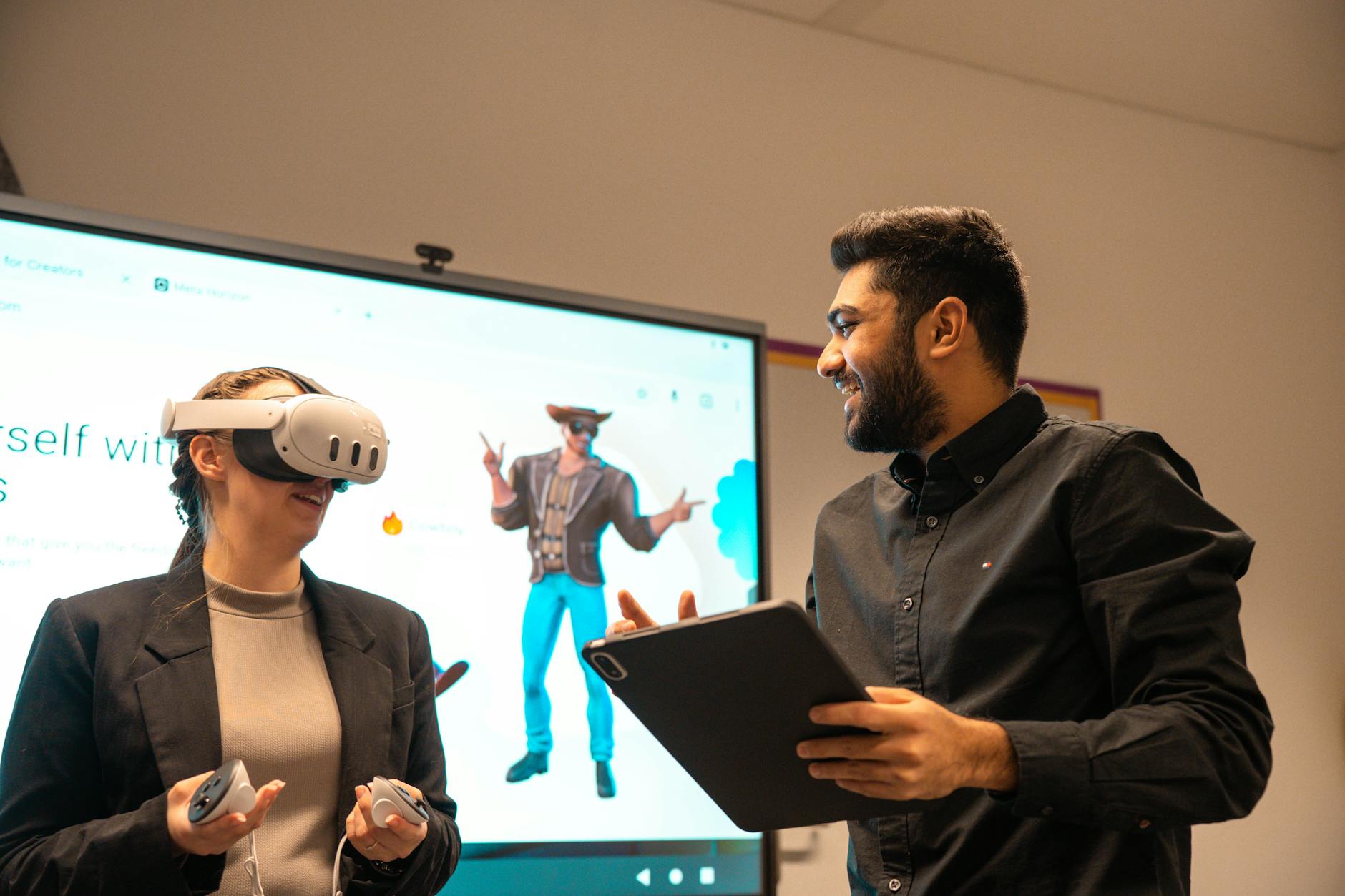
In this guide, you’ll learn what an AI talking avatar is, how text to video with avatar works, how to produce an ai spokesperson video that holds attention, and what best practices prevent common mistakes.
What Is an AI Talking Avatar (and Why It Matters)?
An AI talking avatar is a digital character that animates facial expressions and lip movements to your audio or script. Instead of recording a human on camera, you generate a speaking “presenter” who delivers your message.
Depending on the platform and workflow, you may create:
- ai video avatar clips for marketing, product demos, and announcements
- text to video with avatar content (paste text → generate speaking video)
- ai presenter videos for training, onboarding, and internal communications
- ai spokesperson video ads with consistent branding across campaigns
Why it matters: today’s audiences want speed and clarity. When your video creation pipeline is fast, you can publish more often, localize content quickly, and maintain consistent messaging without the overhead of traditional production.
Quick takeaway: An AI talking avatar helps you turn writing into video at scale—without losing the “human” delivery that makes messages stick.
How Text to Video with Avatar Works (Step-by-Step)
Most modern tools follow a similar flow, even if the interface differs. Here’s a practical mental model you can use when planning your own videos.
- Script input: Write the narration you want the avatar to say. Many users start from existing blog posts, landing pages, or sales decks.
- Voice and delivery: Choose a voice style (or let the tool infer tone). Some workflows allow voice previews and pacing adjustments.
- Avatar selection: Pick a character style that matches your brand (professional, friendly, tech-forward, etc.).
- Animation and lip-sync: The system generates facial motion and timing to align with the spoken words or synthesized audio.
- Scene and branding: Optionally add overlays, captions, logos, or background themes to improve clarity and compliance.
- Export: Render a video file ready for upload to YouTube, LinkedIn, TikTok, your LMS, or paid ads.
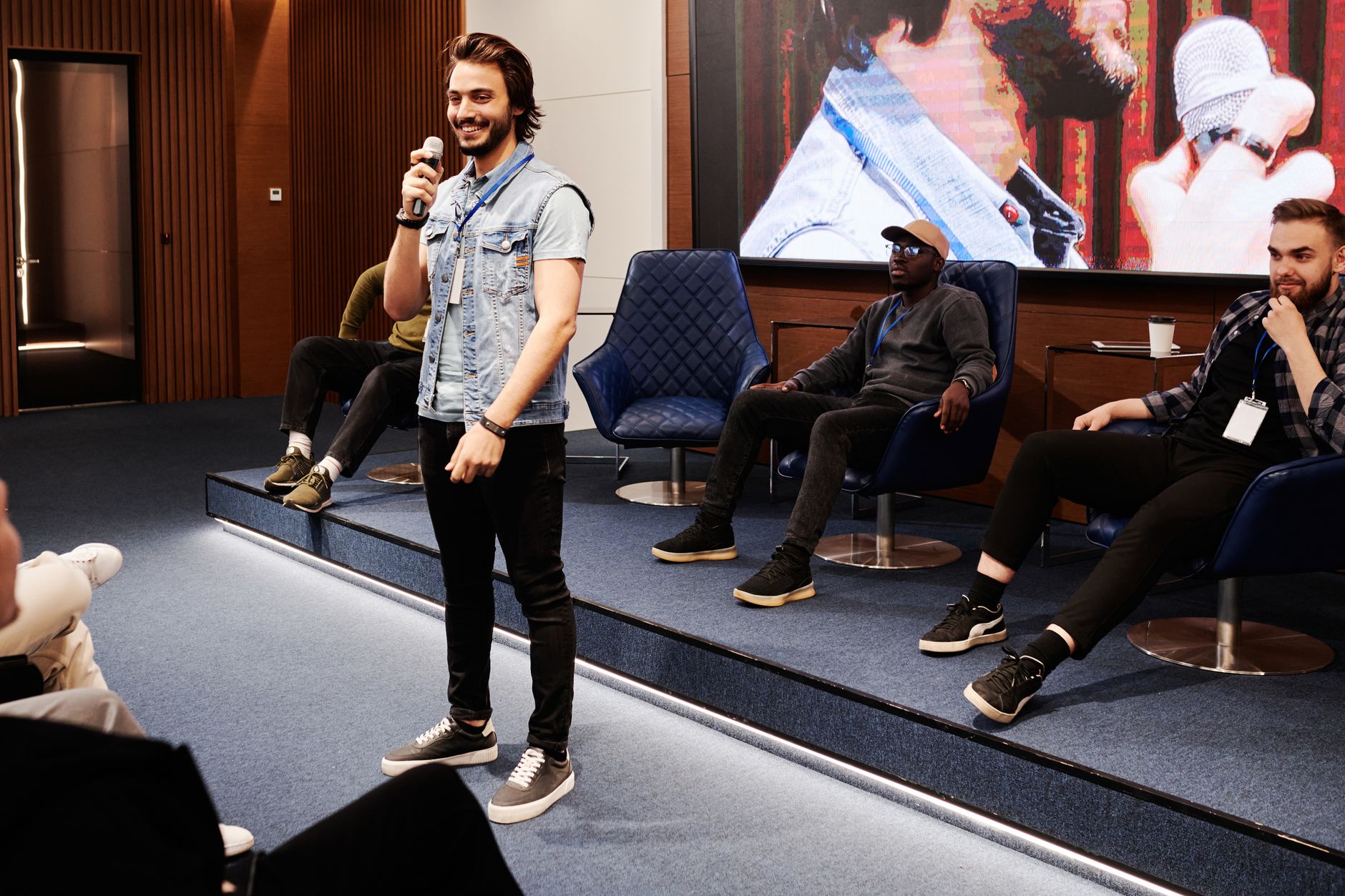
When you use text to video with avatar, the “quality” depends heavily on your script quality and how the tool interprets timing, punctuation, and emphasis. That’s why the next section focuses on best practices that improve results.
Best Practices for a Natural, High-Converting AI Presenter Video
The difference between a decent AI video avatar and a standout one usually comes down to production technique—especially your script structure and pacing.
1) Write for the avatar, not for a blog
Even if your final goal is long-form content, begin with short, clear sentences. Avatar videos work best when each line is easy to deliver quickly.
- Use short sentences (often 8–14 words each)
- Prefer active voice (“See how…” instead of “How you will see…”)
- Add section transitions (“First…”, “Next…”, “Finally…”)
2) Use punctuation to control timing
Many text-to-video pipelines respond to punctuation. Commas can add natural pauses; periods reset momentum; dashes can emphasize a point. If your tool supports it, use deliberate formatting to guide delivery.
3) Avoid long paragraphs and heavy jargon
Long paragraphs often cause rushed delivery or unclear emphasis. If you must include technical terms, introduce them once and repeat the key idea in simpler language.
4) Add viewer-focused cues
To boost retention, tell viewers what they should do next.
- “In the next 20 seconds, you’ll learn…”
- “Look for the key difference in the second example.”
- “Want the template? Link is in the description.”
5) Keep brand style consistent
Your avatar, background, colors, fonts, and captions should align with your brand. Consistency improves recognition and helps your ai spokesperson video feel like a real part of your marketing system—not a one-off experiment.
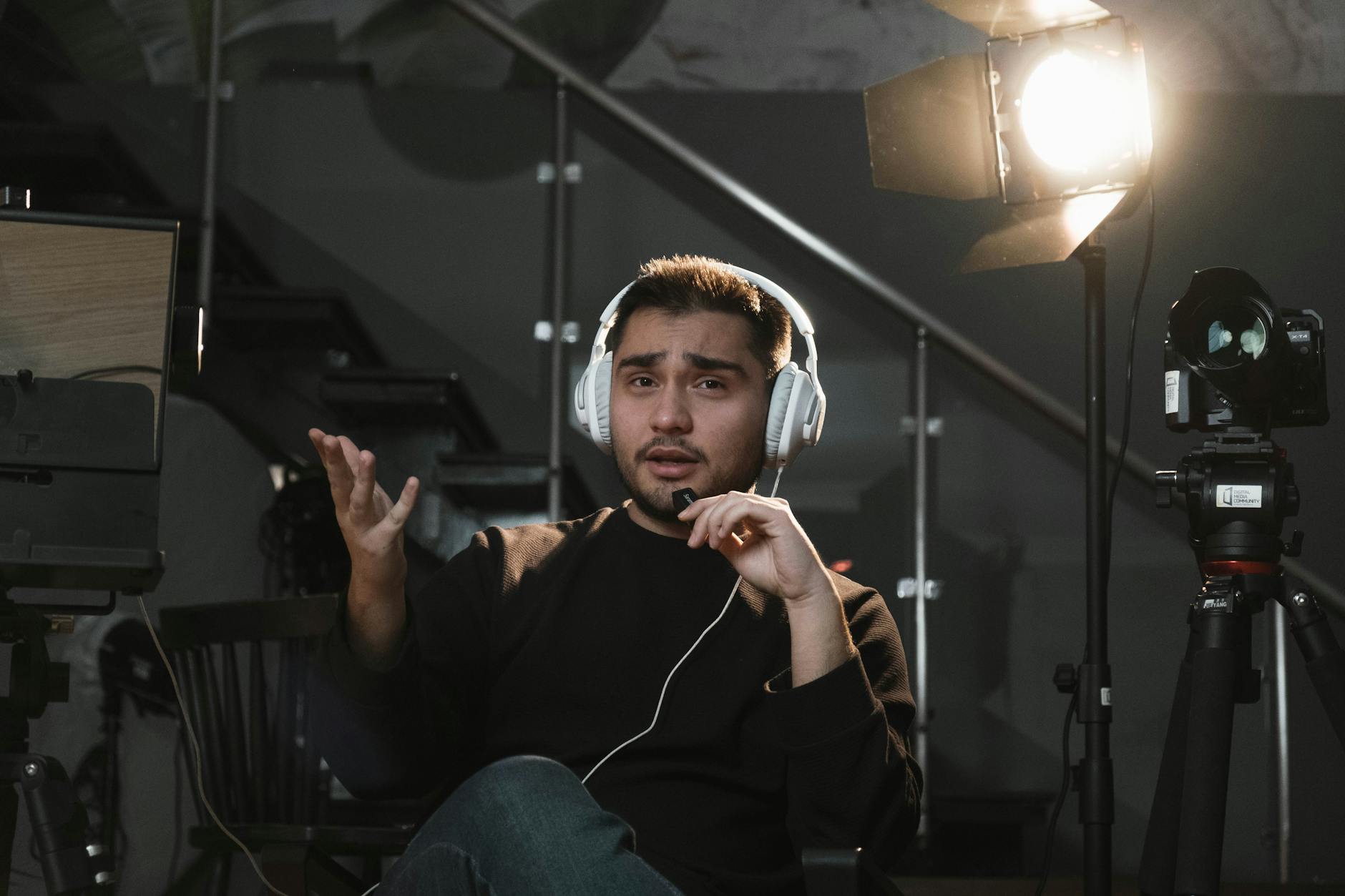
Choosing the Right Avatar Style for Your Use Case
Not every AI video avatar fits every message. The “best” avatar is the one that matches audience expectations and your content goals.
Marketing and sales
- Pick a friendly, confident avatar for product launches
- Use energetic pacing and clear call-to-actions
- Keep visuals aligned with your offer (demo backgrounds, product imagery, or branded panels)
Training and education
- Choose a professional, calm style
- Use step-by-step scripts (“Step one… step two…”) to reduce cognitive load
- Consider on-screen captions for key terms and instructions
Internal communications
- Opt for approachable delivery to keep updates readable
- Use consistent naming and templates for recurring messages
- Shorten segments to fit attention spans
Customer support and announcements
- Use neutral tone and avoid sarcasm or ambiguity
- Repeat essential details (dates, policies, links) in simple wording
- Pair the avatar with a clear visual summary or timeline
If you’re creating multiple versions, you can build a reusable system: one script template, a set of avatar “roles,” and a consistent style guide for backgrounds and captions.
AI Talking Avatar vs. Traditional Video Production
Traditional video production is powerful, but it’s slower and more expensive. AI talking avatars excel when you need volume, speed, and consistent delivery. Here’s a comparison to help you decide which approach fits your goals.
| Category | AI Talking Avatar (ai presenter / ai spokesperson video) | Traditional Production |
|---|---|---|
| Speed | Fast generation from text; quick iterations for messaging | Scheduling, filming, and reshoots take longer |
| Cost | Lower production overhead; scalable for many variants | Higher costs for talent, sets, and post-production |
| Consistency | Maintain the same “presenter” tone and brand style across videos | Consistency depends on availability of talent and standardized direction |
| Localization | Often simpler to adapt scripts and regenerate videos for new audiences | Requires re-recording, voice work, and localized production |
| Authenticity feel | Can feel highly professional; depends on script pacing and avatar realism | Natural human gestures and spontaneity |
| Creative flexibility | Easy to produce variations for A/B testing headlines and CTAs | Variations require new production cycles |
Workflow Tips: From Script Draft to Published Video
Below is a practical checklist you can apply to your next ai talking avatar project, including how to get better results on the first render.
Pre-production checklist
- Define the goal: awareness, leads, training completion, or policy updates
- Write a tight script: one message per segment, clear transitions
- Plan on-screen text: headlines, key points, and CTA instructions
- Decide the call-to-action: “Subscribe,” “Download,” “Book a demo,” or “Watch next”
Generation checklist
- Preview voice pacing (or test a shorter script first)
- Adjust punctuation to reduce rush and improve emphasis
- Confirm avatar tone matches the message (formal vs. friendly)
- Keep backgrounds simple so the viewer stays focused on the presenter
Post-production checklist
- Add captions to improve accessibility and retention
- Trim dead space at the start and end of the clip
- Export the right format for each platform (thumbnail-friendly framing matters)
- Run a short test: watch the first 10 seconds with fresh eyes
When you iterate quickly, you can turn one script into multiple versions: a short teaser for ads, a longer YouTube explanation, and a trimmed customer-support update—each powered by the same AI video avatar system.
Common Mistakes (and How to Fix Them)
AI talking avatars are powerful, but a few common issues can reduce perceived quality. Here are problems you’re likely to encounter—and quick fixes.
Mistake 1: Writing in long-form paragraphs
Fix: convert paragraphs into bullet-like sentences. Aim for clarity and pacing first, polish second.
Mistake 2: Overloading with information
Fix: choose one key takeaway per section and move secondary details into a follow-up video.
Mistake 3: Weak openings
Fix: start with a hook that matches viewer intent: a question, a bold claim, or a clear benefit.
Mistake 4: Unclear calls to action
Fix: explicitly tell viewers what to do next and when—especially for ai spokesperson video campaigns.
Mistake 5: Inconsistent branding
Fix: use the same avatar style, color palette, and caption style across your content series.
Why AIZora Is a Strong Option for Creating AI Talking Avatars
If you want to try text to video with avatar without heavy setup, AIZora is a practical starting point. The platform supports creating speaking avatar content that you can adapt for multiple scenarios—from ai presenter videos for internal training to ai spokesperson video assets for marketing.
Best of all, AIZora offers free access, making it easier to experiment with your first scripts, find a voice and style that matches your brand, and build a repeatable workflow before scaling production.
- Fast iteration to improve script pacing and clarity
- Easy video creation to support frequent content updates
- Consistent results for brand-aligned presenter content
Conclusion: Start Publishing with an AI Talking Avatar Today
An AI talking avatar turns your writing into ai video avatar content you can publish quickly—whether you’re building an ai presenter series, launching an ai spokesperson video ad, or creating training clips with text to video with avatar.
To get the best results, focus on script clarity, punctuation-driven pacing, consistent branding, and a repeatable workflow from draft → generate → export. Then iterate: test short clips, refine your delivery, and scale what works.
If you want to begin right away, try AIZora with free access and create your first talking avatar video today.