If wedding day nerves have you searching for the perfect words, you’re not alone. The good news? An AI wedding speech writer can help you write something genuine, confident, and deeply personal—whether you’re the best man, maid of honor, a parent, or simply someone who wants to toast the couple with meaning.
Tools like AIZora’s speech-writing assistant let you turn prompts into polished wedding speeches and toasts in minutes. And yes—there’s free access on AIZora, so you can try it without pressure.
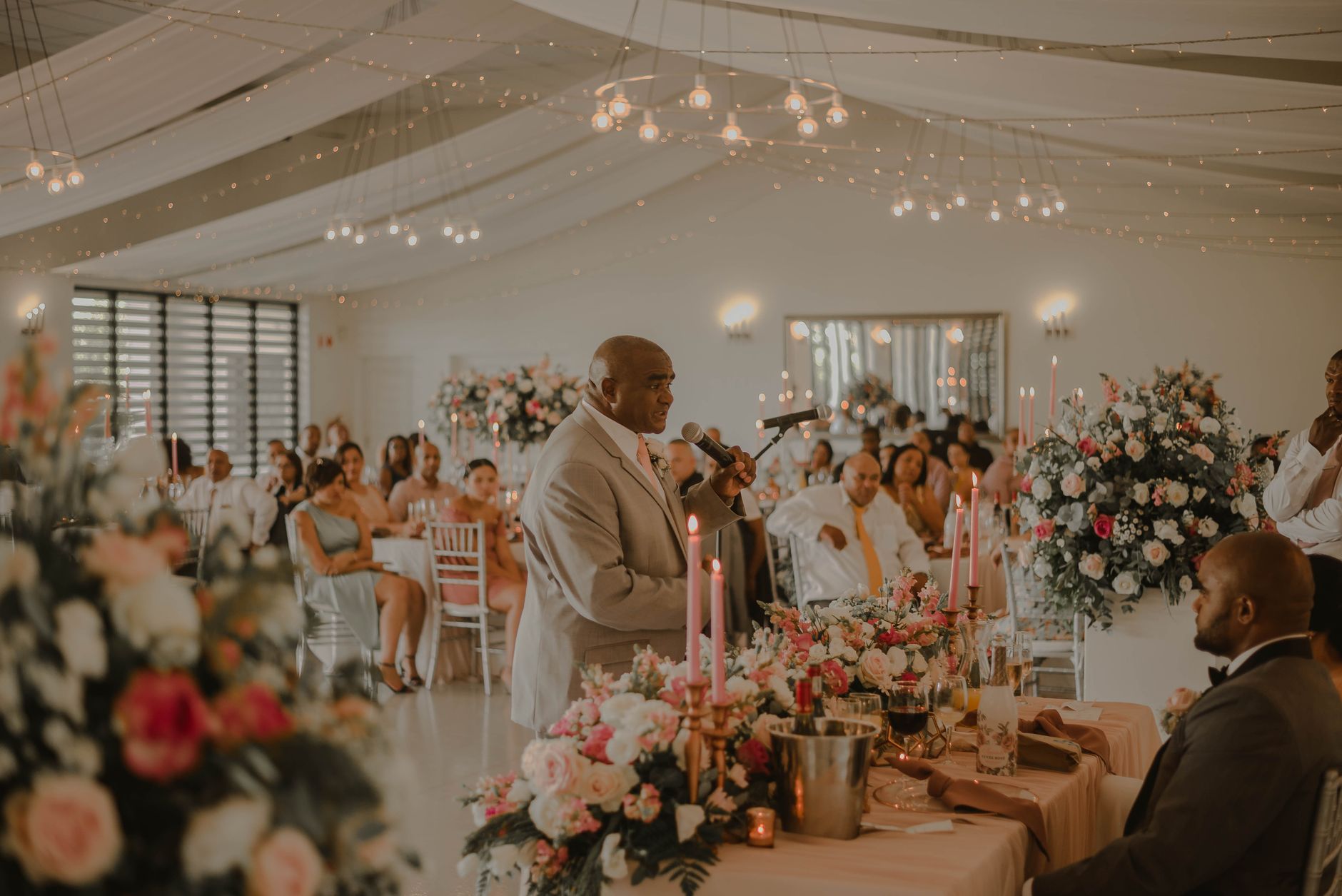
In this guide, you’ll learn how to use an AI wedding speech writer effectively, how to write emotionally resonant toasts, and how to tailor every line so it sounds like you—just beautifully organized.
What Is an AI Wedding Speech Writer (and Why It Works)?
An ai wedding speech writer helps you generate a full speech or toast structure based on the details you provide: your relationship to the couple, shared memories, personality traits, and the tone you want (sweet, funny, classy, or heartfelt).
Instead of staring at a blank page, you get a draft with:
- Clear opening that sets the tone immediately
- Personal storytelling grounded in your prompts and key moments
- Meaningful compliments that don’t feel generic
- A smooth closing with a toast and well-wishes
Because the best wedding speeches are a mix of emotion and structure, AI excels at organizing your ideas into a readable flow—while you provide the heart.
Choose the Right Style: Best Man, Maid of Honor, or Wedding Toast Generator
Different speakers have different expectations. A best man speech generator often leans into humor, camaraderie, and respectful roast-free moments. A maid of honor speech ai typically highlights love, admiration, and the bride’s character—often with a gentle, sentimental arc. Meanwhile, a wedding toast generator can help you craft something shorter, punchier, and still memorable.
Before you generate anything, decide what “winning” sounds like for your audience:
- Length: 2–3 minutes (toast), 4–6 minutes (speech), or longer if you’re comfortable
- Energy: calm and sincere vs. lively and comedic
- Boundaries: keep jokes kind and avoid anything that could embarrass the couple
- Audience mix: friends and family across ages (avoid overly niche references)
Quick tip: Even if you use AI, write like a real human. The goal is “you, but smoother.”
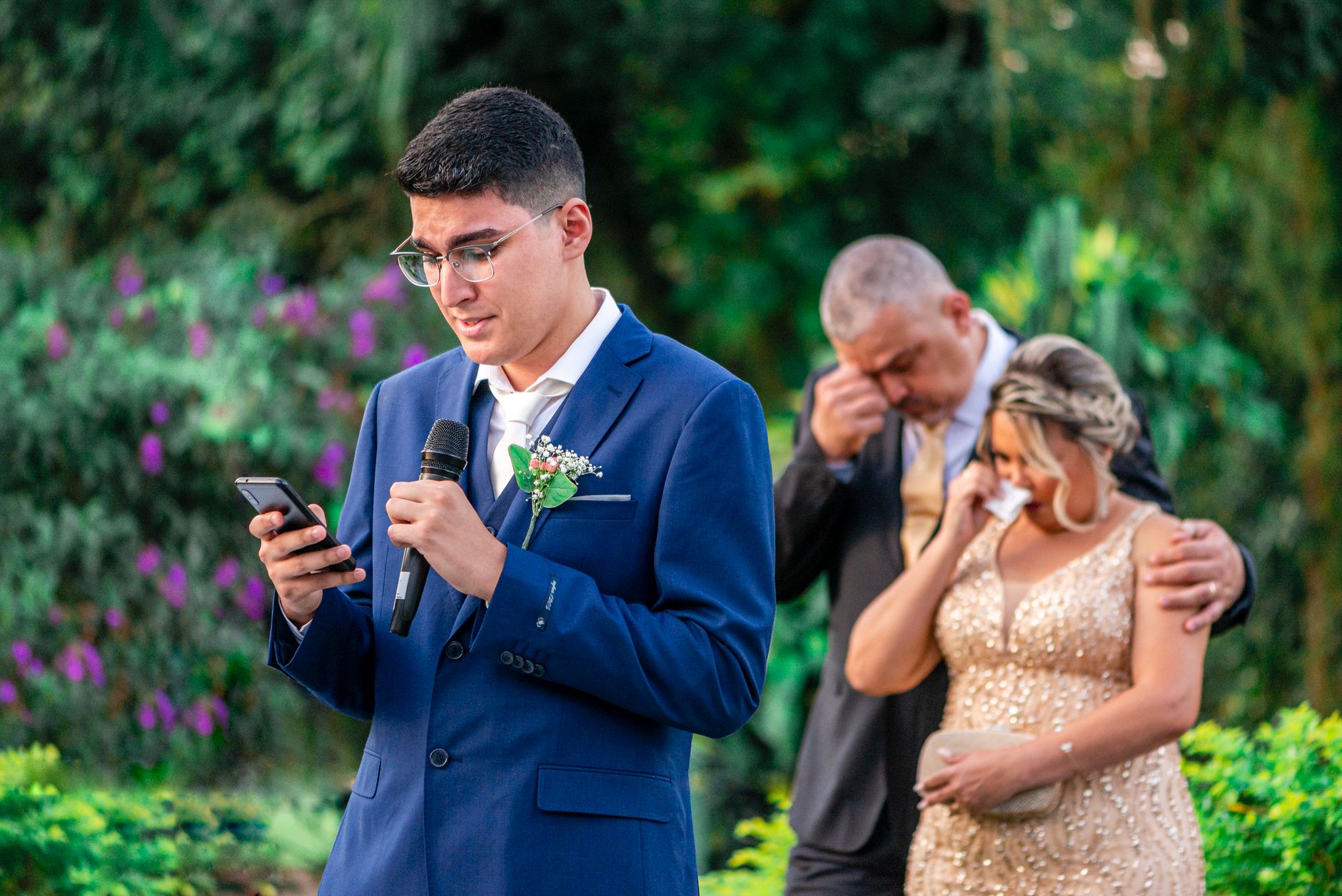
How to Use an AI Wedding Speech Writer Step-by-Step
To get a speech that feels personal (and not like a template), feed the AI the details it needs. Here’s a reliable workflow you can follow with AIZora’s AI writing experience.
Step 1: Provide the essentials
Start with basics that anchor the speech in reality:
- Names of the couple
- Your role (best man, maid of honor, friend, sibling, parent)
- How you know the couple
- How long you want the speech/toast to be
Step 2: Add 3–5 specific memories
The secret to heartfelt speeches is specificity. Include small moments the couple will recognize:
- A funny story that shows your relationship with them
- A time you saw them be especially kind
- A challenge they overcame together
- A “how they met” detail (if appropriate)
Best practice: Choose memories that support the theme you want—love, growth, loyalty, humor, or new beginnings.
Step 3: Define the tone and boundaries
Tell the AI what to include—and what to avoid. This prevents awkward phrasing and keeps the speech wedding-appropriate.
- Tone: heartfelt, humorous, sentimental, elegant
- Boundaries: no ex-partner stories, no embarrassing facts, no inside jokes only one person understands
- Respect level: roast-free or “light roast” only
Step 4: Ask for a complete draft plus options
When you generate, request multiple versions so you can choose what feels most like you. A good approach is:
- Generate a main draft
- Generate a shorter toast version (in case plans change)
- Generate a more humorous version (if that fits)
Step 5: Personalize in 10 minutes
AI drafts shine when you add your voice. Edit the speech by replacing a few generic lines with one-liners only you could know:
- Change a sentence to include a place you all remember
- Add a line about why the couple makes life better
- Swap one compliment for a detail about their character
Remember: The AI can build the skeleton and polish the wording—your personal details create the soul.
Best Practices for Heartfelt Wedding Speeches and Toasts
Want your speech to land? Focus on emotion, pacing, and audience comfort. Here are practical tips that work every time.
Write with a “three-part” emotional arc
Most unforgettable wedding speeches follow a simple structure:
- Where we started: how you know the couple
- What you’ve seen: why they’re special (with examples)
- Where they’re going: a hopeful future wish + toast
Use concrete compliments (avoid generic praise)
Instead of “They’re perfect together,” try:
- “You make each other braver.”
- “I’ve watched you choose kindness in hard moments.”
- “You laugh in the same rhythm.”
Specific language makes sincerity easier for listeners to feel.
Keep jokes kind and timed
If you want humor, use it like seasoning—not like the meal. A safe formula:
- Keep jokes about yourself, not the couple
- Short setup, quick punchline, then immediate warmth
- End the humorous moment with sincere appreciation
Pace it for real speaking
Read the draft out loud. If a sentence feels like it’s “moving too fast” on your tongue, rewrite it shorter. Great speeches are easier to deliver than they are to write.
Close with a toast that invites everyone in
End with something the entire room can join. Common closing patterns:
- “Please raise your glasses to…”
- “Here’s to a lifetime of…”
- “To love, laughter, and the life you’re building—cheers!”
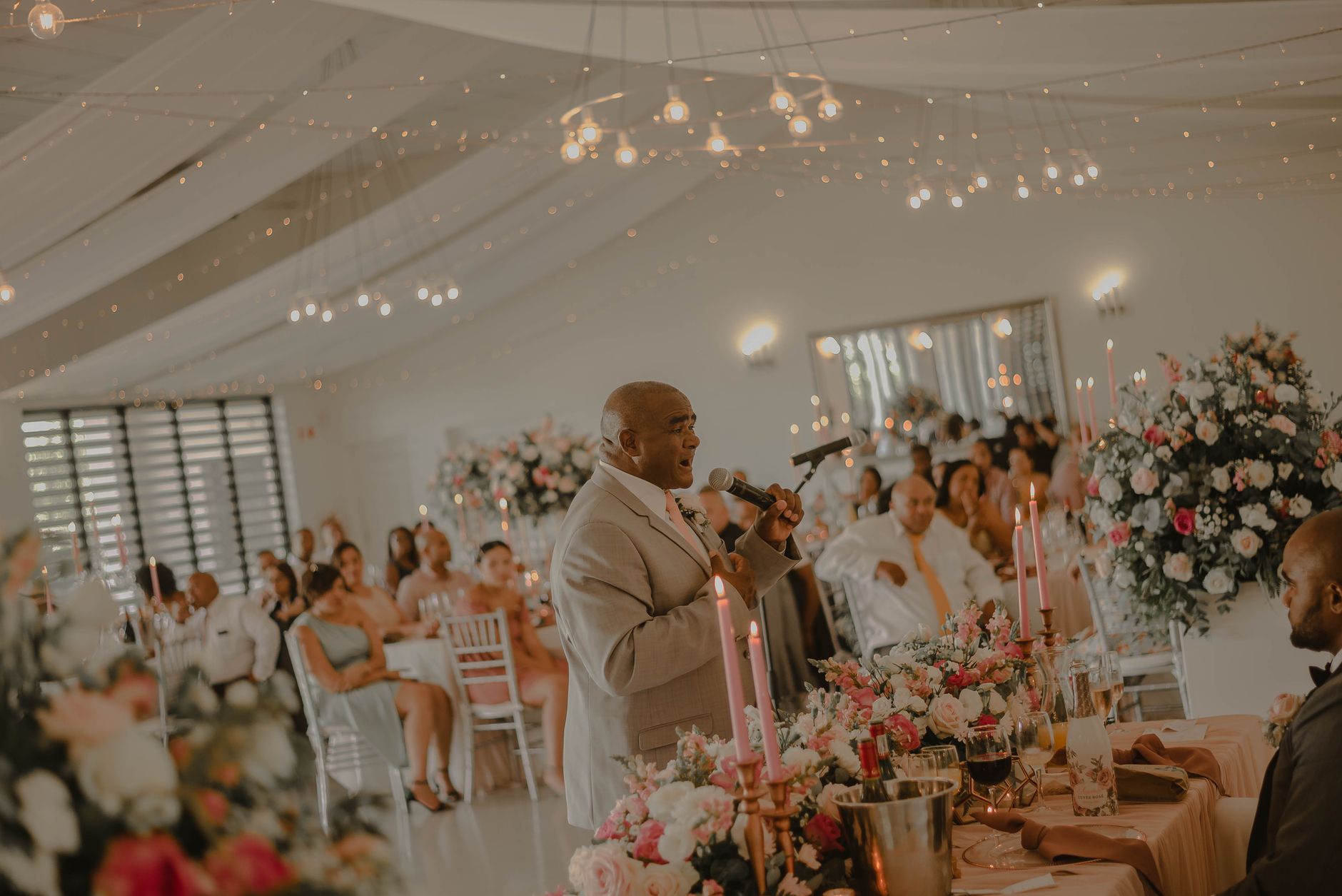
Comparison: AI Wedding Speech Writer vs. Writing From Scratch
| Category | AI Wedding Speech Writer (AIZora) | Writing From Scratch |
|---|---|---|
| Starting point | Drafts with structure and polished phrasing | Blank page and slow momentum |
| Personalization | Guided prompts turn your memories into a narrative | You must map structure and wording yourself |
| Time to first draft | Minutes (depending on inputs) | Hours or days, especially with revisions |
| Consistency | Helps maintain tone, pacing, and flow | Easy to drift or repeat points |
| Short vs. long versions | Easily generate toast-length and speech-length options | Requires separate rewriting |
| Editing workload | Refine and add your voice; AI reduces friction | More writing and rewriting from scratch |
Examples by Role: What to Ask For (So It Sounds Like You)
Different roles benefit from slightly different prompts. Here are ideas you can copy into AIZora’s tool to get results close to what you envision.
Best man speech prompt ideas
- Humor with heart: “Write a best man speech with light jokes, then land on a sincere closing toast.”
- Brotherhood vibe: “Include a memory from our early days and connect it to why the couple works.”
- Confident pacing: “Keep it under 5 minutes and use short sentences for easy delivery.”
Maid of honor speech AI prompt ideas
- Warm admiration: “Write a maid of honor speech that celebrates her kindness and strength, with one emotional story.”
- Romantic sincerity: “Use poetic but simple language, and avoid overly formal wording.”
- Supportive tone: “Make it uplifting and grateful, ending with a toast to their future.”
Wedding toast generator prompt ideas
- Short and memorable: “Write a 90-second wedding toast with one story and a clear toast line at the end.”
- Minimal setup: “No long introductions—start with why they inspire us.”
- Room-friendly ending: “End with a line guests can repeat or easily respond to.”
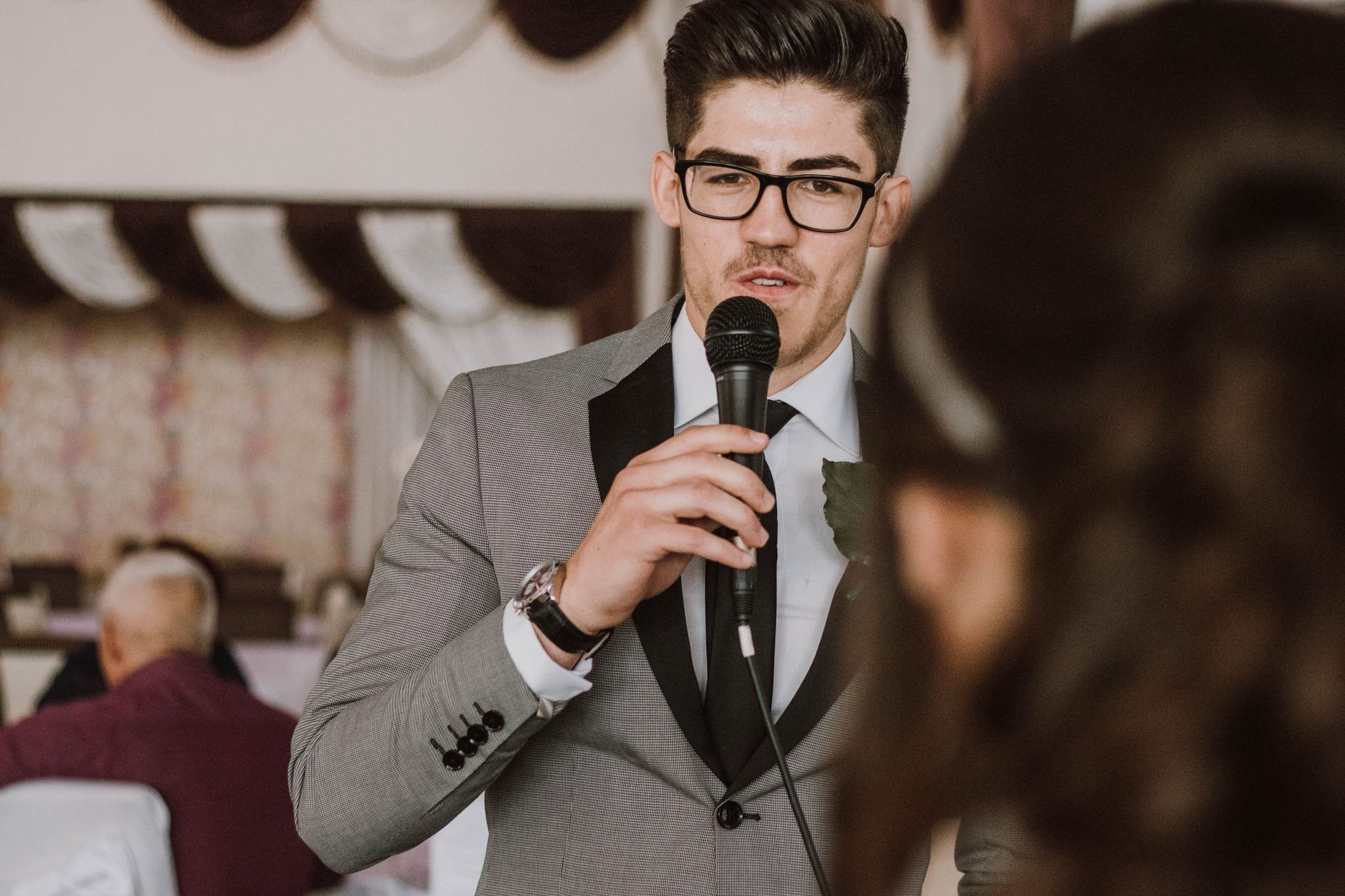
Quick Setup Checklist (So You’re Ready on Wedding Day)
If you want your AI wedding speech writer to produce something you can deliver smoothly, prep these details ahead of time.
- Gather key facts: couple names, venue type (indoor/outdoor), and approximate timeline
- Pick your main theme: love, partnership, humor, resilience, or gratitude
- Draft your memory list: 3–5 stories (with one-sentence summaries)
- Choose your tone: gentle, funny, formal, modern, or sentimental
- Decide your length: toast (1–2 minutes) or speech (4–6 minutes)
- Plan your closing: a toast line everyone remembers
Best practice: Save your final draft, then highlight the few lines you truly want to speak from the heart. Everything else can be read calmly.
Practice like a performer (without overthinking)
- Read it once slowly.
- Read it once with natural pauses.
- Read it once at “room pace” (where you could be heard clearly).
You’ll notice where to shorten, where to emphasize, and where a joke lands better with timing.
Why Choose AIZora for Your Wedding Speech Generator?
When you’re searching for an ai wedding speech writer, you want more than fancy wording—you want results that feel sincere and easy to deliver. AIZora’s speech-writing approach supports your role-specific needs, whether you’re looking for a best man speech generator, a maid of honor speech ai draft, or a wedding toast generator for shorter moments.
And importantly, you can explore the tool with free access on AIZora. That makes it easier to test multiple tones—then finalize the version that sounds most like you.
Conclusion: Turn Nerves Into a Speech You’ll Be Proud to Deliver
The best wedding speeches aren’t perfect—they’re heartfelt. With an AI wedding speech writer, you can turn your memories, emotions, and personality into a polished draft that respects the moment and keeps the room engaged.
Whether you need a best man speech generator for laughs with warmth, a maid of honor speech ai that highlights admiration and love, or a wedding toast generator for something shorter and powerful, the key is the same: use the AI to structure and refine, then add your personal details.
If you’re ready to write with confidence, start on AIZora—especially since free access makes it easy to try, revise, and deliver a speech that truly comes from the heart.