If you’re searching for a coloring page prompt generator, you’re probably trying to turn a simple idea—like “unicorn in space” or “flowers in a garden”—into a clean, printable prompt you can actually use. In this guide, you’ll learn exactly how to generate strong prompts, what to include for best results, and how AIZora’s AI Coloring Page Generator can create stunning printable pages instantly for any theme and style.
Introduction: Why a Coloring Page Prompt Generator Makes Coloring Easier
A good prompt is the difference between a coloring page that’s fun to color and one that’s messy, too detailed, or not “print-ready.” A coloring page prompt generator helps you quickly produce structured instructions—covering subject, style, line thickness, complexity, and formatting—so your output looks great and stays readable.
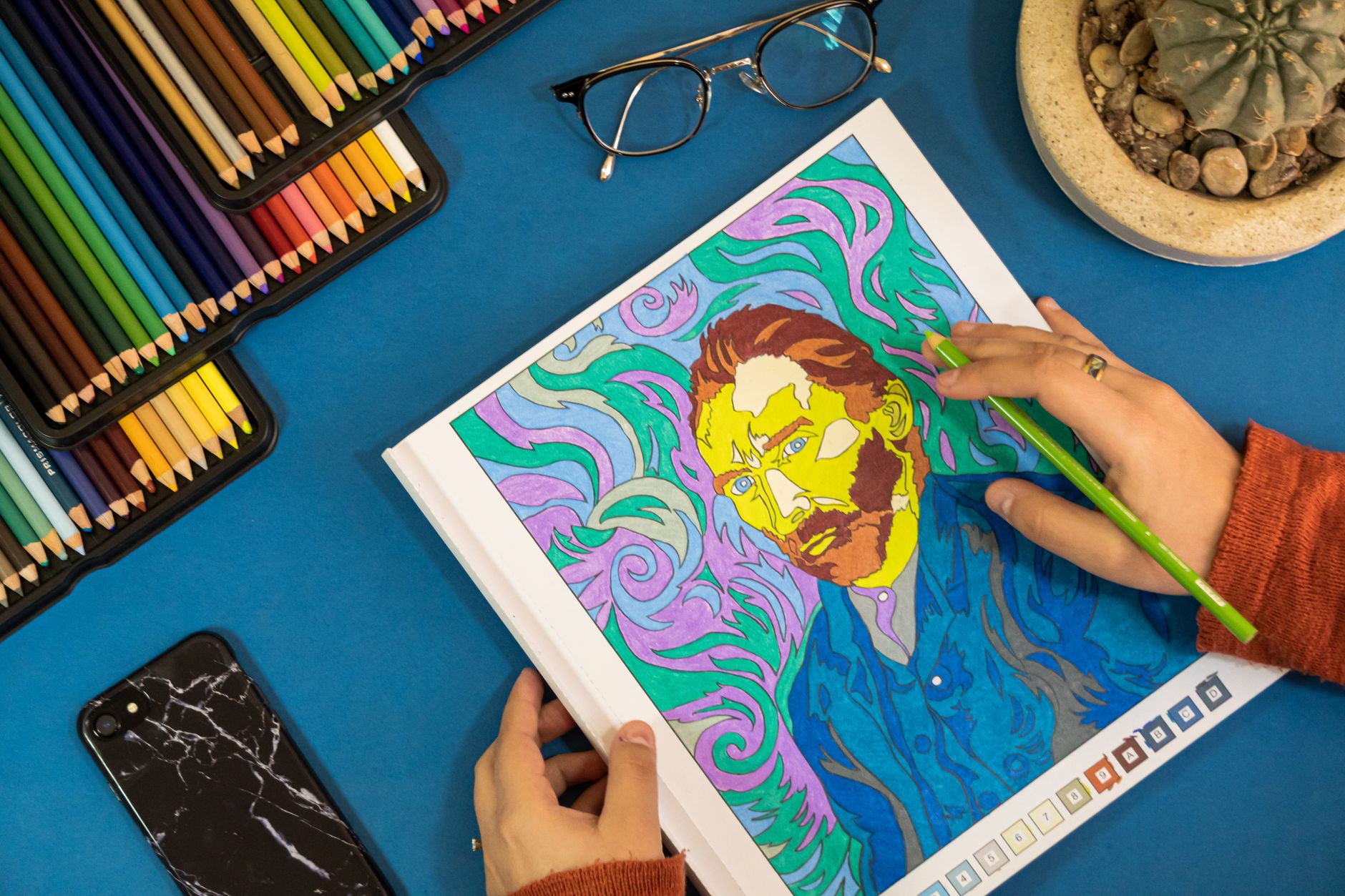
While some tools focus only on “images,” you also want pages designed for coloring: outlines first, minimal shading, readable shapes, and an appropriate level of detail for kids or adults.
How to Use a Coloring Page Prompt Generator (Step-by-Step)
Think of prompt generation as a checklist. The best results usually come from including the essentials below. Use this as your repeatable workflow.
- Choose a theme: animals, holidays, hobbies, fantasy worlds, nature scenes, or your own character.
- Select the subject: specify what the page should center on (e.g., “a turtle exploring art supplies”).
- Pick a style: cartoon, kids-friendly, vintage, doodle, anime-inspired, watercolor-inspired (but line-art based), or mandala.
- Set line-art expectations: ask for bold outlines and a coloring-friendly look.
- Control complexity: choose “simple shapes” for kids or “intricate patterns” for adults.
- Request print sizing: specify “single-page printable,” “A4/letter,” or “high-resolution.”
- Add background instructions: either “plain background” (best for beginners) or “light scene elements” (for older kids).
If you want the fastest path to usable results, you’ll benefit from using a tool that formats these choices automatically. That’s where AI coloring tools shine.
What Makes a “Good” Prompt for Coloring Pages?
A common problem with prompt-based image generation is that it can drift toward realistic textures, heavy shading, or confusing detail. For coloring pages, you want the opposite: clear borders and sections that are easy to fill.
Prompt ingredients that improve line art
- Bold outline / ink lines (so shapes don’t blend)
- Minimal shading (or none)
- Large color regions for kids
- Consistent line thickness for neat results
- Readable small details only when targeting advanced colorists
- Clean composition (avoid overcrowding)
Prompt ingredients that improve creativity
- Specific accessories: books, flowers, stars, crayons, helmets
- Distinct setting: garden, outer space, underwater, bakery
- Clear mood: friendly, whimsical, cozy, adventurous
- Style anchors: “hand-drawn” and “storybook illustration” rather than vague terms

Popular Search Variations: Free, PDF, AI, and “From Photo” Prompts
People search for a coloring page prompt generator in many ways—often because they have specific end goals like printing, downloading, or starting from an idea they already have.
Coloring page prompt generator free
Free options matter, but you also want quality. A “free” tool that delivers usable line art without extra cleanup is the best kind of free. AIZora offers free access to help you generate printable coloring pages quickly, so you can spend time coloring instead of troubleshooting.
Coloring page prompt generator pdf
When you need to print or share, think about format early. Include instructions like “single page, high resolution, print-friendly” in your prompt. Then you can save your results as PDF for consistent printing and easy distribution to family, classrooms, or workshops.
Coloring page generator free
Same principle: prioritize outline clarity and page cleanliness. Many “free generators” produce images that look pretty on screen but lack strong outlines for coloring. Look for tools designed around coloring-page output.
Coloring page generator AI
AI becomes most useful when it helps translate your idea into an outline-first page. The best AI coloring page tools give you control over theme, style, and complexity, and they produce pages quickly enough that you can iterate.
Coloring page generator from photo
If you’re starting with a picture, the key is asking for a line-art interpretation. Your prompt can specify “turn the photo into clean line drawing” (or “convert to outline coloring page style”). This approach helps preserve recognizable forms while making the result printable.
AI coloring book generator free
When users say “coloring book,” they often mean multiple pages in one go. If your tool supports batch creation, request a cohesive theme series—like “ocean animals, 10 pages, varying difficulty”—so your final set looks like a real book.
ChatGPT coloring page generator
Some people look for a ChatGPT-based workflow to produce prompts, instructions, or lists of page concepts. That’s great for ideation. The remaining step is turning those concepts into reliable printable line art, which is why dedicated tools (like AIZora) can be a faster path to finished pages.
Text to coloring page generator
“Text to coloring page generator” is exactly what you’re doing here: describing your page in words. The secret is to use descriptive, structured language—subject, style, outline requirements, and complexity—so the output matches coloring needs.
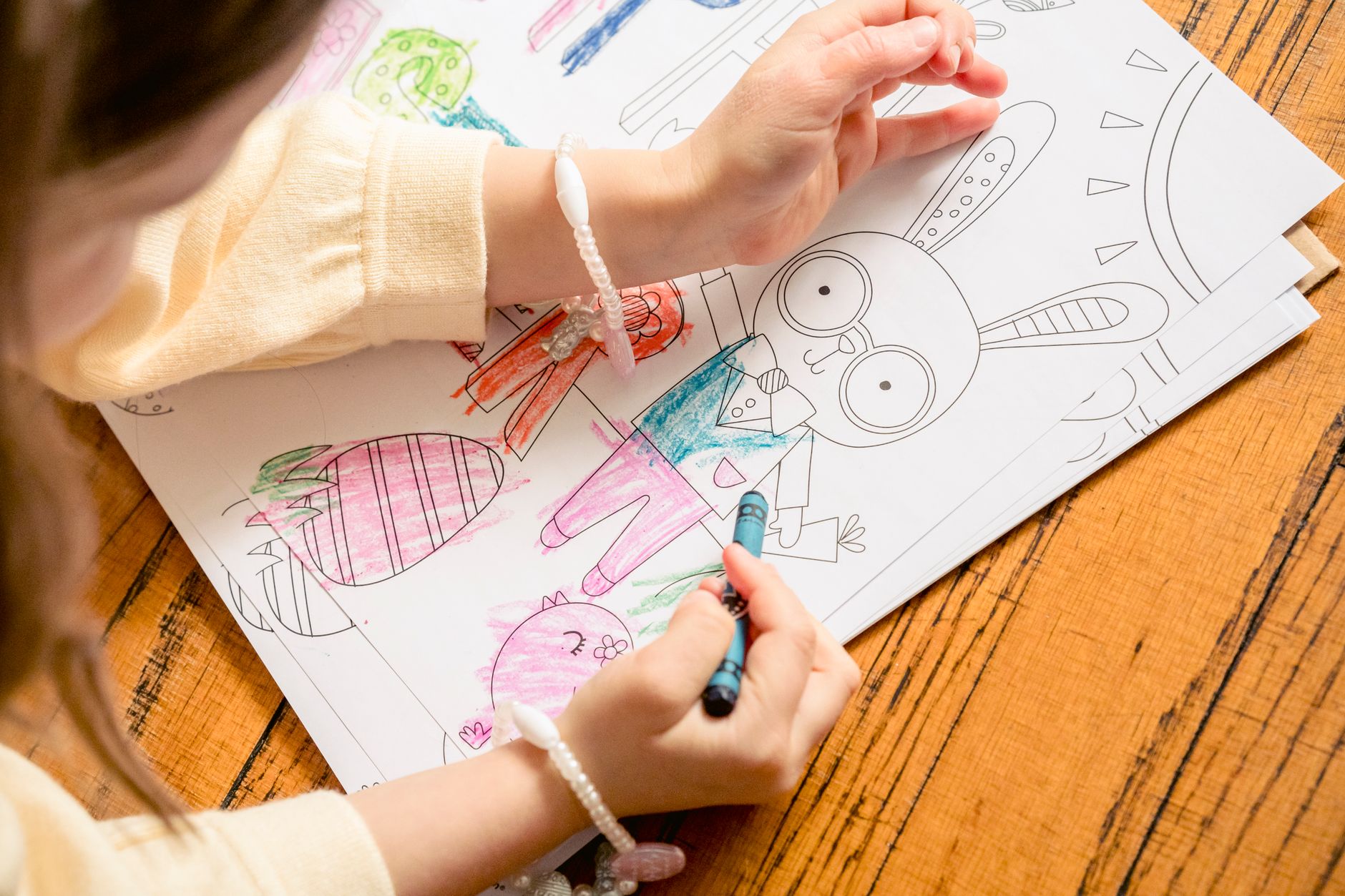
Best Practices for Printable Results (So You Don’t Waste Printouts)
Even with a strong prompt, small tweaks can dramatically improve print quality and usability. Use these best practices every time you generate.
1) Match complexity to your audience
- Kids (ages ~3–7): big shapes, fewer tiny details, minimal patterns.
- Early readers (ages ~7–10): add simple patterns, moderate detail, clear outlines.
- Adults (and advanced kids): intricate linework, mandalas, dense textures—still with clean borders.
2) Ask for outlines, not artwork
If you want a coloring page, emphasize “line art,” “ink outlines,” or “coloring book style.” Avoid prompt wording that pushes the model toward heavy realism or painterly shading.
3) Request a clean background (unless you’re going complex)
- For beginner pages, ask for a plain background or minimal scenery.
- For scene pages, keep the background elements simplified so the foreground remains the focus.
4) Generate, review, then refine
Your first generation is rarely perfect—and that’s normal. Improve results by making small changes, like:
- “Increase outline thickness” if lines look too faint
- “Reduce background details” if it feels cluttered
- “Simplify patterns” if the page is too busy
- “Add more spacing between elements” if coloring is cramped
5) Print test for line clarity
If you’re making pages for a group (classrooms, events, therapy sessions), print one copy first. Check line sharpness and whether tiny details are still readable at your printer’s quality settings.
| Goal | Prompt Direction | Recommended Output Style |
|---|---|---|
| Simple kids pages | “Bold outlines, large shapes, minimal small details, plain background” | Kids-friendly coloring book line art |
| Adult stress-relief art | “Intricate patterns, dense linework, detailed motifs, consistent line thickness” | Mandala / ornamental line art |
| Theme series (coloring book) | “Create a cohesive set of pages, same theme, varying scenes, consistent line style” | Uniform line-art across multiple pages |
| From a photo reference | “Convert photo into clean outline drawing, keep recognizable shapes, remove shading” | Outline-first transformation |
How AIZora’s AI Coloring Page Generator Helps (Fast, Printable, Free Access)
If you want a smoother way to go from idea to finished printable page, try AIZora’s AI Coloring Page Generator. It’s built to generate stunning printable coloring pages instantly—with any theme and any style, so you’re not stuck wrestling with unusable outputs.
Here’s why it works well for people looking for a coloring page prompt generator experience:
- Time-saving workflow: you describe what you want, and you get coloring-ready results quickly.
- Theme flexibility: animals, nature, characters, seasonal ideas, and niche hobbies are easy to request.
- Style variety: switch from simple kids line art to more detailed designs when needed.
- Free access: start generating without committing, then scale up when you find a style you love.
A simple prompt template you can copy
Use this as a starting point with any generator, including AIZora:
- Subject: (what’s the main focus?)
- Style: (storybook, doodle, mandala, cartoon, etc.)
- Coloring constraints: (bold outlines, minimal shading, clean regions)
- Complexity: (simple / medium / intricate)
- Format: (single-page printable, high resolution)
Example idea: “A turtle exploring art supplies, line-art coloring page style, bold outlines, minimal shading, medium complexity, plain background, printable.”
Ideas You Can Generate Today (Themes That Color Well)
Need inspiration? Here are prompt-worthy themes that consistently produce good coloring pages because they have clear shapes and strong visual grouping.
- Nature explorers: turtles, owls, frogs, mushrooms, gardens
- Creative tools: pencils, crayons, paintbrushes, palettes, sketchbooks
- Seasonal sets: pumpkins, winter villages, spring flowers, beach shells
- Fantasy basics: friendly dragons, unicorns, space helmets, treasure maps
- Pattern families: mandalas, geometric mosaics, floral borders
Tip: if you want consistency across a whole set, keep the same style wording and only change the subject and scene.
FAQ: Coloring Page Prompt Generator (Free, PDF, AI, and More)
Is a coloring page prompt generator free?
Some tools offer free access or trial limits. For best results, choose a generator that outputs coloring-friendly line art—not just decorative illustrations. AIZora provides free access so you can start generating printable pages right away.
Can I get a coloring page prompt generator PDF?
You typically generate the page first, then save or export it as a PDF for consistent printing. To improve printing results, request “printable” and “high resolution” in your prompt.
What’s the difference between a coloring page generator free and an AI coloring page generator?
“Free” usually refers to access cost, while “AI” refers to how the tool creates the output. Many AI tools can also help you iterate prompts quickly to find the exact line style and complexity you need.
How do I turn a photo into a coloring page?
Use a “from photo” prompt direction and ask for a clean outline conversion: keep recognizable shapes, remove shading, and emphasize bold lines for print.
Is there an AI coloring book generator free?
Yes—if you find a tool that supports multiple pages per theme. If not, you can still generate pages one by one while keeping the same style and formatting instructions to build your “book” set.
Can ChatGPT be a coloring page generator?
ChatGPT is often used to generate ideas and prompts, but a dedicated coloring-page AI tool can produce more coloring-ready, outline-first images. A common workflow is: ChatGPT for prompt ideas, AIZora for printable generation.
How do text to coloring page generators work?
You describe the subject and style in text, then the generator translates that into a coloring-page format. For consistent results, include outline and complexity instructions.
Conclusion: Generate Better Coloring Pages with the Right Prompt
A coloring page prompt generator isn’t magic—it’s structure. When you use a clear checklist (subject + style + bold outlines + complexity + printable formatting), your results become dramatically more usable and more fun to color.
If you want to skip the guesswork and start generating immediately, try AIZora’s AI Coloring Page Generator. With free access and the ability to create stunning printable coloring pages instantly for any theme and any style, it’s one of the fastest ways to go from idea to page.