Tree ID shouldn’t feel mysterious. With Identify Tree on AIZora, you can identify tree by picture in seconds—using AI to read clues from leaves, bark, and overall plant structure. Whether you’re trying to confirm an oak leaf identification, learn pine tree identification, compare ash tree identification, or figure out apple tree identification, the process is straightforward: snap a photo, review your results, and learn confidently.
What Is Identify Tree (AI Tree Identification) and How It Works
Identify Tree is an AI-powered tree finder experience designed to help you with identifying trees quickly—without needing a field guide open in one hand and a magnifier in the other. Instead, you use your phone camera, take a picture, and the system compares visible features to likely species.
Here’s the basic flow:
- Snap a photo of the leaf, bark, or the tree canopy.
- Upload to AIZora (free access on AIZora).
- Review tree id results generated by AI.
- Use the follow-up cues—like leaf identification and tree bark identification—to confirm.
Think of it as “assistant-first learning.” The goal isn’t only to guess—it’s to help you practice better observation skills while you get an answer fast.
Snap a Photo for Tree ID: Best Angles for Leaf and Bark
If you want accurate tree identification by picture, how you shoot matters. The AI reads patterns—shape, texture, vein structure, arrangement, and surface details—so your goal is to capture clean, readable features.
How to Photograph Leaves for Leaf ID
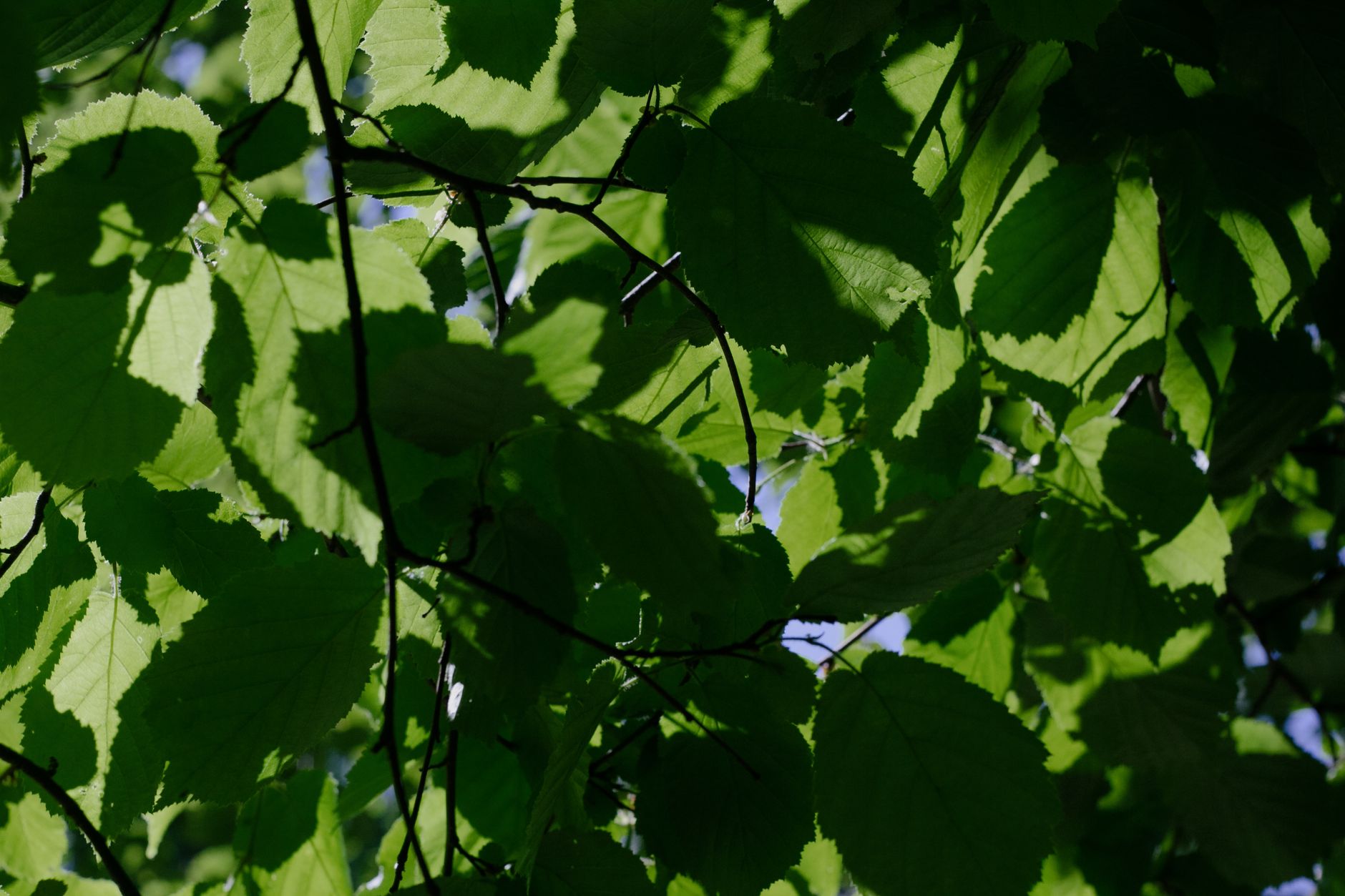
- Fill the frame with the leaf (avoid too much sky or background).
- Use indirect light to reduce glare.
- Include the leaf edge and tip clearly.
- If possible, capture both top and underside texture.
- Take 2–3 photos from slightly different angles for “leaf id” certainty.
How to Photograph Bark for Tree Bark Identification
- Get close enough to show the bark texture, ridges, or peeling pattern.
- Try to include a small section that shows scale (nearby branches help).
- Avoid overexposure—tap to focus, then photograph.
- Capture bark in a shaded area if the sun is harsh.
Pro tip: If you’re doing identify tree by leaf and identify tree by bark, take one photo of each. Combined evidence usually produces the most reliable results.
Identify Tree Species Faster: The Clues the AI Looks For
When you use identify tree species tools, you’re effectively translating botanical traits into a match. AI helps by extracting visual signatures that are often hard to describe quickly—like leaf silhouette and bark patterns.
Common Visual Clues for Identifying Trees
- Leaf shape: broad vs. narrow, lobed vs. smooth edges.
- Vein structure: prominent midrib, branching pattern.
- Leaf arrangement: opposite, alternate, or clustered growth.
- Leaf margin: serrated, scalloped, smooth, or jagged.
- Surface texture: glossy, matte, hairy, leathery.
- Bark texture: fissures, peeling plates, roughness level.
- Overall growth habit: canopy shape and branching density.
Where “Leaf ID” Helps Most
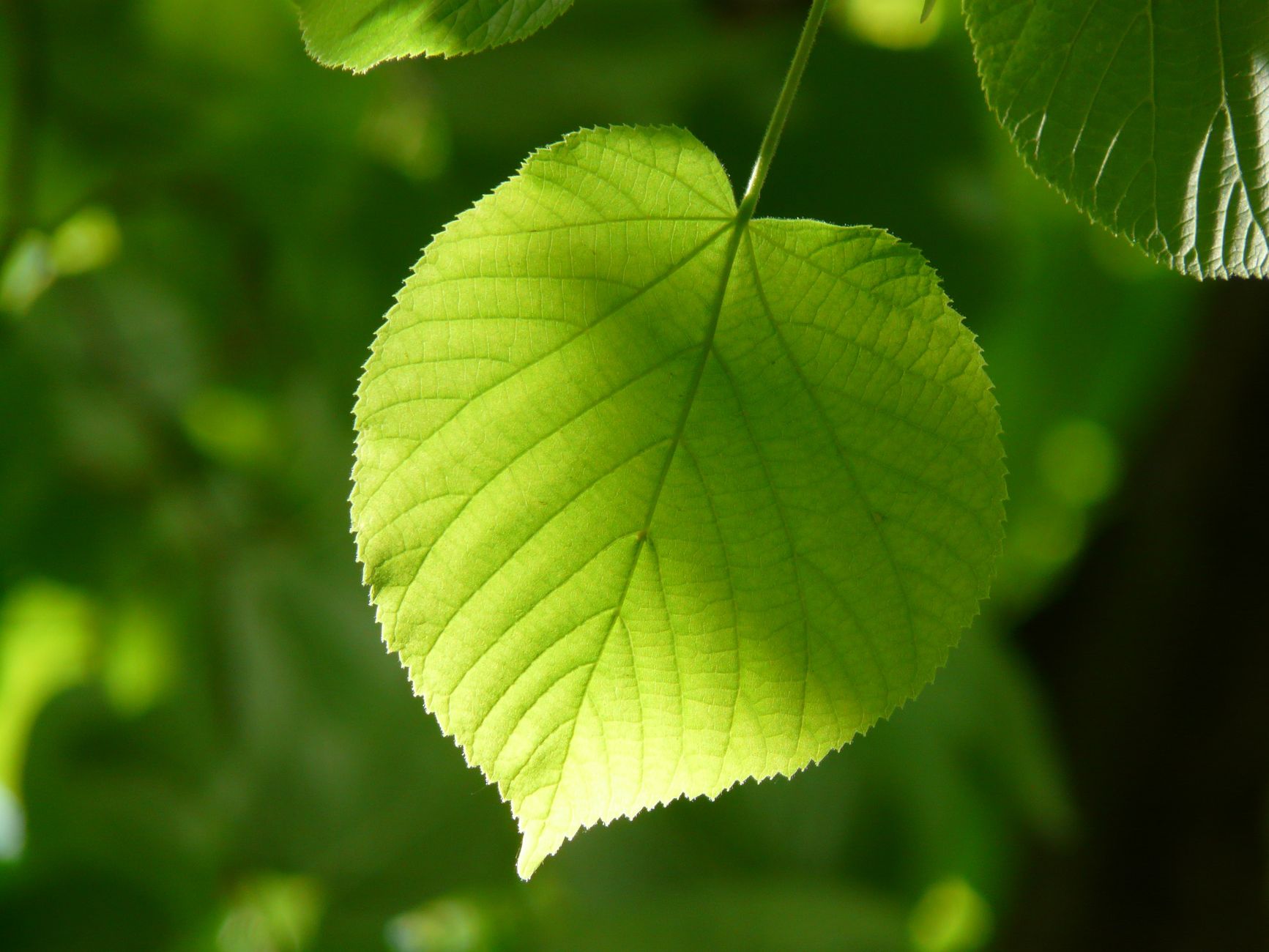
Tree leaf identification is often the fastest route because leaves are rich in detail. If you’re learning oak leaf identification, for example, focus on lobes and margins. For pine tree identification, you’ll want needle grouping and how foliage clusters on branches.
For apple tree identification and maple tree identification, leaf edges and vein patterns are particularly useful—especially when you can capture a few leaves from different branches.
Identify Tree by Leaf, Bark, or Seedling: A Practical Workflow
Sometimes you don’t have the whole tree—only a sapling, a twig, or a single leaf. That’s where seedling identification and focused leaf/bark capture can help. Follow this workflow to get strong results.
Workflow for Identify Tree by Leaf
- Collect 2–3 leaves from the same plant.
- Take one photo close-up per leaf.
- Take one photo showing leaf attachment to a small stem.
- Run identify tree by leaf and compare the “tree id” options.
Workflow for Identify Tree by Bark
- Find a trunk section with consistent texture.
- Photograph a small patch close-up.
- Photograph again from a step back to show context.
- Use results to narrow candidates, then confirm with a leaf shot.
Workflow for Seedling Identification
- Seedlings are smaller and change quickly—so capture multiple angles.
- Include surrounding plants only if they don’t confuse the frame.
- If there are visible cotyledons or early leaves, photograph those clearly.
- Repeat after a few weeks if growth changes significantly.
Best practice: Don’t rely on a single photo. Take at least two—one for structure (leaf or overall canopy) and one for texture (leaf detail or bark). That’s the simplest way to improve identifying trees accuracy.
| What You Capture | Use It For | Best Tips to Get Cleaner Results |
|---|---|---|
| Leaf close-up | Leaf ID, leaf id, tree leaf identification | Fill frame; avoid glare; show edge + tip |
| Leaf + stem attachment | Confirm arrangement; narrow candidates | Include the junction point where leaf meets twig |
| Bark close-up | tree bark identification | Photograph texture; use shaded light if sun is harsh |
| Bark + trunk context | Support overall tree structure match | Step back to show thickness and surrounding branches |
| Overall tree shot | tree id from canopy/shape | Use good lighting; keep tree centered; avoid heavy clutter |
Identify Tree Species for Common Trees: What You Might Find
Whether you’re hiking in the countryside or identifying backyard growth, certain trees appear again and again. Here are common identification goals and the practical focus areas that help you confirm.
Oak, Maple, and Ash Identification Focus
- Oak leaf identification: prioritize lobes, margin shape, and leaf silhouette.
- Maple tree identification: look for characteristic leaf shape and symmetry; capture multiple leaves if possible.
- Ash tree identification: focus on leaflet arrangement and leaf texture when leaves are compound.
Pine and Apple: Quick Visual Targets
- Pine tree identification: photograph needle clusters and how needles attach to twigs.
- Apple tree identification: capture leaves with clean edges; if available, include small fruit or flower cues.
White Flowering Trees Identification (How to Photograph)
If your tree is flowering, you can improve your odds by capturing both the flowers and the leaf context:
- Take a shot of the flower cluster in focus.
- Follow up with one photo showing the leaf arrangement on the same branch.
- Avoid backlighting that turns flowers into silhouettes.
British Tree Identification: Adjust Your Photos for UK Conditions
British tree identification benefits from careful observation because many species can look similar in certain seasons. The AI helps, but it works best when your images are consistent and detailed.
Seasonal Photo Tips for the UK
- Spring: prioritize leaves emerging on branches plus any early flowers.
- Summer: focus on leaf texture and edge detail.
- Autumn: capture leaves before they’re fully curled or lost; still try for clear vein/margin visibility.
- Winter: bark texture and overall structure become more important than leaves.
Get More Useful Results When It’s Overcast
- Overcast light is often softer—use it to reduce shadows.
- Still ensure the leaf fills the frame and stays sharp.
- If the tree is far away, take a closer shot rather than a distant “guess” photo.
Tips and Best Practices to Improve Identify Tree Accuracy
Even the best AI performs better with good input. Use these best practices to boost accuracy for identify tree species results and strengthen your own learning.
Photo Quality Checklist
- Focus first: tap to focus on the leaf/bark texture before snapping.
- Mind the background: avoid busy scenes; simple backgrounds help the model isolate the plant.
- Use the rule of clarity: if you can’t clearly see the leaf edge or vein in your preview, retake.
- Take a series: two to five photos across slightly different angles typically beat one “perfect-looking” shot.
Use Results Like a Checklist (Not a Final Verdict)
AI can provide likely candidates, but your job is to confirm with additional evidence. If you’re doing tree identification by picture, cross-check traits:
- If the app suggests a match, look again for leaf arrangement and margin style.
- If the match depends on bark, compare whether the texture pattern truly fits.
- For trees id involving similar species, prioritize the trait that is easiest to verify with your photos.
Targeted Searches: Leaf vs. Bark vs. Overall Tree
Choose the tool focus based on what you can photograph best:
- If you have a clean leaf, start with identify tree by leaf.
- If the trunk is textured and close enough, begin with identify tree by bark.
- If you can’t get close, use overall canopy shape as a supplementary clue.
Conclusion: Identify Tree with Confidence—Free on AIZora
Identify tree is built for real-world moments: you’re on a walk, you see a tree you recognize (or don’t), and you want answers now—not after you return home and search for hours. With AIZora’s AI, you can identify tree by picture, learn leaf id patterns, and use tree bark identification to confirm your best match.
Try it for oak leaf identification, pine tree identification, ash tree identification, apple tree identification, maple tree identification, and even white flowering trees identification. And if you’re focused on British tree identification, capture clear leaves or bark in the season you’re in—then let AI help you narrow down the tree id.
Best of all: Identify Tree is free to use on AIZora. Snap a photo, review the results, and start identifying trees with confidence today.