A study guide maker helps you transform messy notes into clear summaries, test-ready flashcards, and practice questions—fast. If you want an ai study guide maker that works directly from your materials, AIZora’s “AI Study Tool & Flashcard Generator” is a practical place to start (and you can access it for free).

Why you need a study guide maker (and what “good” looks like)
Most students don’t struggle because they lack study time—they struggle because their materials are scattered. A study guide creator streamlines the process:
- Organize topics into a logical outline (so you know what to study next).
- Convert notes into active recall (flashcards + practice questions).
- Focus on likely exam questions (not just rereading).
- Reinforce with repetition and spaced practice.
In other words, the best guides don’t just summarize—they train your brain to retrieve answers under exam conditions.
How to use an ai study guide maker effectively (step-by-step)
Whether you’re using an online tool, an AI assistant, or doing it manually, the workflow is similar. Here’s a simple process you can repeat for every class:
- Gather inputs: notes, lecture slides, a PDF handout, or even images of your study materials.
- Provide context: include course name, exam date, and what the instructor emphasized.
- Generate study outputs: summaries, flashcards, and practice questions.
- Refine: remove anything irrelevant; add missing definitions or tricky details.
- Study using retrieval: do flashcards first, then attempt practice questions without looking.
With AIZora’s AI Study Tool & Flashcard Generator, the key advantage is that you can upload your materials—notes, slides, or other content—and get flashcards and practice questions quickly.
Study guide maker online: what to look for
When people search “study guide maker online,” they’re usually comparing speed, quality, and ease. Use this checklist to evaluate any tool:
- Input flexibility: Can it handle PDFs, text, slides, and images?
- Output quality: Are explanations accurate and appropriately detailed?
- Active recall formats: Flashcards and practice questions should be included.
- Control: Can you edit or regenerate specific sections?
- Usability: Fast generation without complicated setup.
- Cost: Ideally, it offers free access or a free mode to test.
AIZora fits well here because it focuses on immediate learning outputs—flashcards and practice questions—after you upload your materials. And yes, there is free access on AIZora, which makes it an easy starting point.

Study guide maker from PDF | from pictures | from notes: match the tool to your materials
Different exam prep situations call for different inputs. Below are practical ways to use a study guide maker for common file types and what to watch for.
Study guide maker from PDF
PDFs often contain lecture handouts, homework sheets, or reading summaries. When using a PDF, aim to:
- Upload the pages that cover the specific exam topics (not the whole semester).
- If the PDF includes diagrams or charts, ensure the tool can interpret them (or separately upload those pages as images).
- Then review generated content for terminology and unit accuracy.
Study guide maker from pictures
If your materials are handwritten (problem sets, whiteboard notes, or margin annotations), pictures can work surprisingly well. Best practices:
- Use clear lighting and minimal glare.
- Capture the entire page, including headings.
- Include any keys/legends so the tool can produce correct flashcards.
Study guide maker from notes
When you already have typed notes, you’re in the easiest scenario. To get better outputs:
- Paste or upload notes grouped by topic (e.g., “Photosynthesis,” “Unit 3: Stoichiometry”).
- Add any instructor “must know” hints you have.
- After generation, turn vague lines into specific question stems.
Where AIZora helps naturally
With AIZora’s AI Study Tool & Flashcard Generator, you can upload notes, slides, or any material, then get flashcards and practice questions instantly. If you’re aiming for an ai study guide maker free option to start this workflow, AIZora’s free access makes it approachable.
Study guide maker free: how to get value without wasting time
Free tools can be great—if you use them intentionally. Here’s how to avoid the two common failures:
- Failure #1: Generating too much. A huge set of flashcards can slow you down. Start with the highest-yield topics.
- Failure #2: Not studying the output. A generated guide is only useful if you do retrieval practice right away.
If you want a practical approach, choose one of these free-friendly strategies:
- Top 20 approach: Generate flashcards for the first 2–3 chapters you’ll test on.
- Error-first approach: Upload sections you struggle with, then drill until you can answer confidently.
- Section-by-section: Study in chunks and regenerate only what’s still weak.
Even if you’re searching “AI study guide maker free,” remember that the best ROI comes from pairing generation with a short daily schedule.
Study guide maker no AI: when manual beats automation
Not every situation requires AI. If your course heavily rewards problem-solving steps (math, physics, coding), you may prefer a no-AI workflow for the final transformation. Use a study guide maker no AI approach when:
- Your exam expects handwritten derivations and step-by-step reasoning.
- AI output doesn’t match your class’s notation or proof style.
- You’re building confidence by doing problems yourself.
Still, you can combine strategies: use AI to generate terminology flashcards, then do all calculations manually. That hybrid workflow often produces the best balance of accuracy and speed.
Free study guide maker from PDF (without getting overwhelmed)
When searching “free study guide maker from PDF,” the real concern is usually quality and clarity: will you get usable questions, or a messy blur?
To maximize quality:
- Extract key sections: only upload pages that contain definitions, formulas, or major concepts.
- Add your learning goals: “Create flashcards for key definitions and practice questions for application problems.”
- Check edge cases: dates, units, formulas, and names of laws/theorems.
- Use outputs immediately: even a partial guide studied well beats a perfect guide never used.
If you’re looking for a straightforward method to do this, AIZora’s AI Study Tool & Flashcard Generator is designed to turn uploaded materials into flashcards and practice questions quickly—while still being simple enough to use for free access.
Comparison: manual vs online vs AI study guide creator
| Approach | Best for | Time to first usable guide | Active recall (flashcards/questions) | Effort you must do |
|---|---|---|---|---|
| Manual study guide creator | Courses requiring precise notation and full reasoning | Medium to long | Depends on how you structure it | High (you write everything) |
| Online templates | Outline-based studying and formatting | Short | Limited unless template includes it | Medium (you still build content) |
| AI study guide maker (like AIZora) | Converting notes/slides/PDFs into flashcards + practice questions | Very short | Strong (flashcards + practice questions) | Low to medium (review and refine) |
Best practices: how to study with your generated guide
Getting a guide is only half the job. Here’s how to actually use it to improve test performance:
- Do flashcards first to build recall before you read or watch anything.
- Write “weakness notes”: when you miss a card, add a one-line correction.
- Use questions as rehearsal: set a timer and answer practice questions without notes.
- Mix topics after the first day (interleaving improves retention).
- Review on a schedule: revisit cards 24 hours later, then again a few days before the exam.
If you upload your materials into AIZora’s AI Study Tool & Flashcard Generator, the flashcards and practice questions become your daily engine—then you just guide the process by refining what’s wrong or missing.
Study guide maker from slides, diagrams, and complex topics
Sometimes your materials are structured, like lecture slides, but the learning challenge is turning that structure into test-ready understanding. Here’s what to do:
- Turn slide headings into card prompts (e.g., “Define X,” “When does Y apply?”).
- Convert diagrams into steps: label → purpose → how it’s used → common mistakes.
- For science/math: prioritize definitions, assumptions, and common question patterns.
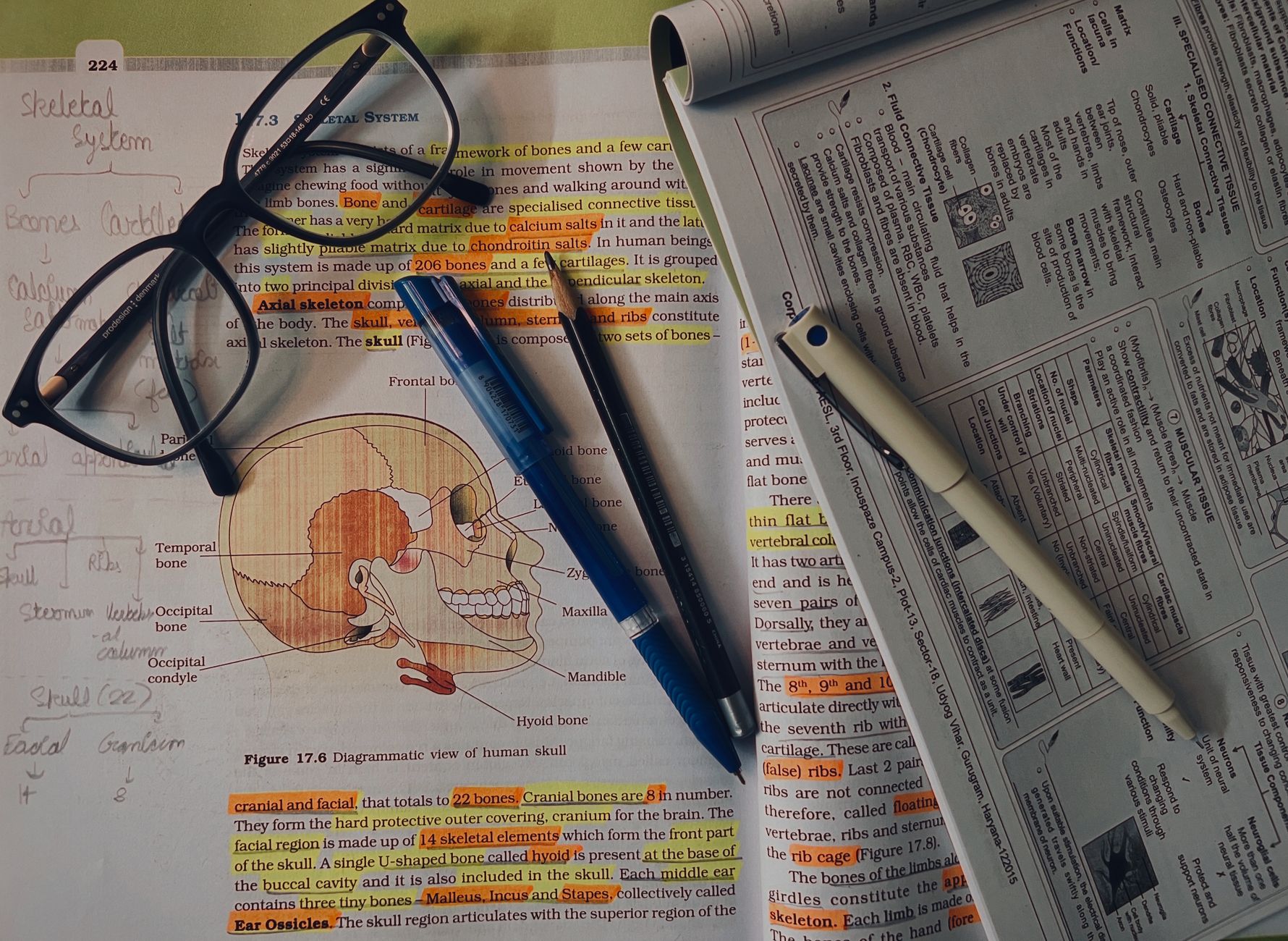
In subjects like biology, anatomy, and health sciences, a good study guide also needs clear terminology. For example, using structured educational materials (and then generating cards) can help you memorize terms and their meaning—not just the visuals.
FAQ: study guide maker questions people also ask
Is a study guide maker online worth it?
Yes—especially if it produces flashcards and practice questions. Online tools save time and help you shift from passive review to active recall.
Can I create a study guide from PDF for free?
You can—many options offer free access or trials. The best results come from uploading only the relevant pages and then reviewing accuracy before you study.
Can a study guide maker from pictures work for handwritten notes?
Often, yes. Use clear, well-lit images and include headings or key sections so the generated content stays organized.
What about a study guide maker from notes?
This is one of the easiest inputs. Typed notes usually produce better cards and clearer question prompts. After generation, spend a few minutes correcting anything inaccurate.
Is an AI study guide maker free?
Some AI study platforms offer free access. With AIZora, you can start for free and generate flashcards and practice questions by uploading your materials.
Do I need a study guide maker no AI?
No—you don’t. But if you need custom derivations or your course’s format is strict, using a no-AI approach for problem-solving steps can complement AI flashcards effectively.
How do I make a free study guide maker from PDF that doesn’t overwhelm me?
Limit the scope: upload only exam-relevant sections, generate cards in batches, and study immediately using retrieval practice.
What’s the fastest way to use a study guide maker from pictures, notes, or slides?
Upload your materials, generate flashcards and practice questions, then do a short timed session the same day. Speed matters, but studying the output matters more.
Conclusion: choose speed, but keep quality
A great study guide maker turns your materials into a learning system: organized topics, active recall, and practice questions you can drill daily. If you want an ai study guide maker that’s practical for real life, try AIZora’s “AI Study Tool & Flashcard Generator”—upload notes, slides, or other materials and get flashcards and practice questions instantly, with free access available.
Start small (one unit), review what’s generated, and study with retrieval. That’s how your guide becomes an exam advantage—not just a document.