Introduction: Turn Concepts into Viral AI Bone Animation
If you’ve ever wanted to make a viral skeleton video—but didn’t have time for rigging, modeling, or frame-by-frame animation—this is for you. The AI Skeleton Video Generator helps you create ai skeleton animation, ai bone animation, and even ai anatomy video style clips designed to perform on TikTok, YouTube Shorts, and learning platforms.
Instead of starting from scratch, you provide an idea (or educational prompt), choose a skeleton style, and generate a ready-to-post video. With free access on AIZora, you can test different looks, scenes, and formats without committing to a paid workflow.
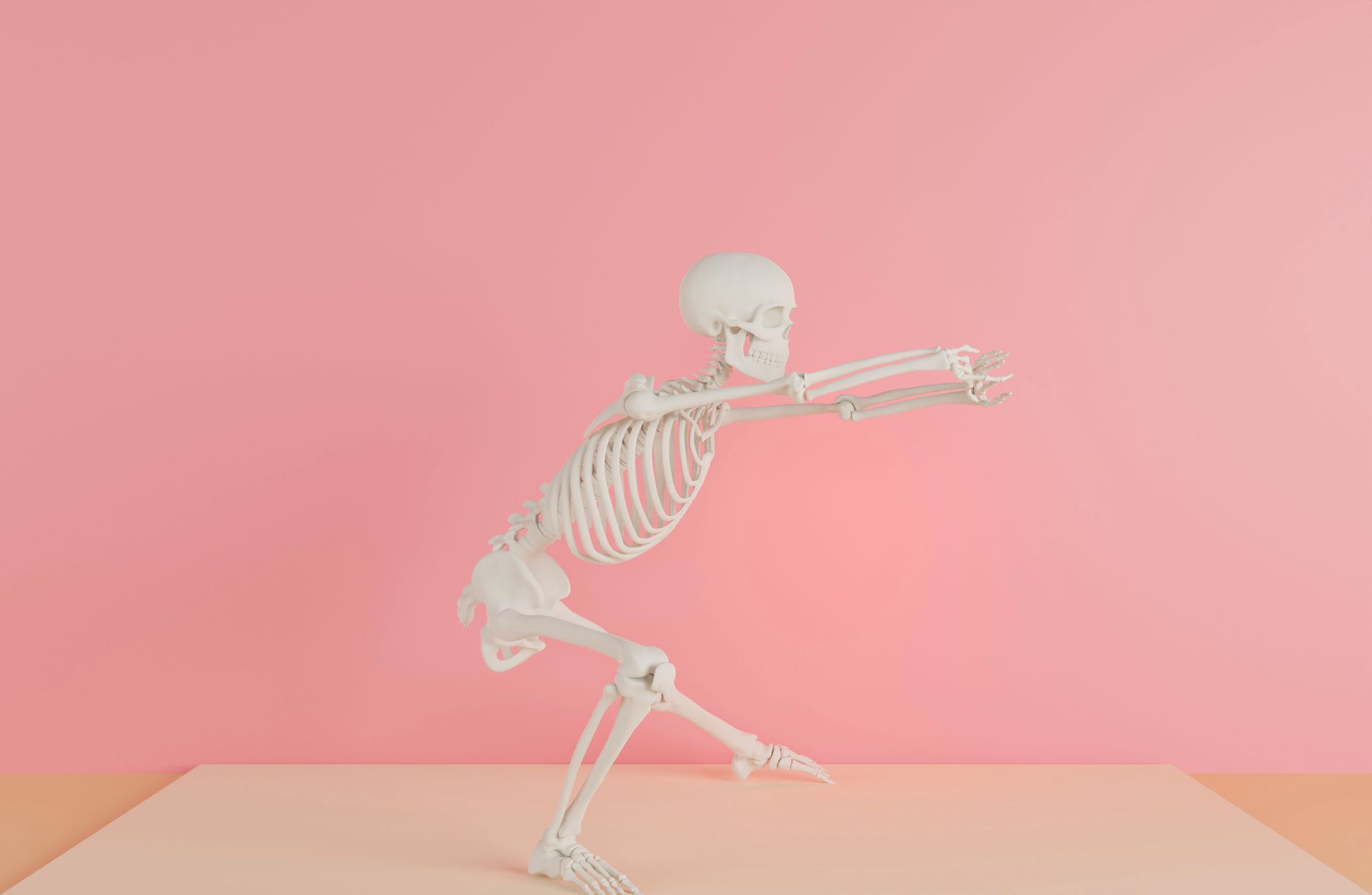
Whether you want a skeleton character generator vibe, a skeleton scene generator setting, or a clean skeleton educational video for learning, the workflow is designed to be fast, repeatable, and optimized for scroll-stopping output.
Quick promise: Generate skeleton shorts in seconds—then fine-tune your scene, pacing, and hook to boost retention.
What Is an AI Skeleton Video Generator (and Why It’s Taking Over Shorts)?
An AI Skeleton Video Generator is a tool that turns text prompts (and sometimes simple style selections) into animated video. In practice, it’s a skeleton video maker and 3d skeleton video creator hybrid: you describe what you want, and the system produces an ai skeleton animation clip that’s ready to export.
Creators use it for:
- Skeleton TikTok video trends (jump cuts, meme poses, rapid scene changes)
- Skeleton YouTube shorts with clear on-screen narration or educational pacing
- Skeleton educational video explainers (bones, movement, posture, anatomy basics)
- Talking skeleton video AI concepts by pairing animations with your voiceover (or scripted captions)
- Skeleton short video maker workflows for consistent posting schedules
The key advantage is speed. When you can generate 5–10 variations quickly, you can test hooks, angles, and scene styles to find what earns views—rather than waiting hours for manual editing.
How to Use AIZora’s AI Skeleton Video Generator in Minutes
Below is a practical step-by-step approach you can follow to make your first viral skeleton video without getting stuck.
- Pick your goal: Is it a joke/meme, a study aid, or an anatomy intro? This determines the motion and scene type.
- Choose a skeleton style: Go for realistic 3D, clean white anatomy visuals, or a stylized look that matches your channel.
- Write a prompt: Mention the action (e.g., “walking,” “turning,” “sitting up”), the vibe (cute, dramatic, educational), and the setting (classroom, lab, neon street, etc.).
- Generate multiple takes: Create 3–7 variations. Test different camera angles and pacing to maximize watch time.
- Add your hook: For TikTok/Shorts, lead with the most surprising moment in the first second.
- Export and post: Use captions, chapter-style overlays, or voiceover to turn the clip into a full story.
If you’re aiming for skeleton educational video performance, keep your prompts specific: include what you want viewers to learn (e.g., “identify the spine,” “show ribcage expansion,” “demonstrate posture correction”).
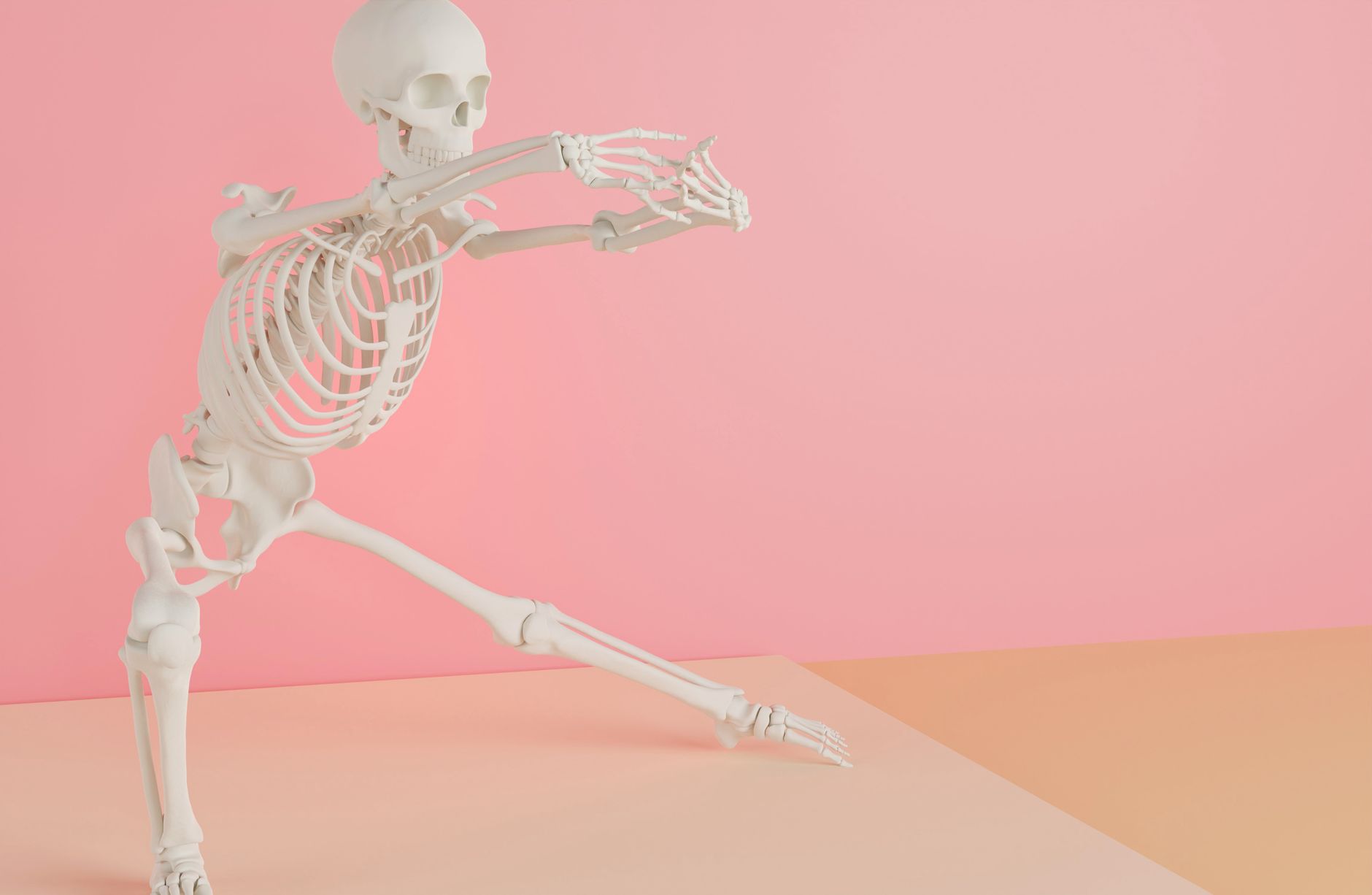
Best Prompt Ideas for Viral Skeleton TikTok Video & Skeleton YouTube Shorts
Want your skeleton clips to feel native to Shorts? Use prompts that generate clear motion, readable framing, and “repeatable” visual gags. Here are prompt patterns you can copy and adapt.
1) Hook-first meme prompts
- “A skeleton sudden-stance jump scare in a neon hallway, camera zoom, fast cut, meme timing”
- “Skeleton does a dramatic pose, text pop-ups: ‘When you stretch once and feel 10% better’”
- “Skeleton reacts like a judge at a podium, quick head turn, comedic beat”
2) Educational anatomy prompts
- “3D skeleton animation showing spine alignment, slow camera orbit, clear instructional pacing, clean background”
- “AI bone animation of ribcage expansion and breathing, side view, minimal distraction, educational tone”
- “Skeleton demonstrates shoulder rotation, highlight the joint motion, teacher style framing”
3) Scene-driven skeleton scene generator prompts
- “Skeleton walks into a classroom whiteboard scene, points to diagrams, steady camera, educational vibe”
- “Skeleton in a futuristic lab, glowing highlights on bones, smooth cinematic camera movement”
- “Skeleton in a nighttime city scene, silhouette glow, dramatic lighting, short-form pacing”
4) Talking skeleton video AI workflow (voiceover pairing)
Even if your generator outputs animation only, you can turn it into a talking skeleton video AI by adding a voiceover and timed captions. Prompt for facial/body emphasis like:
- “Skeleton leans toward camera, expressive head nod, pause at 2 seconds for subtitles”
- “Skeleton gestures with hands while speaking, hold poses for caption readability”
Skeleton Style Guide: Choose the Right Look for Your Audience
Not every audience responds to the same style. Use these guidelines to pick the best output for your niche.
For TikTok entertainment
- High-contrast lighting (neon, dramatic shadows, quick zooms)
- Fast motion (pose changes every second)
- Readable composition (keep the skeleton centered or face-aligned)
For YouTube Shorts education
- Cleaner backgrounds (white, classroom, lab-like scenes)
- Slow camera orbit for learning clarity
- Label moments (create pauses for text overlays like “spine,” “ribcage,” “joint”)
For study-focused ai anatomy video
- Consistent angles across multiple videos
- Single-topic prompts (one concept per clip)
- Repetition-friendly framing so viewers know what to look for
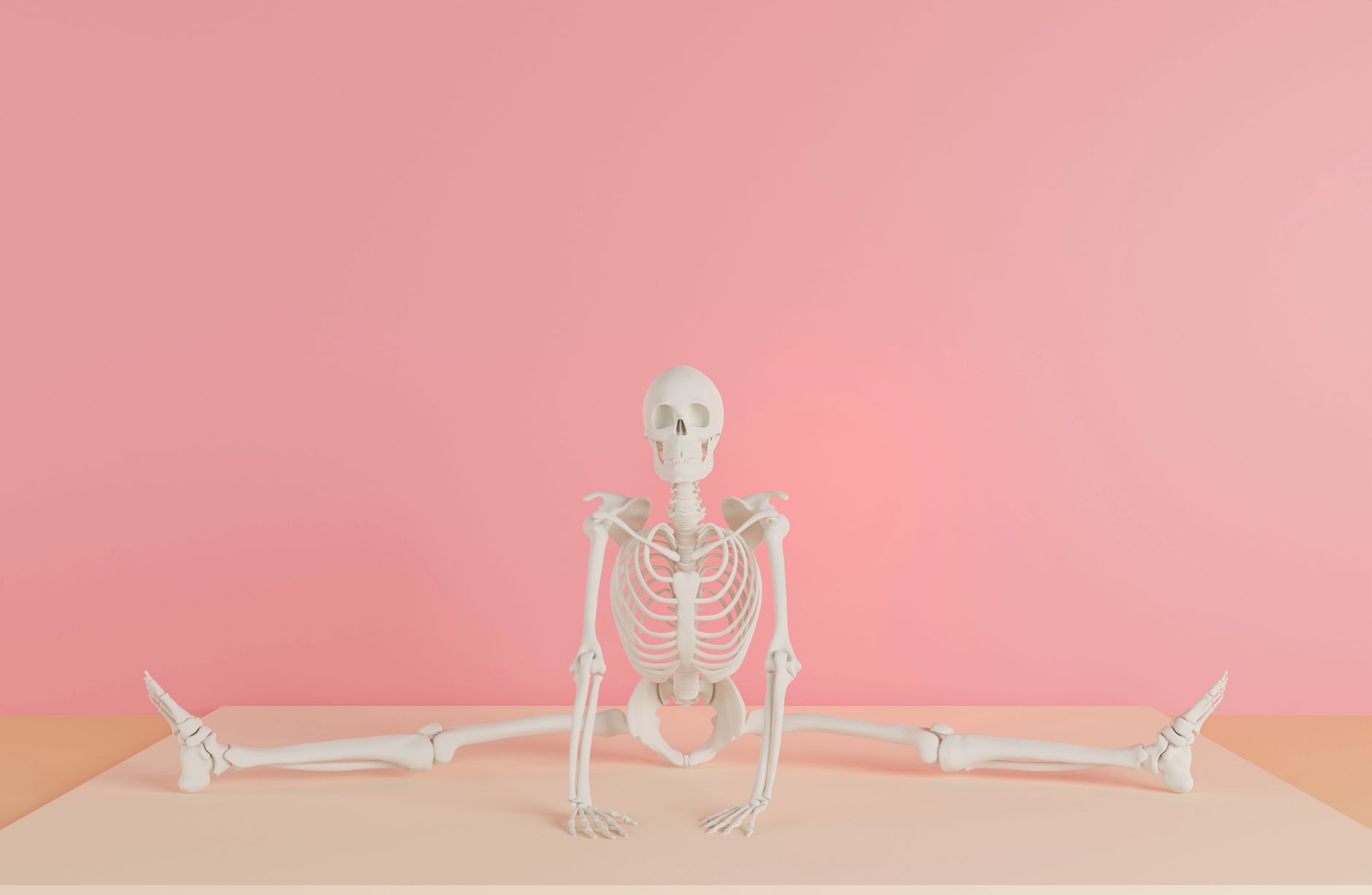
Feature Matrix: AI Skeleton Video Generator vs. Typical Manual Workflows
| Workflow | Best For | Speed | Consistency | Effort |
|---|---|---|---|---|
| AI Skeleton Video Generator | Viral skeleton video ideas, skeleton TikTok video, skeleton educational video clips | Seconds per variation | High with repeated prompts | Low—prompt + export |
| Manual 3D animation (rigging + keyframes) | Highly customized characters and complex choreography | Hours+ | Manual control | High—technical setup required |
| Stock video + overlay editing | Quick edits without animation needs | Minutes | Limited to existing assets | Medium—search + cut + captions |
| 2D illustration animations | Stylized educational content | Hours+ | Varies by style consistency | Medium to high—draw + animate |
In most creator scenarios, the skeleton video maker route wins because you’re optimizing for iteration. You can test hooks and scene types rapidly to find what turns into a viral skeleton video.
Best Practices to Maximize Views with Skeleton Short Video Maker Tips
Making the video is only half the job. To truly succeed, you need an output strategy tailored to attention spans and algorithm signals.
Hook like a creator, not like a tutor
- Use your strongest moment at 0.0–1.0 seconds (dramatic pose, quick reveal, or surprising camera zoom).
- Match the hook to the caption: “Spine alignment in 7 seconds” should look like it happens immediately.
- Avoid slow intros—let the viewer earn context through overlays.
Use structured pacing for retention
- Keep clips tight: 10–30 seconds is a sweet spot for both TikTok and Shorts.
- Plan 2–4 “beats” (Pose 1 → Pose 2 → highlight joint/bone → end on takeaway).
- Include one clear on-screen phrase per beat (e.g., “Ribcage,” “Spine,” “Shoulder joint”).
Optimize for educational clarity
If your goal is a skeleton educational video or ai anatomy video, prioritize readability:
- Use stable framing when labels appear.
- Generate consistent angles for series videos so viewers learn the same visual language.
- Pair motion with the word you want them to remember—don’t rely on motion alone.
Batch content like a pro
- Create 5–10 variations per week per topic (e.g., “spine basics” or “ribcage breathing”).
- Recycle the best prompts and swap only one variable (scene, camera angle, or skeleton pose).
- Track performance: keep a list of prompts that generate higher retention.
Use Cases: What You Can Create with an AI Skeleton Animation Generator
The AI Skeleton Video Generator is versatile. Here are high-performing content directions you can start today.
1) Anatomy explainers (high trust + evergreen search)
- “What the ribcage does during breathing”
- “Spine alignment basics for posture improvement”
- “How shoulder rotation works”
2) Classroom-friendly micro-lessons
- Weekly bone-of-the-week reels
- Flashcard-style loops (pause on joints)
- Short demos paired with quizzes in the comments
3) Fitness and mobility content with humor
- “Mobility warm-up but make it skeleton”
- “Stretch check” with pose-and-correct overlays
- Mobility challenges in skeleton form
4) Creator-driven storytelling
- Mini narratives: skeleton time travel, horror comedy, or motivational arcs
- Seasonal series: Halloween anatomy, spooky science, “my bones are haunted” jokes
- Reaction-style clips for duets and stitched content
Conclusion: Start Creating Your First Viral Skeleton Video Today (Free on AIZora)
Building a viral skeleton video doesn’t have to involve complicated tools or long production cycles. With the AI Skeleton Video Generator from AIZora, you can generate ai skeleton animation, ai bone animation, and skeleton educational video clips in seconds—then refine your hooks to fit skeleton tiktok video and skeleton youtube shorts best practices.
Use the prompts, style tips, and pacing framework in this guide to create your first batch of skeleton shorts. And because AIZora offers free access, you can experiment with different concepts, scenes, and skeleton character styles until you find your winning formula.
Next step: Pick one topic (spine, ribcage, posture, or a meme pose), generate a few variations, and post the one with the clearest hook at the start. That’s how you turn a skeleton animation idea into a channel asset—fast.