Want to design stickers but don’t have time (or talent) for graphic design? An AI sticker generator makes it possible to go from an idea to polished, sticker-ready artwork in minutes. With tools like AI Sticker Generator, you can generate cohesive sticker designs from prompts, themes, and even text—so you can spend less time learning design software and more time creating.
In this guide, you’ll learn how the ai sticker maker workflow works, what you can create (kawaii stickers, travel packs, brand mascots, meme stickers, and more), and how to get consistently high-quality results using best practices. We’ll also cover key features—like printable output and die-cut style options—and how to use free access on AIZora to try it right away.
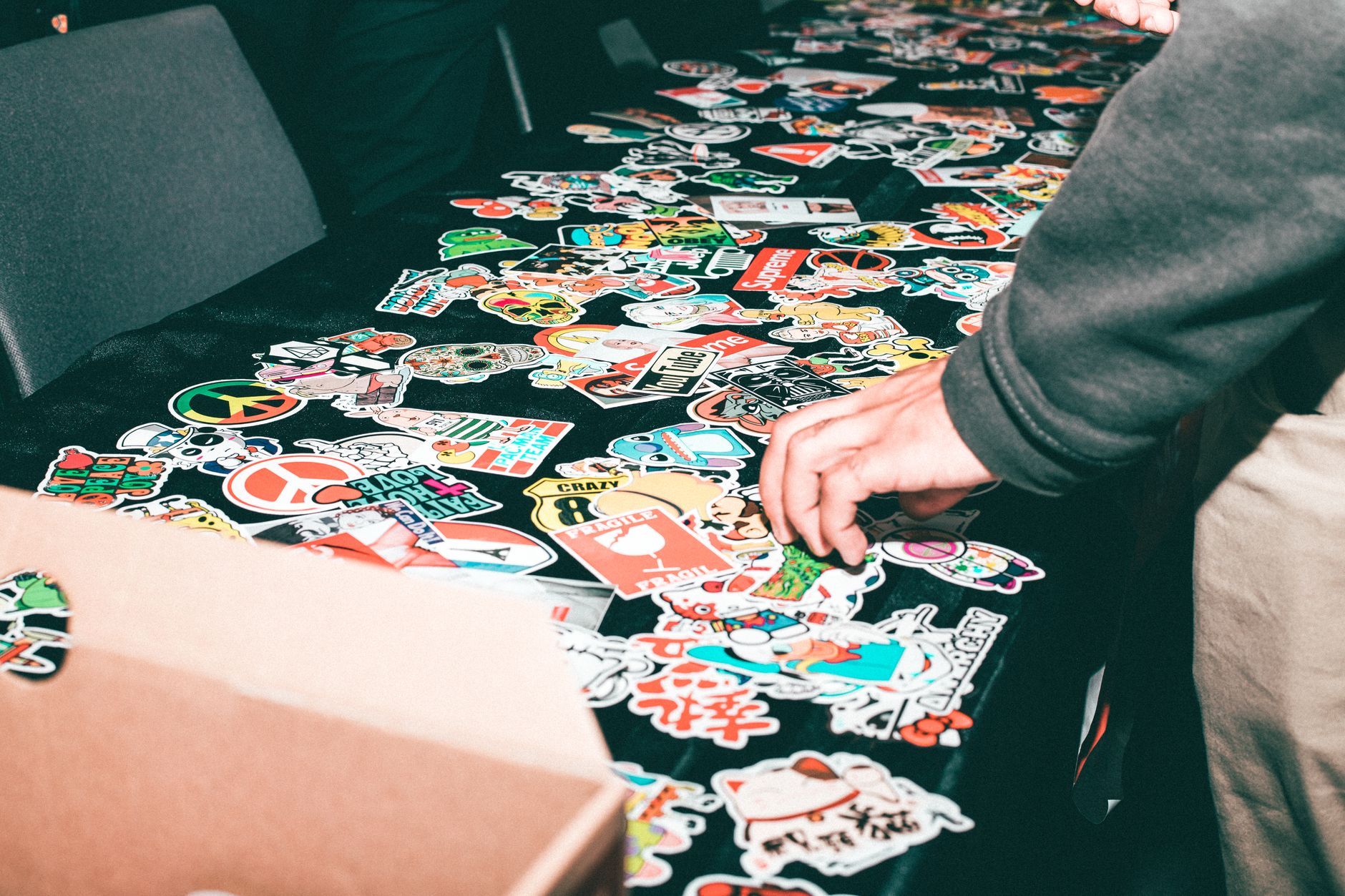
What Is an AI Sticker Generator (And Why It Feels Instant)?
An ai sticker generator is a creative assistant that converts your description into visual sticker art. Instead of drawing from scratch, you provide inputs—such as a short phrase, theme, or style—and the model produces unique sticker designs automatically.
This is why it feels “instant.” You don’t need to:
- Learn layers, brushes, typography tools, or vector workflows
- Experiment with dozens of manual steps
- Wait days for iterations
Instead, your idea becomes sticker art through a fast generation cycle. The result is ideal for personal projects, creator branding, social posts, packaging accents, and even campaign merch.
How AI Sticker Generator Works: From Prompt to Custom Sticker
Most users interact with a custom sticker generator in a straightforward flow. While every platform differs slightly, the core loop usually looks like this:
- Choose a goal (kawaii sticker ai vibe, travel set, product label, meme style, or a brand character).
- Write a prompt describing what you want to see (subject, mood, color palette, and format).
- Select style preferences such as bold outlines, cute aesthetics, sticker pack variety, or die-cut look.
- Generate multiple options to compare variations quickly.
- Refine by adjusting wording (e.g., “more pastel,” “thicker outline,” “clean background,” “chat bubble text”).
- Export for sharing or printing depending on your needs.
That’s the practical magic of create stickers with ai: it compresses the creative process into an easy, repeatable workflow.
Text-to-Sticker: The Fastest Path for Non-Designers
If you want to try something immediately, focus on text to sticker ai features. Instead of thinking in visual terms, you think in natural language: “A friendly cat astronaut waving,” “Minimal mountain logo with bold outline,” or “Retro postcard van with stickers collage.”
This makes an ai sticker creator ideal for:
- Holiday sticker packs
- Event stickers (weddings, birthdays, meetups)
- Inside-joke sticker sets
- Branding stickers for creators
- Personal stationery and journaling
Top Use Cases for AI Sticker Maker Results
Once you get comfortable with your prompt style, an ai sticker maker can support many real-world scenarios. Below are some high-impact ways creators and businesses use it.
1) Build a Custom Sticker Pack for Social Media
Sticker sets can dramatically improve your social content. Use a sticker art generator approach to generate themed sticker thumbnails, profile graphics, and story elements that match your brand.
- Create 10–30 consistent stickers for a “series”
- Maintain a unified palette across posts
- Generate sticker variations that stay on-topic
2) Make Personalized Gifts and Keepsakes
Whether you’re adding stickers to envelopes or packaging, custom designs make everyday items feel special. A custom sticker maker online workflow is perfect for “last-minute but thoughtful” personalization.
- Name stickers for parties
- Message stickers for thank-you notes
- Theme stickers for holidays and milestones
3) Generate Die-Cut Sticker Styles
Die-cut stickers have a distinct look—clean edges with a “sticker cut” silhouette. If your goal is a polished product result, seek a die cut sticker generator workflow or prompts that mention clean outlines, separations, and cut-friendly shapes.
When prompts are specific, results feel closer to production-ready sticker art.
4) Create Kawaii Sticker AI Designs
Kawaii is a popular style category, and an ai sticker generator makes it easy to expand beyond one character. You can request cute facial expressions, chibi proportions, and pastel palettes while keeping a consistent “pack” theme.
- Chibi animals and characters
- Sweet food and drink stickers
- Emotional expression sets (happy, shy, sleepy, excited)
5) Make Printable Sticker AI Files
Many users want a practical outcome: printable pages they can cut and use. Look for output settings that support printable formats when using a printable sticker ai workflow.
With printable output, you can quickly:
- Print sticker sheets
- Test designs at small scale
- Iterate without expensive tooling
AI Sticker Generator vs Other Sticker Tools: What Matters?
Not all sticker creators are the same. Some tools are manual editors; others are generative. If you’re comparing options, focus on speed, consistency, and control over style.
| Feature | AI Sticker Generator | Traditional Design Tools | Template Sticker Apps |
|---|---|---|---|
| Learning curve | Low—prompt-based | High—requires design skills | Low—limited customization |
| Creation speed | Fast—generate multiple concepts quickly | Slower—manual creation per design | Fast—swap or recolor templates |
| Uniqueness | High—AI generates new variations | Unique but time-intensive | Medium—often similar to templates |
| Style control | Good—prompt + iteration | Excellent—full manual control | Basic—depends on template options |
| Die-cut / sticker-ready look | Often available via prompts and settings | You must prepare cut paths | Depends on template design |
| Printable sticker AI output | Possible with suitable export options | Possible but setup can take time | Often included only for template sets |
| Best for | Creating sticker art quickly without design expertise | Professionals needing complete control | Simple edits and rapid template usage |
Best Practices for High-Quality Sticker Design AI Outputs
To get great results from any sticker design ai or ai sticker creator system, your prompts matter. Use the tips below to improve consistency, reduce “weird” outputs, and get closer to your intended style.
1) Describe the Subject Clearly
Start with the main subject and action. Examples:
- “A friendly robot barista holding a latte”
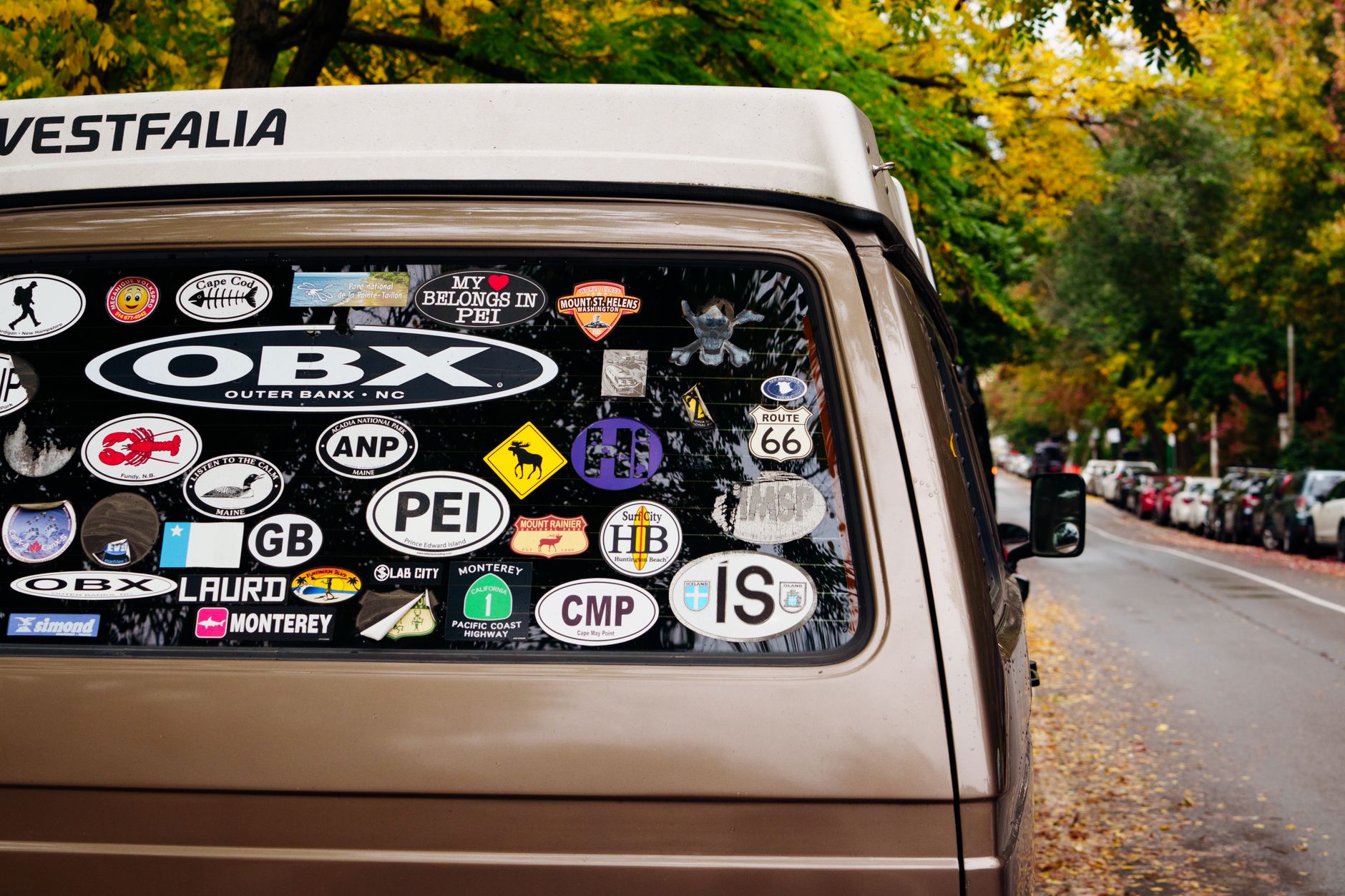
- “A vintage van covered in travel stickers, sunny day”
- “A kawaii ghost reading a book, cute expression”
2) Add Style and Mood Keywords
Style keywords help guide the artwork toward your desired aesthetic. Try:
- “kawaii,” “chibi,” “pastel,” “clean outlines”
- “retro,” “vintage,” “sticker collage,” “street art”
- “bold outline,” “high contrast,” “minimal background”
3) Mention Sticker-Specific Traits
Since you’re aiming for sticker output, include cues like:
- “sticker border,” “die-cut look,” “contour cut”
- “transparent background” (if supported)
- “thick outline” for print clarity
4) Generate Variations, Not One-Offs
Instead of expecting one perfect result, generate a set. Compare outcomes and refine prompts based on what you like. This approach is how you get strong packs quickly—especially when creating a custom sticker maker online library.
5) Keep Text Short for Text-to-Sticker AI
If your idea includes words, keep them brief and readable. Short text works best for text to sticker ai outputs, especially for smaller print sizes.
Pro tip: If text looks off, regenerate with “simple lettering,” “single word,” or “clean typography” and try again.
How to Use Free AI Sticker Generator Access on AIZora
One of the biggest advantages of AI Sticker Generator is accessibility. You can try the workflow with free access on AIZora, which is a great way to test ideas, discover your preferred prompt style, and generate your first sticker pack without upfront commitment.
Here’s a simple starter approach:
- Open AIZora and search for AI Sticker Generator.
- Pick one theme (e.g., “travel stickers,” “kawaii expressions,” or “street art characters”).
- Generate 8–12 variations and select your best 2–3.
- Refine prompts: adjust colors, outlines, and background style.
- When you find a style you like, generate a “set” so everything matches.
This is the quickest way to move from experimentation to a cohesive pack.
Video Walkthrough: See the Sticker Generation Workflow
Common Questions About AI Sticker Creator Tools
Is an AI sticker maker good enough for print?
It can be. If you choose a printable workflow and prompt for clean outlines and clear contrast, results can be print-friendly—especially when you test a small batch first.
Do I need design skills?
No. That’s the core benefit of an ai sticker generator. You mainly need to communicate your idea using natural language.
What if I want a consistent style across a whole pack?
Generate multiple variations from the same style prompt and keep subject language consistent. Then refine with small adjustments (outline thickness, palette, background type) once you identify a winning direction.
Can I create stickers for specific communities or niches?
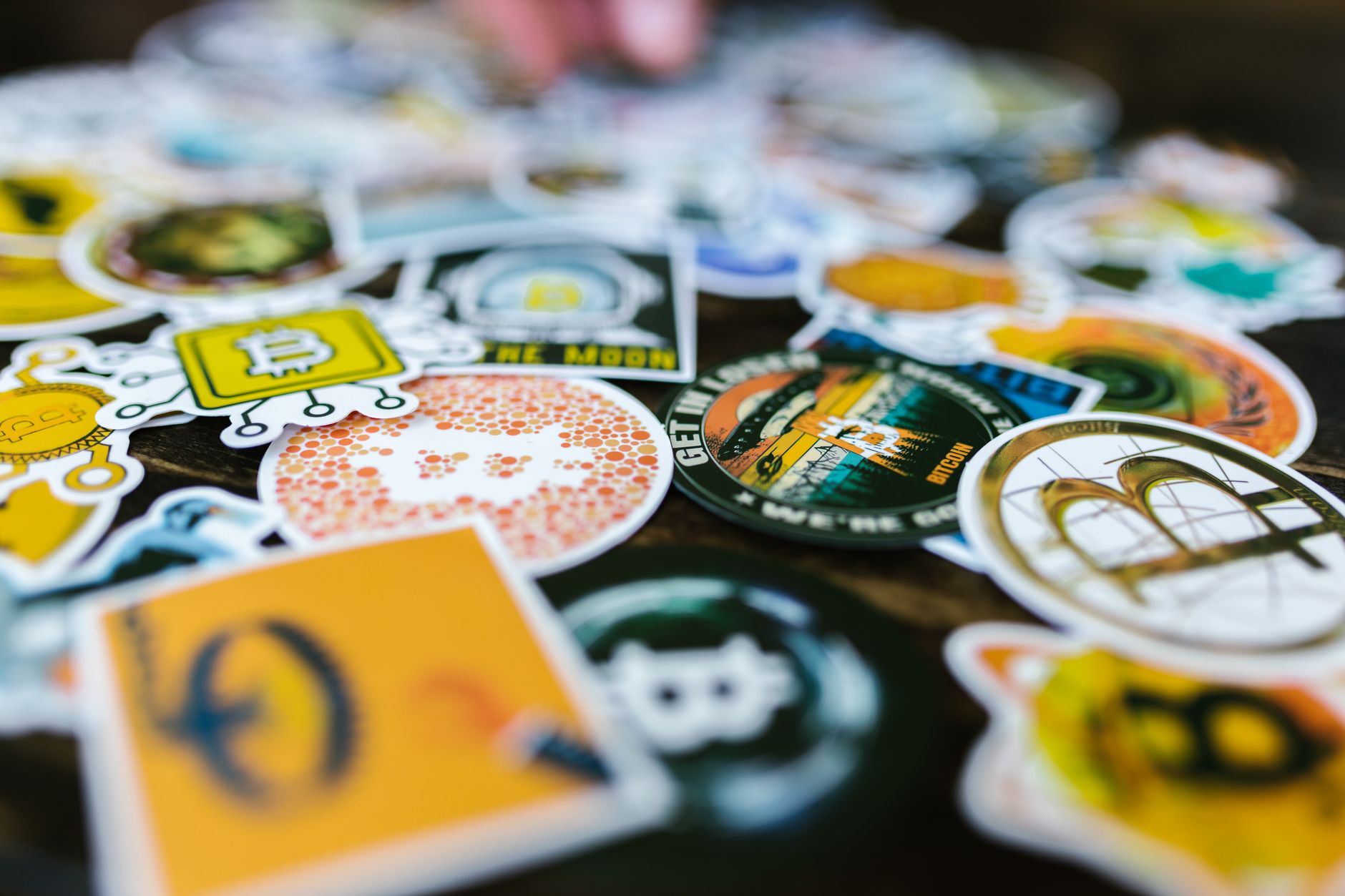
Yes. From crypto-themed sticker art to street art sticker packs, you can build sets around communities—provided your prompts clearly specify the vibe and visual elements you want.
Conclusion: Start Creating Stickers With AI Today
If you’ve been waiting to make custom stickers but don’t want to learn design tools, now’s the time to try an AI sticker generator. With ai sticker maker capabilities like text-to-sticker AI, sticker design AI styles, die-cut looks, and printable sticker AI workflows, you can create a full pack in minutes—without starting from a blank canvas.
Want a low-pressure way to begin? Take advantage of free access on AIZora and generate your first sticker set today. Write a prompt, iterate with variations, and build a consistent collection that’s uniquely yours—whether you’re going kawaii, vintage, street art, or something entirely new.