Describe your sticker design
Image Generator
AI Sticker Generator
Create unique custom stickers instantly with AI — no design skills needed
What You Can Create
Custom Messaging Sticker Packs
Design unique sticker packs for WhatsApp, Telegram, and iMessage that express your personality with custom characters and reactions.
Product Labels & Packaging
Create eye-catching sticker designs for product packaging, shipping labels, and branded materials for your small business or Etsy shop.
Planner & Journal Decorations
Generate themed sticker sheets for bullet journals, digital planners, and scrapbooks with seasonal, motivational, or decorative designs.
Social Media Content
Create branded sticker graphics for Instagram stories, TikTok videos, YouTube thumbnails, and community engagement posts.
Merchandise & Print-on-Demand
Design original sticker artwork for your online store, craft fairs, or print-on-demand services like Redbubble and Printful.
Educational & Classroom Rewards
Generate fun reward stickers, subject-themed visuals, and motivational designs for teachers, tutors, and homeschool parents.
How It Works
1
Describe Your Sticker
Type a detailed description of the sticker you want to create. Include the subject, art style, colors, and mood. For example: 'a cute robot holding a heart, chibi style with pastel colors.'
2
AI Generates Your Design
Our advanced AI image model interprets your description and creates a professional die-cut style sticker design with clean outlines, vibrant colors, and proper sticker aesthetics.
3
Download & Use
Download your sticker in high resolution (1024×1024). Use it digitally in messaging apps, social media, or planners — or send it to print for physical stickers.
4
Iterate & Create More
Refine your description or generate variations to build complete sticker packs. Experiment with different styles and subjects until you have the perfect collection.
What is AI Sticker Generator?
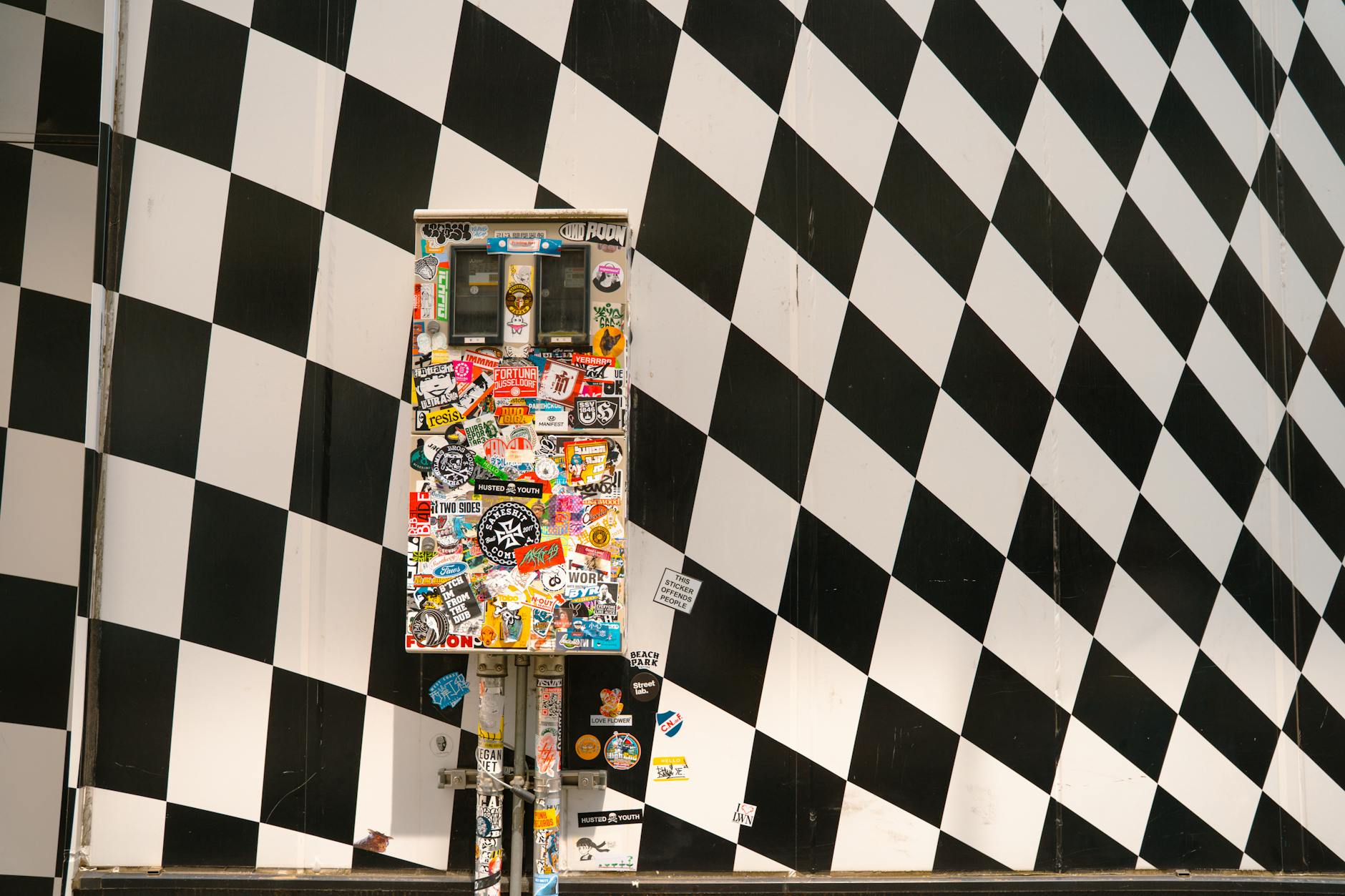
The AI Sticker Generator is a powerful tool that transforms your text descriptions into professionally designed, die-cut style stickers in seconds. Whether you need cute kawaii characters, bold typographic stickers, brand logos, or whimsical illustrations, our AI creates publication-ready sticker designs without requiring any graphic design experience.
Unlike traditional sticker design that requires hours in Photoshop or Illustrator, our AI sticker generator uses advanced image generation models to interpret your creative vision and produce vibrant, clean-lined sticker artwork instantly. Simply describe what you want — a happy avocado, a retro sunset, a motivational phrase — and watch as AI brings your sticker idea to life.
How to Use AI Sticker Generator
Creating custom stickers with AI is incredibly straightforward. Here's how to get started:
- Step 1: Type a description of your desired sticker in the input field. Be specific about style, colors, and subject matter.
- Step 2: Click generate and let the AI create your sticker design in seconds.
- Step 3: Download your sticker in high resolution, ready for digital use or printing.
For best results, include details about the art style you prefer (kawaii, retro, minimalist, 3D, flat vector), the mood or emotion, and any specific colors you want featured.
Who Is AI Sticker Generator For?
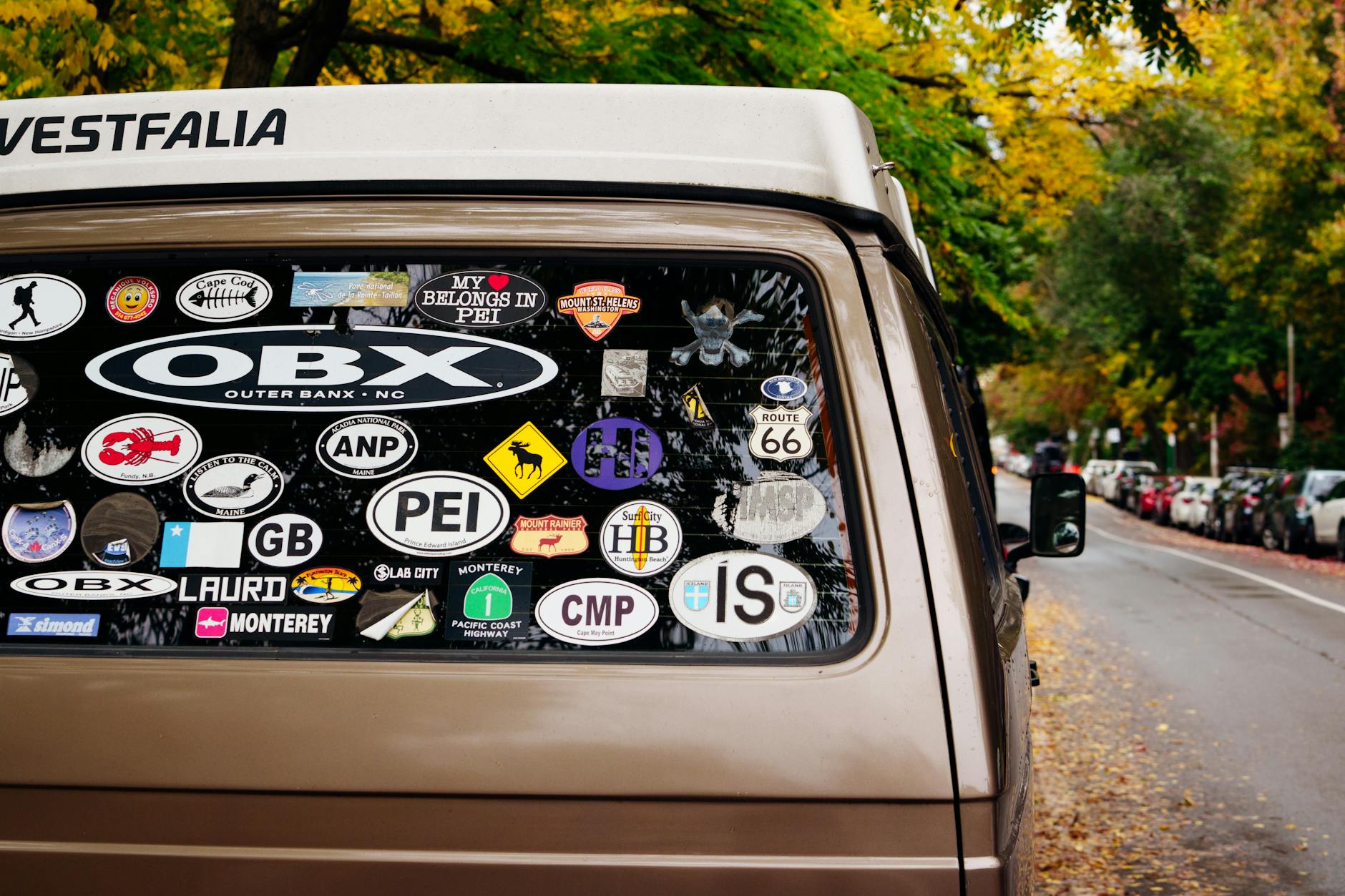
Content Creators & Influencers
Create branded sticker packs for your community. Use them in stories, reels, Telegram channels, or as merchandise for your fans. The AI sticker generator lets you maintain a consistent visual brand without hiring a designer.
Small Business Owners
Design product labels, packaging stickers, promotional decals, and branded materials on demand. Perfect for Etsy sellers, craft businesses, and local shops that need quick turnaround on custom sticker designs.
Planner & Journal Enthusiasts
Generate unique decorative stickers for digital planners, bullet journals, and scrapbooks. Create themed sticker sheets for seasons, holidays, or daily planning without buying expensive commercial packs.
Messaging App Users
Design personal sticker packs for WhatsApp, Telegram, Signal, and iMessage. Express yourself with custom stickers that no one else has.
Educators & Parents
Create reward stickers, educational visual aids, and fun classroom materials. Generate themed stickers for learning activities, behavior charts, and student recognition.
AI Sticker Generator vs Traditional Design Methods
| Feature | AI Sticker Generator | Manual Design (Photoshop) | Hiring a Designer |
|---|---|---|---|
| Time to create | 10-30 seconds | 1-4 hours | 1-5 days |
| Cost per sticker | Free / minimal | Software subscription | $20-100+ per design |
| Design skills needed | None | Advanced | None (but communication needed) |
| Unlimited variations | Yes | Time-intensive | Usually limited revisions |
| Consistent quality | High | Depends on skill | High |
| Batch creation | Rapid | Very slow | Expensive |
Tips for Creating the Best AI Stickers
Be Specific with Your Descriptions
Instead of "a cat sticker," try "a chubby orange tabby cat sitting in a cardboard box, kawaii style with rosy cheeks and sparkly eyes." The more detail you provide, the better your results will be.
Specify Your Art Style
Popular sticker styles include: kawaii, chibi, flat vector, 3D glossy, retro vintage, watercolor, pixel art, and minimalist line art. Mentioning the style helps the AI match your aesthetic preferences.
Use Color Guidance
If you have specific brand colors or a color palette in mind, mention them in your prompt. For example, "pastel pink and mint green color scheme" or "bold primary colors."
Think About the Sticker Context
Consider where your sticker will be used. Laptop stickers can be more detailed, while messaging stickers should be simple and readable at small sizes.
Popular Sticker Design Ideas
- Kawaii food characters: Smiling sushi, happy tacos, cute coffee cups with faces
- Motivational quotes: Inspirational text with decorative lettering and floral elements
- Pet portraits: Cartoon versions of your pets in funny costumes or situations
- Seasonal themes: Holiday stickers, autumn leaves, summer vibes, spring flowers
- Emoji alternatives: Custom expressions and reactions unique to your personality
- Brand mascots: Character designs that represent your business or project
- Travel stickers: Vintage-style destination badges and luggage labels
Why Choose AIZora's AI Sticker Generator?
Our AI sticker generator produces professional die-cut style designs optimized for both digital and print use. The output features clean edges, vibrant colors, and proper sticker proportions that look authentic. Whether you're creating a single custom sticker or building an entire sticker pack, our tool delivers consistent, high-quality results that rival professional graphic design work — all from a simple text description.
With support for multiple art styles, instant generation, and high-resolution output at 1024×1024 pixels, AIZora's AI sticker generator is the fastest path from idea to finished sticker design available today.
AIZora vs Popular AI Sticker Generator Tools
| Feature | AIZora | Fotor AI Sticker | Canva AI | StickerMule AI |
|---|---|---|---|---|
| Free to use | ✓ | ✗ | ✗ | ✗ |
| No sign-up required | ✓ | ✗ | ✗ | ✗ |
| Custom text-to-sticker generation | ✓ | ✓ | ✗ | ✗ |
| Die-cut sticker style output | ✓ | ✗ | ✗ | ✓ |
| High resolution (1024px) | ✓ | ✓ | ✓ | ✓ |
| Commercial use allowed | ✓ | ✗ | ✓ | ✓ |
| Unlimited style options | ✓ | ✗ | ✗ | ✗ |
| No watermark | ✓ | ✗ | ✗ | ✓ |
What Users Say
"I created an entire sticker pack for my Etsy shop in under an hour. The quality is incredible — my customers can't believe they're AI-generated. This tool has completely transformed my small business workflow."
"As a teacher, I use the AI Sticker Generator daily to create reward stickers for my students. They love getting unique, personalized stickers and it costs me nothing. Absolute game changer for classroom management."
"I've tried every AI sticker tool out there and AIZora's is by far the best for die-cut style output. The stickers look like actual professional vinyl stickers right out of the generator. Perfect for my planner community."
Frequently Asked Questions
Is the AI Sticker Generator free to use?
Yes, AIZora's AI Sticker Generator offers free sticker generation. You can create custom stickers without any upfront payment or subscription required to get started.
What image resolution are the generated stickers?
Stickers are generated at 1024×1024 pixels in a 1:1 square format, which is ideal for both digital use (messaging apps, social media) and print applications (up to approximately 3.4 inches at 300 DPI).
Can I use AI-generated stickers commercially?
Yes, stickers created with AIZora's AI Sticker Generator can be used for commercial purposes including merchandise, product packaging, marketing materials, and print-on-demand stores.
What art styles can the AI Sticker Generator create?
The generator supports virtually any sticker art style including kawaii, chibi, flat vector, 3D glossy, retro vintage, watercolor, pixel art, minimalist line art, graffiti style, and more. Simply specify your preferred style in the description.
How do I get the best results from AI Sticker Generator?
Be specific in your descriptions. Include the subject, art style, color palette, mood, and any important details. For example, instead of 'cat sticker,' try 'a fluffy white persian cat wearing tiny sunglasses, kawaii style with pink sparkles and a soft pastel background.'
Can I create sticker packs for WhatsApp or Telegram?
Absolutely! Generate multiple stickers with a consistent style and theme to create cohesive sticker packs. The square 1:1 output format is compatible with most messaging app sticker requirements.
Do the stickers have transparent backgrounds?
The AI generates stickers with a die-cut style appearance featuring clean edges and minimal backgrounds. While the output is a standard image file, the sticker designs are created to look isolated and ready for use, making background removal simple if needed.
How is AI Sticker Generator different from Canva or other design tools?
Unlike template-based tools like Canva, AIZora's AI Sticker Generator creates completely original designs from scratch based on your unique descriptions. There are no templates to browse — every sticker is uniquely generated, giving you one-of-a-kind designs that no one else has.
People Also Search For
Ready to try AI Sticker Generator?
Free to use. Sign in with Google and start creating.
Start Creating ↑