Getting the perfect tattoo idea used to take weeks of brainstorming, references, and back-and-forth with an artist. Today, an AI Tattoo Generator can help you generate tattoo designs in minutes—so you can spend your time choosing placement, style, and meaning instead of starting from a blank page. With the AI Tattoo Generator on AIZora, you can explore an endless range of aesthetics, from delicate fine-line to bold blackwork, and refine your concept into something truly personal.
In this guide, you’ll learn how an ai tattoo maker works, how to get the best results using the tattoo design generator workflow, and how to turn AI-powered inspiration into a tattoo-ready plan. Whether you’re searching for a tattoo idea generator, a free tattoo generator, or a custom tattoo design ai that fits your story, you’ll find practical steps here.
What Is an AI Tattoo Generator?
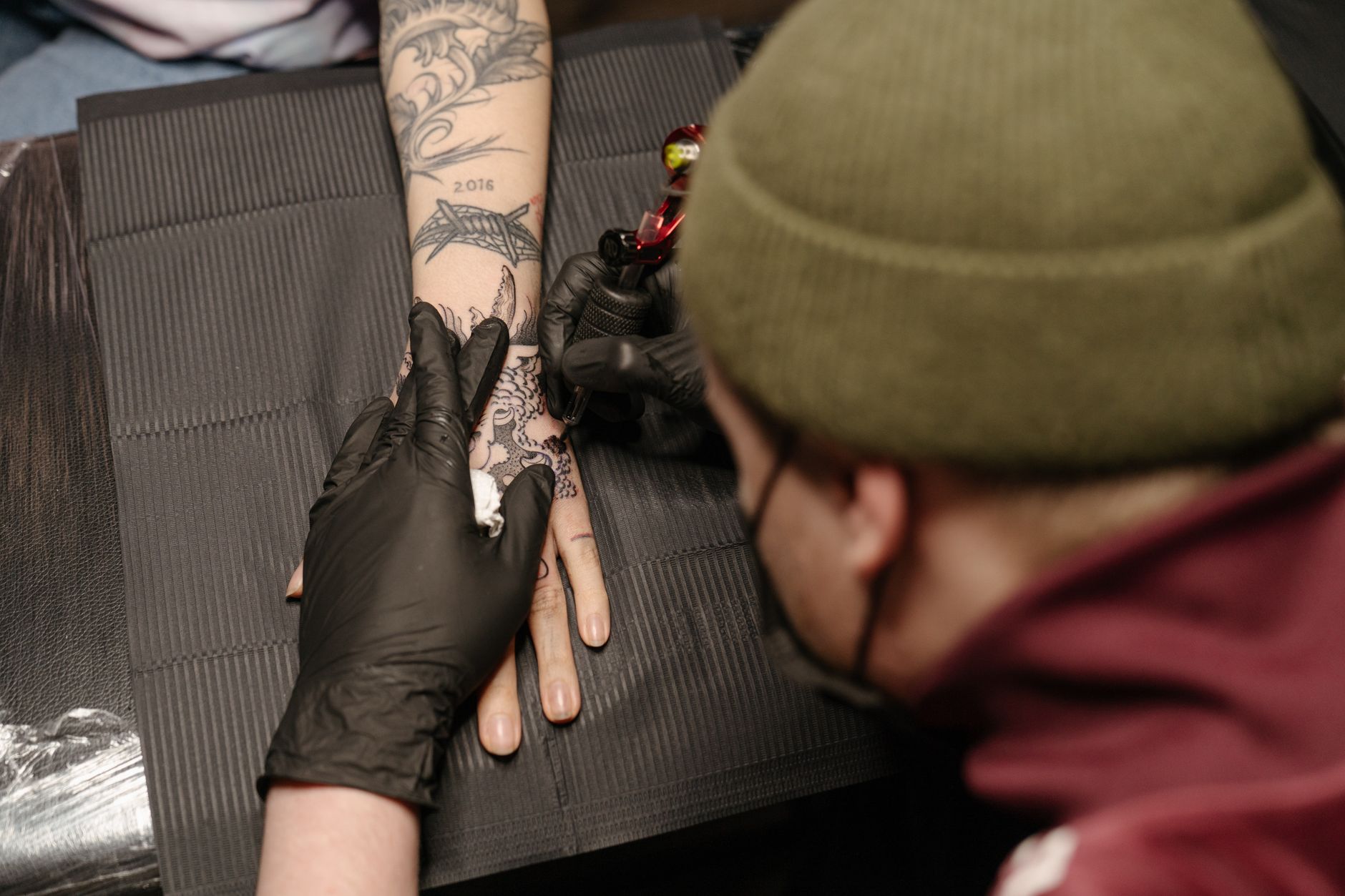
An AI Tattoo Generator is a tool designed to create tattoo concepts, sketches, and style explorations using artificial intelligence. Instead of searching through hundreds of reference images, you provide a description (or prompts), and the system generates multiple variations you can iterate on.
On AIZora, this becomes a fast, creative workflow: you can try styles, adjust elements, and explore composition ideas—essentially using an ai tattoo creator to accelerate the brainstorming phase.
How it helps tattoo lovers and artists
- Faster ideation: Generate tattoo designs quickly, especially when you’re unsure where to start.
- More options: Instead of one idea, you get variations that spark better decisions.
- Personalization: You can tailor elements to your story, symbolism, and placement.
- Style exploration: Try different aesthetics—traditional, neo-traditional, ornamental, biomech, Japanese-inspired, and more.
Why AI Tattoo Art Is Taking Over Tattoo Design
AI is changing tattoo design because it’s not just about random output—it’s about direction. The best tattoo design generator results come from your input: your meaning, your preferences, and the visual elements you want included.
As AI improves, tools are better at capturing composition, line weight, and thematic cohesion. That’s why many people now use an ai tattoo maker as a tattoo concept generator—to collect inspiration, refine it, and then hand off a clearer concept to a professional.
Key benefits
- Instant iteration: You can regenerate, remix, and refine until the design feels right.
- Reduced guesswork: A custom tattoo design ai helps visualize how ideas might look on skin.
- Creative momentum: Even if the first result isn’t perfect, it’s a starting point you can improve.
How to Use the AI Tattoo Generator (Step-by-Step)
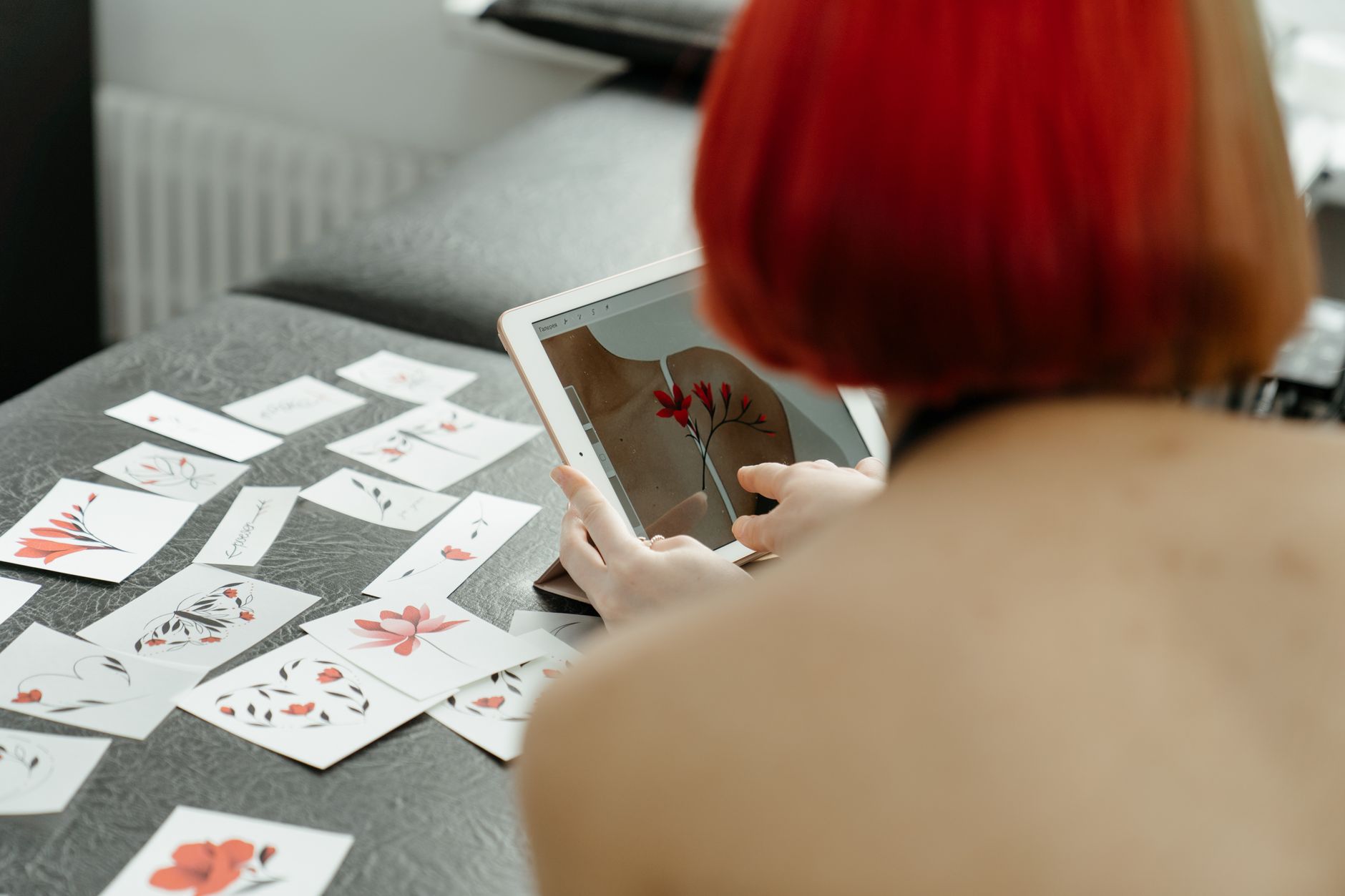
To get the most from an ai tattoo generator, treat it like a collaborative sketch partner. You’re not only generating images—you’re directing the creative outcome. Here’s a practical workflow you can use on AIZora.
- Start with your goal: Decide what the tattoo should communicate (love, protection, growth, remembrance, humor, etc.).
- Describe the subject: Mention the core elements—e.g., “dragon,” “lunar eclipse,” “heart,” “compass,” “waves,” or “floral bouquet.”
- Add style constraints: Specify line style and mood: “fine-line,” “blackwork,” “dotwork,” “watercolor,” “traditional,” or “ornamental.”
- Include placement guidance: Add body location and shape: “sleeve,” “forearm,” “ribcage,” “ankle,” “upper arm,” or “vertical back piece.”
- Ask for a tattoo-ready layout: Use language that suggests stencil or crisp outlines, like “tattoo stencil generator style” or “clean stencil lines.”
- Generate multiple variations: Run several prompts and compare composition, thickness, negative space, and symmetry.
- Refine with targeted edits: If you don’t like the result, adjust one variable at a time: size, shading style, icon placement, or background elements.
Prompt ideas you can copy
- Minimal and elegant: “A minimalist heart with a small constellation, fine-line, crisp stencil outlines, forearm vertical.”
- Dark and dramatic: “Blackwork dragon wrapped around a sword, high contrast shading, bold negative space, half-sleeve.”
- Soft and expressive: “Watercolor peony with subtle ink splatter effect, clean tattoo outlines, upper arm.”
- Symbolic storytelling: “A compass with a ribbon banner, nautical elements, dotwork texture, ribcage placement.”
Tip: Use the phrase generate tattoo designs logic by asking for different outcomes (e.g., “three variations” or “include an alternative composition”). That turns the process into a tattoo idea generator instead of a single gamble.
Choosing the Right Style for Your Tattoo Concept
One of the best parts of using an ai tattoo creator is the ability to explore styles without committing to one approach too early. Before you pick a final design, decide which visual language matches the meaning you want.
Popular tattoo styles to try
- Fine-line: Great for subtle symbolism, names, small icons, and elegant linework.
- Blackwork: Strong contrast, bold shapes, and striking negative space.
- Dotwork: Texture-first approach that can look like shading made from tiny points.
- Ornamental: Patterns, frames, and symmetry that create a statement piece.
- Neo-traditional: Color depth and bold forms with a classic tattoo vibe.
- Japanese-inspired: Flowing elements, dynamic compositions, and symbolic creatures.
Match style to placement
Placement affects how lines and details read. A detailed micro tattoo might get blurry on skin if it’s too small, while a large piece can carry intricate textures. When using custom tattoo design AI, include placement guidance to nudge the tattoo concept generator toward a more realistic scale.
AI Tattoo Generator vs. Traditional Tattoo Planning
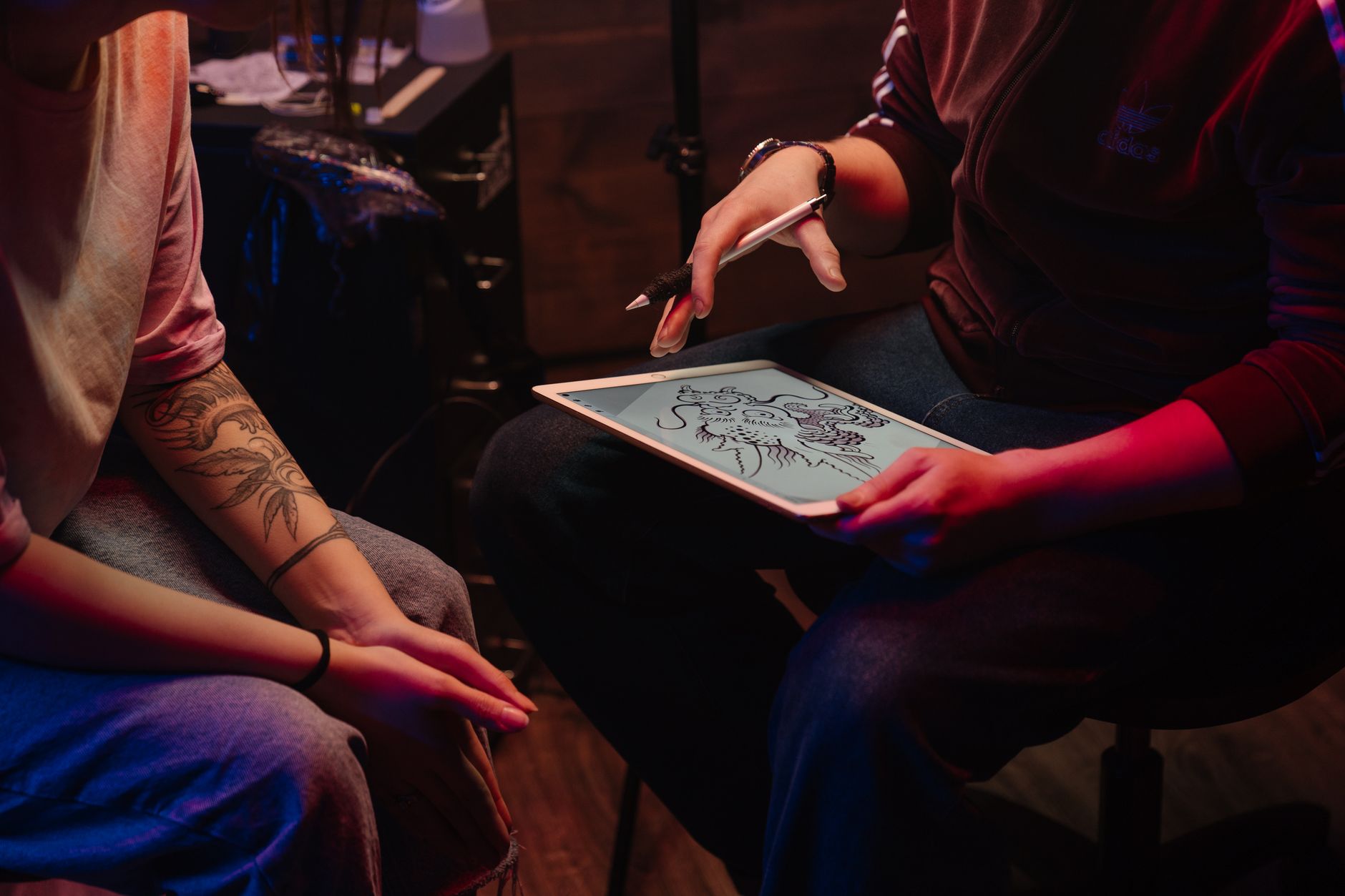
Traditional planning often involves collecting references, describing ideas to an artist, and waiting for custom sketches. AI can shorten the ideation step—but it doesn’t replace professional tattoo craftsmanship. Think of an ai body art designer as a way to reach a clearer brief faster.
| Planning Step | Traditional Approach | Using AI Tattoo Generator |
|---|---|---|
| Start from scratch | Requires more initial brainstorming and reference searching | Begin with prompts and instantly generate tattoo designs |
| Exploring style directions | Often limited by time and sketch iterations | Rapidly test styles to find what fits your story |
| Composition options | Single draft then revisions | Multiple variations to compare layout, symmetry, and flow |
| Refinement | Artist-led revisions through sketches and feedback | Prompt-guided iterations + artist finalization |
| Tattoo readiness | Usually fully prepared by the artist | AI can generate stencil-like concepts (still confirm with your artist) |
Best practice: treat AI as “early draft” material
Use AI to discover what you like, then collaborate with a tattoo artist to finalize line weight, size, skin-safe spacing, and long-term readability.
Tips for Getting Better Results (Best Practices)
To maximize quality from any tattoo design generator, you need strong inputs and a realistic refinement process. Below are practical best practices you can use on AIZora’s AI Tattoo Generator.
Prompt structure that works
- Subject + action: “A koi fish swimming through waves” feels more vivid than “koi fish.”
- Style words: Add “fine-line,” “blackwork,” “dotwork,” “ornamental,” or “traditional.”
- Line preference: Ask for “clean outlines,” “stencil-style,” or “tattoo-ready lines.”
- Background clarity: Specify whether you want a frame, smoke, negative space, or no background.
- Scale and shape: Mention “vertical,” “horizontal,” “arch,” “circle,” “band,” or “centered.”
Use the “variation ladder”
Instead of generating once, run a small ladder of prompts:
- Generate a baseline concept (your core subject + style).
- Generate a variation with a different composition (e.g., centered vs. wrapping).
- Generate a variation with simplified linework (tattoo stencil generator feel).
- Generate a variation with more texture (dotwork or black shading).
Avoid common mistakes
- Overloading details: Too many elements can make a tattoo look cluttered.
- Ignoring placement: If you don’t specify location, the AI may create a composition that doesn’t scale well.
- Skipping readability checks: Highly intricate designs may lose detail over time.
What to do after you generate
Once you like a direction, save it and bring it to your tattoo artist. Use it as a reference for:
- Final size: Your body and skin type determine scale.
- Line weight adjustments: Artists can adapt for healing and long-term contrast.
- Shading conversion: Convert AI shading into tattoo-appropriate techniques.
- Stencil and transfer planning: Your artist can translate your concept into a stencil-ready format.
Is It Free? How AIZora Makes AI Tattoo Generation Accessible
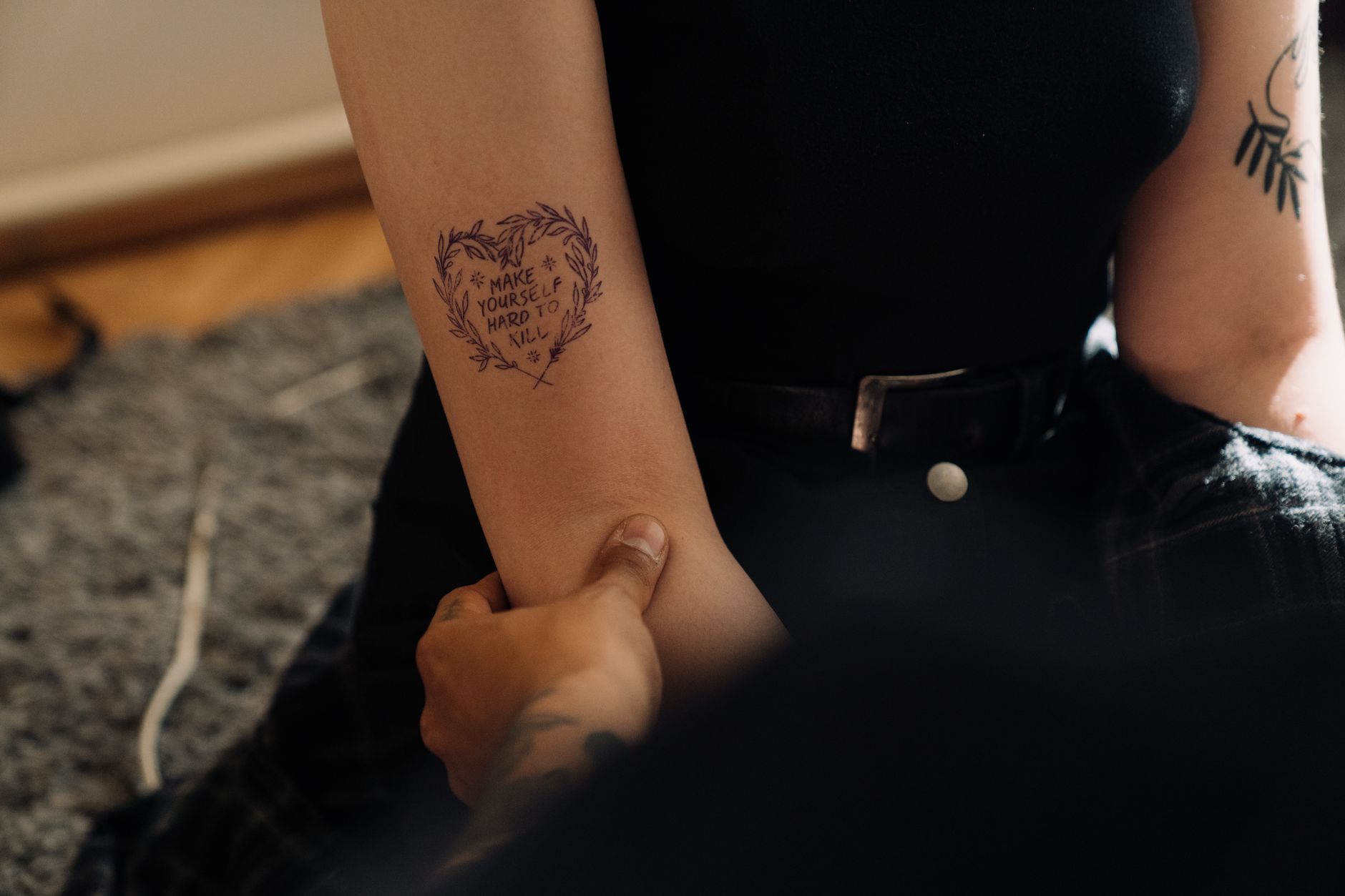
Many people search for a free tattoo generator to explore ideas before investing in custom artwork. AIZora offers accessible access to AI Tattoo Generator so you can experiment with prompts, styles, and layouts without friction.
That means you can treat the tool as a tattoo idea generator during your planning phase—try a concept, see if the vibe matches, and iterate until it feels uniquely yours.
Who benefits most from free access
- First-timers: You can test styles and themes before committing to a big piece.
- Style explorers: You can compare blackwork vs. fine-line quickly.
- Meaning builders: You can prototype symbolic elements and refine the narrative.
- Budget planners: You can arrive at your consultation with a stronger direction.
FAQ: AI Tattoo Generator Questions People Ask
Can I use an AI tattoo generator to make a personalized tattoo design?
Yes. By including specific symbolism, style preferences, and placement details, you can generate a personalized tattoo design that reflects your story—then finalize it with your artist.
Will the AI tattoo art look like a stencil?
AI can produce clean, tattoo-like line concepts and stencil-inspired layouts. For true transfer readiness, confirm the final design with your tattoo artist—this is especially important for fine-line work.
Is this a tattoo flash generator or a one-off design tool?
It functions more like a design explorer. You can generate original concepts that feel “flash-like” in style, but your best results come from specifying what makes it unique to you—your symbol, layout, and mood.
What’s the difference between a tattoo design generator and an AI body art designer?
A tattoo design generator focuses on creating designs from prompts, while an ai body art designer framing emphasizes body-aware planning—placement, proportion, and style intent—so your concept is easier to translate into a tattoo.
Conclusion: Generate Tattoo Designs You’ll Actually Want to Wear
An AI Tattoo Generator is a powerful way to explore tattoo ideas faster, refine your preferences, and arrive at a clearer concept for your artist. With AIZora’s free access, you can confidently test styles, generate tattoo designs, and shape a custom tattoo design ai concept that feels personal.
Remember: the best tattoo outcomes come from collaboration. Use the tattoo idea generator to discover direction, then work with your tattoo artist to finalize line weight, spacing, and long-term readability. If you’re ready to start, try the ai tattoo art workflow today on AIZora and generate stunning ideas instantly—one prompt at a time.