Describe your tattoo design idea
Image Generator
AI Tattoo Generator
Generate stunning custom tattoo designs instantly with AI Tattoo Generator
What You Can Create
First Tattoo Visualization
Explore different tattoo styles and concepts before committing to your first piece of permanent body art.
Flash Sheet Creation
Tattoo artists can rapidly generate flash sheet designs and concept art for their studio walls and client portfolios.
Cover-Up Design Planning
Visualize potential cover-up designs that incorporate or conceal existing tattoos with new artwork.
Client Communication Tool
Bridge the gap between client descriptions and artist interpretation by generating visual references during consultations.
Sleeve Planning & Composition
Design cohesive multi-piece compositions for full sleeves, half sleeves, or themed body panels.
Memorial & Meaningful Designs
Create personalized memorial tattoo concepts incorporating names, dates, symbols, and meaningful imagery.
How It Works
1
Describe Your Tattoo Idea
Enter a detailed description of your desired tattoo including style, subject, placement, size, and color preferences.
2
AI Generates Your Design
Our advanced AI model interprets your description and creates a professional tattoo design optimized for skin application.
3
Review and Refine
Examine your generated design and adjust your prompt to refine details, change styles, or explore variations.
4
Download and Share
Save your final design in high resolution to share with your tattoo artist or use as inspiration for your next piece.
What is AI Tattoo Generator?
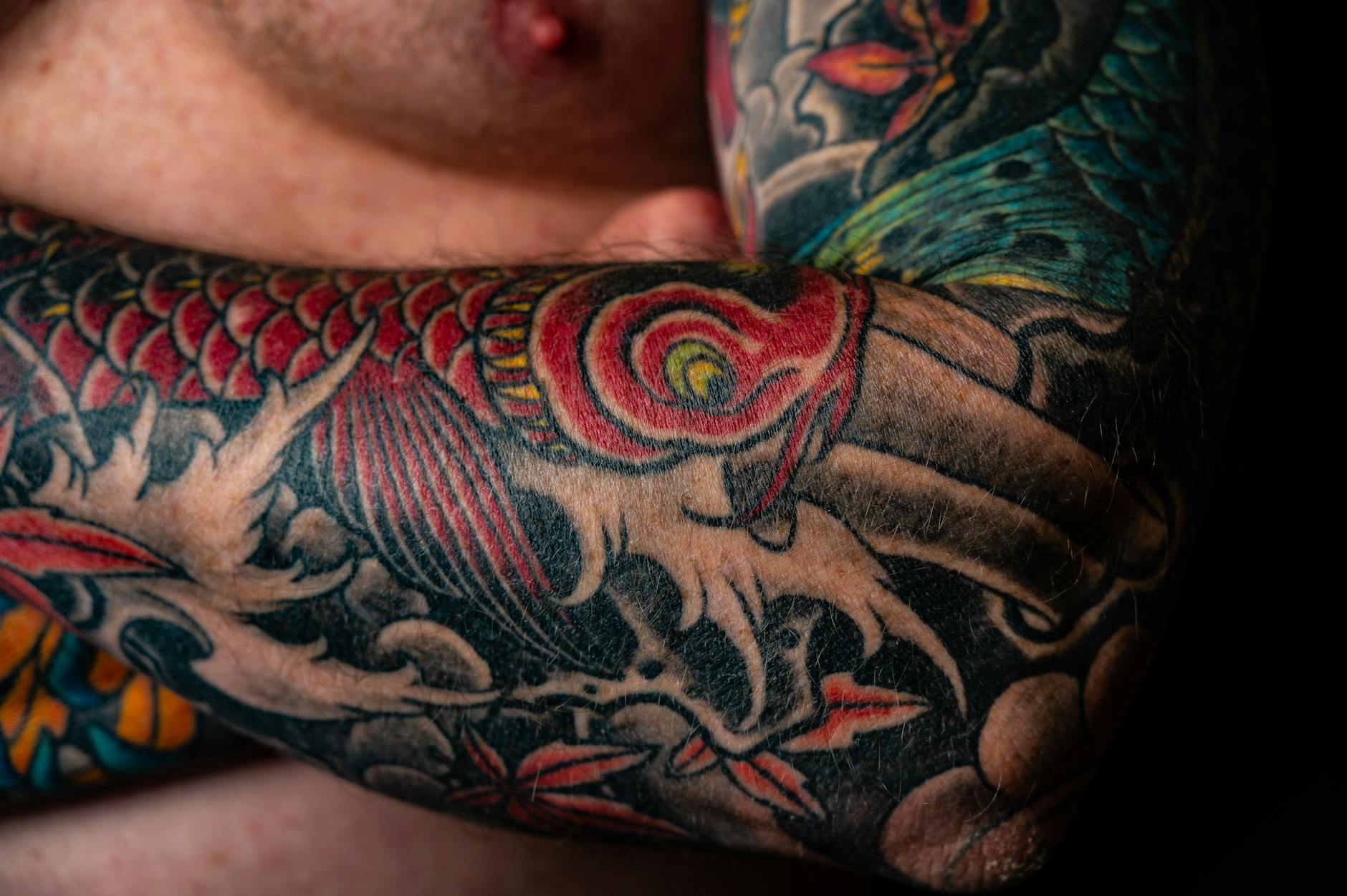
The AI Tattoo Generator is a powerful creative tool that transforms your ideas into professional-quality tattoo designs in seconds. Whether you have a vague concept or a detailed vision, our AI understands tattoo art styles, linework techniques, and body placement considerations to produce designs that are ready to take to your tattoo artist.
Unlike generic image generators, our AI Tattoo Generator is specifically optimized for tattoo art. It understands the nuances of different tattoo styles — from bold traditional American to delicate fine-line work, from complex Japanese sleeves to minimalist geometric patterns. Every design is created with actual tattoo application in mind, ensuring clean lines, appropriate contrast, and scalable compositions.
How to Use AI Tattoo Generator
Creating your perfect tattoo design is simple and intuitive:
- Describe your vision: Type a detailed description of the tattoo you want. Include the style, subject matter, mood, and intended body placement.
- Add style preferences: Specify if you want blackwork, watercolor, neo-traditional, Japanese, geometric, minimalist, or any other tattoo style.
- Generate and iterate: Review your design and refine your prompt to get closer to your perfect tattoo.
- Save and share: Download your design to show your tattoo artist or share with friends for feedback.
Tips for Best Prompts
To get the most out of the AI Tattoo Generator, be specific about these elements:
- Art style (e.g., traditional, neo-traditional, blackwork, dotwork, watercolor)
- Subject matter with details (e.g., "a wolf howling at a crescent moon")
- Body placement (forearm, back, shoulder, ribs) — this affects composition and flow
- Size considerations (full sleeve, small wrist piece, chest panel)
- Color preferences (full color, black and grey, single accent color)
- Additional elements (flowers, geometric backgrounds, banners with text)
Tattoo Styles You Can Generate
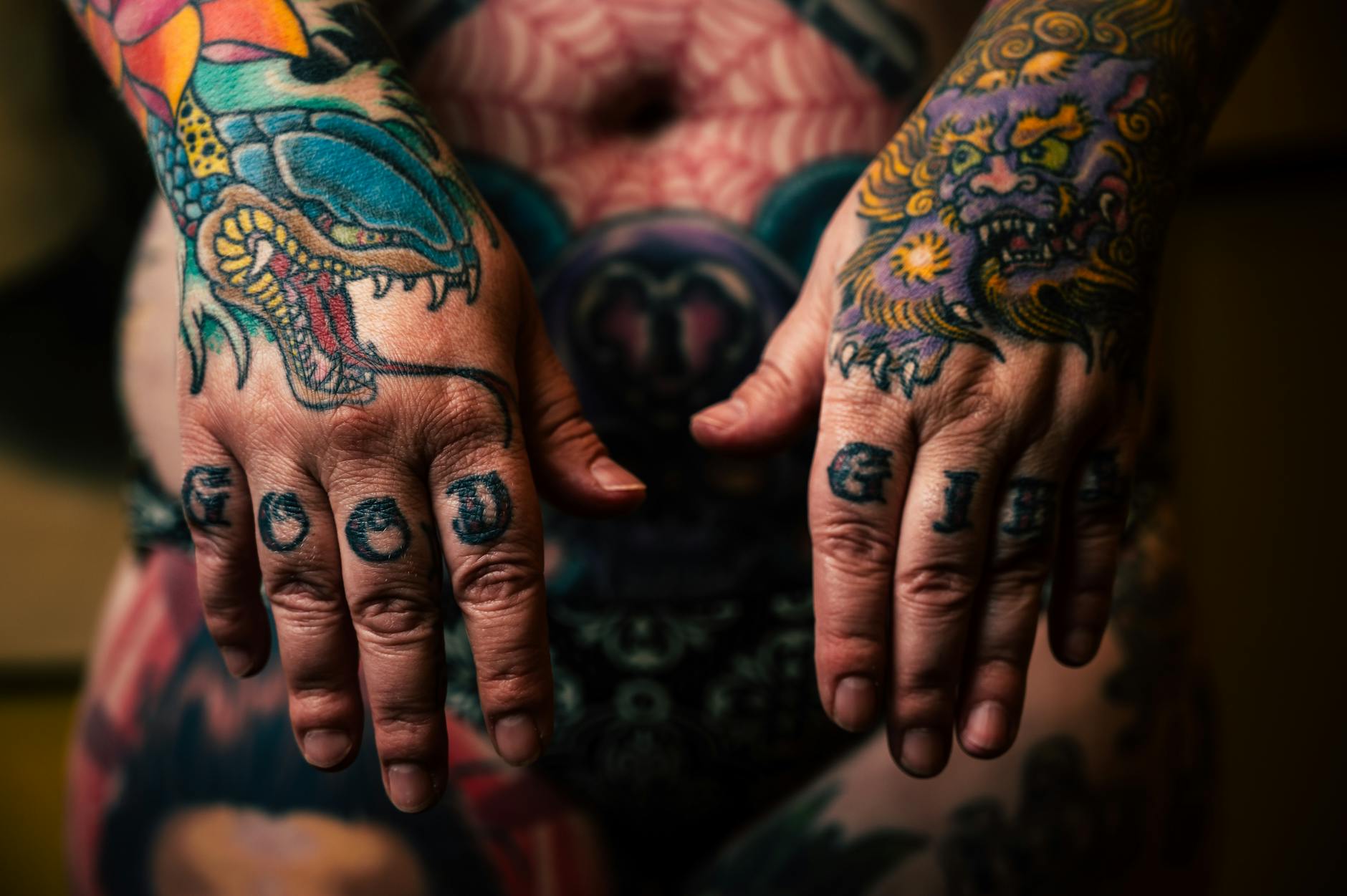
| Tattoo Style | Best For | Key Characteristics |
|---|---|---|
| Traditional/Old School | Bold, timeless designs | Thick outlines, limited color palette, iconic imagery |
| Neo-Traditional | Modern artistic pieces | Detailed shading, expanded colors, illustrative quality |
| Japanese (Irezumi) | Large-scale body art | Flowing composition, mythology, wind/water elements |
| Blackwork | High-contrast designs | Solid black fills, negative space, geometric patterns |
| Geometric | Modern minimalist art | Sacred geometry, clean lines, mathematical precision |
| Watercolor | Artistic expression | Soft edges, color splashes, painterly effects |
| Realism | Portraits and nature | Photographic detail, complex shading, depth |
| Minimalist | Subtle, small tattoos | Fine lines, simple shapes, understated elegance |
Who is AI Tattoo Generator For?
Our AI Tattoo Generator serves a diverse community of tattoo enthusiasts and professionals:
- First-time tattoo seekers: Explore different styles and concepts before committing to permanent ink
- Tattoo artists: Generate reference material, flash sheets, and concept art for clients
- Design enthusiasts: Create custom artwork inspired by tattoo aesthetics for digital use
- Cover-up planners: Visualize designs that could work over existing tattoos
- Tattoo collectors: Plan new additions to existing collections with cohesive styling
AI Tattoo Generator vs. Traditional Design Methods
Traditionally, getting a custom tattoo design meant either spending hours browsing flash sheets, paying for a custom consultation, or attempting to draw your own concept. The AI Tattoo Generator bridges the gap between imagination and visualization instantly.
While AI-generated designs aren't meant to replace the expertise of a professional tattoo artist, they serve as powerful starting points for collaboration. You can bring AI-generated concepts to your artist, who can then refine the design for your specific body anatomy and skin type.
Benefits Over Manual Sketching
The AI Tattoo Generator offers several advantages for the design exploration phase:
- Instant visualization of concepts that exist only in your imagination
- Ability to explore dozens of variations quickly without additional cost
- Style experimentation — see how your idea looks in different tattoo styles
- Clear communication tool between you and your tattoo artist
- No artistic skill required to produce professional-looking concepts
Best Practices for Tattoo-Ready Designs
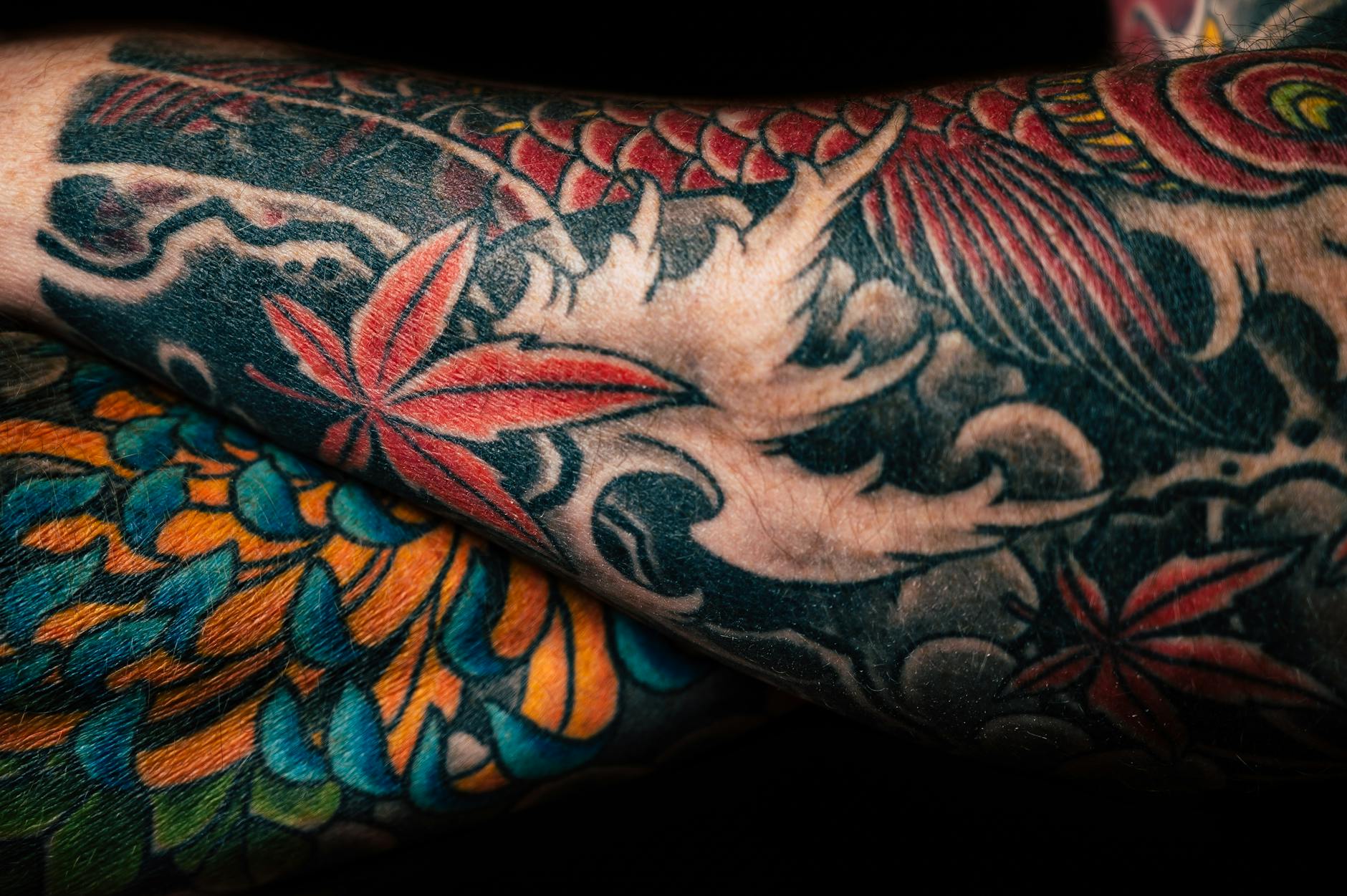
When using the AI Tattoo Generator, keep these professional considerations in mind:
- Simplify when needed: Very fine details may not translate well to skin, especially for smaller tattoos
- Consider aging: Designs with good contrast and clear shapes age better over decades
- Think about placement: Curved body areas require designs that flow with natural contours
- Respect cultural significance: Research cultural meanings behind symbols before choosing them
- Always consult a professional: Use AI designs as starting points and let your tattoo artist adapt them for best results
Frequently Asked Questions
Have questions about using the AI Tattoo Generator? Check our detailed FAQ section below for answers to the most common queries about AI-generated tattoo designs, or start generating your custom design now.
AIZora vs Popular AI Tattoo Generator Tools
| Feature | AIZora | BlackInk AI | TattoosAI | Fotor Tattoo |
|---|---|---|---|---|
| Free to use | ✓ | ✗ | ✗ | ✗ |
| All tattoo styles supported | ✓ | ✓ | ✗ | ✗ |
| High-resolution output | ✓ | ✗ | ✓ | ✓ |
| Body placement optimization | ✓ | ✗ | ✗ | ✗ |
| No account required | ✓ | ✗ | ✗ | ✗ |
| Unlimited generations | ✓ | ✗ | ✗ | ✗ |
| Commercial use allowed | ✓ | ✗ | ✓ | ✗ |
| Advanced AI model (GPT Image) | ✓ | ✗ | ✗ | ✗ |
What Users Say
"I used this to visualize my first tattoo idea and my artist was blown away by the reference. It saved us so much time in the consultation and the final result was exactly what I wanted."
"As a tattoo artist, I use this daily to generate quick concepts for clients during consultations. It bridges the communication gap perfectly and helps clients see their ideas before I start drawing."
"I was planning a full Japanese sleeve and generated over 30 variations to find the perfect composition. The AI understood flow, negative space, and traditional motifs incredibly well."
Frequently Asked Questions
Is the AI Tattoo Generator free to use?
Yes, AIZora's AI Tattoo Generator is free to use. You can generate multiple tattoo designs by describing your ideas and downloading the results at no cost.
Can I take an AI-generated tattoo design directly to a tattoo artist?
Absolutely! AI-generated designs serve as excellent reference material for your tattoo artist. Most artists appreciate having a clear visual starting point and will adapt the design to work optimally on your specific body placement and skin type.
What tattoo styles can the AI generate?
The AI Tattoo Generator supports all major tattoo styles including traditional, neo-traditional, Japanese (Irezumi), blackwork, geometric, watercolor, realism, dotwork, tribal, minimalist, fine-line, chicano, biomechanical, and more. Simply specify your preferred style in your prompt.
How detailed should my prompt be for best results?
The more specific your prompt, the better the results. Include the tattoo style, main subject, additional elements, color preferences, intended body placement, and size. For example: 'A neo-traditional rose with a dagger through it, black and grey with red accent color, designed for inner forearm placement.'
Are AI-generated tattoo designs unique and original?
Yes, each design generated by the AI is unique and created specifically from your description. No two outputs are identical, even with similar prompts. However, always verify with your tattoo artist that the design doesn't inadvertently replicate existing copyrighted artwork.
Can the AI generate tattoo designs for specific body placements?
Yes, you can specify body placement in your prompt (forearm, back, chest, ribs, shoulder, ankle, etc.) and the AI will generate designs with appropriate composition, flow, and proportions for that area.
How does AI Tattoo Generator compare to hiring a tattoo designer?
The AI Tattoo Generator is ideal for rapid concept exploration and visualization. It complements rather than replaces professional tattoo artists. Use it to explore ideas quickly and cheaply, then bring your favorite concepts to a professional for refinement and application.
Can I generate colored tattoo designs or only black and grey?
The AI generates both full-color and black-and-grey designs. Specify your color preferences in the prompt — whether you want vibrant full color, black and grey with color accents, or purely monochromatic designs.
People Also Search For
Ready to try AI Tattoo Generator?
Free to use. Sign in with Google and start creating.
Start Creating ↑