Want a tattoo concept that looks like it came straight from a pro sketchbook? With the AI Tattoo Generator, you can generate tattoo designs in seconds, explore multiple styles, and refine ideas into a custom tattoo design that matches your story. Powered by AI, this tool acts like a rapid tattoo idea generator and tattoo concept generator, helping you move from “I’m not sure” to “That’s the one” faster than traditional brainstorming.
Even better: you can access it for free on AIZora—perfect for testing styles, gathering inspiration, or creating a stencil-ready starting point before you talk to a tattoo artist.
What Is an AI Tattoo Generator?
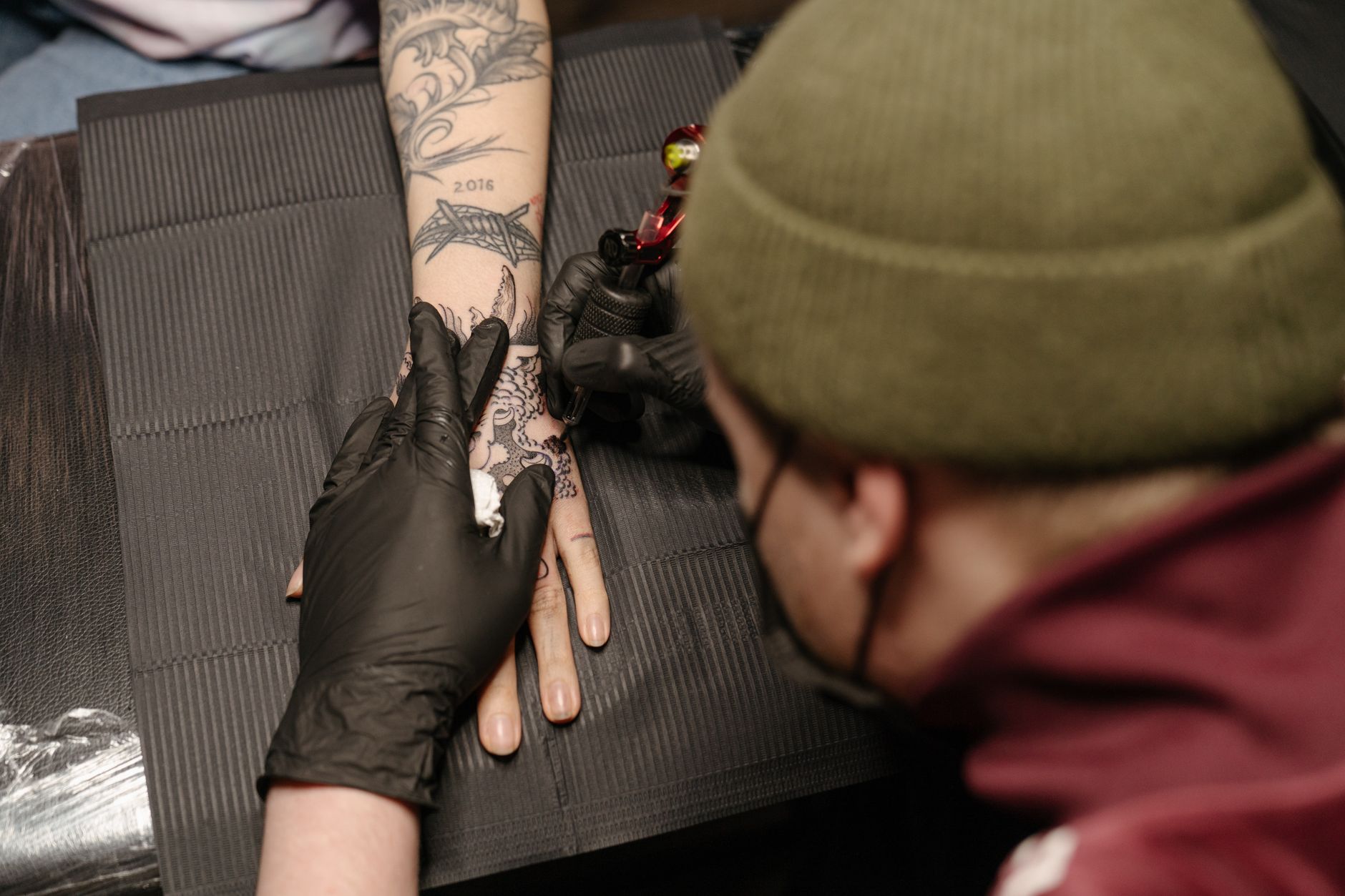
An ai tattoo generator is a digital tool that uses artificial intelligence to create original tattoo designs based on your input—such as theme, subject, style, placement, and size. Instead of staring at flash sheets or relying on guesswork, you can describe what you want and let AI generate options you can iterate on.
Think of it as a tattoo design generator that blends creativity with speed. Many people also treat it like an ai tattoo maker or ai tattoo creator when they’re exploring their next piece of ai tattoo art.
Why Use AI to Generate Tattoo Designs Faster?
Most tattoo decisions include at least a few hard parts: deciding on the subject, matching the style to your skin and placement, balancing detail and readability, and making sure the final concept feels personal. A custom tattoo design ai streamlines that process.
- Instant variations: Use prompts to produce multiple directions—minimalist, neo-traditional, ornamental, Japanese, illustrative, and more.
- Better personalization: Your preferences (meaning, mood, symbolism, composition) become creative constraints.
- Faster ideation: When you need a tattoo idea generator to break through creative blocks, AI is quick and consistent.
- Placement-aware thinking: You can specify “forearm,” “upper arm,” “rib,” “calf,” or “back” to shape the design direction.
- Reusable starting points: Even if a tattoo artist ultimately redraws the final work, you arrive with a clear concept.
On AIZora, you can use the ai body art designer approach without paying upfront—making it an ideal free tattoo generator for browsing, experimenting, and planning.
How the AI Tattoo Generator Works (Step-by-Step)
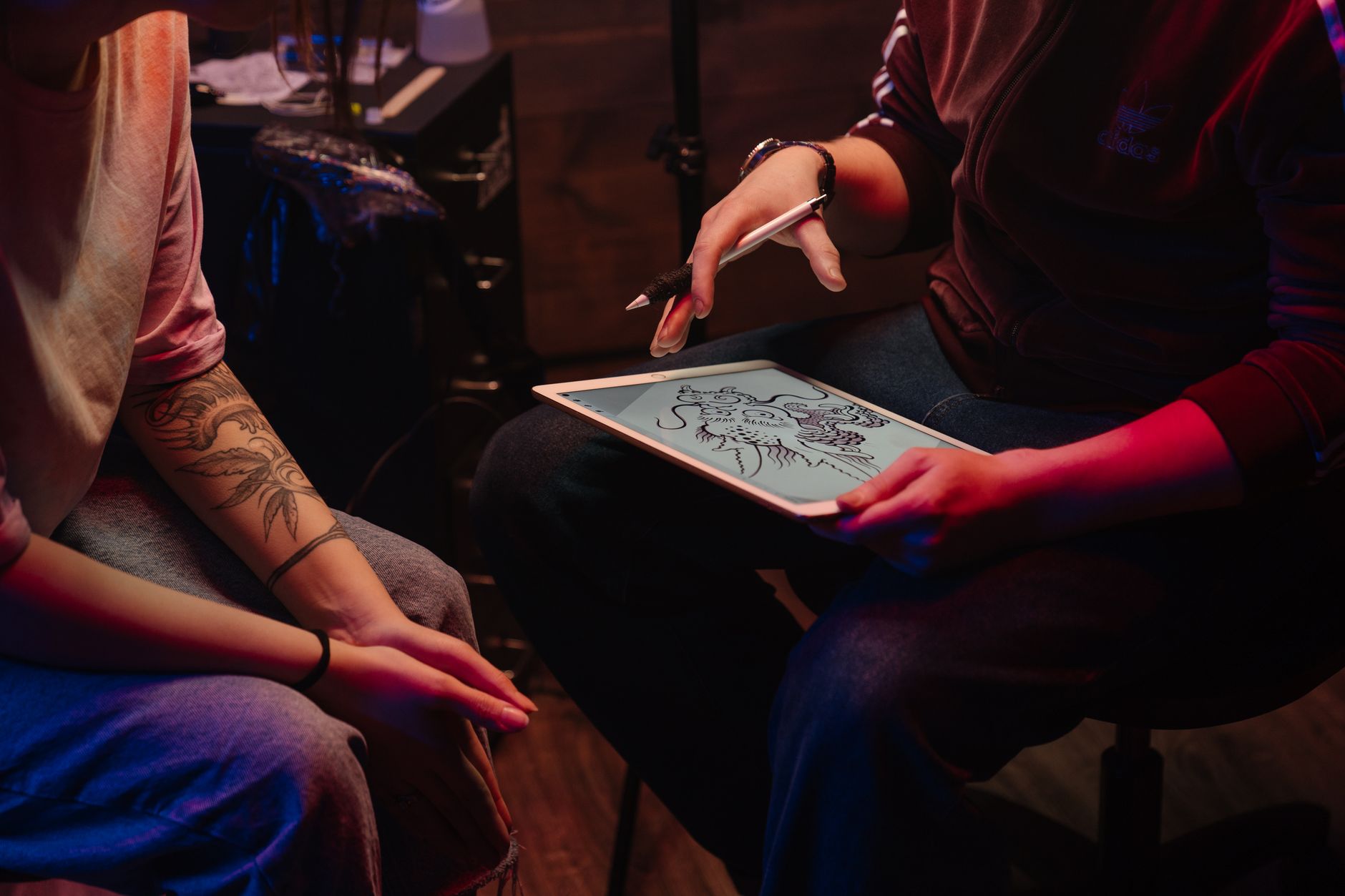
While every workflow differs slightly, a typical tattoo stencil generator-style process with an ai tattoo creator looks like this:
- Choose your inspiration: Pick a theme—animals, flowers, celestial symbols, lettering, mythical figures, abstract patterns, or pop-culture vibes.
- Describe the style: Mention what you like (linework, dotwork, watercolor, realism, geometric, ornamental, sketchy, bold, fine-line).
- Add personalization: Include meaningful elements (birthstones, initials, dates as symbols, motifs, colors, or hidden iconography).
- Specify placement and size: “Small wrist tattoo,” “half-sleeve,” “spine line,” or “full back piece” helps shape composition.
- Generate and refine: Use prompt tweaks to adjust shading intensity, symmetry, complexity, and line weight.
In practice, the best results come from treating it like a loop: generate tattoo designs → pick your favorites → refine → lock in a final direction.
Popular Tattoo Styles You Can Generate
The tattoo design generator experience works across many aesthetics. Here are popular directions to explore with an ai tattoo maker or ai tattoo creator:
- Fine-line minimal: Clean outlines, elegant spacing, readable details for smaller placements.
- Neo-traditional: Bold shapes, strong contrast, vibrant accents (even when translated into black-and-gray).
- Blackwork & dotwork: Dramatic texture, strong silhouettes, and deep visual impact.
- Geometric & sacred forms: Symmetry-focused motifs like mandalas, tessellations, and angular patterns.
- Ornamental filigree: Swirls, lace-like structures, and heritage-inspired elements.
- Floral & botanical: Roses, lilies, foliage clusters, and sleeve-ready compositions.
- Japanese-inspired themes: Waves, dragons, koi patterns, and balanced asymmetry.
- Surreal / illustrative: Story-driven imagery that feels like art from a graphic novel.
If you don’t know what style you want yet, start by using the tool as a tattoo idea generator: generate tattoo designs across 3–5 different styles, then choose the one that “feels right.”
Best Practices: Get Better Results from Your Prompts
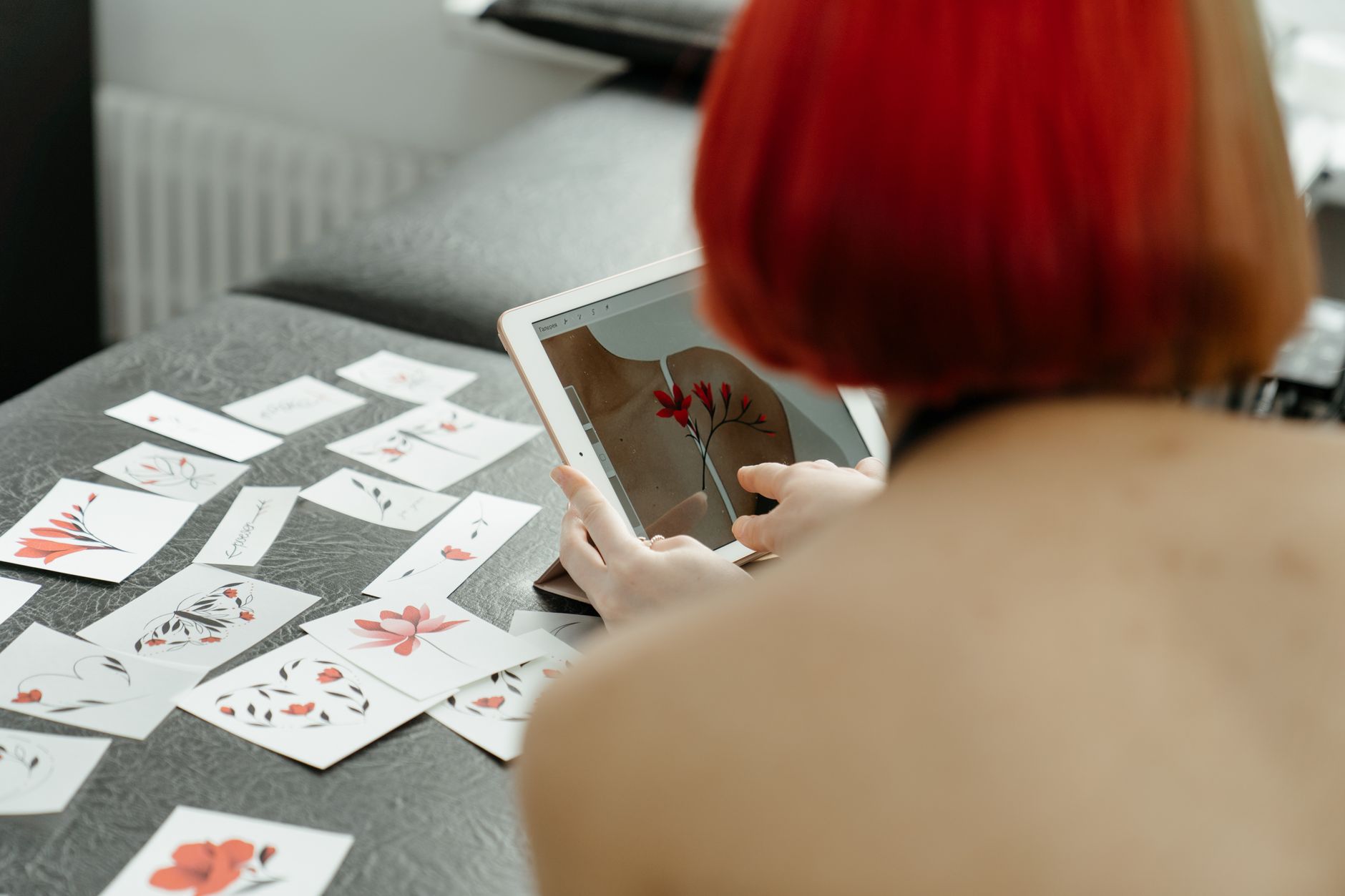
Want a custom tattoo design ai workflow that consistently produces tattoo-ready concepts? Use these best practices when prompting your ai tattoo art generator.
1) Be specific about the subject and symbolism
Instead of “dragon tattoo,” try “a minimal blackwork dragon wrapped around a sword, symbolizing courage.” Specific meaning helps AI produce coherent elements.
2) Mention line quality and shading
For example: “fine-line with subtle dot shading” or “bold outlines with light watercolor wash.” This turns the tattoo concept generator into something closer to your tattoo artist’s toolkit.
3) Control complexity for readability
If you want a small tattoo, keep detail manageable. For large pieces, you can ask for more intricate texture. Complexity should match the placement so your design stays crisp over time.
4) Iterate like a designer
Don’t expect perfection on the first try. Generate, select favorites, and then ask for “more negative space,” “less clutter,” “stronger silhouette,” or “mirror symmetry.” This is how you turn a free tattoo generator into a true personalized tattoo design engine.
5) Use the tool to build a stencil-style concept
If your goal is transfer-ready artwork, ask for simplified shapes and clear outlines to support a tattoo stencil generator approach. Even if the final tattoo is redrawn, starting from a clean concept helps.
AI Tattoo Generator vs. Traditional Tattoo Flash
Flash sheets are great—but they’re limited by what an artist already drew. An ai tattoo generator gives you more control over meaning, style, and placement. Use the comparison below to see how modern AI workflows support your decision-making process.
| Feature | AI Tattoo Generator | Traditional Flash Sheets |
|---|---|---|
| Customization | High: prompt-based themes, placement, and style | Limited: choose from existing designs |
| Speed | Instant iterations and variations | Time-consuming browsing and selection |
| Idea Diversity | Many concepts from the same starting prompt | Fewer options per session |
| Personal Meaning | Easy to incorporate symbolism and preferences | Depends on what’s already drawn |
| Artist Collaboration | Arrive with a concept to refine together | Often start with selection, then minor changes |
| Cost to Explore | Free access available on AIZora | Generally free to browse, paid when tattooed |
Turn Your AI Tattoo Designs into a Real Tattoo Plan
Once you have a direction you love, the goal is to translate your AI concept into a tattoo that holds up for years. Here’s how to do that effectively.
- Shortlist 3–5 designs: Don’t commit to just one—choose options with different levels of detail.
- Ask your artist about line weight: AI may generate beautiful images, but your artist will tailor line thickness to your skin.
- Discuss longevity: Some styles age better than others. A good artist can recommend adjustments for readability.
- Plan placement transitions: If you’re doing a sleeve or multi-piece plan, make sure the design fits the overall flow.
- Consider black-and-gray translation: If you want color later, confirm which parts should remain high-contrast.
In many cases, AI acts as a tattoo concept generator that helps you arrive at a personalized tattoo design with clarity—so the collaboration becomes smoother.
FAQs About AI Tattoo Generator
Is an AI tattoo generator actually useful for planning tattoos?
Yes. It’s a strong tattoo idea generator and tattoo concept generator for brainstorming composition, style, and symbolism. Most people use it to create a starting point that their tattoo artist can refine.
Can I generate tattoo designs for free on AIZora?
Yes—AIZora offers free access to explore an ai tattoo maker workflow and experiment with custom tattoo design ai ideas.
Does the AI help with stencil or outline-ready artwork?
Many workflows can be steered toward clearer outlines and simplified shapes, which supports a tattoo stencil generator-style process—especially when you request line clarity and reduced clutter.
What if I want a very specific tattoo concept?
Use detailed prompts. Mention the theme, key elements, placement, and desired style. That’s how you get closer to a truly personalized tattoo design rather than generic imagery.
Conclusion: Create Your Next Tattoo with AI Tattoo Generator on AIZora
The AI Tattoo Generator is more than a novelty—it’s a practical way to generate tattoo designs quickly, explore new directions, and build a personalized tattoo design you can confidently take to your tattoo artist. Whether you’re using it as a tattoo design generator, an ai tattoo creator, or a tattoo idea generator, you’ll spend less time guessing and more time refining what matters.
Ready to start? Try the ai tattoo maker experience on AIZora—free access lets you explore, iterate, and discover the kind of ai tattoo art that becomes your next permanent piece of body art.