How to Make Viral Skeleton Video: The Ultimate Guide to Creating Bone-Rattling Content
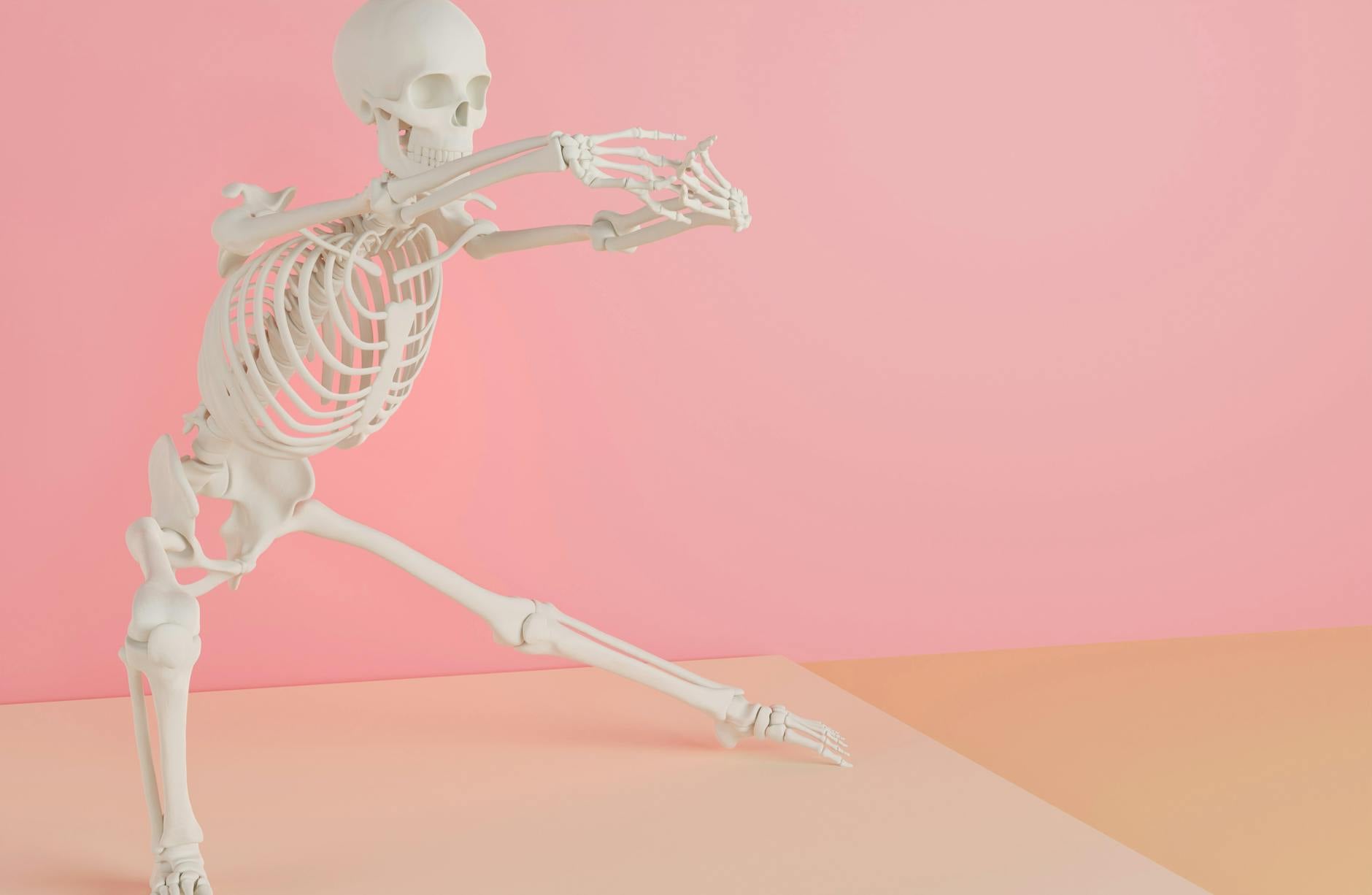
Skeleton videos have taken social media by storm, captivating millions of viewers across TikTok, Instagram Reels, and YouTube Shorts. From dancing skeletons to hilarious skeleton memes set to the "Spooky Scary Skeletons" soundtrack, this content genre has proven to be evergreen — not just for Halloween, but year-round entertainment that audiences can't get enough of.
Whether you're a content creator looking to ride the viral wave, a marketer seeking engaging content strategies, or simply someone who wants to create entertaining skeleton videos for fun, this comprehensive guide will walk you through everything you need to know about making skeleton videos that have the potential to go viral.
Why Skeleton Videos Go Viral
Before diving into the how-to, it's important to understand why skeleton videos consistently perform well on social media platforms. Understanding the psychology behind viral content will help you craft better videos.
The Psychology of Skeleton Content
- Universal humor: Skeletons are inherently funny because they strip away all human differences, creating a universal character everyone can relate to.
- Nostalgia factor: Many viewers associate skeletons with childhood Halloween memories, creating an emotional connection.
- Absurdist comedy: The juxtaposition of a skeleton performing everyday activities or dancing creates instant comedic value.
- Shareability: Skeleton videos are inoffensive and widely appealing, making people more likely to share them with friends and family.
- Meme culture: Skeletons have become deeply embedded in internet meme culture, giving them built-in audience recognition.
Types of Viral Skeleton Videos

There are several popular formats for skeleton videos that consistently gain traction on social media. Choosing the right format is your first step toward creating viral content.
1. Dancing Skeleton Videos
Dancing skeleton animations set to popular music tracks are among the most shared skeleton content online. These range from simple looping animations to complex choreographed sequences that sync perfectly with trending audio tracks.
2. Skeleton Meme Videos
These videos use skeleton imagery or animations to illustrate relatable situations, jokes, or commentary on everyday life. The skeleton serves as a comedic vessel for human experiences.
3. AR/Filter Skeleton Videos
Using augmented reality filters available on platforms like TikTok, Instagram, and Snapchat, creators overlay skeleton effects onto real-world footage, creating entertaining mixed-reality content.
4. Stop-Motion Skeleton Videos
Using physical skeleton props or figurines, creators produce stop-motion animations that tell short stories or perform actions in a charming, handcrafted style.
5. Green Screen Skeleton Edits
These involve placing animated or real skeleton footage over different backgrounds, often creating humorous scenarios or reaction-style content.
Tools and Software You'll Need
Creating a viral skeleton video doesn't require a Hollywood budget. Here's a breakdown of tools available at various skill and budget levels.
Free Tools
- CapCut: A powerful free video editor with built-in effects, green screen capabilities, and skeleton-related stickers and animations.
- Canva: Offers animated skeleton templates and simple video editing features perfect for beginners.
- Blender: A free 3D animation software for creating custom skeleton animations from scratch (advanced users).
- TikTok's built-in editor: Includes skeleton filters, effects, and trending audio integration.
- Mixamo: Adobe's free tool for rigging and animating 3D characters, including skeleton models.
Paid/Premium Tools
- Adobe After Effects: Industry-standard motion graphics software for professional-quality skeleton animations.
- Daz3D: 3D character creation software with skeleton models and animation capabilities.
- Vyond: Animation platform with character templates that can be customized for skeleton-style content.
- Premiere Pro: Professional video editing software for polished final cuts.
- Cinema 4D: High-end 3D modeling and animation software for photorealistic skeleton renders.
Physical Props
- Poseable skeleton figurines (available on Amazon for $10-$50)
- Life-size skeleton decorations for live-action content
- Green screen fabric for background replacement
- Ring light or basic lighting setup
- Smartphone with a good camera (most modern phones work perfectly)
Step-by-Step Guide to Making Your Skeleton Video
Step 1: Research Trending Content
Before creating your video, spend time researching what's currently trending in the skeleton video niche. Browse TikTok, Instagram Reels, and YouTube Shorts using hashtags like #skeletonvideo, #spookyscaryskeletons, #skeletondance, and #skeletonmeme.
Take note of:
- Which audio tracks are being used most frequently
- What video formats are getting the most engagement
- The average length of top-performing skeleton videos
- Common editing styles and transitions
- Comments sections to understand what viewers want more of
Step 2: Choose Your Concept and Format
Based on your research, decide on a concept that balances trend participation with originality. The sweet spot for viral content is something familiar enough to be recognizable but unique enough to stand out. Consider combining a trending audio with an unexpected skeleton scenario, or put a fresh spin on a popular meme format.
Step 3: Plan Your Video
Even short-form content benefits from planning. Create a simple storyboard or shot list that outlines:
- The opening hook (first 1-3 seconds — this is critical for retention)
- The main content or joke setup
- The punchline or payoff
- Any text overlays or captions needed
- The audio track and how visuals sync to it
Step 4: Create or Source Your Skeleton Assets
Depending on your chosen format, you'll need to either create your skeleton animation from scratch, use existing assets, or film physical props. Here are approaches for each skill level:
Beginner: Use TikTok or Instagram AR filters that add skeleton effects to your footage. Alternatively, use pre-made skeleton GIFs or animations from sites like Giphy or Tenor and composite them in CapCut.
Intermediate: Use Mixamo to download pre-animated skeleton characters, then import them into a video editor with green screen removal. You can also create stop-motion content using physical skeleton props.
Advanced: Build custom skeleton animations in Blender or After Effects, giving you complete creative control over movements, expressions, and scenarios.
Step 5: Film or Animate Your Content
When creating your skeleton video, keep these production tips in mind:
- Keep it short: Aim for 15-60 seconds for maximum viral potential on short-form platforms.
- Nail the timing: Sync skeleton movements precisely with audio beats for satisfying viewer experiences.
- Use good lighting: Even skeleton content benefits from clean, well-lit footage.
- Shoot vertically: 9:16 aspect ratio is essential for TikTok, Reels, and Shorts.
- Film multiple takes: Give yourself editing options by capturing several versions.
Step 6: Edit for Maximum Impact
The editing phase is where good skeleton content becomes great skeleton content. Focus on these elements:
- Hook viewers instantly: The first frame should be visually interesting or intriguing enough to stop the scroll.
- Tight pacing: Remove any dead space or moments that don't add value.
- Add text overlays: Captions and text can reinforce jokes and make content accessible to viewers watching without sound.
- Use transitions wisely: Match cuts, zoom transitions, and beat-synced cuts can elevate your content.
- Color grading: Consider slightly desaturated or high-contrast looks that complement the skeleton aesthetic.
- Sound design: Layer sound effects over your music for added comedic impact — bone rattling, dramatic stings, or cartoon sound effects work great.
Step 7: Optimize for Each Platform
Different platforms have different best practices. Tailor your content accordingly:
TikTok: Use trending sounds, participate in challenges, leverage TikTok-specific effects, and keep videos between 15-30 seconds for optimal algorithm performance.
Instagram Reels: Slightly more polished content tends to perform well. Use relevant hashtags (up to 30), write engaging captions, and post during peak engagement hours.
YouTube Shorts: Include keywords in your title, use a compelling thumbnail for the Shorts shelf, and consider creating series content that encourages viewers to watch multiple videos.
Optimization Tips for Going Viral
Hashtag Strategy
Use a mix of popular and niche hashtags to maximize discoverability:
- High-volume: #skeleton, #viral, #funny, #meme, #comedy
- Medium-volume: #skeletonvideo, #skeletondance, #spooky, #halloween, #animation
- Niche: #skeletonmemes, #spookyscaryskeletons, #danceofthedeaad, #bonezone, #skeletoncrew
- Trending: Check daily trending hashtags and incorporate relevant ones
Posting Strategy
- Post consistently — aim for at least one skeleton video per day during your growth phase.
- Test different posting times to find when your audience is most active.
- Engage with comments quickly after posting to boost algorithm signals.
- Cross-post to multiple platforms to maximize reach.
- Collaborate with other skeleton content creators for cross-promotion.
Audio Selection
The right audio can make or break your skeleton video's viral potential. Consider these approaches:
- Use trending sounds that are currently being pushed by the algorithm.
- Classic choices like "Spooky Scary Skeletons" by Andrew Gold never go out of style.
- Remix popular songs with spooky elements for a unique twist.
- Use dramatic orchestral music for comedic contrast with silly skeleton actions.
- Original audio can help you create a trend others will want to replicate.
Advanced Techniques for Standing Out
Motion Capture for Realistic Animation
If you want to take your skeleton videos to the next level, consider using affordable motion capture solutions. Apps like Move.ai or even Xbox Kinect can capture your real movements and apply them to a 3D skeleton character, creating incredibly fluid and entertaining animations.
AI-Powered Skeleton Generation
Emerging AI tools can help you create skeleton content more efficiently. Text-to-video AI platforms are beginning to handle animated character content, and AI motion generation tools can create realistic skeleton movements from text prompts. Stay ahead of the curve by experimenting with these technologies early.
Interactive and Duet-Ready Content
Create videos specifically designed for duets, stitches, and reactions. Leave visual space for other creators to interact with your skeleton character, or create call-and-response style content that encourages participation.
Series and Recurring Characters
Give your skeleton a personality, backstory, or recurring situations. Audiences love following characters over time, and series content encourages follows and return viewership. Consider creating a "day in the life of a skeleton" series or recurring skeleton commentary on trending topics.
Monetization Opportunities
Once your skeleton videos start gaining traction, several monetization paths open up:
- Creator funds: TikTok Creator Fund, YouTube Shorts Fund, and Instagram bonuses for Reels.
- Brand partnerships: Companies love associating with viral, family-friendly content.
- Merchandise: Sell skeleton-themed merchandise featuring your unique character or catchphrases.
- Seasonal content: Halloween brands actively seek skeleton content creators for sponsored partnerships.
- Template sales: Sell your skeleton animation templates or presets to other creators.
- Courses and tutorials: Teach others how to create skeleton content once you've built authority.
Common Mistakes to Avoid
Learn from others' failures to accelerate your success:
- Overcomplicating things: Simple, well-executed concepts often outperform complex productions.
- Ignoring audio: Poor audio quality or mismatched sound choices will kill your video's performance.
- Weak openings: If your first second doesn't grab attention, viewers will scroll past.
- Inconsistent posting: The algorithm rewards consistency — don't post sporadically.
- Copying exactly: Put your own spin on trends rather than creating carbon copies of other creators' work.
- Neglecting engagement: Respond to comments, engage with your community, and participate in the broader skeleton content ecosystem.
- Poor timing: While skeleton content works year-round, capitalize especially on the September-November Halloween season when interest peaks.
Measuring Success and Iterating
Track these key metrics to understand what's working and refine your approach:
- Watch time/completion rate: The most important metric for algorithm performance.
- Share rate: Videos that get shared have the highest viral potential.
- Comment engagement: Active comment sections signal to algorithms that content is worth promoting.
- Follower conversion: Track how many viewers become followers after watching your skeleton videos.
- Save rate: When viewers save your video, it indicates high-value content worth revisiting.
Review your analytics weekly and identify patterns. Which concepts performed best? What time of day drove the most engagement? Which audio choices resonated most? Use this data to inform your future content strategy.
Conclusion
Creating viral skeleton videos is an exciting blend of creativity, strategy, and timing. The genre's universal appeal, combined with the constantly evolving landscape of social media trends, means there's always room for fresh skeleton content that captures audiences' attention.
Start simple, stay consistent, and don't be afraid to experiment with different formats, tools, and concepts. The most viral skeleton videos often come from creators who understand their audience, nail their timing, and bring genuine creativity and humor to the format. Whether you're using a $10 skeleton prop from the dollar store or professional 3D animation software, what matters most is the idea behind the content and how well you execute it.
Now grab your skeleton (real or digital), pick a trending sound, and start creating. Your next video could be the one that racks up millions of views and launches your content creation journey to new heights. The skeleton community is waiting — it's time to rattle some bones and go viral!
Quick Comparison
| Feature | AIZora How To Make Skeleton Video, Viral Skeleton Video Tutorial, Skeleton Animation Vi | Manual / Other Tools |
|---|---|---|
| Speed | Instant results in seconds | Hours of manual work |
| Cost | Free to start, no credit card | Often paid or premium-only |
| Quality | AI-trained on best-practice outputs | Varies by user skill |
| Customization | Tone, length & style controls | Limited options |
| Export | One-click copy, download formats | Manual reformatting needed |