Describe your face swap
📷
Click to upload an image to edit
Swap faces in any photo instantly with AI — realistic, fun, and free to try
Click to upload an image to edit
Generate viral-worthy face swap content for Instagram, TikTok, and Twitter that drives engagement and shares with minimal effort.
Create hilarious face swaps with friends, family, celebrities, or pets for personal entertainment and meme creation.
Quickly visualize ad campaigns with different faces for casting decisions and creative concepting without expensive photo shoots.
Explore artistic face transformations for digital art, surreal photography, and experimental visual projects.
Fix group photos where someone had their eyes closed or wasn't looking at the camera by swapping in a better expression.
Place yourself or others into historical paintings, movie scenes, or fantasy settings for unique personalized artwork.
Upload a clear, well-lit photo containing the face you want to swap. The AI automatically detects and maps facial features.
Tell the AI what kind of face swap you want — swap with another person, a character, or describe the creative transformation you envision.
Our advanced neural network analyzes facial geometry, lighting, and skin texture to generate a seamless, photorealistic face replacement.
Preview your face swap result, make any adjustments if needed, and download the high-resolution final image instantly.
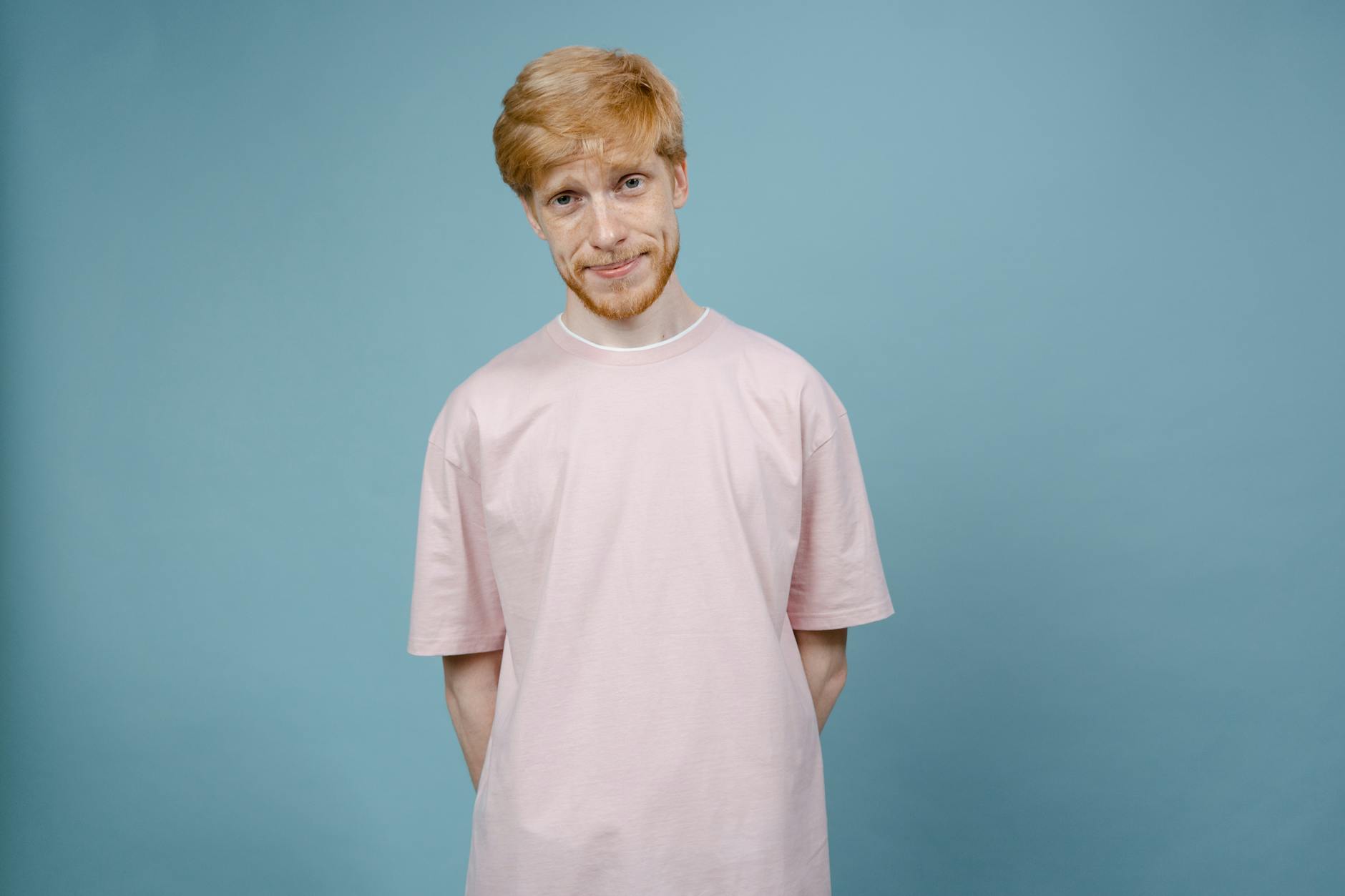
AI Face Swap Generator is a powerful online tool that uses advanced artificial intelligence to seamlessly replace one face with another in any photograph. Unlike basic photo editing tools that produce obvious and unnatural results, our AI face swap generator analyzes facial geometry, skin texture, lighting conditions, and expression details to create photorealistic face swaps that look completely natural.
The technology behind our face swap AI leverages deep learning neural networks trained on millions of facial images. This allows the system to understand how faces work in three-dimensional space — accounting for angles, shadows, skin tones, and even subtle features like pores and fine lines. The result is a face swap that maintains the original photo's integrity while seamlessly integrating the new face.
Creating stunning face swaps with AIZora is straightforward and requires no technical expertise:
Our AI doesn't just paste one face onto another. It analyzes lighting direction, color temperature, and ambient shadows to match the swapped face perfectly with the target image's environment. Edge blending around the hairline, jawline, and neck ensures zero visible seams.
The AI face swap generator maintains natural facial expressions and adjusts for head angles. Whether the original face is turned slightly or captured mid-expression, the swap adapts accordingly for a believable result.
Advanced color grading algorithms automatically adjust the swapped face's skin tone to match the lighting and color palette of the original photograph, eliminating the "cut and paste" look common in basic editors.
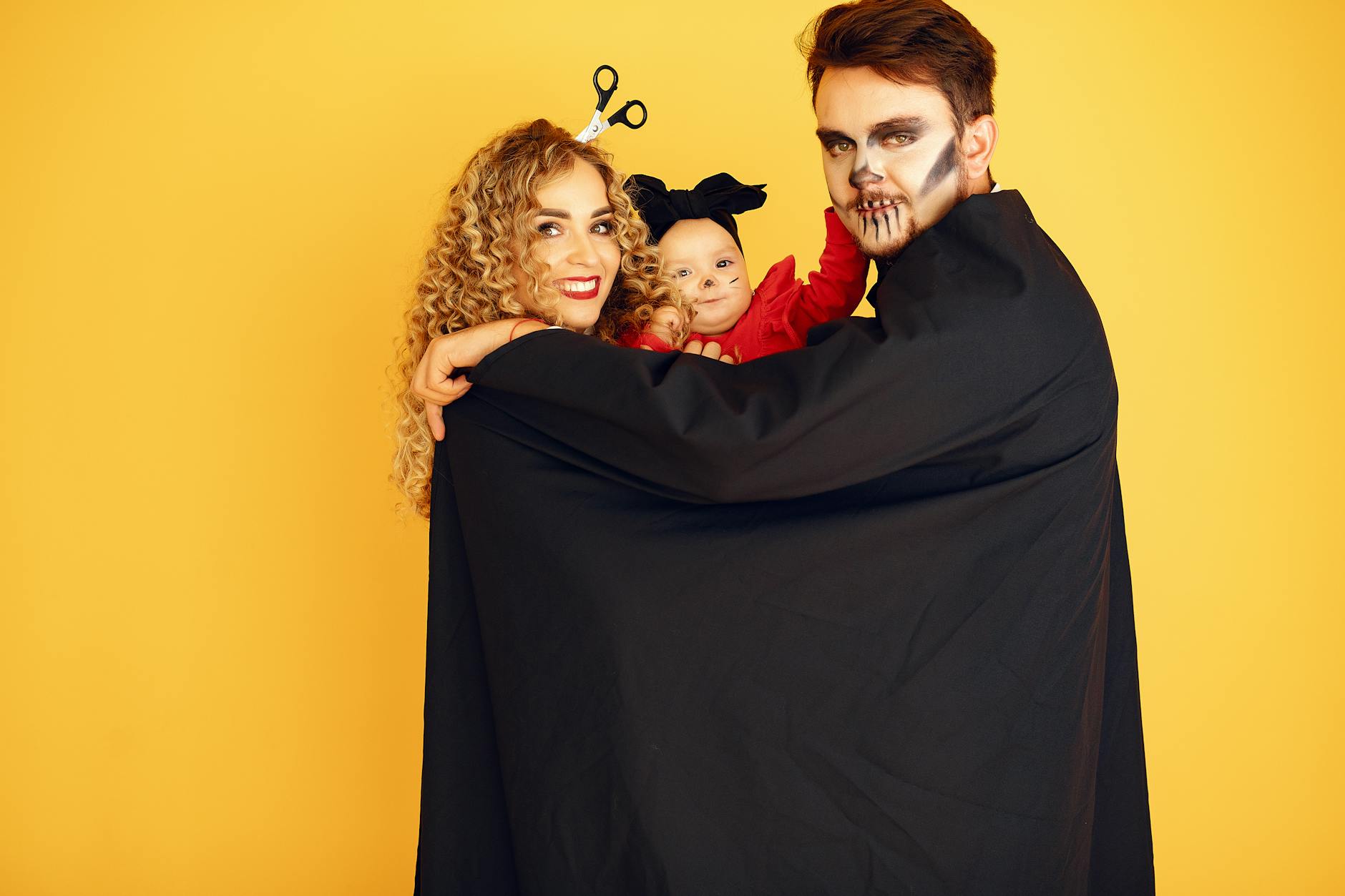
The AI face swap generator serves a wide variety of creative and professional purposes:
| Feature | AIZora Face Swap | Reface App | FaceApp | DeepSwap |
|---|---|---|---|---|
| Browser-based (no download) | ✓ | ✗ | ✗ | ✓ |
| High-resolution output | ✓ | Limited | ✓ | ✓ |
| Custom text prompts | ✓ | ✗ | ✗ | ✗ |
| No watermark | ✓ | ✗ (free tier) | ✗ (free tier) | ✗ (free tier) |
| Skin tone auto-matching | ✓ | ✓ | ✓ | Partial |
| Batch processing | ✓ | ✗ | ✗ | ✓ |
| Privacy-first (no storage) | ✓ | ✗ | ✗ | ✗ |
For optimal face swap results, use photos where the face is clearly visible, well-lit, and facing forward or at a slight angle. Avoid heavily shadowed, blurry, or partially obscured faces as these reduce swap quality.
While our AI automatically adjusts for lighting differences, choosing source and target images with similar lighting directions produces the most convincing results. Front-lit photos work best for beginners.
Higher resolution source images give the AI more facial detail to work with, resulting in sharper, more realistic face swaps. Aim for images where the face is at least 256x256 pixels.
When describing your desired swap, include details about what you want preserved (expressions, accessories, makeup) and what should change. Specificity helps the AI deliver exactly what you envision.
Our AI face swap generator is designed for content creators, social media managers, digital artists, meme makers, marketing professionals, and anyone who wants to explore creative face transformations. Whether you're creating content for TikTok, Instagram, YouTube thumbnails, or just having fun with friends, this tool delivers professional-quality results without requiring any photo editing skills.
The tool is also valuable for professionals in entertainment pre-production, advertising concept development, and e-commerce product visualization who need quick face swap mockups before committing to full production.
| Feature | AIZora | Reface | FaceApp | DeepSwap |
|---|---|---|---|---|
| Browser-based (no app install) | ✓ | ✗ | ✗ | ✓ |
| Custom text prompt control | ✓ | ✗ | ✗ | ✗ |
| No watermark on output | ✓ | ✗ | ✗ | ✗ |
| High-resolution 4K output | ✓ | ✗ | ✓ | ✓ |
| Privacy-first (no image storage) | ✓ | ✗ | ✗ | ✗ |
| Automatic skin tone matching | ✓ | ✓ | ✓ | Partial |
| Free tier available | ✓ | ✓ | ✓ | ✓ |
| No subscription required | ✓ | ✗ | ✗ | ✗ |
"The face swap quality is insane — way better than any app I've tried. The skin tone matching and edge blending make results look completely natural. I use it daily for my Instagram content."
"As a marketing director, I need quick mockups for campaigns. AIZora's face swap tool lets me visualize different casting options in seconds without scheduling expensive test shoots."
"I've tried Reface, FaceApp, and every other face swap tool out there. AIZora is the first one that works in my browser, gives me full creative control with prompts, and doesn't plaster watermarks everywhere."
Yes, AIZora's AI Face Swap Generator is free to try. You can create face swaps without any upfront payment. Premium features like batch processing and maximum resolution are available with a subscription.
Creating face swaps for personal entertainment, art, and legitimate creative purposes is generally legal. However, using face swap technology to create non-consensual intimate imagery, fraud, or defamation is illegal in most jurisdictions. Always use the tool responsibly and ethically.
Our AI produces highly realistic results that account for lighting, skin texture, facial angles, and expression matching. The quality depends on your source image resolution and lighting conditions — clear, well-lit photos produce the most convincing swaps.
No. AIZora prioritizes your privacy. Uploaded images are processed in real-time and are not permanently stored on our servers. Your photos are deleted after processing is complete.
Currently, the AI Face Swap Generator is optimized for still photographs. For video face swapping, check out our related video editing tools. Photo-based swaps deliver the highest quality and most realistic results.
The AI Face Swap Generator supports all common image formats including JPG, PNG, WebP, and HEIC. For best results, use high-resolution images (at least 512x512 pixels) with clear, unobstructed faces.
Unlike Reface or FaceApp which require mobile app downloads and offer limited template-based swaps, AIZora's Face Swap Generator works entirely in your browser, accepts custom text prompts for creative control, produces watermark-free results, and doesn't store your images.
Yes, face swaps generated with AIZora can be used for commercial purposes including marketing materials, social media content, and creative projects. Ensure you have rights to all source images and comply with applicable advertising and disclosure regulations.
Free to use. Sign in with Google and start creating.
Start Creating ↑