1
Pick edition and version
Choose Java or Bedrock and your game version so the generator uses the right seed range and the right structure set.
Use our free seed minecraft generator to create Java & Bedrock world seeds with biomes, villages, strongholds and ore hotspots mapped out in seconds.
Open your workspaceFree seed minecraft generator that builds playable Java & Bedrock world seeds instantly
Describe the Minecraft world you want a seed for
A few possibilities to explore with your creative workspace.
From that first idea to something you can call your own.
Choose Java or Bedrock and your game version so the generator uses the right seed range and the right structure set.
Say what you want nearby — village, mountain, cherry grove, deep dark, diamonds — plus your play style and how far you're willing to travel.
The AI composes a valid numeric seed and writes a full world briefing: spawn analysis, biomes, structure coordinates, ore depths and portal maths.
Paste the seed into your world creation screen, check your spawn biome and coordinates, and confirm the headline features before you commit.
Copy the number into notes or your server wiki so you or your friends can regenerate the identical world any time.
Your idea, your settings, your next creation.
Let’s createExplore what you can create with AI Seed Minecraft Generator.
Generate a seed where a village, fresh water, forest and a mountain all sit within a few hundred blocks of spawn so your first night is safe and your first week is productive.
Get a valid 32-bit seed minecraft generator result tuned for Bedrock or Minecraft PE, with notes on how Bedrock generation differs from Java for the same number.
Request flat savanna plateaus, sheer cliff coastlines, island chains or cherry grove valleys and receive a seed plus the exact coordinates of the build site.
Produce one shared seed with a balanced spread of biomes, villages and structures, then hand the full briefing to your players as a server wiki page.
Target short stronghold rings, early lava pools and a nether fortress near the portal, with the route and eye-of-ender maths written out.
Mushroom island starts, desert-only survival, all-biome tours or hardcore ocean spawns — describe the challenge and get a matching seed and rule set.
A workspace that helps you get from “what if” to “look at this.”
AI tailored to the task you want to accomplish.
Customize the options available in your workspace.
Turn a clear brief into a useful starting point.
Review your result, refine it, and put it to work.
The AI seed minecraft generator is a free online tool that invents a complete, playable Minecraft world seed from a plain-English description of the world you want. Instead of pasting random numbers into your world creation screen and hoping for the best, you tell the generator what you're after — a village at spawn, a mushroom island, a mountain for a castle, diamonds near bedrock, an all-biome speedrun route — and it returns a numeric seed plus a full briefing: spawn biome, nearby biomes, structure coordinates, ore hotspots, Nether and End notes, and a build plan.
Most people searching for a generator seed minecraft solution end up on a seed map site that only reads a seed you already have. This tool works the other way around: it creates the seed and the plan together. It supports Java Edition 64-bit seeds and Bedrock Edition 32-bit seeds, flags the differences between editions, and explains where each coordinate came from so you can verify it in-game.
Every Minecraft world is built from one number. That number feeds the world-generation noise functions that decide where biomes blend, where villages drop, where strongholds ring out from the origin, and where ore veins bunch up. A seed generator minecraft workflow therefore has two halves: choosing a number, and predicting what that number produces.
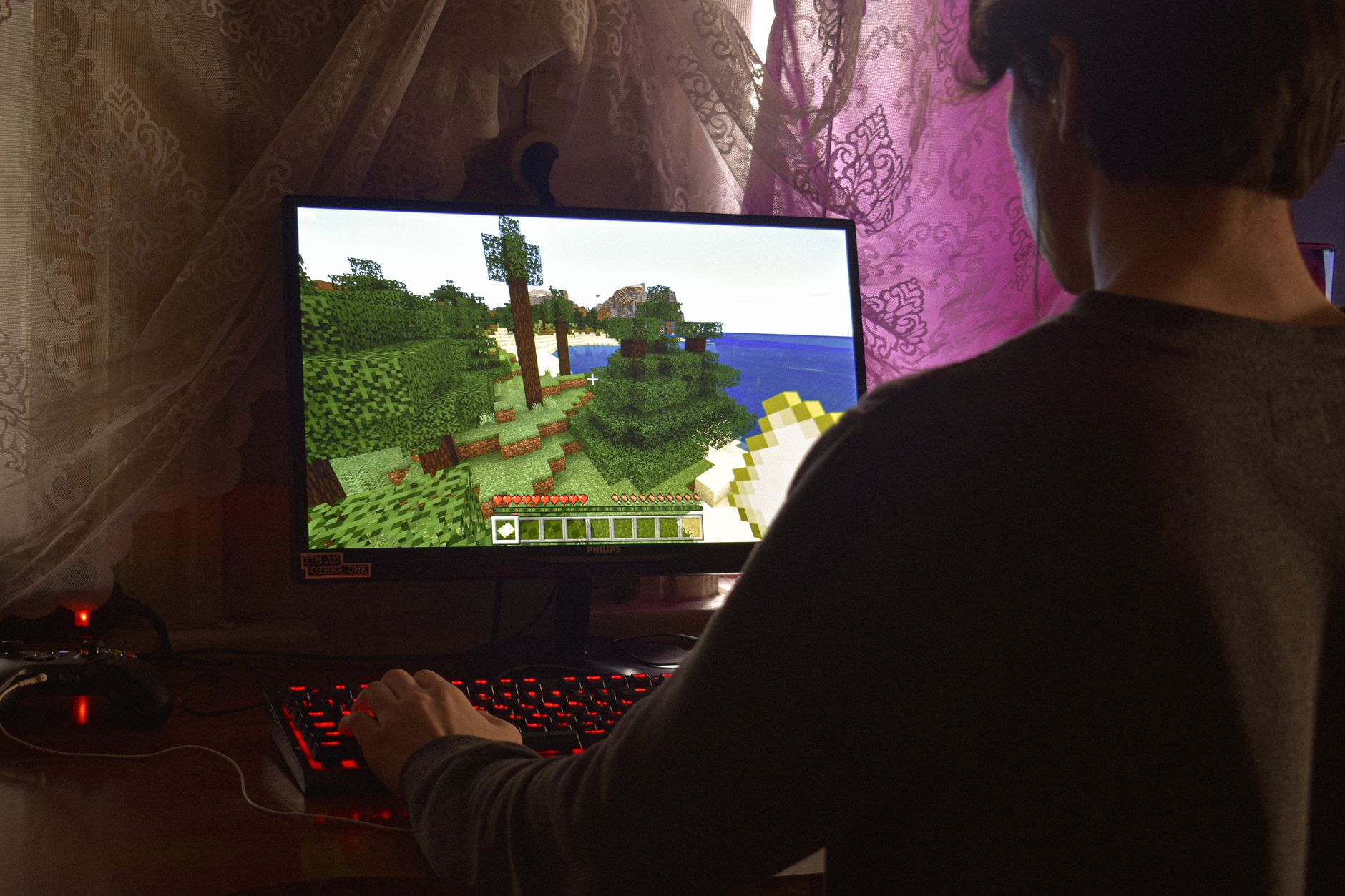
Typing a random number gives you a random world. Roughly nine in ten random seeds dump you in an ocean-adjacent plains biome with no interesting features within a thousand blocks. People who search for generator seeds for minecraft usually want a good world, not just any world — and that means filtering by what the world contains.
| Feature | AI Seed Minecraft Generator | Seed map websites | Random number | Curated seed lists |
|---|---|---|---|---|
| Creates a brand-new seed for you | Yes | No — reads existing seeds | Yes, blindly | No |
| Accepts plain-English world requests | Yes | No | No | No |
| Java + Bedrock seed ranges handled | Yes | Sometimes | No | Varies |
| Structure coordinates included | Yes | Yes | No | Partly |
| Ore depth and mining plan | Yes | Separate tool | No | No |
| Nether portal coordinate pairing | Yes | Separate tool | No | No |
| Build and first-night plan | Yes | No | No | No |
| Free, no download, no signup | Yes | Usually | Yes | Yes |
This is the single biggest source of confusion. The same number produces completely different worlds on Java and Bedrock. Java accepts the full 64-bit signed integer range, so negative seeds like -4707851673728401 are valid. Bedrock uses a 32-bit unsigned value, so anything above 4,294,967,295 gets truncated or rejected. Java also supports the Large Biomes, Amplified and Single Biome world types; Bedrock offers Flat and Old world types plus Education-style options depending on platform.
Because of that, the generator always asks which edition you're on before producing a minecraft generator seed. If you ask for a Bedrock seed it stays inside the 32-bit range and notes that Bedrock tends to place a village closer to spawn more often than Java does. If you're on Minecraft PE, use the Bedrock option — PE and Bedrock share the same generation engine.
Each run returns a structured world document rather than a bare number. You get the seed itself in both decimal and, where relevant, text-hash form; a spawn report with biome, terrain shape and immediate resources; a structure table listing villages, strongholds, ancient cities, nether fortresses, ocean monuments, woodland mansions, trial chambers and ruined portals with coordinates and distance from spawn; an ore plan with the best Y levels for diamond, ancient debris, emerald, gold, copper, redstone and lapis; Nether portal coordinate pairing (divide overworld X and Z by eight); and a first-session checklist. Add it to your personal minecraft seed list and you have a ready-made world plan for every server you run.
Find the right fit for your creative workflow.
| Feature | AIZora | Chunkbase | SeedLander | Random seed |
|---|---|---|---|---|
| Creates a new seed from your description | ✓ | ✗ | ✗ | ✗ |
| Plain-English world requests | ✓ | ✗ | ✗ | ✗ |
| Correct Java 64-bit & Bedrock 32-bit ranges | ✓ | ✓ | ✓ | ✗ |
| Structure coordinate briefing | ✓ | ✓ | ✓ | ✗ |
| Ore depth & mining plan included | ✓ | ✗ | Separate tool | ✗ |
| Nether portal coordinate pairing | ✓ | ✗ | Separate tool | ✗ |
| First-night survival plan | ✓ | ✗ | ✗ | ✗ |
| Generates a multi-seed shortlist | ✓ | ✗ | ✗ | ✗ |
A little less busywork. A lot more possibility.
I've used seed maps for years but they only read seeds I already had. Asking for a Bedrock 1.21 world with a village and a cherry grove near spawn and getting a working number plus coordinates saved my whole weekend.
Launched our SMP with a seed from this generator. The briefing became our server wiki page — structures, ore levels, portal pairs, all of it. Twenty players, zero arguments about where to build.
I needed a flat savanna plateau for a city build and kept rolling junk worlds. One request here and I had a seed, the plateau coordinates and a note about which direction the nearest mesa was.
Everything you need to get started with AI Seed Minecraft Generator.
Still have a question?Yes. Select Bedrock and the generator produces a seed inside Bedrock's valid 32-bit unsigned range (0 to 4,294,967,295), which is the only range Bedrock Edition accepts. It also flags Bedrock-specific generation quirks, such as different village placement and the absence of the Java-only Large Biomes world type.
You can type the same number into both, but you will not get the same world. Java and Bedrock use different generation code, so biomes, structures and terrain will all differ. Always generate a seed for the edition you actually play, and treat any Java seed list as Java-only.
Yes. Minecraft Pocket Edition runs the Bedrock engine, so choose Bedrock and the seed will work on phones, tablets, consoles and Windows Bedrock. The coordinate briefing is the same, and you can cross-check it in any Bedrock-compatible Minecraft seed map.
They are planning predictions, not guarantees. Minecraft world generation changes between versions, and small version differences can shift structures by hundreds of blocks. Use the coordinates as a search area, verify in-game with F3 on Java or the coordinates toggle on Bedrock, and regenerate if a feature isn't where you expected.
A seed is the single number that initialises Minecraft's world generation. Feed the same number into the same edition and version and you get an identical world every time — same biomes, same villages, same ore veins. If you type letters or a phrase, Minecraft converts it to a number using a hash, which is why word seeds work too.
Bedrock's in-game options cover Infinite, Flat and Old world types, plus toggles like bonus chest and starting map; deeper custom generation needs an add-on or behaviour pack. This tool focuses on choosing and documenting the best seed for Infinite worlds, and will tell you when a request would actually require a custom world generator or data pack instead.
It is completely free, runs in your browser, needs no signup, no mods and no downloads. Nothing is installed in your game — you simply copy the generated number into the seed field when creating a new world.
Yes. Ask for a Minecraft seed list — for example five Bedrock 1.21 seeds with villages at spawn — and the generator will return multiple numbered options with a short feature summary for each so you can compare before committing.
Find the perfect companion for your next idea.
Write, debug and explain code in any language
Write Smarter, Faster, and Better with AI
Draft contracts, analyze clauses and legal research
Generate campaigns, copy and marketing strategies
Smart Financial Insights, Powered by AI
Learn Smarter, Not Harder—AI-Powered Education
Bring it to life with AI Seed Minecraft Generator. Free to get started.