1
Upload your PDF file
Drag and drop your PDF into the dropzone or click to browse. Single-page files and large multi-hundred-page documents are both supported, and the upload runs over encrypted HTTPS.
Use our free PDF to PNG converter to turn PDF pages into high-quality, lossless PNG images in seconds. No signup, no watermarks, works on any device.
Open your workspaceFree PDF to PNG converter — turn every PDF page into a crisp, high-resolution PNG
Upload your PDF file
A few possibilities to explore with your creative workspace.
From that first idea to something you can call your own.
Drag and drop your PDF into the dropzone or click to browse. Single-page files and large multi-hundred-page documents are both supported, and the upload runs over encrypted HTTPS.
Select all pages, a range or just one page, then pick a DPI (72 for web, 150 for sharing, 300 for print) plus colour mode and whether to keep transparency.
Each page is rendered from its source vectors at your target resolution — not screenshotted — so text, tables and line art stay perfectly crisp.
Grab individual PNGs or the whole set as a numbered batch. No watermark, no download limit, and you can delete your files from the queue right away.
Your idea, your settings, your next creation.
Let’s createExplore what you can create with PDF To PNG Converter.
Export logo sheets, packaging flats and brand guidelines at 300 DPI so clients see artwork exactly as designed instead of blurry previews.
Turn each page of a report, menu or one-pager into a separate PNG for Instagram, LinkedIn and X posts that platforms can actually render.
Drop worksheet or textbook pages straight into Google Slides, PowerPoint, Notion or an LMS as plain images any device can open.
Create lightweight 72–96 DPI PNG previews of brochures, invoices or certificates to embed inline without forcing a PDF download.
Convert long scanned PDFs into page-by-page PNGs for lossless archiving, visual indexing or OCR pipelines.
Pull a vector logo page out of a brand PDF as a transparent-background PNG ready to place on any colour.
A workspace that helps you get from “what if” to “look at this.”
AI tailored to the task you want to accomplish.
Customize the options available in your workspace.
Turn a clear brief into a useful starting point.
Review your result, refine it, and put it to work.
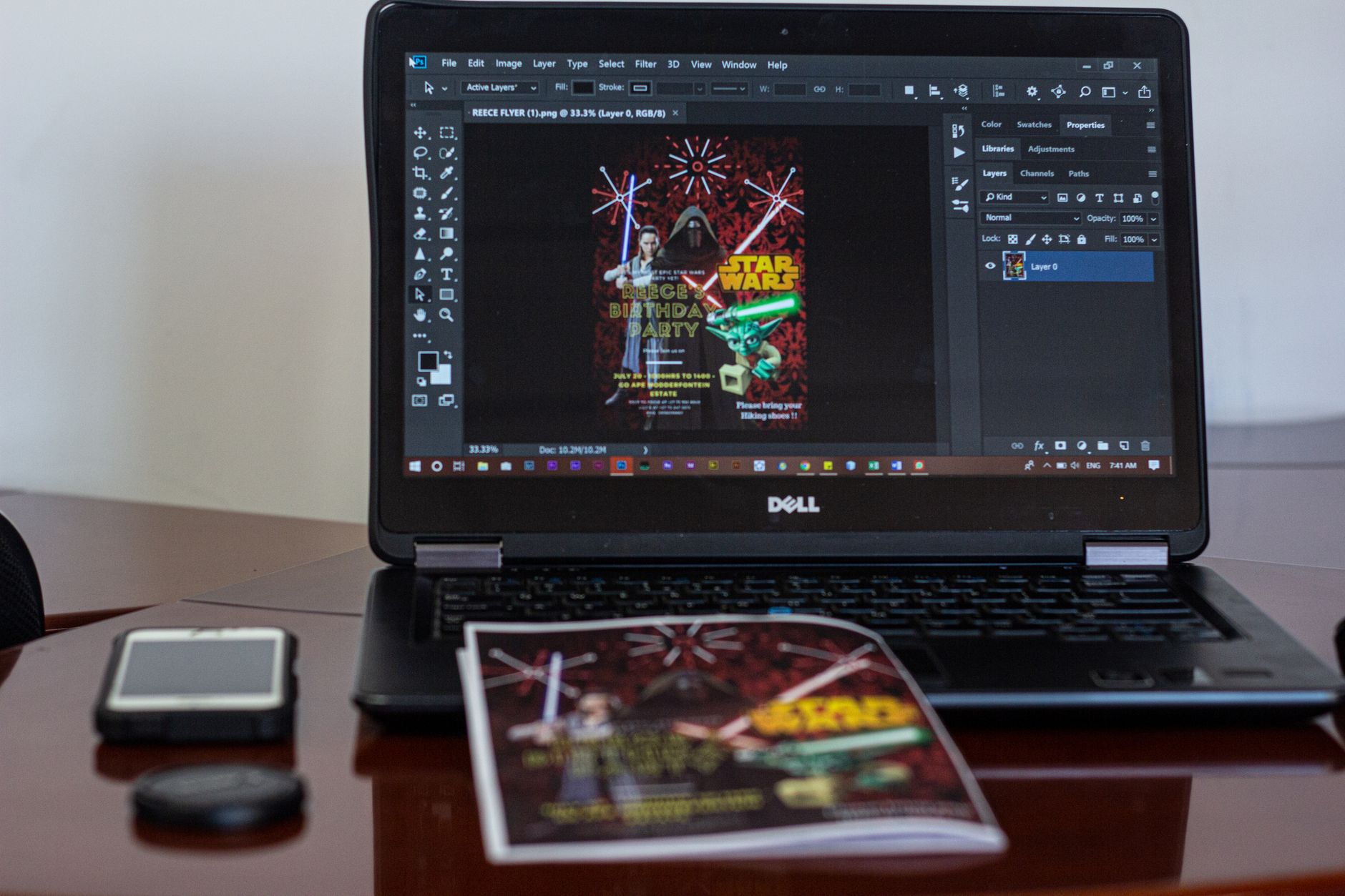
The AIZora PDF to PNG converter is a free online tool that turns each page of a PDF document into a standalone PNG image. PNG stands for Portable Network Graphics, a lossless raster format — meaning compression never degrades pixels, so text edges stay razor-sharp and logos keep clean outlines. That makes a PDF to PNG converter essential for graphic designers, marketers, teachers, developers and anyone who needs to drop a document page straight into a slide deck, website, email, Figma board or social post without fighting a PDF embed.
Unlike screenshotting a PDF viewer — which captures only what fits your monitor at whatever zoom level you happened to use — a real conversion rasterises the page from its source vectors at the DPI you choose. A single page can become a 72 DPI web preview, a 150 DPI shareable image, or a 300–600 DPI print-ready PNG, all from the same file.
Upload a PDF, pick your pages and resolution, and the converter renders each page independently. Text and vector artwork are re-drawn at your target DPI rather than stretched, which is why output looks identical to the original at any size. Embedded photographs are decoded at their native resolution. Transparency in the source PDF can be preserved so you get a PNG with an alpha channel instead of a forced white rectangle.
Client proofs, logo sheets and packaging flats live as PDFs but need to be shared as images. Converting at 300 DPI means the work displays as designed — no blurry low-res previews.
Instagram, LinkedIn and X will not render a PDF. A page-per-image carousel from your one-pager or report takes seconds to produce.
Drop worksheet pages into Google Slides, Canva, Notion or an LMS as plain images that every device can open.
Generate deterministic PNG snapshots of invoices, certificates and generated reports for visual regression tests or email templates.
| Format | Compression | Transparency | Best for | Typical page size |
|---|---|---|---|---|
| PNG | Lossless | Yes (alpha) | Text, logos, line art, UI, design proofs | 0.5–6 MB at 300 DPI |
| JPG | Lossy | No | Photo-heavy pages where size matters | 0.1–1 MB |
| WEBP | Both | Yes | Modern web delivery | 0.1–2 MB |
| TIFF | Lossless | Yes | Print and archival workflows | 5–40 MB |
| SVG | Vector | Yes | Pure vector logos, infinite scaling | Varies |
The rule of thumb: if the page contains type, tables, charts or crisp shapes, choose PNG. If it is a full-bleed photograph and you need the smallest possible file, JPG wins. PNG's only real drawback is size — a lossless 300 DPI A4 page is simply more data than a compressed photo.
Many free tools cap you at a few downloads, stamp watermarks, or quietly compress output. AIZora's PDF to PNG converter runs unlimited conversions, adds no watermark, keeps full lossless quality, handles large PDFs, and requires no account. Everything is transferred over HTTPS and files can be removed immediately after you download — nothing is kept for training or resale.
Converted PNGs feed naturally into the next step: compress them for the web, run OCR to pull text back out, assemble them into a new PDF, or drop them into a design tool for annotation. Because PNG is universally supported, every editor from Photoshop to Canva to Paint opens the output without a plugin.
Find the right fit for your creative workflow.
| Feature | AIZora | DocFly | iLovePDF | Smallpdf |
|---|---|---|---|---|
| Unlimited free downloads (no 3-file cap) | ✓ | ✗ | ✗ | ✗ |
| No watermark on output PNGs | ✓ | ✗ | ✓ | ✓ |
| Choose 72 / 150 / 300 / 600 DPI | ✓ | ✗ | ✗ | ✗ |
| Transparent background PNG support | ✓ | ✗ | ✗ | ✗ |
| Grayscale mode to shrink file size | ✓ | ✗ | ✗ | ✗ |
| No account or signup required | ✓ | ✗ | ✓ | ✗ |
| Large PDF (200+ page) batch handling | ✓ | ✓ | ✗ | ✗ |
| AI settings assistant for best output | ✓ | ✗ | ✗ | ✗ |
A little less busywork. A lot more possibility.
I send client proofs daily and the 300 DPI exports finally look like my actual artwork. The transparent PNG option saved me a whole Illustrator step.
We turn every monthly report into a LinkedIn carousel. This PDF to PNG converter does 12 pages in under two minutes with no watermark nonsense.
Converted a 340-page scanned archive in batches without a single timeout. The grayscale tip cut our storage by more than half.
Everything you need to get started with PDF To PNG Converter.
Still have a question?A PNG is a raster image, so you can edit it pixel-by-pixel in any image editor — crop, resize, retouch, annotate or remove the background in Photoshop, GIMP, Canva or Figma. What you cannot do is edit the text as text, because the characters become pixels during conversion. If you need to rewrite the words, edit the original PDF first and then convert it to PNG again, or run OCR on the PNG to recover an editable text layer.
It depends on the destination. Choose PDF when you need multiple pages in one file, selectable and searchable text, exact print dimensions, or embedded fonts and links. Choose PNG when the file must display as an image — in a webpage, email, slide, social post or design canvas — or when you want a single page to look identical everywhere without a PDF reader. Many workflows use both: keep the PDF as the master and export PNGs for sharing.
A free image to PNG converter re-encodes an existing image — JPG, HEIC, WEBP, BMP, TIFF or GIF — into the lossless PNG format, usually in the browser with no signup. AIZora's converter does the same thing for documents: it takes PDF pages and produces PNG images at the resolution you choose, with no watermark and no download cap. It is the right choice when you need crisp edges and optional transparency rather than the smaller, lossy files JPG produces.
Use the reverse workflow: upload one or more PNG images, set the page size (A4, Letter or fit-to-image) and orientation, choose the page order, and export a single combined PDF. It is free, needs no account, and is useful for turning scanned pages, screenshots or design exports back into one shareable document. Keep your PNGs at 300 DPI if the PDF will be printed.
Yes. PNG is a lossless format, so nothing is thrown away during compression. Pages are rasterised directly from the PDF's vector data at your chosen DPI — 72, 150, 300 or 600 — rather than captured from a screen, so type and line art stay sharp at any zoom. The only quality ceiling comes from scanned PDFs, where output detail cannot exceed the resolution of the original scan.
Yes. Large PDFs are processed page by page so long documents do not time out. For files with hundreds of pages, we recommend converting in chunks of 25–50 pages and lowering DPI to 150 unless you need print quality — a 300 DPI A4 page is roughly 2480 × 3508 pixels, so a 200-page document at that resolution can total several gigabytes before compression.
If the original PDF page has no painted background, you can enable transparency and the exported PNG will carry an alpha channel — ideal for logos, icons and die-cut artwork. If the PDF page already has a white or coloured background rectangle, that colour is part of the artwork and will appear in the PNG. In that case remove or recolour the background in the source PDF before converting.
All uploads are encrypted over HTTPS, files are never used for training or shared with third parties, and you can delete them from the queue as soon as your download finishes. There are no watermarks, no forced signup and no three-download limit — convert as many PDFs to PNG as you need.
Bring it to life with PDF To PNG Converter. Free to get started.